
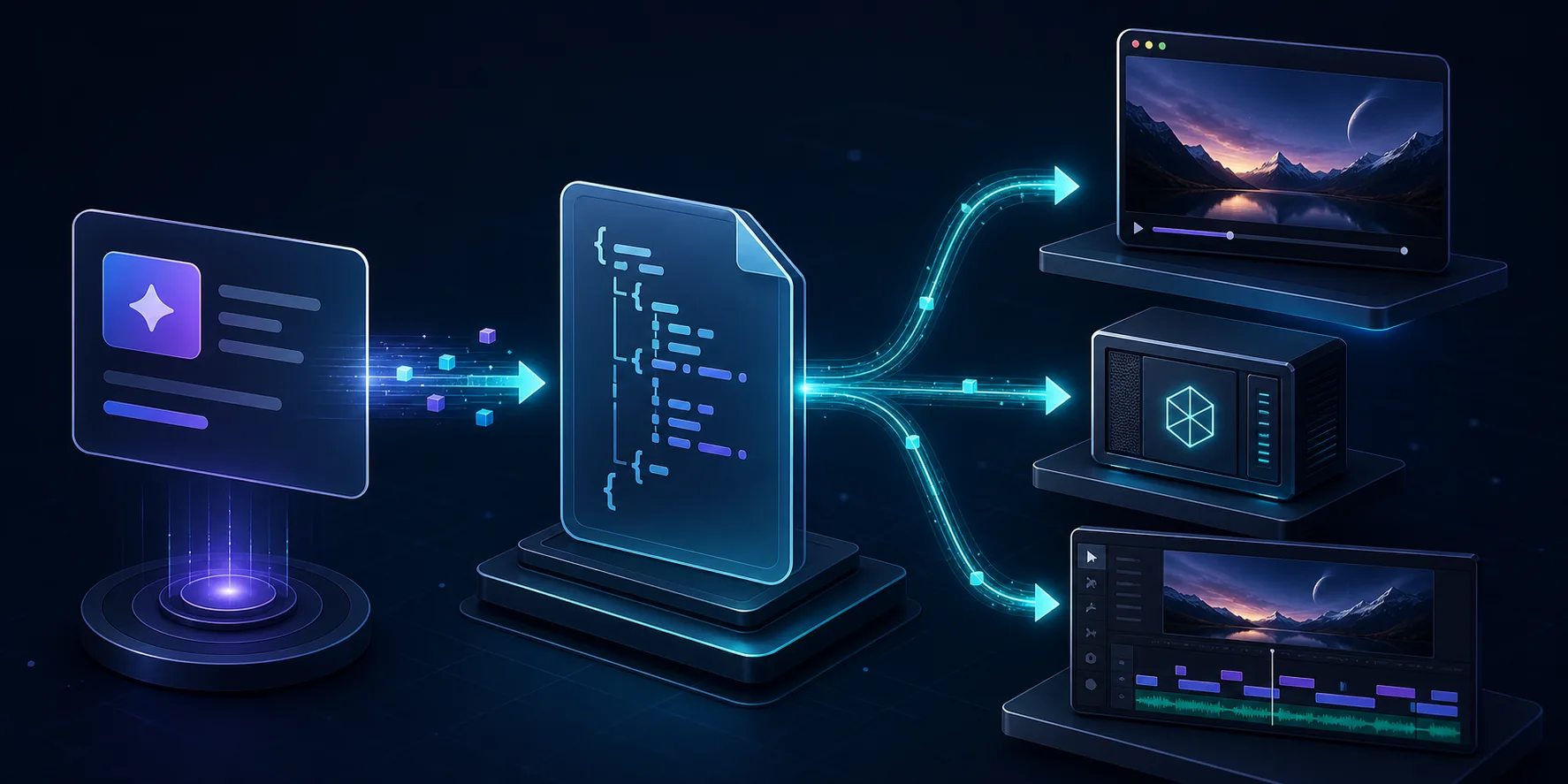
I kept running into the same problem with AI video work: the prompt lived in one place, the preview lived in another, and the export path lived somewhere else entirely. Once those drifted, every small change turned into a cleanup job.
VideoFlow is the first toolkit I have used that makes the whole workflow feel like one system instead of three. I can author a scene with @videoflow/core, compile it into portable VideoJSON, and then render that same project in the browser, on a server, or in a live DOM preview. If you want the platform overview first, start at VideoFlow, then use the docs, the playground, and the core docs when you want to get specific.
If you want the low-level version of the compile step, I covered that in How to Generate MP4 Videos from JSON with TypeScript. The version I am describing here is the workflow I actually want to maintain over time: prompt, structure, render target, done.
1. Start With Structure, Not Prose
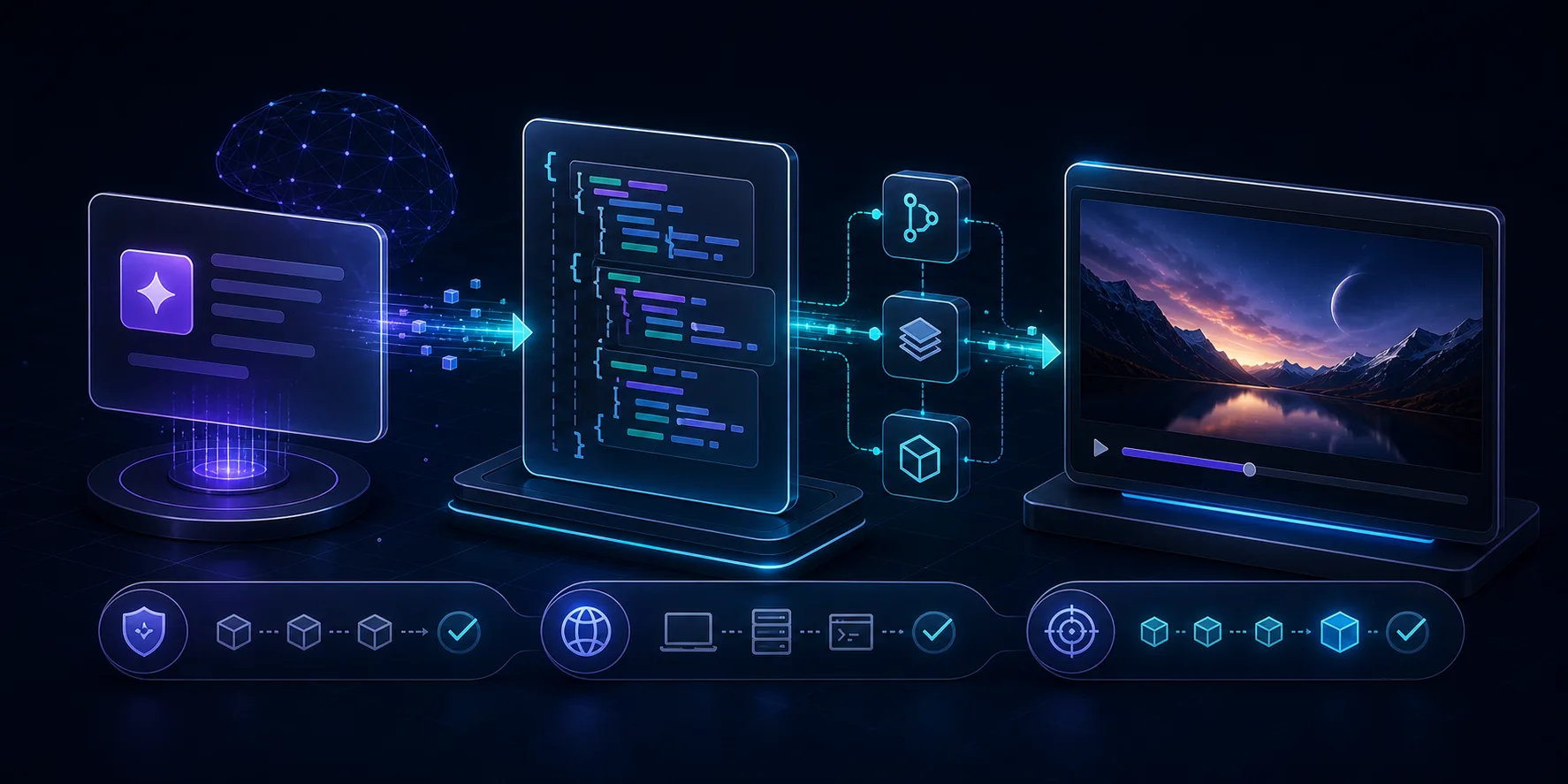
What I want from an AI video workflow is not a vague creative brief. I want something the machine can turn into a repeatable project.
That means the prompt should resolve into structure:
- scene boundaries
- text layers
- image or media layers
- timing and transitions
- aspect ratio and output target
- a clean handoff into renderable JSON
That is why VideoFlow makes sense to me here. The core idea is not “generate a video from thin air.” It is “describe the video as data, then render the same data wherever it needs to go.” That is also the part that makes it friendlier to AI agents. A model is much better at producing structured output than at pretending to be a full nonlinear editor.
If you want a narrower take on the AI handoff, I also wrote How to Let AI Agents Draft VideoJSON for VideoFlow Templates.
The practical rule I use is simple: let the prompt define the story, but let the template define the guardrails. That keeps the output consistent without turning the workflow into a one-off script every time.
2. Keep One Portable Source of Truth
Once the project is compiled, I want the result to stay portable. That is the real win of VideoJSON for me. It gives me one artifact I can keep in Git, diff, reuse, and hand to multiple renderers without rewriting the scene structure.
That portability matters more than it sounds like it should.
If the source of truth is an exported clip, I lose the ability to inspect and change the workflow. If the source of truth is a renderer-specific timeline, I end up duplicating work every time I need a different output path. If the source of truth is portable VideoJSON, I can keep the project stable and change the destination later.
That is why How I Kept Video Templates Versionable in Git With VideoFlow still feels like the right companion piece. The Git story and the AI story are really the same story: keep the structure durable enough that you do not have to rediscover it every time you render.
3. Render Where the Work Actually Belongs
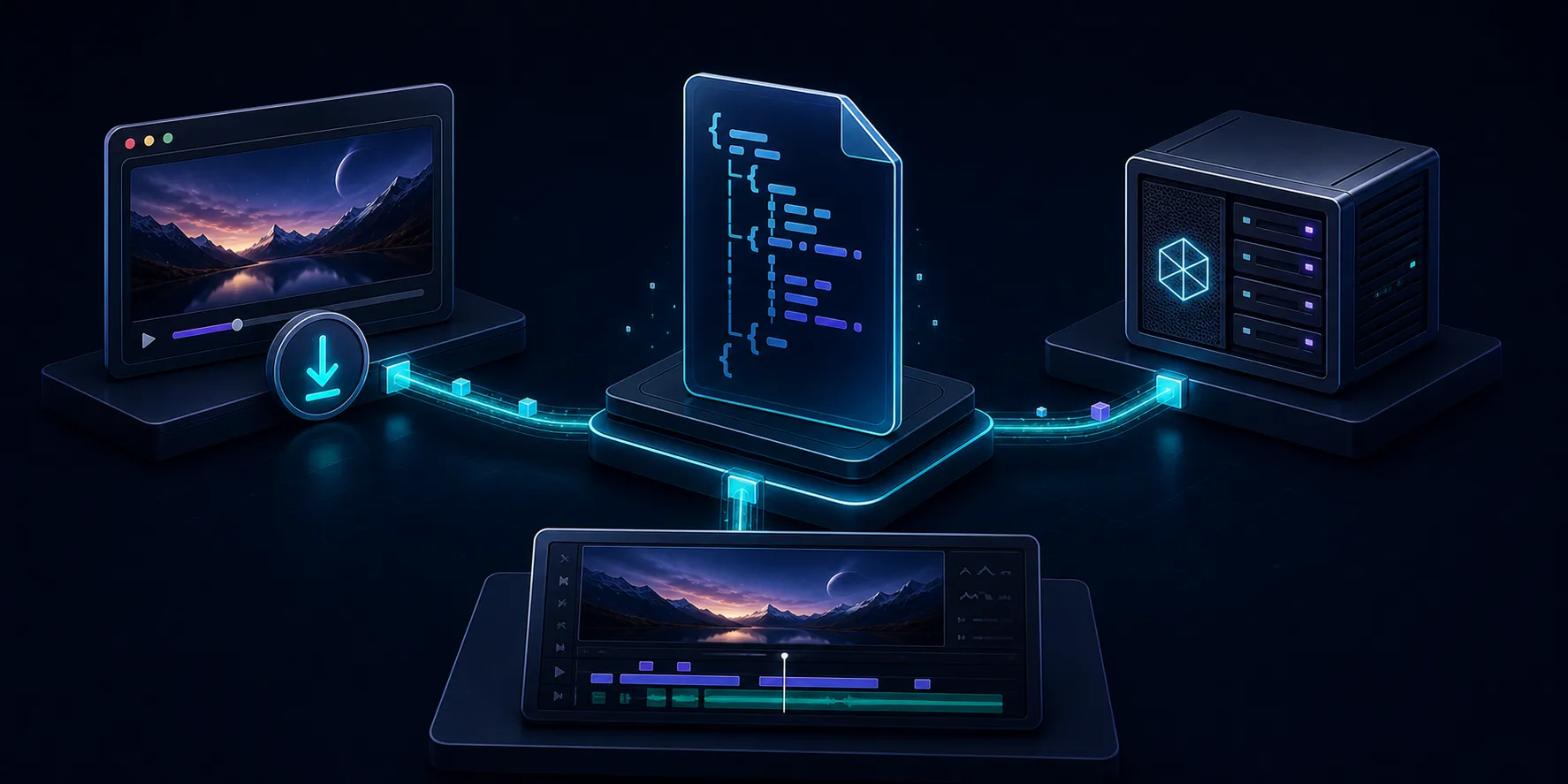
Once the project is portable, the renderer choice becomes a practical decision instead of an architectural crisis.
I think about the render path like this:
- Browser renderer when I want the user to export inside the app without shipping the source project to a server.
- Server renderer when I want queues, batch jobs, scheduled renders, or API-driven output.
- DOM preview when I want a live, scrubbable review surface inside a dashboard or editor.
That separation is one of the strongest parts of the product. VideoFlow does not force every workflow into one environment. The browser renderer supports progress callbacks, AbortController cancellation, and worker acceleration. The server renderer is built for headless rendering from Node.js and can use browser-based rendering or FFmpeg-style encoding paths depending on the job. The DOM renderer is the one I reach for when I need frame-accurate inspection, scrubbing, and a live preview that behaves like a real product surface.
If your problem is closer to export infrastructure than authoring, How to Build a Browser-Based MP4 Exporter Without a Rendering Server is the best follow-up.
The bigger point is that the render target should match the workload. That sounds obvious, but most video stacks push you toward one preferred path and make everything else feel like a workaround.
4. Add the Editor Only When It Pays For Itself
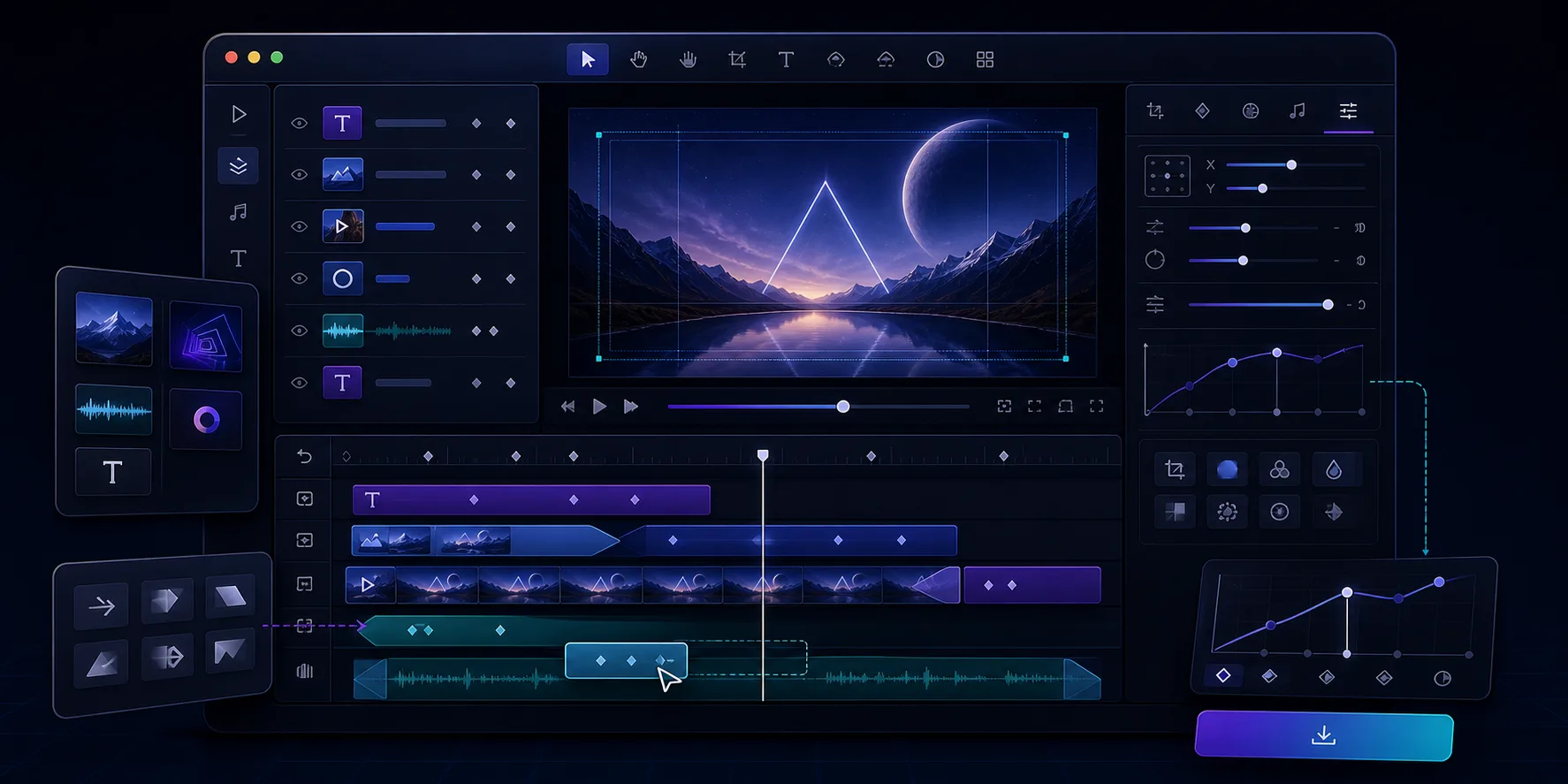
I do not think every video workflow needs a full editor. Some projects are better served by pure code and automated renders. But when a team needs a human to polish layers, trim scenes, inspect timing, or adjust motion, the optional React editor is the right place to add that control.
What I like about it is that it stays connected to the same portable data model. The editor is not a second system. It is another way to work with the same JSON.
The features that matter to me are the practical ones:
- a multi-track timeline
- drag, trim, snap, and reorder interactions
- keyframe controls
- an inspector that understands the layer type
- live preview driven by the DOM renderer
- MP4 export when the project is ready
- theme customization for product teams that care about UI polish
That is why How I Built a React Video Editor Around Portable JSON with VideoFlow fits so naturally with this workflow. The editor only makes sense when the underlying JSON is already stable enough to survive change.
5. What This Changes For Real Teams
The reason I keep coming back to VideoFlow is that it works for the kinds of video problems teams actually have.
It is useful when you are building:
- product demos that need repeatable structure
- social clips generated from templates
- explainers and reports driven by data
- AI-agent workflows that need structured output
- in-app editors for SaaS products
- batch rendering pipelines that cannot depend on a manual editor
That also makes it a strong fit for a first-pass AI workflow. The model can draft structure, the template can enforce consistency, and the renderer can turn the result into a real output without forcing you to rebuild the pipeline every time.
If you want the broader architecture view, How to Build a Video JSON Pipeline That Renders Everywhere With VideoFlow is worth reading next.
Conclusion
My rule of thumb is straightforward: start with a tiny VideoFlow template, let the AI produce structured VideoJSON, and choose the renderer only after the structure is stable. That keeps the project predictable for both humans and agents.
If you want to build an AI video workflow that stays maintainable, start with VideoFlow, skim the docs, and test a scene in the playground. If you want to see the source, the GitHub repo is the best place to go next.