
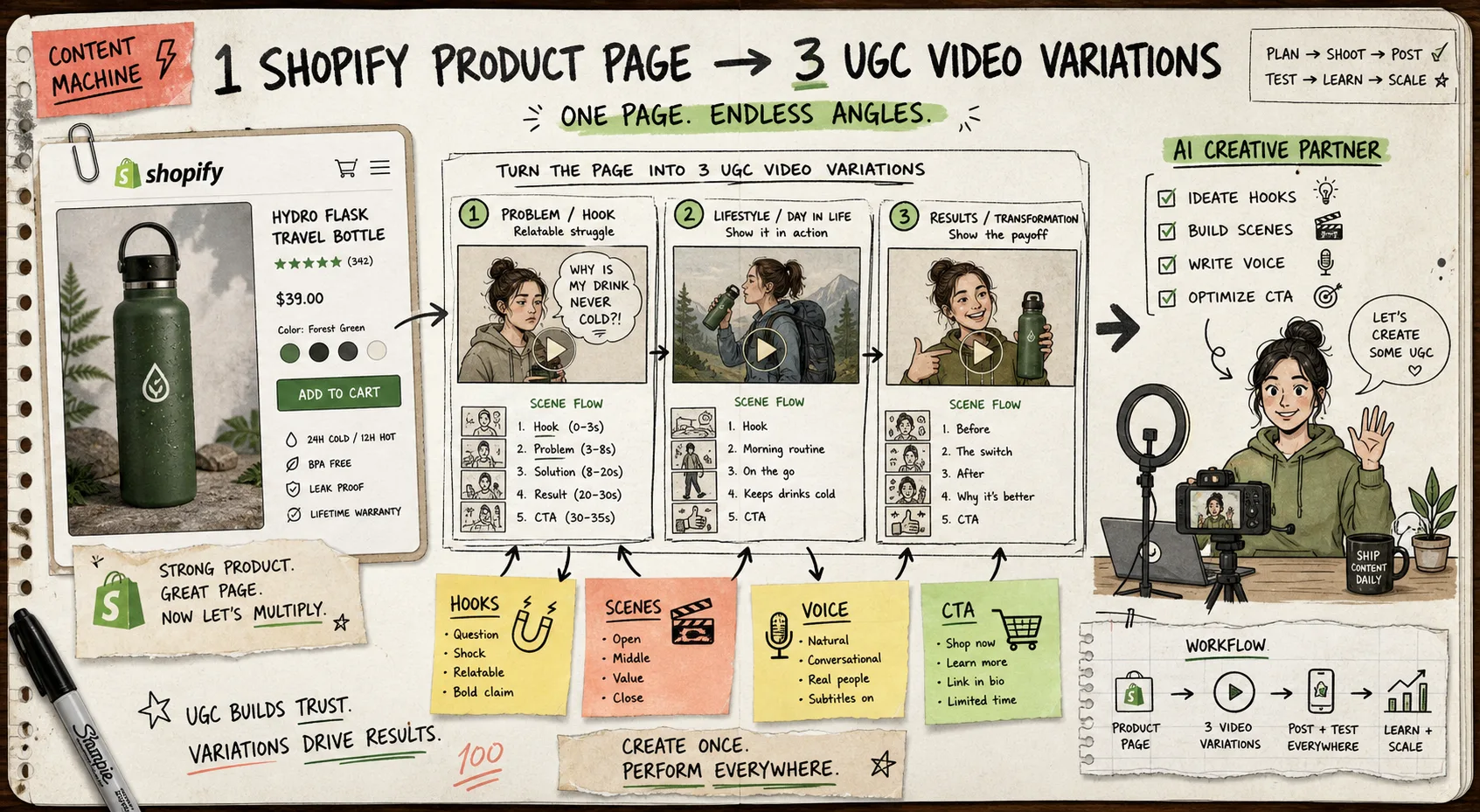
I kept running into the same workflow bug: the Shopify product page had the facts, but the video brief lived somewhere else. By the time I copied claims into a doc, picked a scene, and tried to make the CTA sound human, the whole thing already felt stale. Supra UGC Maker changed that for me because it keeps the messy parts in one place: avatar, scene, product reference, script, voice, and the editable project around them. The Shopify App Store listing says the same thing in plainer language: create UGC-style product videos fast enough to keep up with ads, product pages, launches, email, and seasonal promos.
Start With the Product Page, Not the Hook
The mistake I kept making was starting from a hook and then trying to force the product into it. That usually produces creative that sounds clever but misses the point of the item.
I get better output when I start with the product page and pull out the pieces that actually matter:
- the main promise on the page
- the feature bullets that are safe to say out loud
- the objections that show up in support tickets, reviews, or FAQs
- the proof points that make the product feel believable
- the one action I want the viewer to take next
That is the part I would call the brief. It is small on purpose. If the brief is too long, the script starts reading like a product spec sheet.
I already wrote the extraction step up in How to Turn a Shopify Product Page Into a UGC Video Brief, and the question-driven version is in How to Turn Buyer Questions Into Shopify UGC Video Scripts. Those two posts are the cleanest companion pieces if you want the logic before the creative.
Turn One Page Into Four Angles
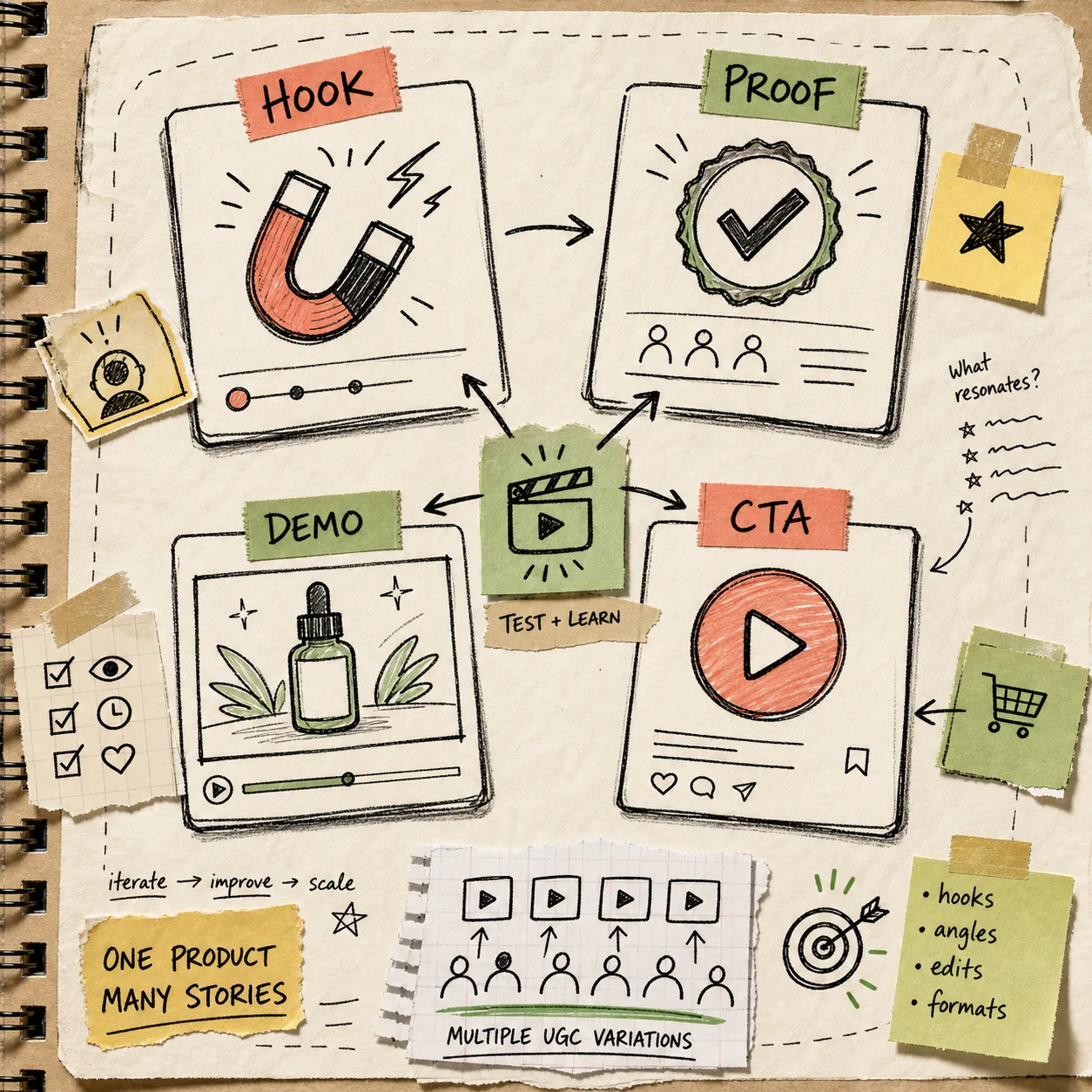
Once I have the page distilled into a short brief, I split it into four angles. I do not try to invent twenty variations. Four is enough to see what survives contact with the market.
The versions I reach for most often are:
- Problem and solution: show the pain first, then the product as the fix.
- Proof and credibility: lead with the strongest claim or outcome.
- Demo and clarity: show how the product works and what the viewer gets.
- Launch and urgency: make the message fit a new release, seasonal push, or limited campaign.
That is the exact point where How to Build a Shopify UGC Video Testing Matrix becomes useful. I like that post because it treats creative testing like a system instead of a random pile of hooks.
If I want to keep the strategy honest, I also compare the plan against How to Create UGC-Style Product Videos for Shopify Without Hiring Influencers and How to Build a Reusable Shopify UGC Video System. The first one keeps the promise grounded. The second one keeps the workflow from turning into a one-off stunt.
Build the Scene Around the Angle
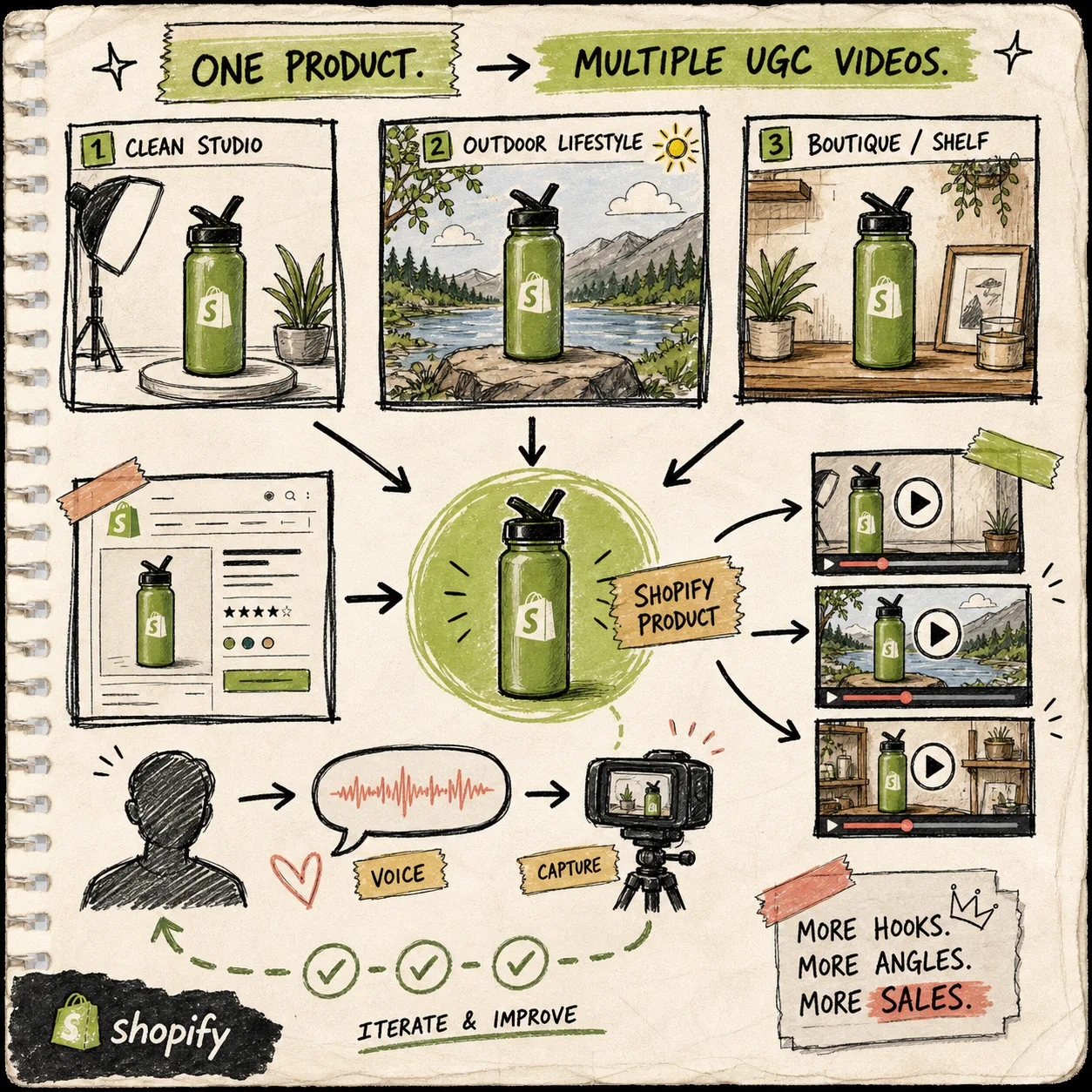
This is the part that saves me the most time inside Supra UGC Maker. I am not just picking a random avatar and hoping the result feels natural. I am choosing a scene that makes the angle easier to believe.
For the setups I actually use, I keep the variables simple:
- choose a preset avatar or a custom AI model
- pick a scene that fits the product and the message
- add the Shopify product reference
- write a short script with a tone that matches the angle
- preview the scene before generating the final clip
The product brief says the app supports scenes like studio, outdoor, and boutique settings, and that is exactly the kind of range I want. It gives me enough variety to test different contexts without rebuilding the whole creative from scratch.
The main benefit is not novelty. It is speed with control. If the avatar looks wrong or the scene is too polished, I can change the setup before I waste time on a full run. If a script lands badly, I can rewrite it and regenerate instead of pretending the first draft is good enough.
I still think real customer proof matters more than any synthetic ad format. But when I need to test hooks quickly, this is a much better way to work than waiting on a new shoot every time.
Keep the Project Alive After the First Render
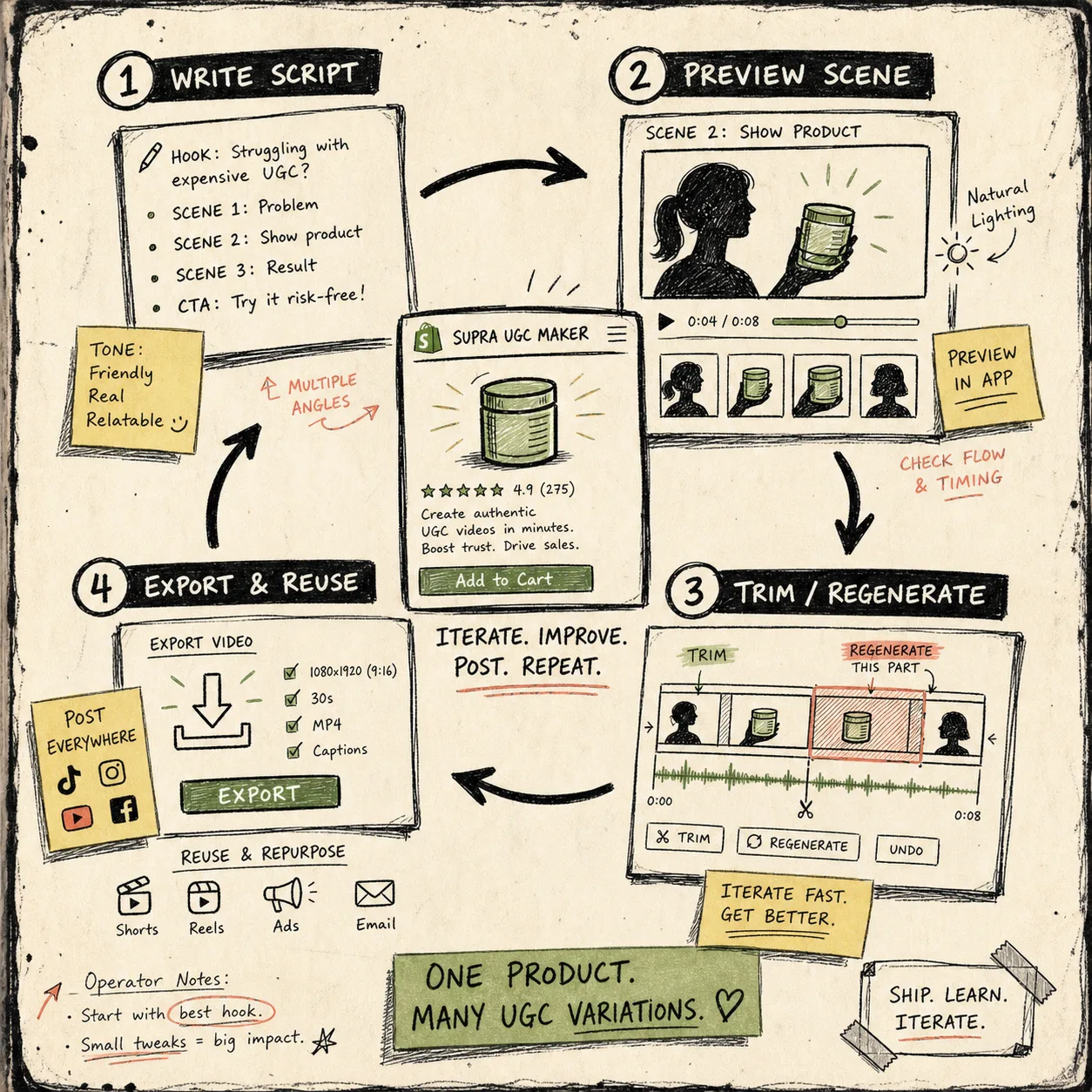
The part I like most is what happens after the first video works. Supra UGC Maker lets you reorder, trim, update, and regenerate clips inside the same project, which means I do not have to rebuild everything just because one hook performs better than the others.
That matters because the real work is usually iteration, not creation. The useful pattern looks like this:
- keep one reusable project for the product
- swap the hook when the audience changes
- change the scene when the use case changes
- regenerate the CTA when the channel changes
- save the parts that already proved themselves
That is also why I keep How to Build a Shopify UGC Video Testing Matrix nearby. Once the matrix is clear, the project becomes a place to test ideas instead of a place to start over.
It also lines up with the use cases the product is built for: ads, product pages, launches, email campaigns, seasonal promotions, and social channels. If one version works in paid creative, I can often reuse the same structure for a product page video or a launch email without rewriting the whole concept.
What I Would Ship First
If I were doing this from scratch today, I would not try to make the first video perfect. I would ship the smallest useful set:
- One product page.
- One short brief.
- Four angles.
- One avatar and one scene per angle.
- One round of review and regeneration.
That gets me to something real fast enough to learn from it.
The way I see it, Supra UGC Maker is useful when you need the creative process to be smaller than the launch deadline. It does not replace customer proof, and it should not pretend to. What it does give you is a practical way to turn one Shopify product page into several UGC-style video attempts without hiring a new creator for every variation.
If you want to try the workflow, start on the Shopify App Store listing, pick one product, and build the first four angles before you spend another hour polishing the brief. The first useful version is usually the one that tells you what to make next.