

I spent too long treating Shopify blog automation like a shortcut. The post came out fast, but the result read like it had never seen the store. Once I started feeding the workflow real product context, the drafts got sharper immediately.
If you’re using Supra Blog Automation for a Shopify store, the point is not to publish more filler. The point is to keep the blog active with posts that mention the actual products, collections, and customer problems you care about, then either publish them right away or save them as drafts for review. The app also has a Shopify App Store listing if that’s the path you prefer.

The difference is pretty simple: generic AI content knows the topic; product-aware content knows the store.
What I feed the generator
When I want a post that won’t embarrass the brand, I give the automation a tighter brief than “write about our product.” I give it:
- a topic tied to a real customer question
- the product or collection that should matter in the post
- the reader’s goal or pain point
- a keyword or search phrase worth targeting
- internal links that make sense inside the article
- the visual direction I want for the images
- whether this should publish now or sit in draft
That is the difference between “AI wrote a blog post” and “the store has a content system.”

The workflow above is the one I keep coming back to: choose the topic, add product context, draft the SEO structure, generate or pick the visuals, then publish or save the result for review.
The guardrails I keep in place
Automation gets useful when it is narrow. I do not ask it to invent product claims, guess at compliance-sensitive language, or write around missing context. If the post needs facts I cannot verify, I save it as a draft and review it before it goes live.
My review pass is usually short:
- does the opening paragraph say what the reader is trying to solve?
- does the product show up early enough to matter?
- are the links actually useful to the reader?
- do the images explain the workflow, not just decorate it?
- is there one clear CTA near the end?
That is also where crosslinks help. I would rather point readers to a related post than stuff the article with repeated keywords. A few natural links do more work than a block of generic SEO copy. Recent examples I keep referring back to are how to decide which Shopify blog posts should auto-publish, how to build a Shopify blog automation workflow that feels human, how to build a seasonal Shopify blog calendar that writes itself, and how I turn product launches into Shopify blog posts with automation.
The schedule I actually trust
Recurring automation matters because consistency is usually the real problem. A lot of store blogs do not fail because the topic is bad. They fail because nobody has time to keep shipping.
So I think about the cadence first:
- daily or weekly if the store has a lot of product education to cover
- monthly if the content is more campaign-driven
- seasonal if the shop leans on launches, gift guides, or collection updates
- draft-first if the content touches claims, comparisons, or anything the team should sanity-check
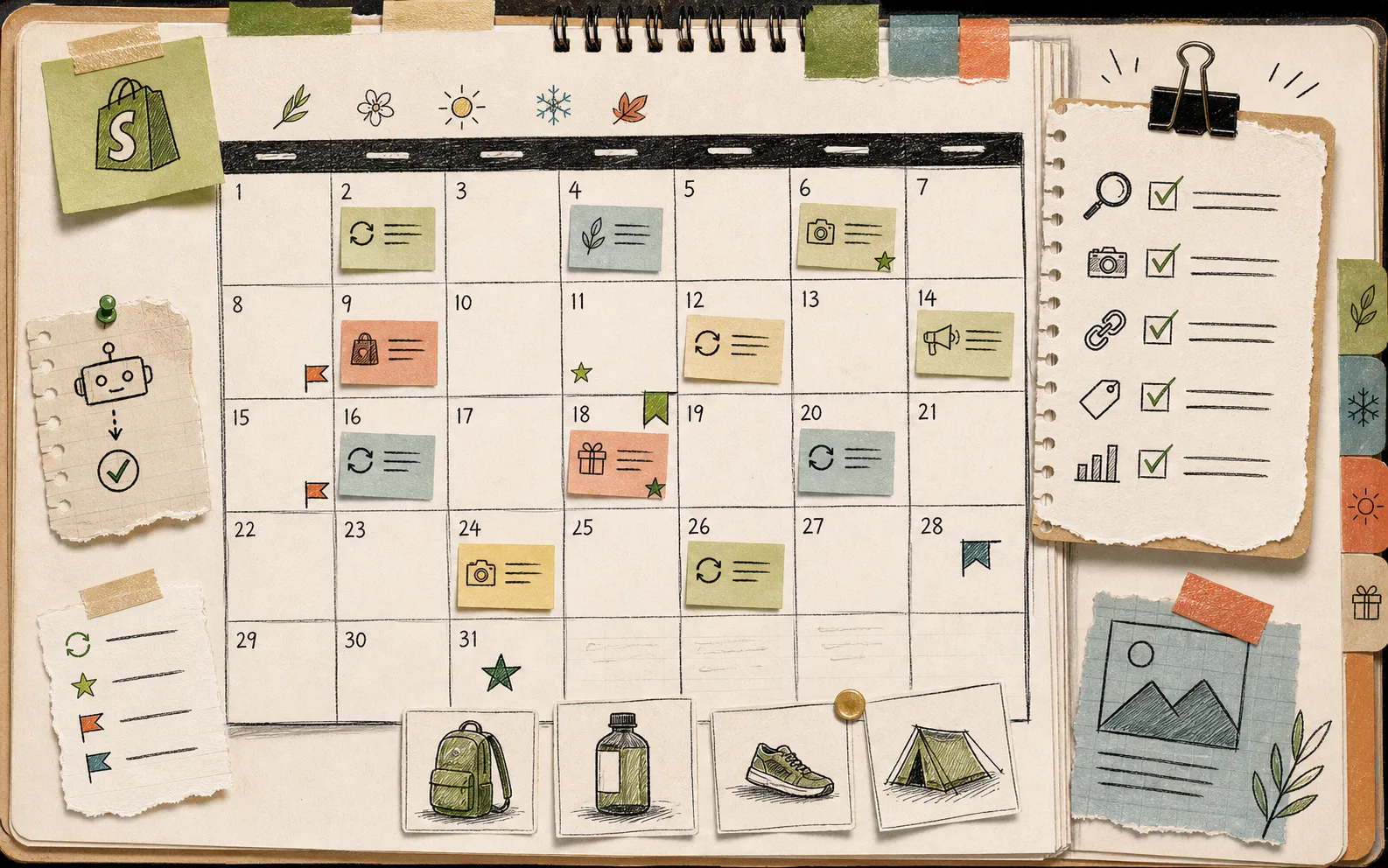
That calendar is the real win for me. It turns blog publishing into a repeatable slot on the operating schedule instead of another task that lives in someone’s head.
A simple template that works
When I build a new automation, I usually keep the prompt boring on purpose:
- topic
- goal
- target reader
- featured product or collection
- SEO terms
- allowed image sources
- publish mode
If I need a more hands-on pass, I start from a draft and finish the headline, intro, and links manually. If I want the machine to do more of the routine work, I let it publish immediately and reserve my review time for the posts that matter most.
That is why I keep coming back to a split workflow instead of a fully automatic one. The machine handles the repetition. I handle the parts that need taste.
Start small
If you are not sure where to begin, use one product or one collection and write three posts around it:
- a problem/solution post
- a comparison or “how to choose” post
- a seasonal or launch-support post
Then see which ones are worth auto-publishing and which ones should stay in draft. I already wrote about how to decide which Shopify blog posts should auto-publish and how to build a Shopify blog automation workflow that feels human, which is the checklist I would use before turning on recurring posts.
If you want a tool that can generate the draft, keep the SEO structure in place, work with product context, and give you the choice to publish now or review later, try Supra Blog Automation or install it from the Shopify App Store. There is a free plan if you want to test the workflow before you commit.
The next move is simple: pick one collection, one reader problem, and one publishing cadence. Once those three inputs are clear, the rest of the system gets a lot easier to trust.