
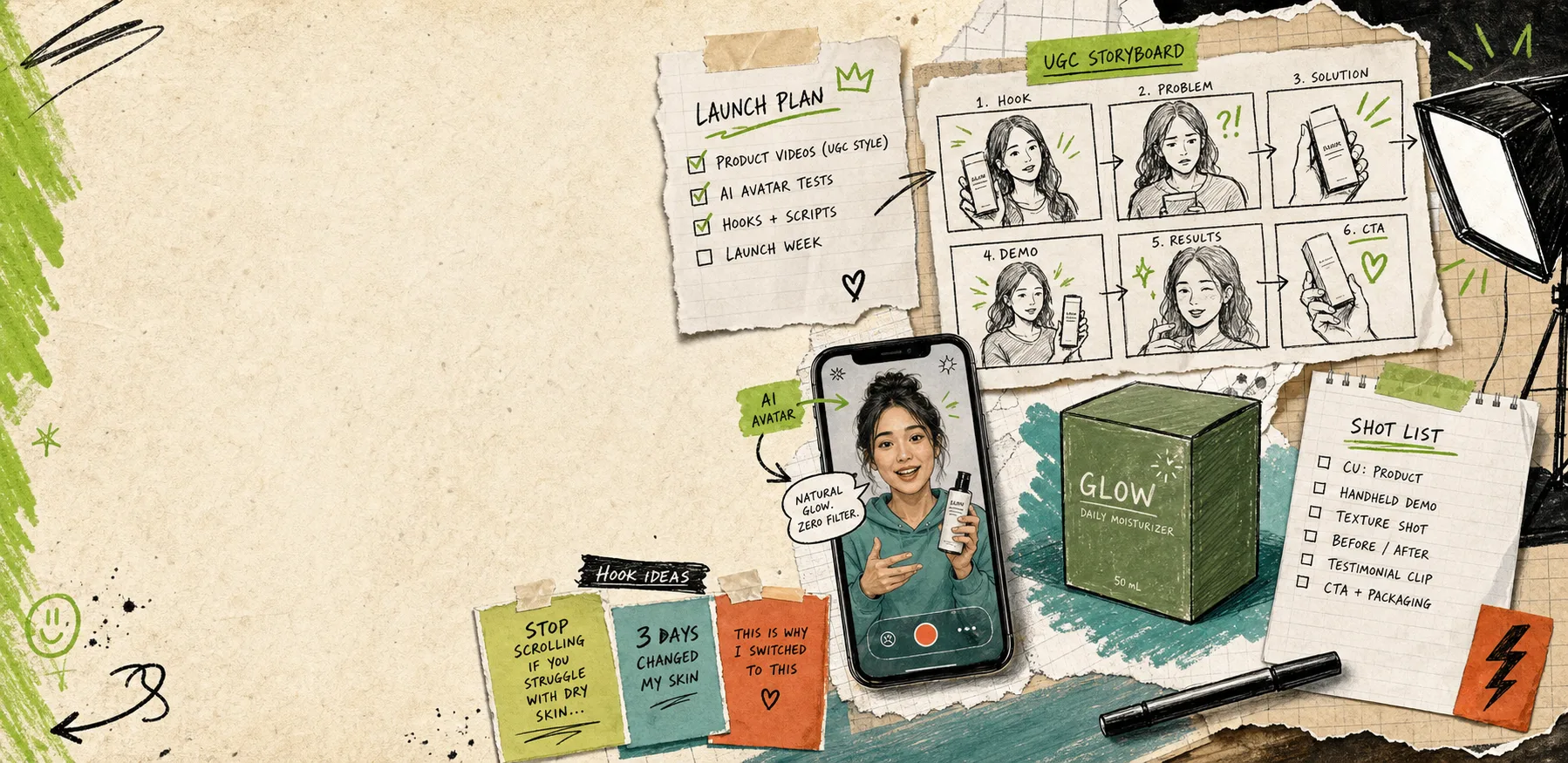
Most weeks the problem is not ideas. It is time. You have a product, a deadline, and one shot at making a UGC-style ad feel useful instead of random. My fix is to start with one tight product brief and let Supra UGC Maker turn that brief into several usable video angles instead of one overworked hero concept.
Supra UGC Maker is a Shopify app for creating UGC-style product videos with AI avatars, scenes, scripts, speech, and product references. It is built for merchants who need more short-form product video content for ads, product pages, launches, email campaigns, and seasonal promotions without hiring influencers, videographers, or editors for every variation.
If you want to follow along, the two links that matter are the landing page and the Shopify App Store listing.
Start With The Brief, Not The Video
The fastest way to waste a UGC workflow is to open the tool with no decision structure. I do better when I write a one-page brief first and let that drive the script, avatar, scene, and CTA.
The brief only needs five things:
- The product promise in one sentence.
- The customer problem in plain language.
- One proof point or benefit worth repeating.
- One objection the viewer might have.
- One action I want after the clip ends.
That is enough to keep the video honest. It also keeps you from generating ten slightly different versions of the same vague pitch.
Build The First Clip Inside Supra UGC Maker
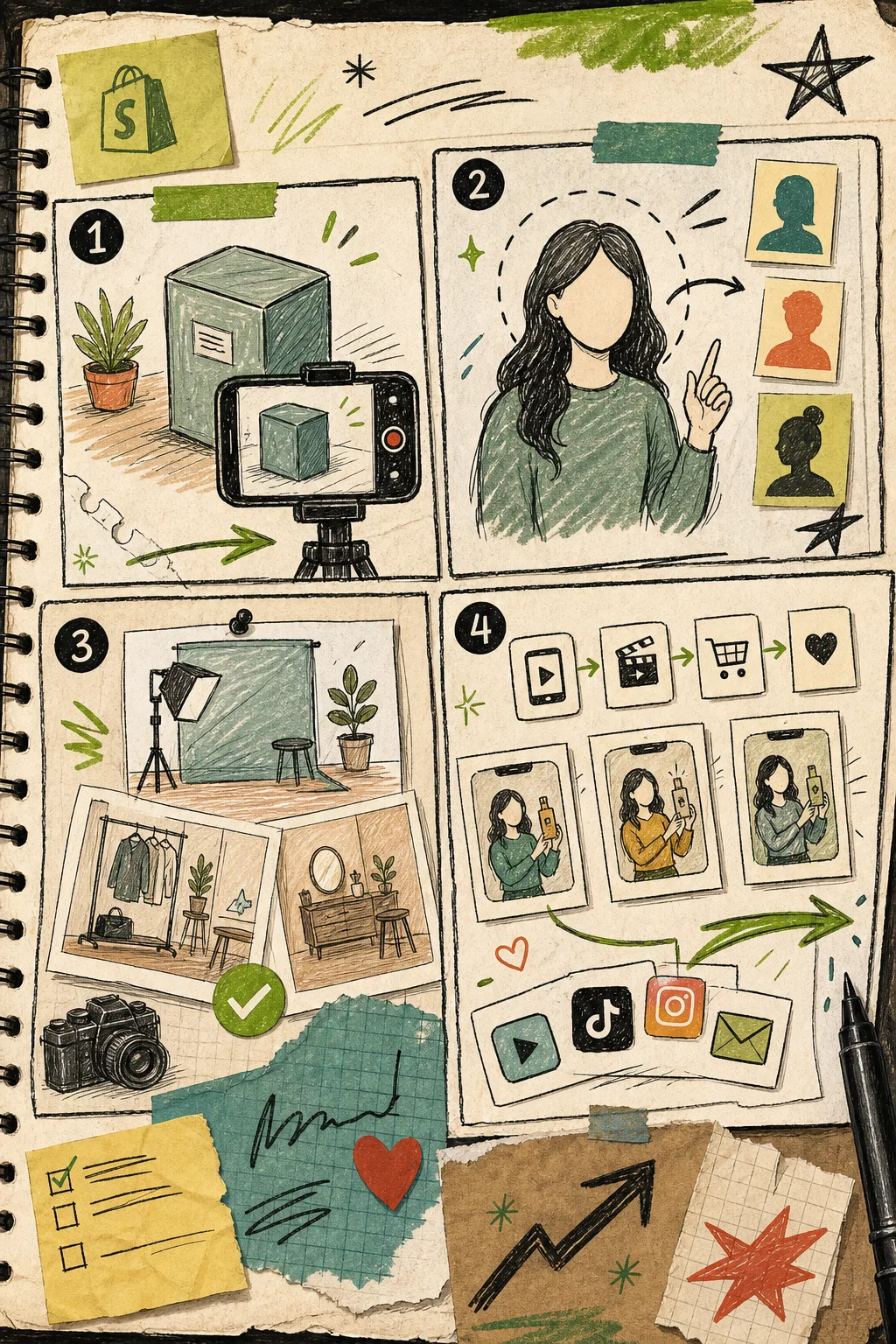
Inside Supra UGC Maker, I think in this order:
- Pick an avatar or generate a custom AI model.
- Choose the scene that matches the buying context.
- Add the Shopify product as the thing being shown or explained.
- Write the script and choose the voice or tone.
- Generate the first version and review the result.
That flow matters because each step answers a different question. The avatar handles delivery. The scene carries context. The product reference keeps the video grounded. The script carries the actual selling point.
The app is most useful when you treat that first pass as a draft, not a final. The product file says you can preview scenes before generating, reorder clips, trim them, update them, regenerate them, and save reusable scenes and projects. That is the part I care about most. It means the workflow is built for iteration, not just one-off output.
Make Three Variations From One Core Script
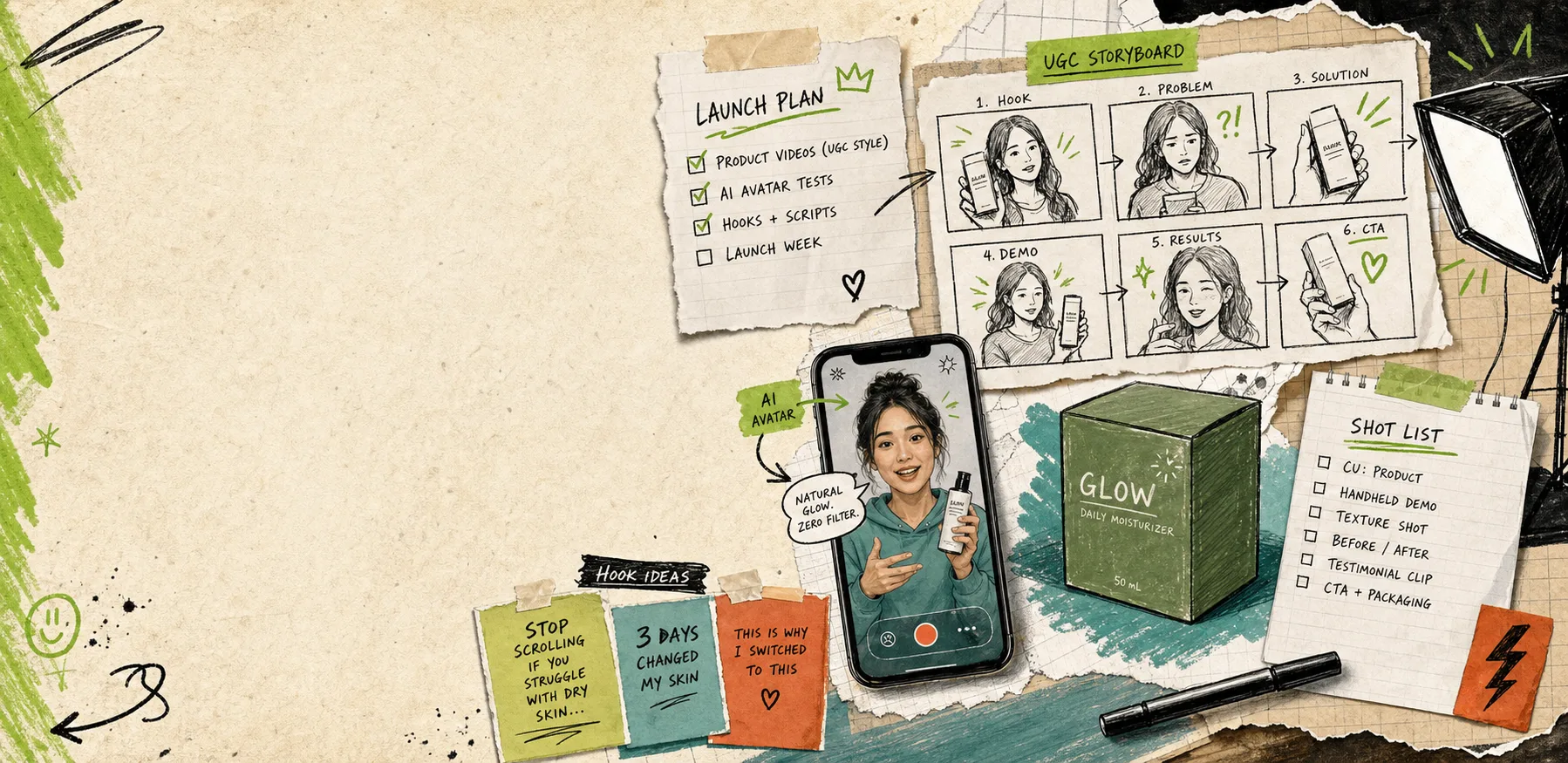
I do not try to write a different script for every video. I write one core message, then change the angle.
A useful first batch is:
- Problem-first: open with the pain the customer already feels.
- Product-first: open with the thing the product does better.
- Objection-first: open with the reason someone hesitates to buy.
That gives you a small test matrix without turning the project into a content factory. It is also easier to judge. If one hook clearly beats the others, you know which direction deserves more spend, more edits, or a longer version.
This is where AI beats a traditional shoot for speed. You can keep the same product, same asset library, and same basic narrative, then test different hooks, scenes, and tones without rebuilding the whole thing.
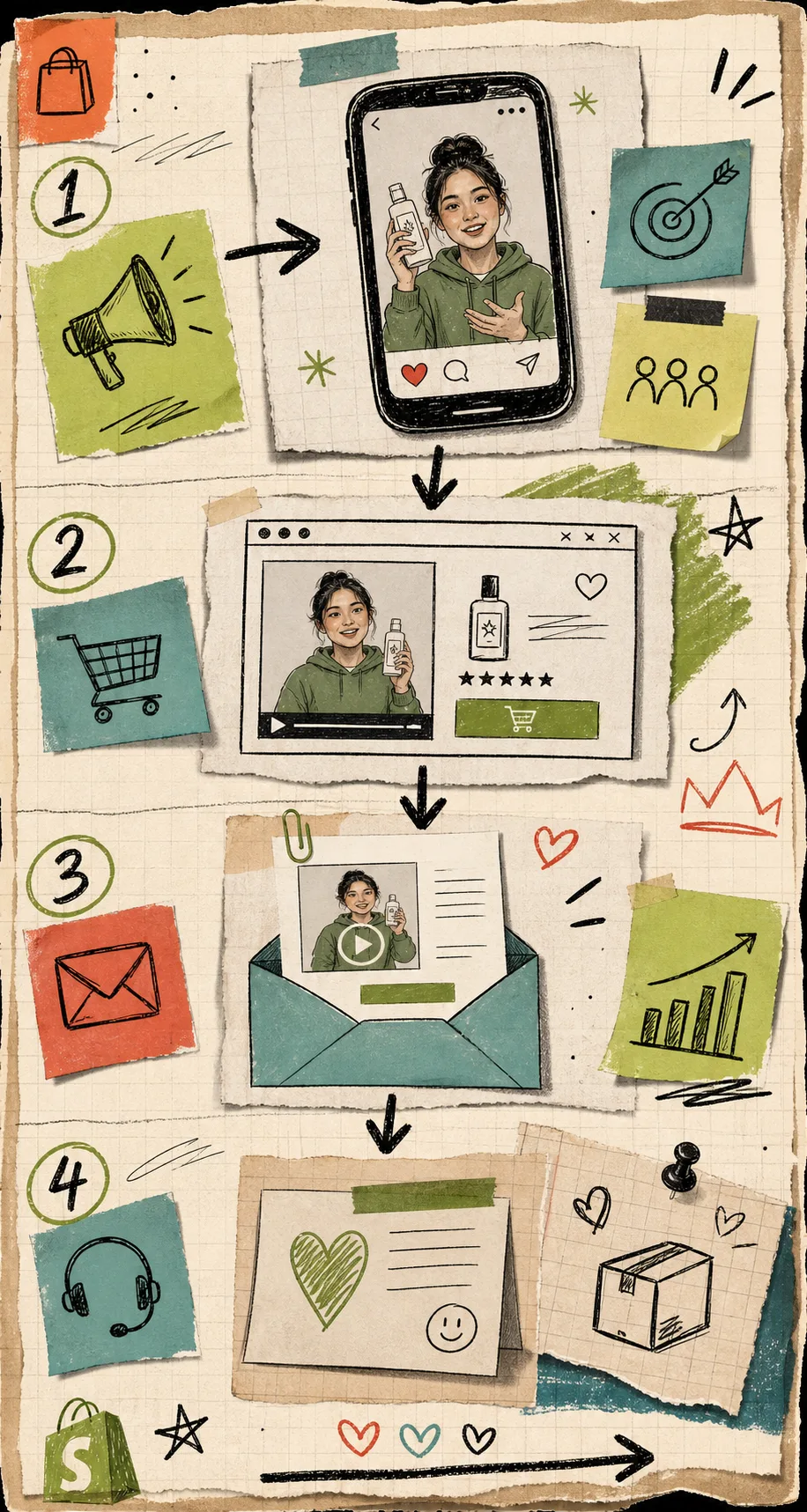
Put The Same Video To Work In More Than One Place
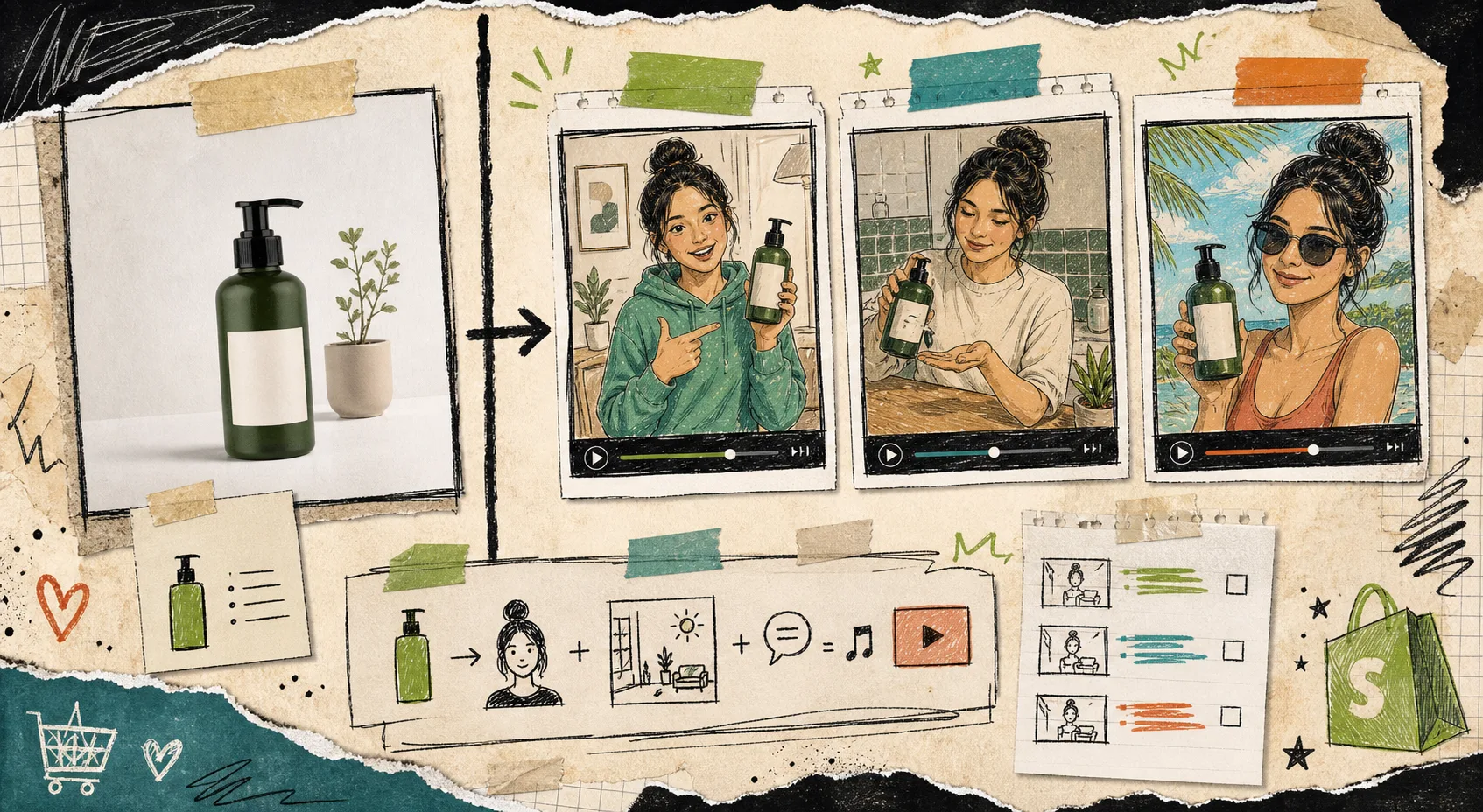
A lot of ecommerce teams treat a video like a single ad unit. I get more value when I place the same asset in a few different parts of the funnel.
Good placements are:
- Paid social ads when you need fresh hooks quickly.
- Product pages when shoppers need one more explanation before buying.
- Email campaigns when a static thumbnail is not doing enough work.
- Seasonal promotions when you need a timely variation without a full shoot.
- Post-purchase education when the customer needs reassurance or setup help.
That is also why I like pairing video with supporting content. If your product visuals are still weak, read How to Turn Plain Shopify Product Photos Into Lifestyle Scenes. If you are planning the launch itself, How to Launch a Shopify Product With AI Avatar Videos is the cleaner companion piece. And if you want the broader creative system to stay reusable, How to Build Product-Driven Video Variations With VideoFlow and How I Turn Product Pages Into Reviewable Shopify Blog Drafts are the adjacent workflows I keep coming back to.
The Checklist I Use Before I Publish
Before I call a video done, I check the same handful of things:
- Does the opening line match the customer problem?
- Does the scene fit where the product would actually be used or seen?
- Did I keep the script short enough to hold attention?
- Did I test at least two or three hook angles?
- Did I keep one clear CTA at the end?
- Can this asset be reused on the product page or in email, not just in ads?
If the answer is yes to all six, the clip is probably ready to do useful work. If not, I go back and change the brief before I touch the edits.
The Smallest Useful Next Step
If you are sitting on a Shopify product and waiting for the right creative, do not start with a blank page. Start with one brief, one avatar, one scene, and one clear promise.
Open Supra UGC Maker, build the first version, then make two more angles from the same core idea. That gives you a real test instead of a hope.
If you want to try it, start on the landing page or install it from the Shopify App Store. The free plan is enough to prove whether your first product brief can turn into video worth keeping.