
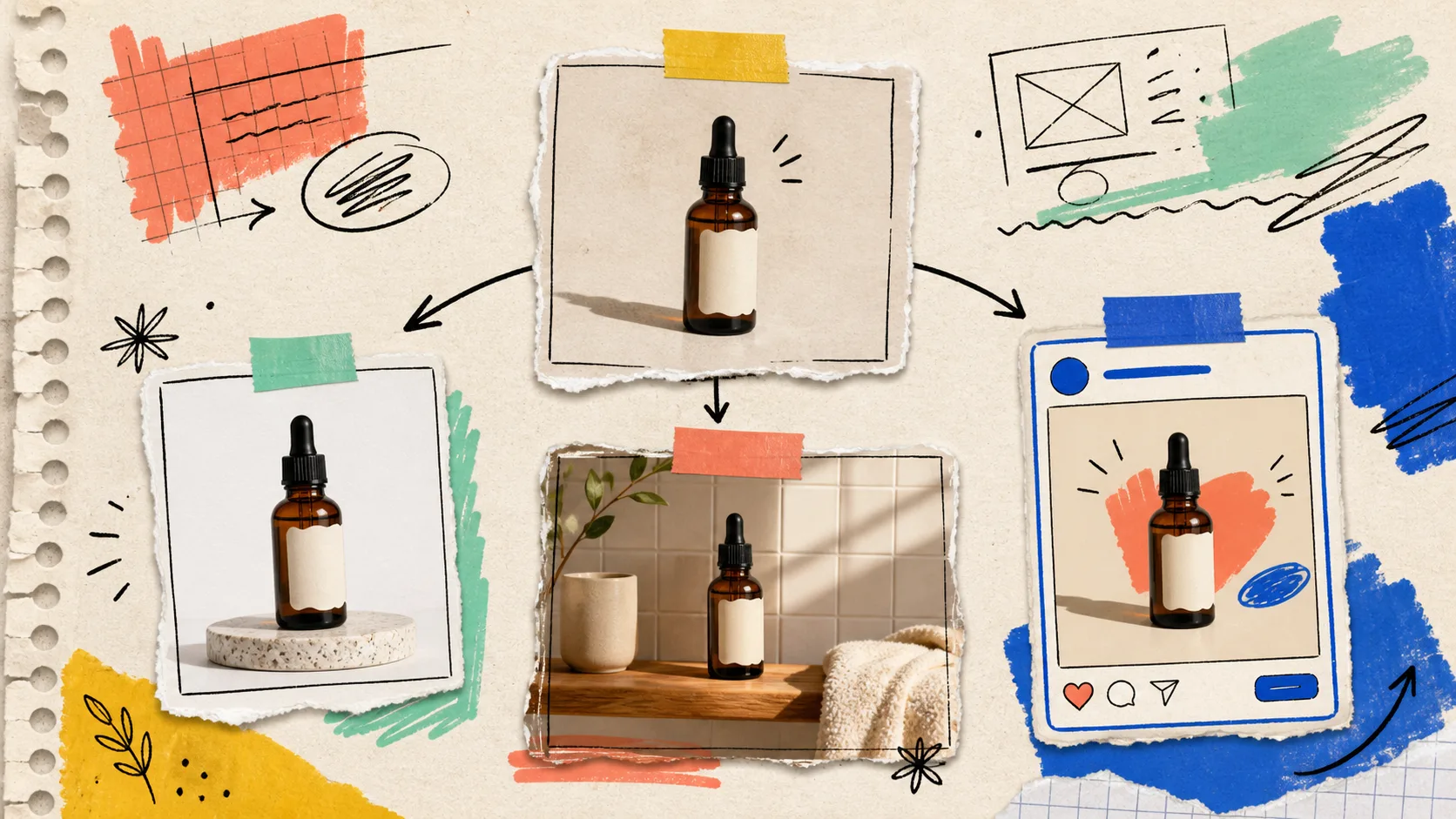
I keep seeing the same slow leak in small Shopify teams: someone makes a good product photo, then treats it as the end of the job. A week later, the catalog needs a cleaner crop, marketing wants a lifestyle scene, and social needs something that does not look like a cropped PDP. We start from scratch three times.
My fix is to treat the first usable product image as a source file for a small visual system. I use Supra AI Photo Studio inside Shopify for the production work: isolate the product, clean it up, then make a few deliberate variants while the product details are still under control. The goal is not to manufacture infinite images. It is to make the next campaign less chaotic.
Start With One Image You Trust
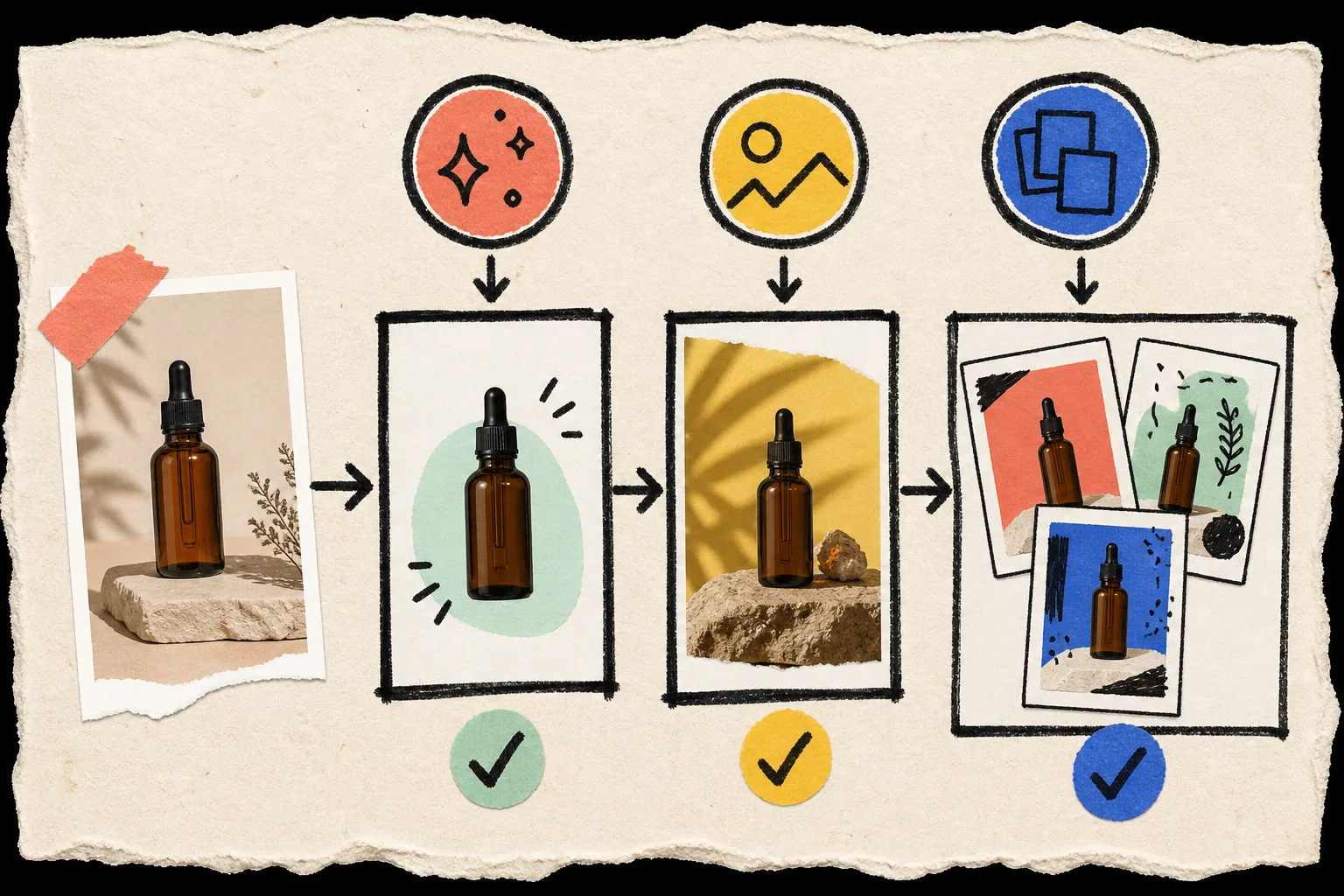
I do not start with the prettiest image. I start with the one that makes the product easiest to verify: sharp enough, evenly lit, no crop through a useful detail, and no competing props. If it is a product with text, texture, or a distinctive shape, that clarity matters more than atmosphere.
In the app, I first use the background-removal and enhancement tools only as far as needed to make a clean reference. The editor is built around a selected product image, a canvas, tools, and the product image gallery, so it is a useful place to keep the experiment attached to the actual SKU rather than a forgotten desktop folder.
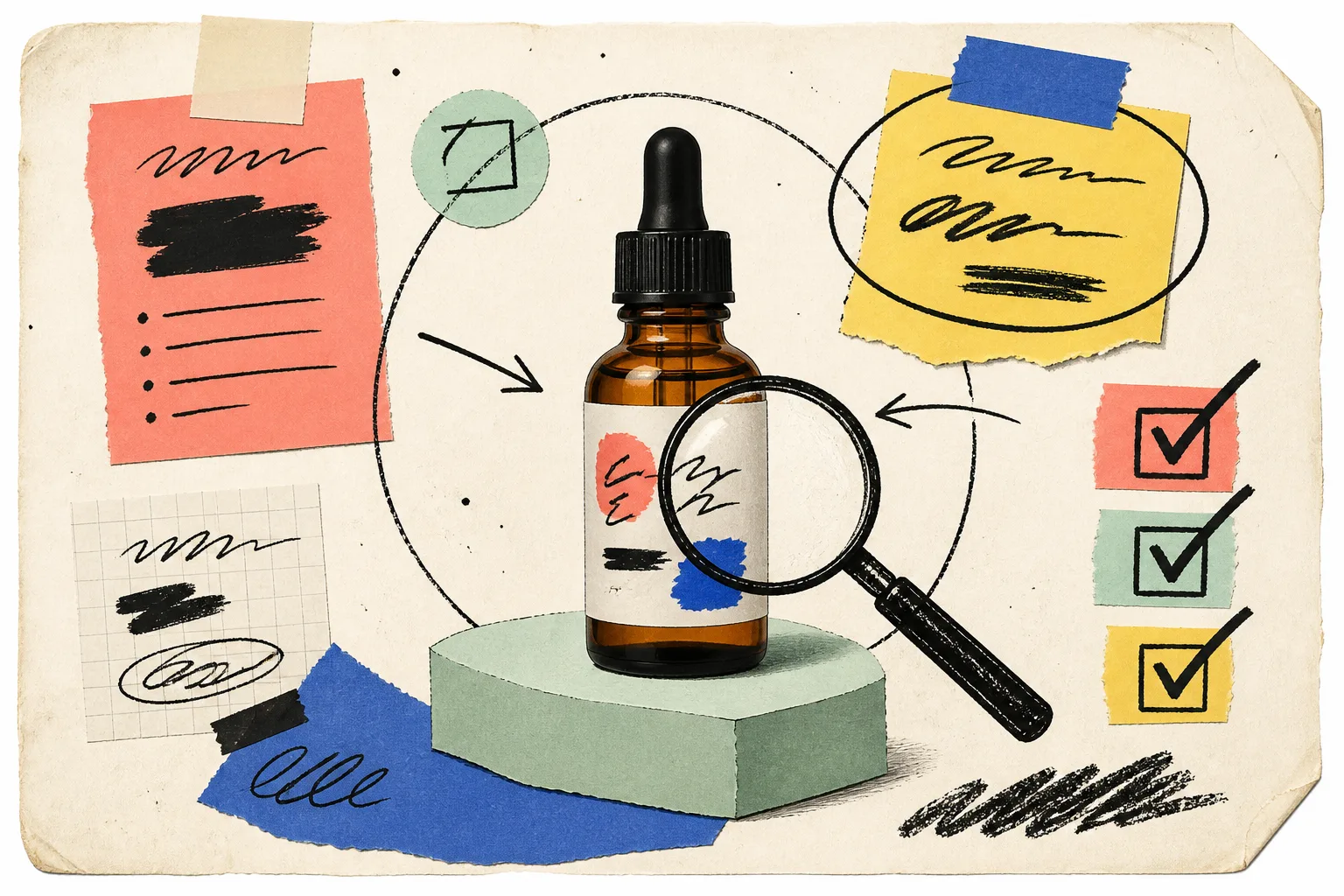
My tiny preflight checklist looks like this:
- Can a buyer identify the material, color, and main shape?
- Would a crop still leave enough product context?
- Is the background simple enough that the product edge is unambiguous?
- Is there one version I would be comfortable putting on the product page today?
If the answer is no, fix that image before asking for a lifestyle variation. This is the same principle behind building a product photo workflow around one source image: consistency becomes much easier once there is a single reference everyone recognizes.
Pick Three Jobs Before Generating Anything
The best way I have found to avoid a pile of beautiful-but-useless outputs is to name each image’s job first. For a normal product launch, I usually make only three:
- Catalog proof. A clean, detail-first image for the product page and collection tiles.
- Context shot. A lifestyle scene that explains where or how the product belongs. Supra’s object-placement workflow is useful here because the environment, surface, camera angle, and lighting can be specified rather than left to chance.
- Campaign crop. A bolder composition for an ad, email block, or social post, made from the same product truth.
That is enough variety for a small team to test placement without pretending every channel needs a different brand. It also keeps the scope smaller than a full content shoot. If the product is apparel, the third job may be a try-on instead; Supra supports choosing or creating models for that workflow.
Keep The Product Constant, Change The Brief
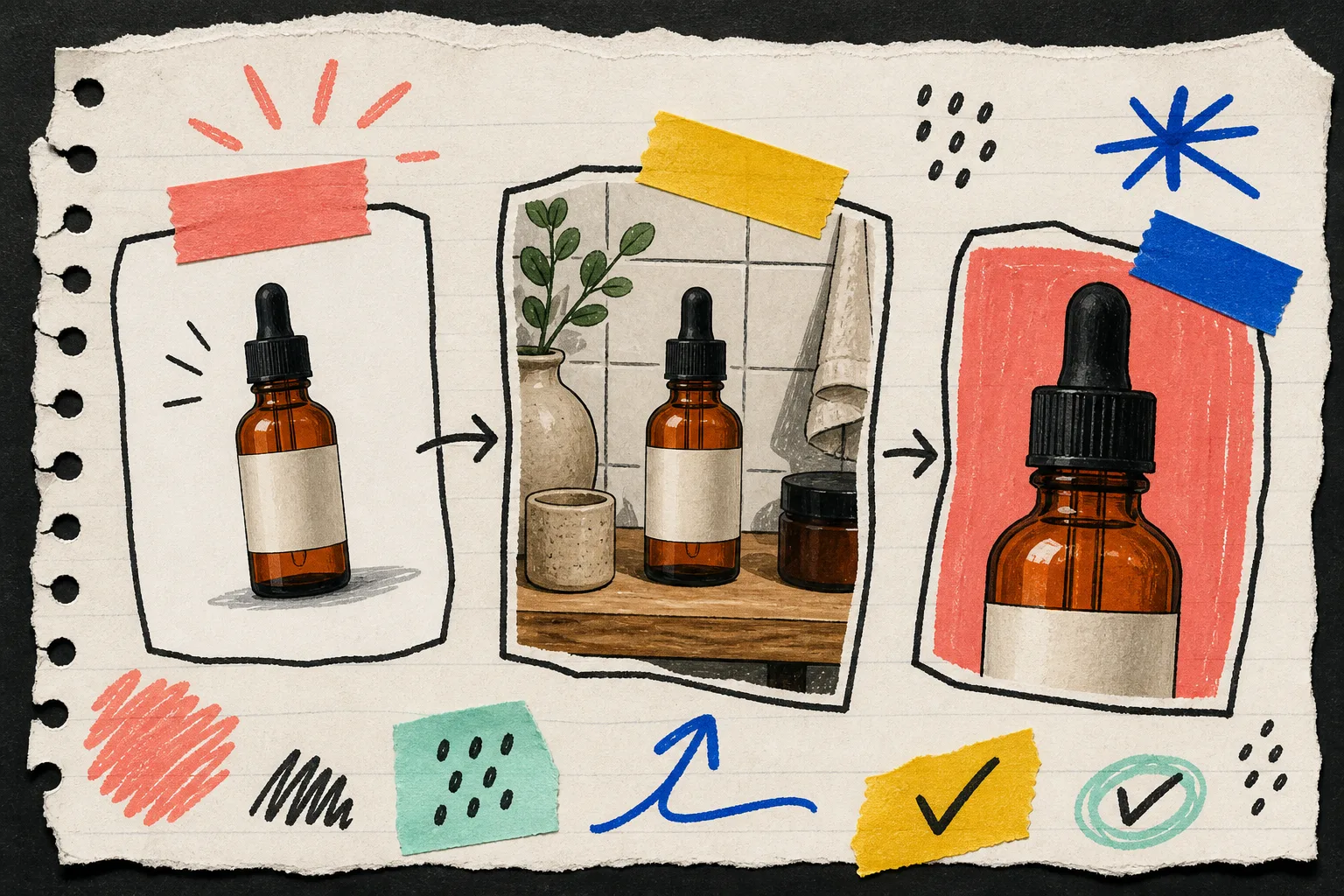
This is where the work becomes genuinely useful. I write a short brief for every variant, not a poetic prompt. For example: “amber bottle on a warm tiled bathroom shelf, front label visible, morning side light, room for a vertical crop.” The product stays constant; the scene solves a new placement problem.
That distinction prevented a lot of cleanup for me. In my photo routing system for product pages and ads, the useful decision was not “which image is nicest?” It was “where is this image safe to use?” A catalog image needs evidence. A lifestyle image needs context. A campaign crop needs attention.
I also keep the first pass modest. Generate one clear version for each job, inspect it at product size, and only then make another variation. The app can also create short product video and b-roll assets, but I save that for after the static sequence feels coherent. Otherwise video just multiplies an unresolved visual problem.
Use A Review Pass Before Publishing
AI can make a scene quickly; it cannot tell you whether the product is still sellable in that scene. Before publishing an image back to a product, I check the actual details: label area, silhouette, color, material, and any sizing cue. If a product edge or detail needs precision, go back to the clean source rather than trying to rescue a dramatic variant.
This is close to the lesson in starting a Shopify AI agent in read-only mode: give the system a small, reviewable responsibility before you trust it with the irreversible action. Here, that means make the image, review it, then publish it to the product gallery.
The Lean Version Of A Campaign Set
One clean product photo, one contextual scene, and one campaign crop is enough to change the rhythm of a launch. Your product page gets a dependable image. Your marketing gets a visual with a point of view. Your next email does not begin with “can someone make an asset?”
If your catalog is full of decent but isolated product shots, start with one SKU this week. Install Supra AI Photo Studio, make a clean source, assign three image jobs, and only keep the outputs you can name a home for. That is how one photo becomes a system instead of another orphaned file.