
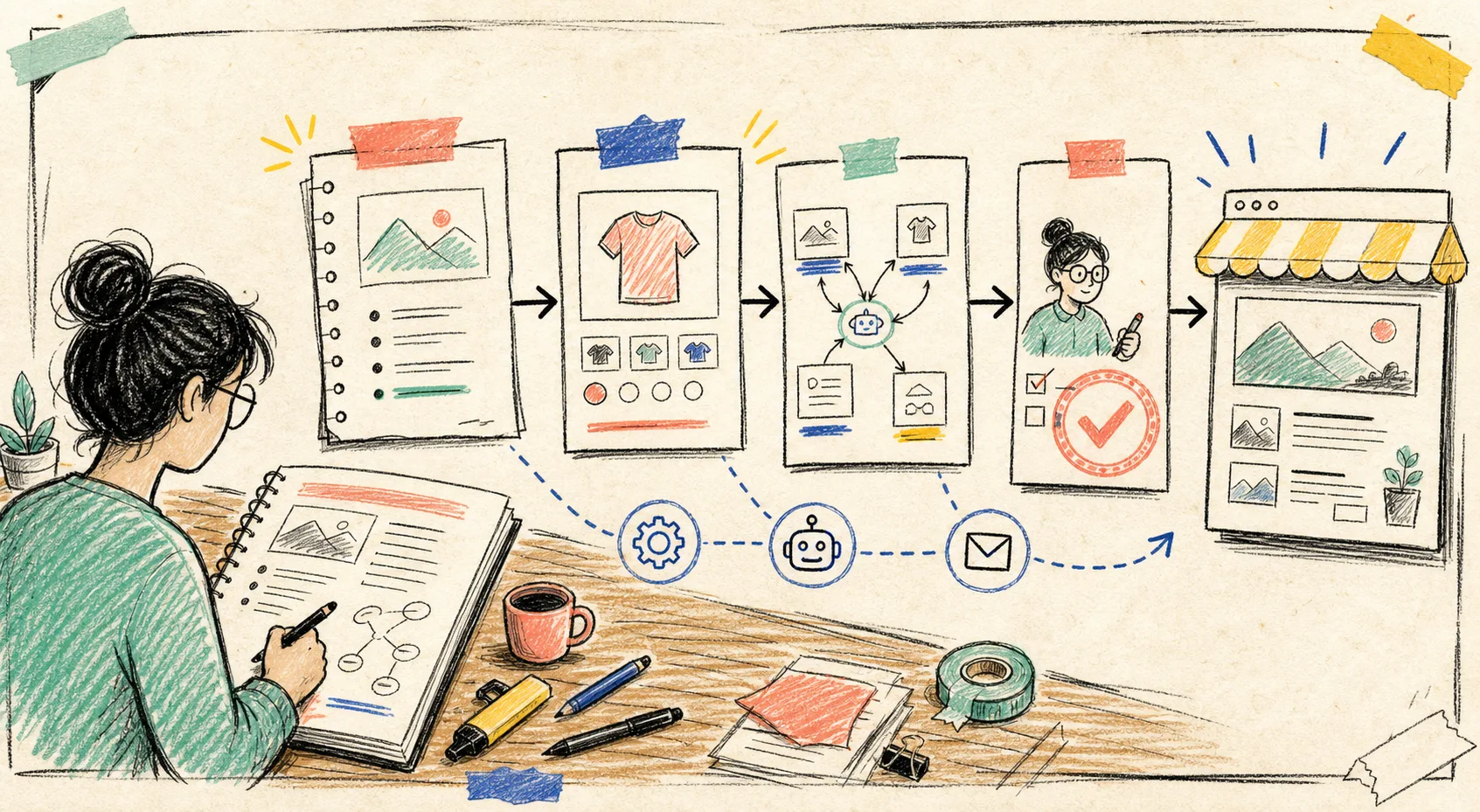
I used to treat the store blog like a rainy-day project: useful, important, and perpetually displaced by shipping questions, collection edits, and the next launch. The real problem was not finding ideas. It was turning ideas into a repeatable publishing rhythm without making the blog sound like a robot had wandered into the shop.
That is the gap I would use Supra Blog Automation for. It is a Shopify app that can generate, schedule, optimize, and publish SEO-focused posts with product context, internal links, and visuals. The useful bit is not pressing “automatic” and walking away. The useful bit is making a small content system that does the repetitive prep, then giving a real person one sensible review gate.
The Content Calendar I Actually Need
A content calendar does not need 30 vague squares labeled “blog.” Mine starts with three buckets that point back to real store work:
- Customer questions. What are people asking before or after purchase?
- Collection moments. New arrivals, seasonal use cases, gift periods, restocks, and buying decisions.
- Product education. The information that helps a shopper choose, use, compare, or care for an item.
Each month, I would pick one or two prompts from each bucket, give the post a goal, and attach the products or collections it should support. That last part matters. A generic AI article can hit a keyword and still be useless to a shopper. Product-aware content has a reason to exist: it can explain an actual fit question, point to a real collection, and help the reader take the next step.
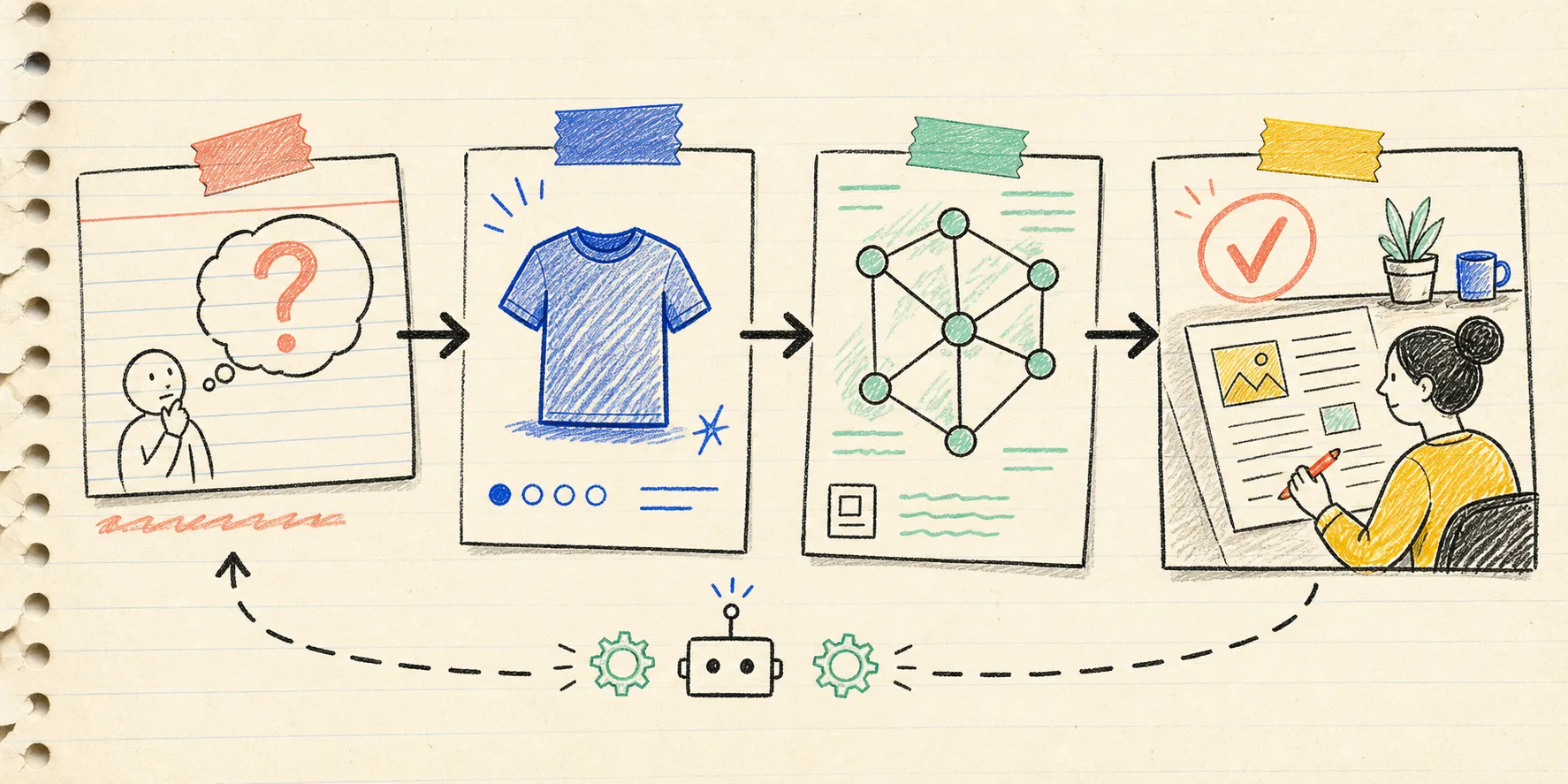
I like a small, rolling plan rather than a heroic quarterly spreadsheet. Start with four posts: one recurring customer question, one collection guide, one seasonal angle, and one product-use article. When one earns clicks or supports a launch, make a related follow-up. That keeps the calendar attached to trading reality instead of a content fantasy.
My Four-Card Workflow
Here is the workflow I would set up in Supra Blog Automation:
1. Turn one operational signal into a post brief
Use a question from support, a product-page objection, a launch theme, or a search phrase already showing up in your analytics. Write the brief in plain language: who it is for, what they need to decide, which products matter, and whether the post should inform, softly promote, or solve a specific problem.
2. Add product context before generating
Attach the relevant products or collections and set the tone. For a lean store, this is where the post stops being interchangeable ecommerce filler. A buying guide can mention the attributes shoppers actually compare; a collection article can explain the problem the range solves. Supra supports single-post generation as well as recurring automations, so the same brief shape can work for a one-off launch post or a standing weekly slot.
3. Give the draft a linking job
Every post should lead somewhere useful: a collection, a product, a related guide, or the next question a shopper is likely to ask. I would add two kinds of links during setup: the commercial page the article supports and a couple of helpful internal articles. This is the same reasoning behind my review-first Shopify blog workflow: automation can prepare the structure, but the links still need to make sense for the person reading.
4. Choose publish or draft deliberately
For low-risk, evergreen posts, scheduling can be a perfectly reasonable default. For new offers, claims-heavy categories, regulated products, or a brand voice that is still evolving, save the result as a draft. The point of recurring publishing is consistency, not surrendering judgment.
The Review Gate That Keeps Automation Honest
My review checklist is intentionally short. If it takes 45 minutes, it will not happen every week.
- Does the opening describe a real shopper or store-owner problem?
- Are product facts, prices, availability, and claims accurate today?
- Does the article point to the right collection or product page?
- Are internal links relevant rather than decorative?
- Does the visual match the store and have useful alt text?
- Is the CTA clear without sounding like a shove?

This is also where I check whether the article is doing too much. A post about a product category should not promise an outcome the product cannot deliver. A seasonal guide should not outlive its campaign date. A helpful draft becomes publishable when the details are current, the links are useful, and the tone sounds like the shop.
I use that same pause before publishing product visuals. My publish-safe Shopify photo decision system is a reminder that source quality and approval still matter even when the tooling makes output fast. Fast is only valuable when it is also fit to ship.
Make the Calendar Work With Launches, Not Against Them
The most useful calendar cards are connected. A new collection might create a buying guide, a fit-and-care article, and a post answering the top support question. A seasonal campaign might create a gift guide first, then a decision guide, then a post-purchase explainer.

That gives you an easy internal-link path and reduces the blank-page problem. It also makes content easier to review because each post has a defined job. I have seen the same pattern with video work: when a queue has clear handoffs and an approval point, it is much easier to keep moving. This is why the approach in adding human review to Shopify product video automation transfers so well to blog operations.
Start With Four Posts, Then Learn
The free plan is enough to test the habit: create a small batch of product-aware posts, set one to draft, review it with the checklist, and schedule the next one. Watch which topics bring useful traffic, product discovery, or fewer repeated questions. Then make the next month more specific.
If your blog has been dormant because every post feels like a separate mini-project, try creating your first Supra Blog Automation workflow around one collection and one customer question. Keep the automation doing the repeatable work; keep the final call human.
A recurring Shopify content calendar is not a content factory. It is a small operating system for turning store knowledge into useful posts before the next launch makes the idea disappear.