
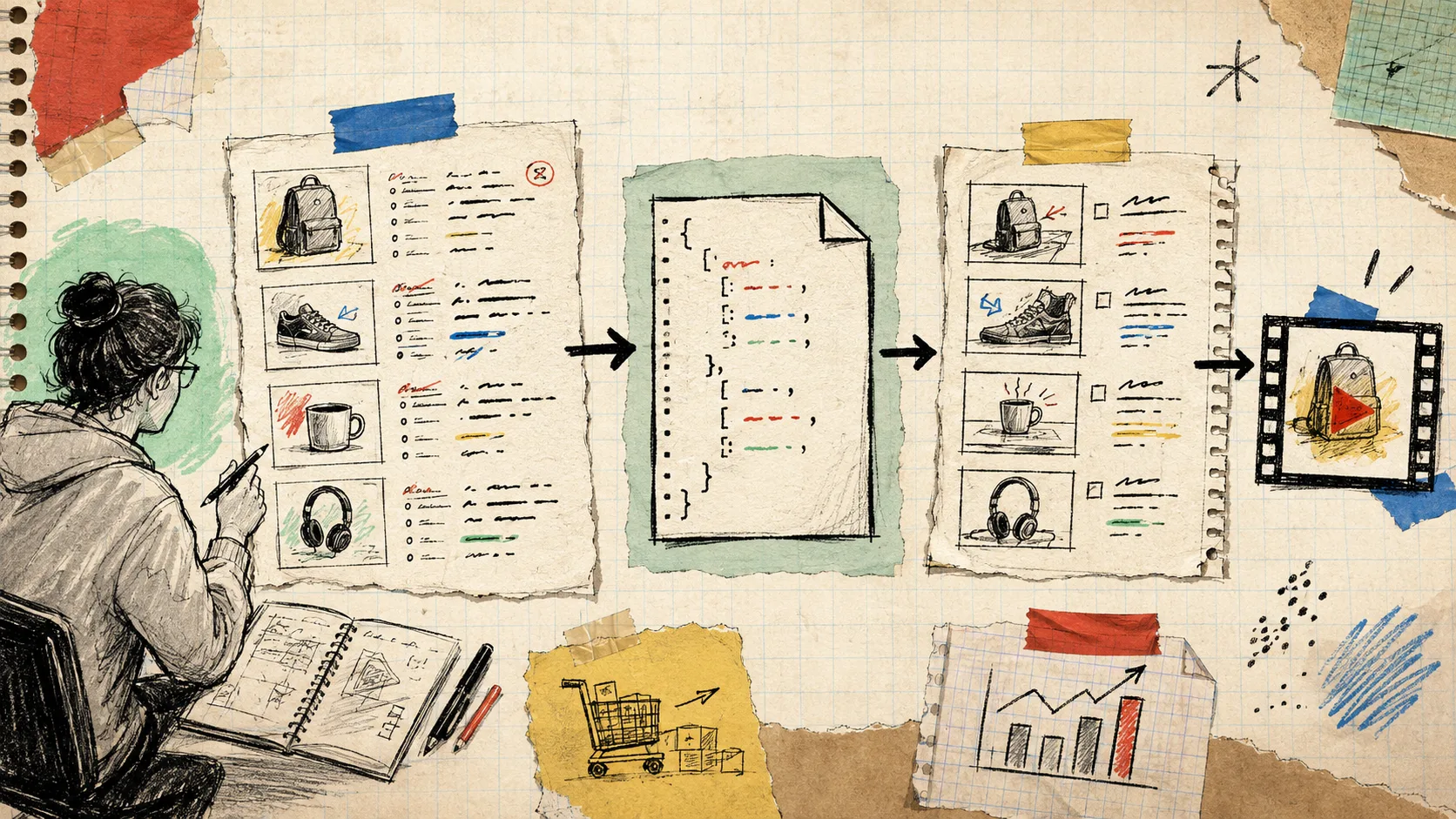
I used to think a product-video backlog was a production problem: too many SKUs, not enough editing time. It is usually a data problem first. The title, images, price, variant, feature bullets, and CTA already exist in Shopify; they are just trapped in a product record instead of arranged as a reviewable little film.
The useful shift for me was treating each video as generated output. A small catalog payload goes in, a portable video document comes out, someone checks it, and only then does it become an MP4. I have been sketching that loop with VideoFlow, an open-source JSON-to-video toolkit for builders who want templates without turning every product clip into a hand-edited project.
The tiny brief I give every SKU
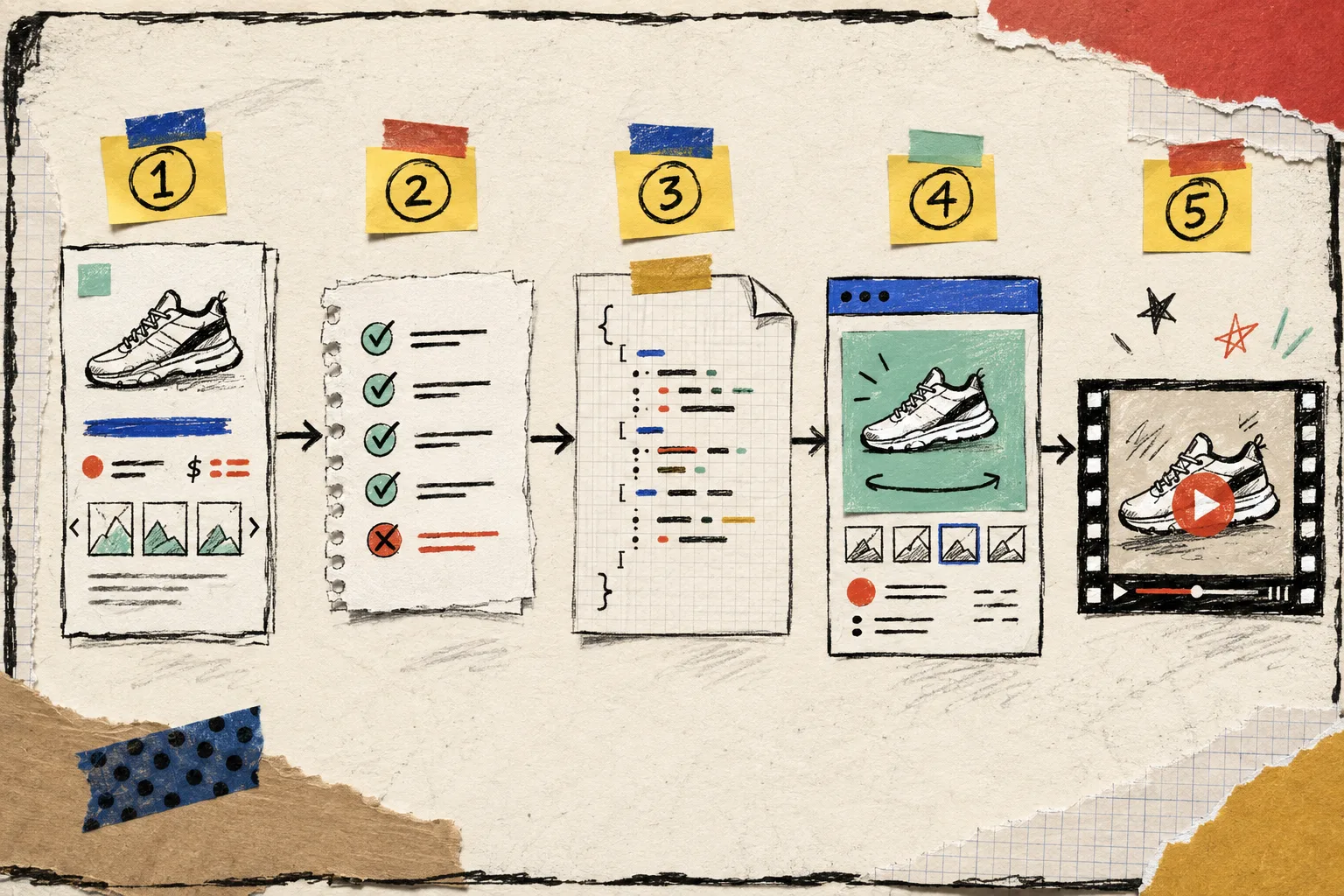
I do not send an entire product object into a video template. That is how a clean workflow becomes a pile of accidental fields. I make a compact, deliberate brief instead:
const brief = {
  handle: product.handle,
  title: product.title,
  price: product.priceRange.minVariantPrice.amount,
  heroImage: product.featuredImage?.url,
  featureBullets: product.metafields.highlights.slice(0, 3),
  color: product.options.find((o) => o.name === "Color")?.values[0],
  ctaUrl: `https://shop.example/products/${product.handle}`,
};
That is enough to produce a 10- to 15-second draft: hook, product image, two or three proof points, and a clear last frame. It also forces the decisions that matter. If an image is weak, a price is missing, or the copy is too long, I find out before a render queue hides the mistake. If you are still cleaning the source media, my product demo video prep checklist is the small preflight I would run first.
Keep the middle as VideoJSON
The important middle layer is not the final MP4. It is the structured video description. With VideoFlow, I can create scenes with the TypeScript builder, compile them to VideoJSON, and keep that JSON beside the catalog job. The same object can later drive a live preview, an editor, or a renderer.
For a product template, I make the variable parts obvious: image source, headline, price, CTA, colors, caption timing. The composition itself stays locked. That gives a merchandiser enough flexibility to catch a bad crop or edit a claim without letting a batch of videos drift off-brand.
import VideoFlow from "@videoflow/core";

const $ = new VideoFlow({ name: brief.handle, width: 1080, height: 1920, fps: 30 });
$.addImage({ src: brief.heroImage });
$.addText({ text: brief.title, fontSize: 7, fontWeight: 800 });
$.addText({ text: `$${brief.price}`, fontSize: 5 });
const videoJSON = await $.compile();
That is deliberately not a promise that one template fits every product. For apparel, I would make room for fit and color. For a technical item, I would give the feature proof more screen time. The point is that each template is a versionable asset, not a secret sequence of clicks.
Make review a stage, not a rescue job
The failure mode I see most often is rendering hundreds of final files before anyone sees a representative draft. I prefer a short queue: sample 10 products across image quality, price formats, variant complexity, and categories; generate their VideoJSON; show a live preview; then invite review.
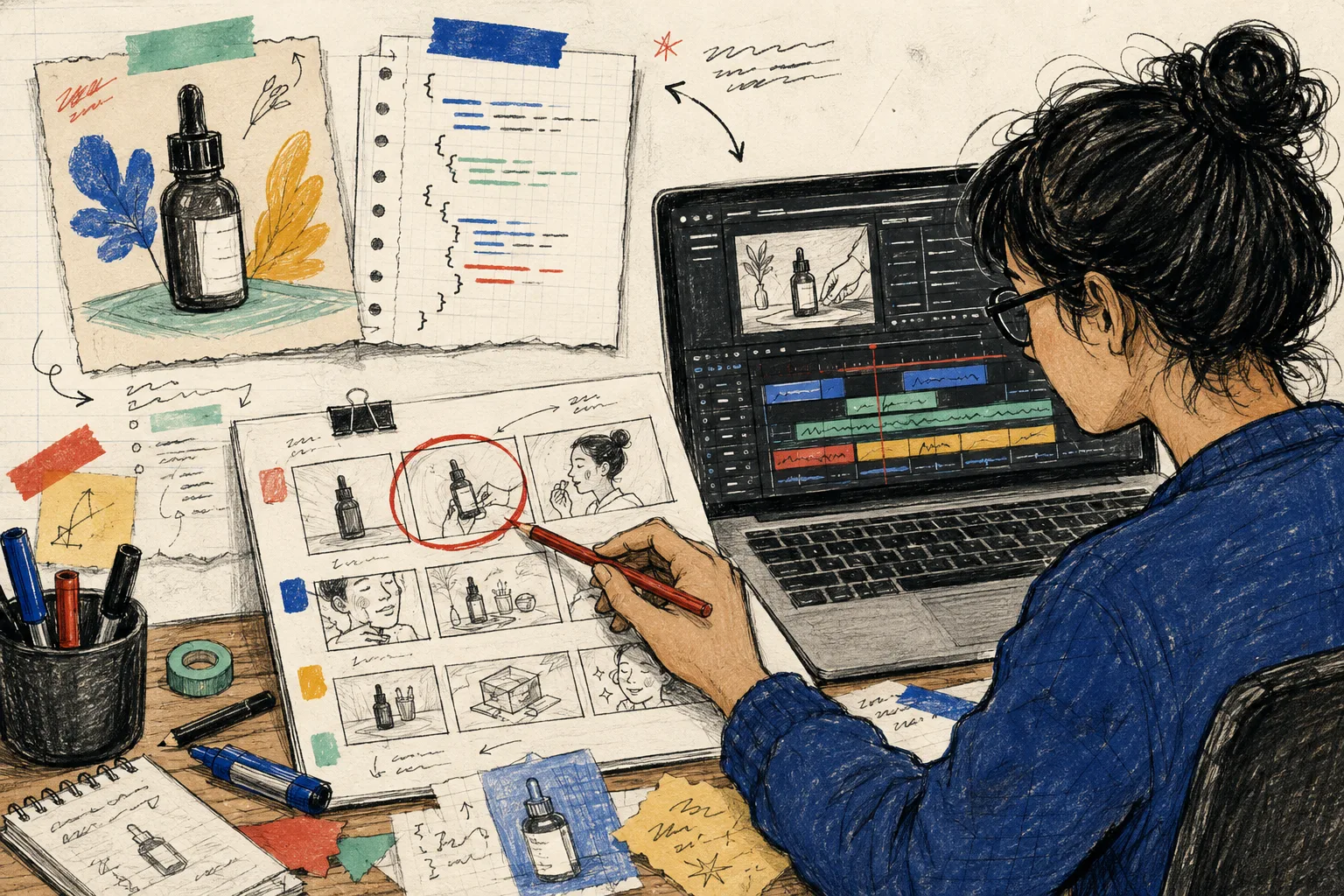
The reviewer should answer boring but essential questions:
- Is the hero image crop usable at the target aspect ratio?
- Does the title wrap without becoming a tiny paragraph?
- Is the price current and locale-appropriate?
- Are the feature claims supported by the product data?
- Does the CTA land on the right product page?
When the first drafts are acceptable, I render the broader batch. If a human needs to adjust a draft, VideoFlow’s React video editor is the useful handoff: the same structured video can open in a multi-track interface rather than being rebuilt from scratch. That is the part that makes automation feel operational instead of magical.
For paid social experiments, I would keep the product-video source separate from the ad hook. The product brief can create the visual backbone, while the opening line and CTA vary by test. That matches the disciplined approach in testing Shopify UGC ad hooks: test a narrow variable instead of calling every new export a new strategy.
Choose the renderer after the workflow is clear
One VideoJSON does not force one deployment model. VideoFlow can use the same data for a DOM preview, a browser-side MP4 export, or a server renderer. I pick based on the job, not on ideology.
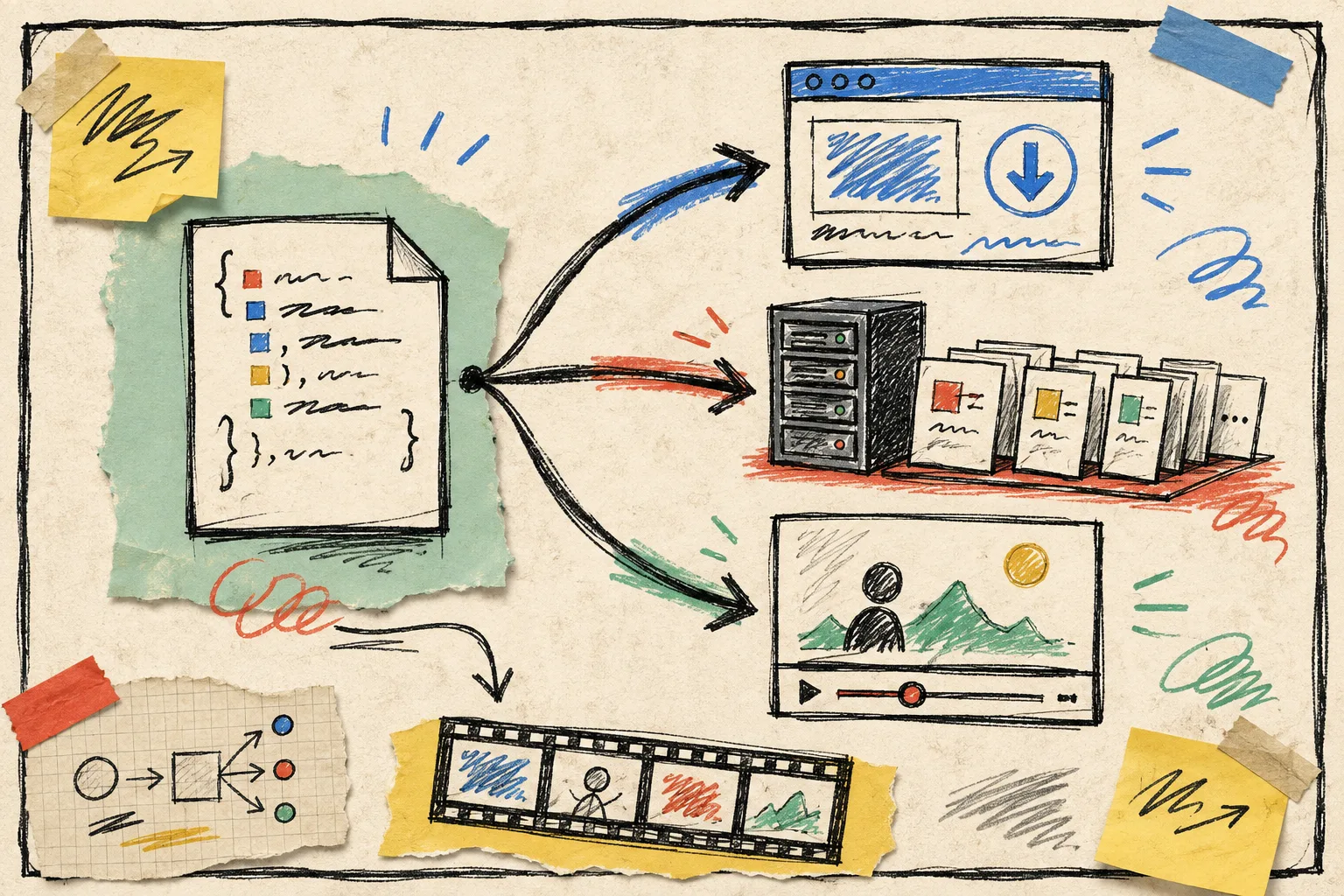
- Use the DOM renderer for dashboard previews and review states.
- Use browser rendering for smaller user-triggered exports when keeping source media client-side is useful.
- Use server rendering behind a queue for scheduled catalog batches, campaign launches, or API-driven exports.
That separation is especially handy in ecommerce. A product team can review a new collection in a browser, while the nightly batch runs on a server after approvals. Nothing about the template has to be rewritten just because the render location changes.
My practical rollout order
I would not start by wiring every SKU to an MP4 queue. I would start with one narrow collection and one aspect ratio. First, create the compact catalog brief. Second, make one template that handles the ugly cases: long titles, missing images, sale prices, and odd crops. Third, preview ten samples. Fourth, add a human approval flag to the job. Only then would I turn on the batch renderer.
If the collection also needs consistent stills, pair this with a Shopify photo QA checklist so the video system is not asked to rescue inconsistent source imagery. And if you are building the queue itself, this earlier reviewable VideoJSON queue walkthrough is the closest companion piece.
VideoFlow is a good fit here because its core and renderers are open source under Apache-2.0, and because it treats a video as data that can be stored, diffed, validated, previewed, edited, and rendered later. It is not a replacement for every creative editing job. It is a practical way to stop treating repeatable product clips as one-off editing jobs.
My next action would be simple: pull ten products from one collection, write the smallest possible brief for each, and use the VideoFlow playground to prove one template before you automate the rest.