

My old content calendar was full of good intentions and nearly empty of publishable work. It had dates, broad themes, seasonal reminders, and color-coded blocks that made me feel organized right up until I had to turn “spring collection content” into an actual article.

The problem was that the calendar treated every topic as equally ready. A vague idea about summer styling sat next to a product launch with real photos, customer questions, and a clear reason to exist. One needed research; the other needed a short, useful guide. I was using dates to organize work that really needed more context.
So I stopped calling it a content calendar. I made a product-aware blog queue instead.
The queue starts with something real
Every card in the queue now begins with a product, collection, customer question, or merchandising moment. That does not mean every article is a product pitch. It means the article has a real point of contact with the store.
A card might say:
- New linen shirt collection: explain how to measure for a relaxed fit.
- Returning customer question: write a guide to choosing a size between two options.
- Bundle launch: show three ways the products work together.
- Search traffic gap: answer the question customers are already asking before they buy.
That small change forces a useful decision early. Is this post trying to help someone choose, use, compare, care for, or discover something? If I cannot answer that, the card is still an idea, not a piece of work.

I separate the queue into readiness, not dates
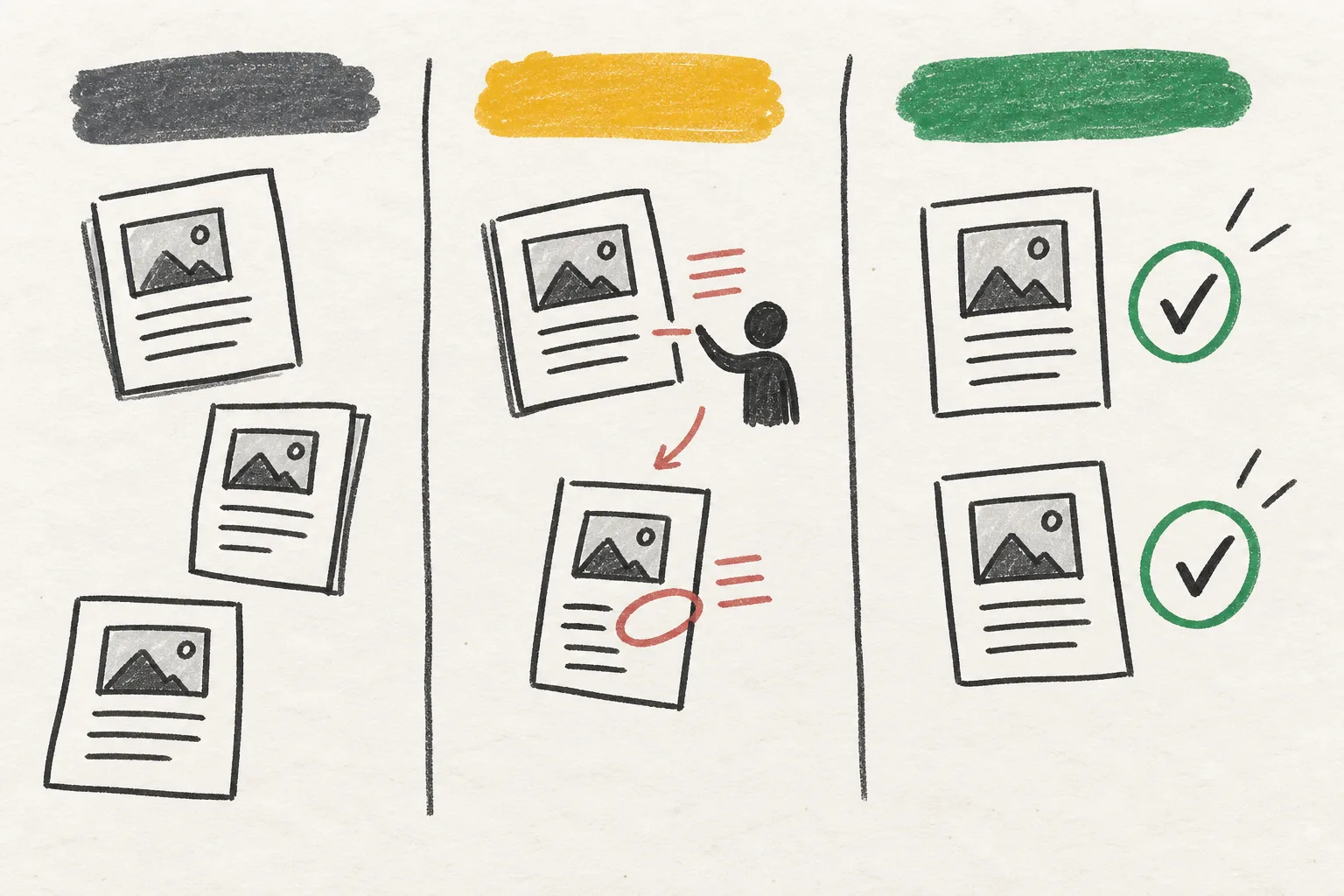
Instead of placing every topic on a calendar immediately, I use a few practical stages: source material available, outline ready, draft ready, review needed, scheduled, and published. That way, a product launch does not get a blog slot just because a date is open. It moves when the information is good enough to support an article.
This is also where product context earns its keep. A useful ecommerce article needs accurate product details, collection links, images, and claims that the store can actually stand behind. If those inputs do not exist yet, a draft may be premature.
I still keep an eye on seasonal timing. But the calendar comes later, after a post has enough material to survive a review. Dates are a delivery tool, not proof that a topic is ready.
The automation handles the repeated assembly
Once I had a clearer queue, I stopped wanting to hand-build every article from scratch. The repetitive work is predictable: form an outline, structure headings, draft metadata, find relevant internal links, prepare visuals, and put the piece into a draft or schedule.
Supra Blog Automation is designed for that part of the workflow. It can generate Shopify blog posts with product context, internal links, images, SEO structure, and a publishing choice. The part I like is that it can publish immediately or keep a post as a draft. Automation does not have to mean giving up the last look.
I set the preferences around the kind of work I actually want: informational guides for collection pages, soft product mentions where they belong, image sources that match the brand, and a tone that does not sound as though a product description escaped into a blog post.
The review step is where the store stays itself
I do not review every comma with equal intensity. That would defeat the point. I review the parts that can do real harm or feel obviously off: product claims, pricing references, fit or safety information, customer-facing language, outdated collection links, and any line that sounds too certain.
For an ordinary informational guide, the review can be short. Does the answer arrive early? Are the headings clear? Is the product mention relevant? Are the visuals appropriate? Are the internal links helpful rather than forced?
For a sensitive topic, a launch announcement, or a post that makes a material claim, I slow down. The queue makes that difference visible. A draft is not a failure state. It is the space where a post becomes safe enough to publish.
Internal links stopped feeling like homework
When I planned content from product and customer context, internal links became much easier to place. A sizing guide can naturally point to a collection and a related fit article. A care guide can point to the product page and a material explanation. A buying guide can point to the relevant categories.
The links are not there because an SEO checklist demanded a number. They are there because the reader has a next question. That is the standard I use: does this link save the reader a search, a scroll, or a moment of uncertainty?

What the queue changed for me
The queue made publishing feel less like a recurring act of willpower. I could see which posts had the material to move, which ones needed a product update, and which ones were still just a loose thought. It also made content more connected to the store, because each article had started with an actual customer or merchandising need.
A calendar still exists at the end of the process. It is where I place ready work around launches, promotions, and seasonality. But it no longer has to perform the impossible task of turning vague themes into finished articles.
My next step is simple: I am taking the next five content ideas and rewriting each as a question tied to a product, collection, or customer problem. If the connection is real, it goes into the queue. If it is not, it stays a note until it earns a reason to be published. Supra Blog Automation makes the assembly faster, but the useful decision still happens at the start.