

I stopped reviewing video files first
The first bad product video rarely begins at render time. It begins when a catalog image, price, link, hook, or locale enters the workflow without an owner. I used to discover those problems after export, where every correction felt like a creative request. Now I review the inputs before the first render.

My input card is deliberately plain: product ID, title, approved images or clips, offer copy, CTA URL, aspect ratio, locale, and the person who can approve it. When one of those is missing, the job stays drafted.
Make the template predictable
VideoFlow lets a TypeScript workflow turn structured data into VideoJSON. That makes the template responsible for visual structure while the product brief supplies named variables. A variation can change its hook or format without quietly changing its product identity.
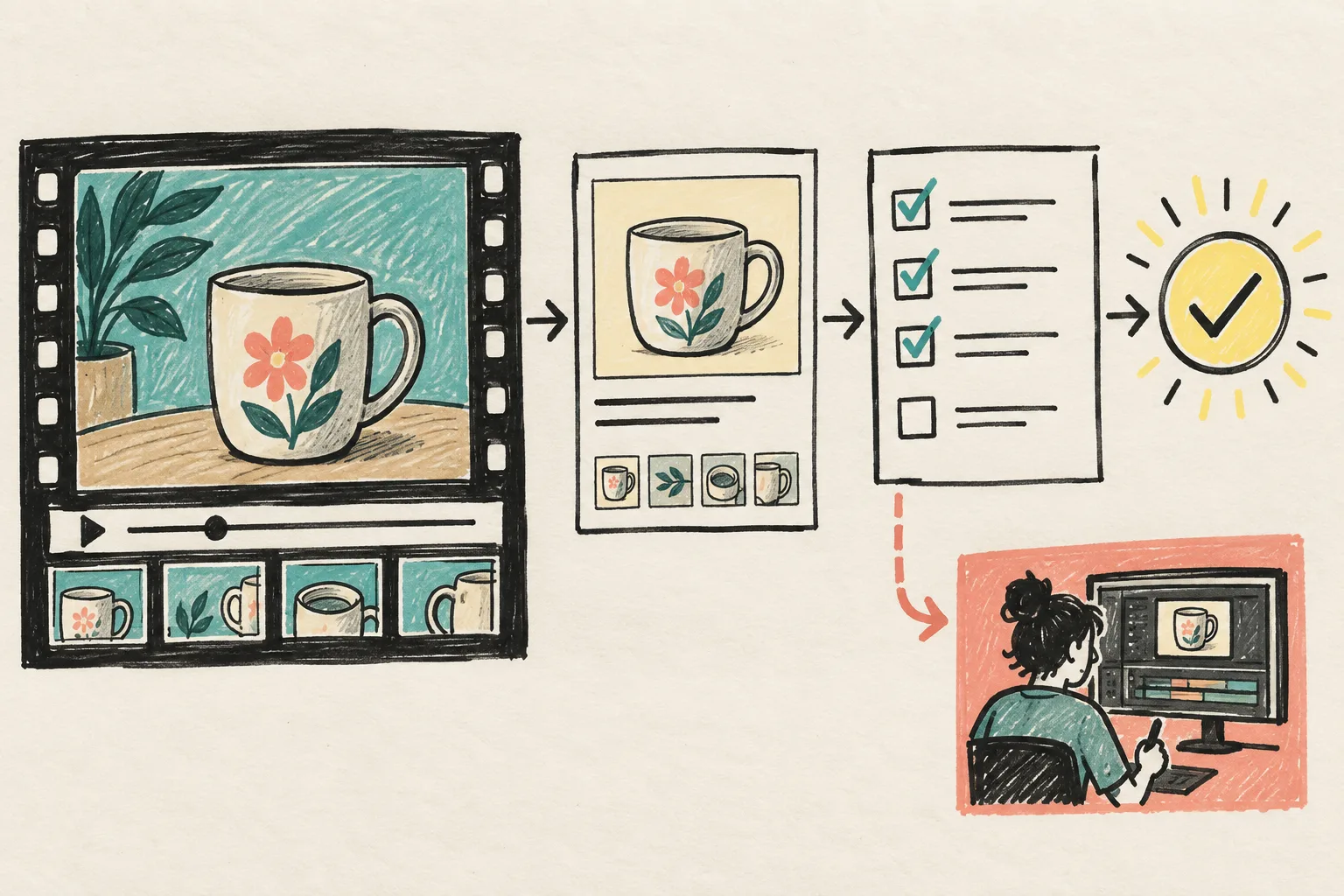
I keep templates narrow: one opening pattern, a known product frame, a CTA treatment, and a limited set of aspect ratios. The point is not to prevent exceptions. It is to make an exception obvious enough to review. The VideoFlow examples are a useful reference for the shape of these structured projects.
Approve the preview, not a promise
A queue item moves from drafted to ready for review, approved, rendering, and delivered. Before approval, I open the preview and check the product media, price, CTA, destination URL, language, and format. That small gate makes automation safer than a shared folder full of exports.

This is close to the review step described in this practical guide. The aim is not to slow work down; it is to catch the mistake while it is still a data correction.
Keep one escape hatch
Some variations need a human adjustment. For that, VideoFlow has a React video editor, which is a better place for an intentional edit than rebuilding an entire timeline for every campaign. I record the adjustment against the queue item so the next template decision has context.
My next action is to take one recurring product-video request, write the actual inputs it needs, and turn those into a review card before rendering. Start with the VideoFlow documentation.