
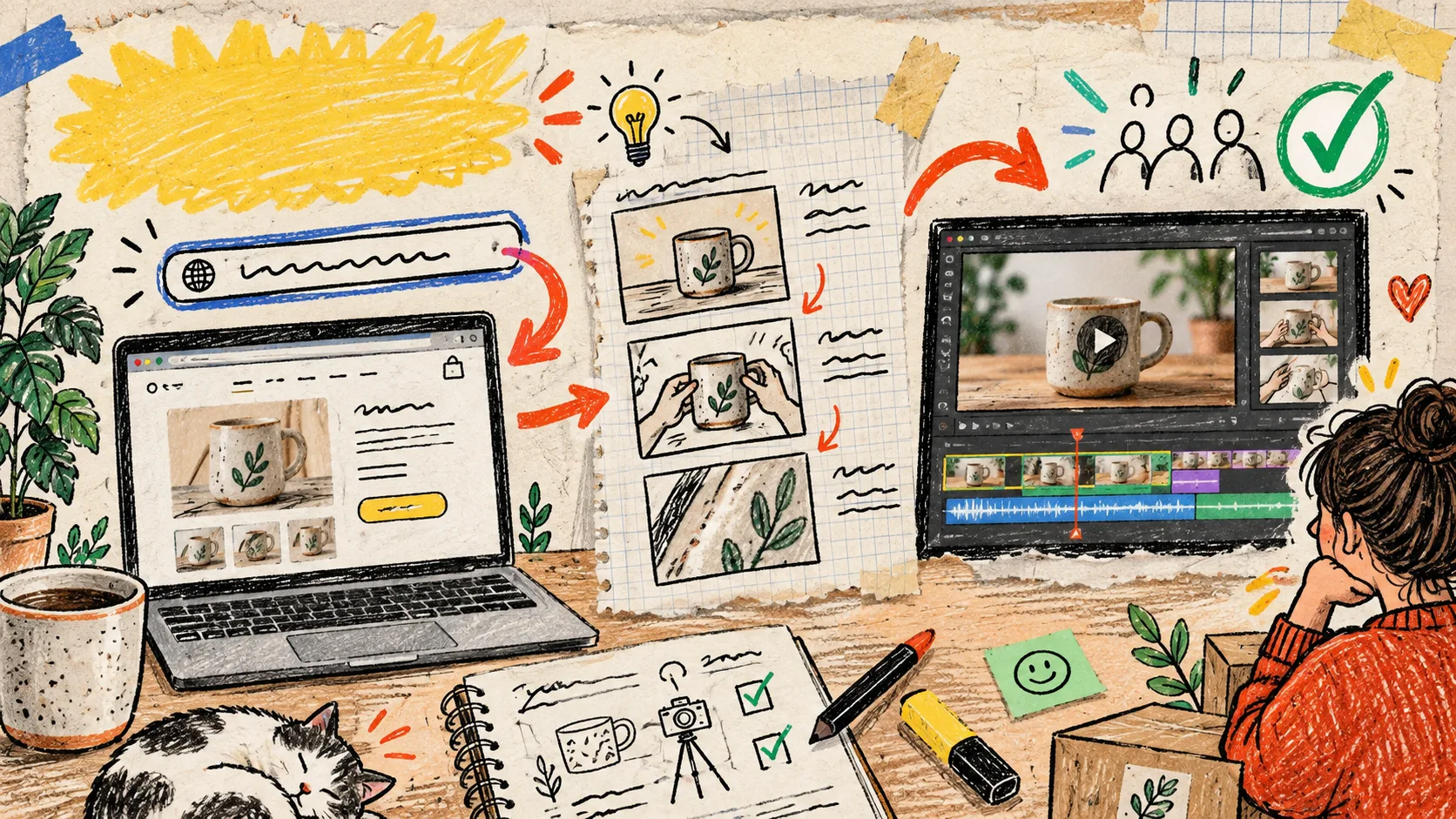
I used to make the same mistake with release videos that I make with product pages: I treated the source material as a pile of assets instead of a point of view. A homepage has a headline, screenshots, testimonials, and a CTA. None of that automatically adds up to a film.
The trick that finally made first cuts more useful was embarrassingly simple: I treated the live URL as a brief to interrogate, not a folder to animate. VideoFlow Studio is built for that sort of starting point. You give it a website URL from your terminal, direct the changes in plain language, and keep an editable video document behind the render.
My three-note URL brief
Before I ask for a render, I write three notes beside the URL. It takes five minutes and stops the film from becoming a slide deck with transitions.
- What is the visitor trying to change? Not the category, the change. “Ship customer updates without a weekly spreadsheet” is more useful than “analytics.”
- What proof earns the next ten seconds? A UI moment, a before/after, a workflow, or a concrete outcome.
- What should someone do after the last frame? Join a waitlist, start a trial, book a demo, or understand one new thing. Pick one.
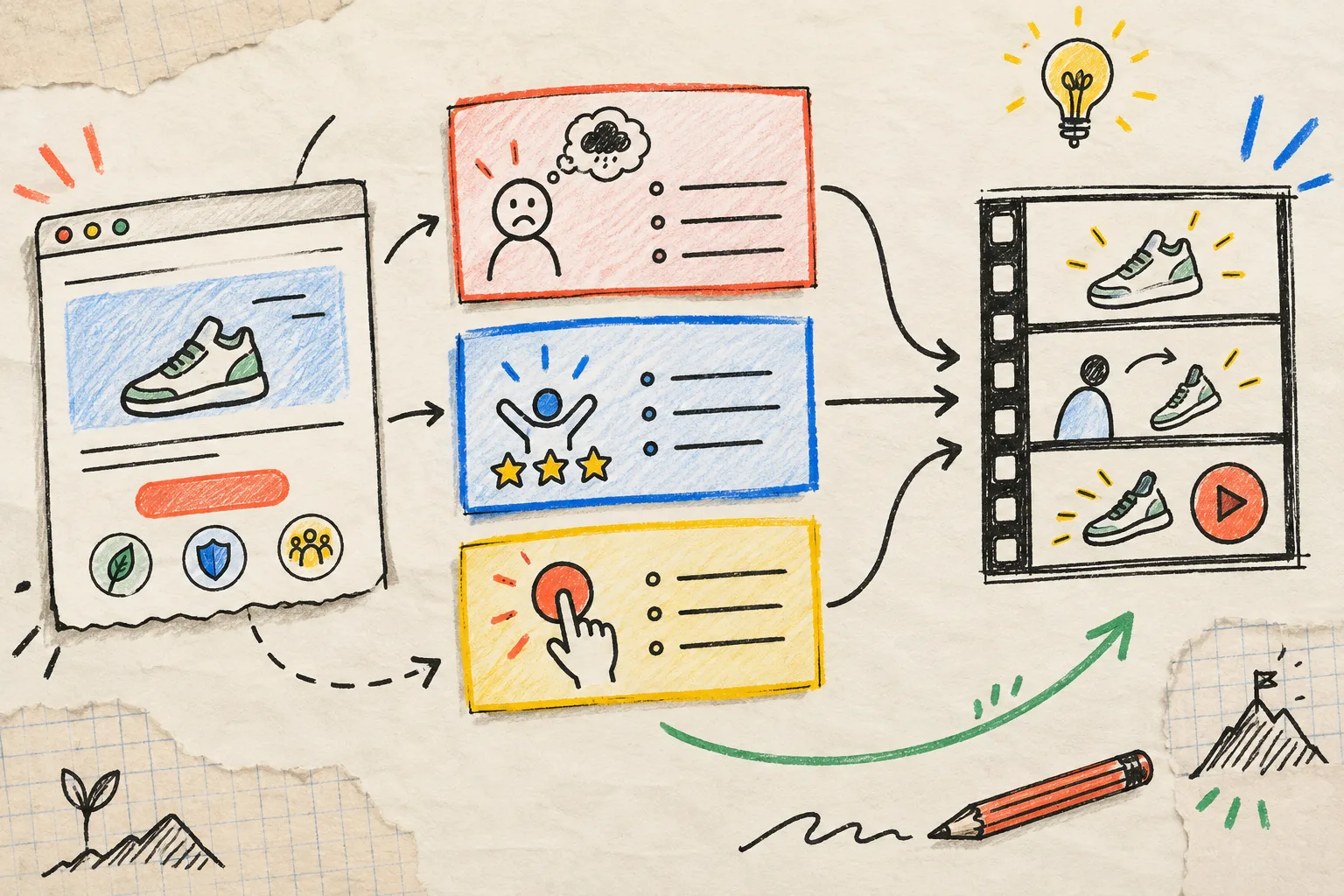
That little outline gives Studio something much better than “make a cool launch video.” It creates a hierarchy: problem first, proof second, action last. For ecommerce operators, it is the same discipline that keeps a product page from burying the buying reason under decorative details.
Give the first cut a narrow job
The first cut is not the campaign. It is a testable answer to one question: can a cold viewer say what this product helps them do?
I start VideoFlow Studio with the URL, then give it a short direction such as: “Make a 35-second launch cut for founders. Open on the operational problem, show the product proof in the middle, and finish with a waitlist CTA. Keep the pacing calm enough for a product page.” The exact runtime will vary by launch, but the constraint matters.
The Studio workflow plans, builds, renders, and visually reviews the motion graphics before delivery. That is meaningfully different from asking a one-shot video generator to guess its way from a prompt to a finished clip. The underlying VideoFlow engine is a separate open-source toolkit for portable, structured video data; Studio is the operator-facing layer for getting from URL to a reviewable film.
If you are trying to build a library of related assets, it also helps to think in reusable jobs. I used that approach when I wrote about product video variations as a system, and it still holds here: one strong narrative can supply the launch cut, a short feature clip, and a quieter product-page version without inventing three different stories.
Review frames, not vibes
A render can feel energetic and still fail the practical checks. I look for: does the opening tell the viewer who this is for? Is the product proof visible long enough to read? Does the CTA arrive after the claim earns it? Are brand colors and type treatment consistent across frames?

That is why visual review is not an optional polish pass. VideoFlow Studio can inspect encoded frames, identify issues such as alignment or contrast, and re-render corrections. I still make the final call, but I no longer need to pretend a first render is an approval-ready deliverable.
For a more explicit human checkpoint, borrow the same principle from this review-step workflow: name who approves the cut, what they are allowed to change, and what makes a version ready to export. A simple three-column note works: keep, fix, question.
Keep the escape hatch
The useful part is not merely that an agent can make the first cut. It is that you are not trapped by it. Studio keeps the output structured and lets you request revisions in a sentence or work in the built-in editor on layers, timing, colors, and text.
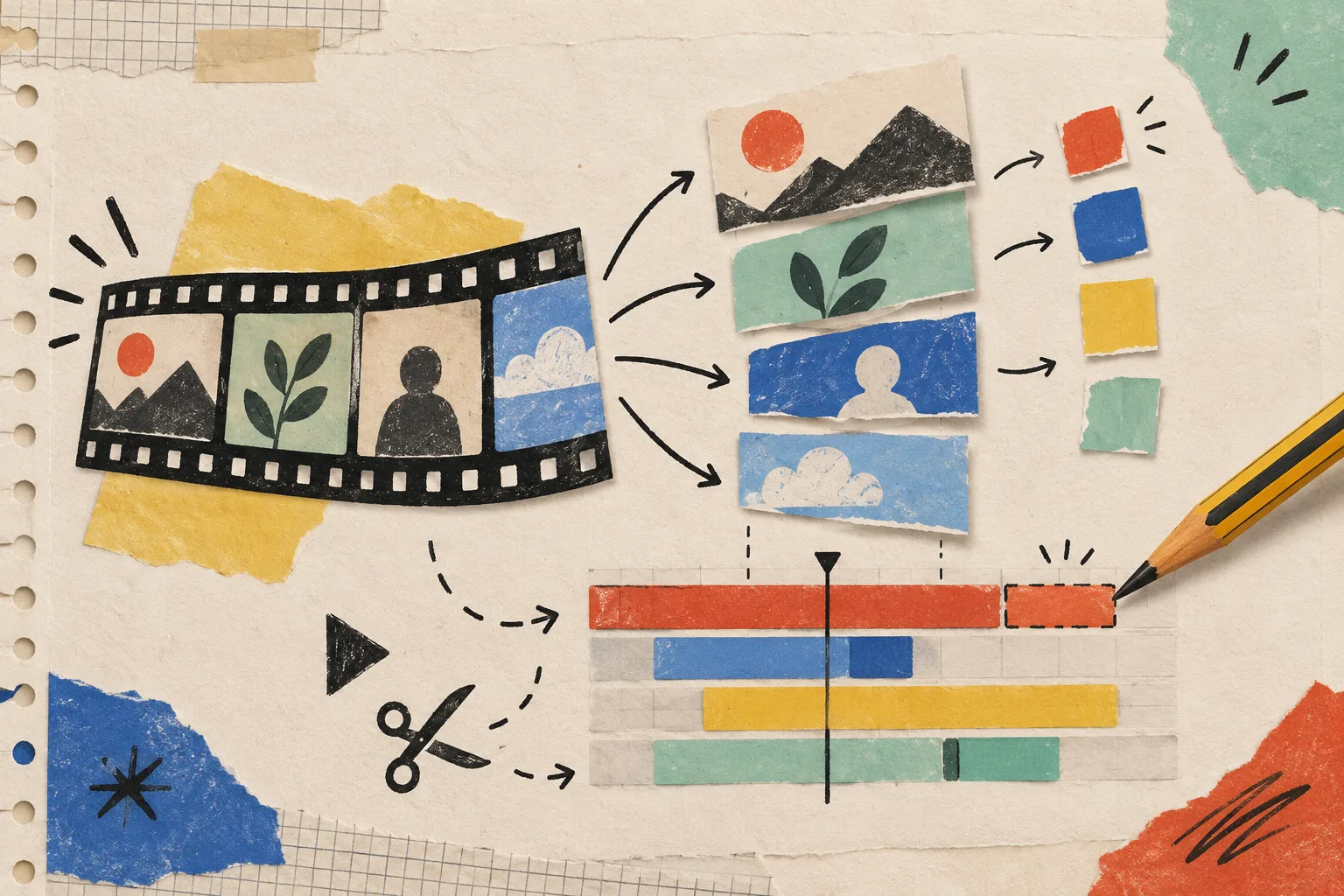
That makes a URL-to-video tool a better fit for a lean team than a locked render when the launch changes on Thursday afternoon. Your proof may move, your offer may change, or a founder may need the end card revised. An editable document turns those into an adjustment, not a restart.
If your release also needs localized versions, keep the same narrative spine and change only the market-specific proof, language, and CTA. This localized template workflow is a useful companion constraint.
The field-note version
Start with the URL, but do not outsource the point of view. Write the one customer change, one proof moment, and one next action. Give VideoFlow Studio that narrow brief, review the first cut frame by frame, then make the final changes while the video is still editable.
That is enough to turn a launch video from “something we should make” into a small, reviewable operating task you can finish this week.