

I used to treat the Shopify blog like a small personal failure waiting in the sidebar. I had ideas, products worth explaining, and exactly zero clean hours to turn all that into a finished post. Every article began as a blank page, which meant every article felt optional.
The fix was not ‘publish more.’ It was making a small, repeatable content queue: one that starts with a customer question, carries a real product or collection through the draft, and still gives me a chance to check the result before it goes live.
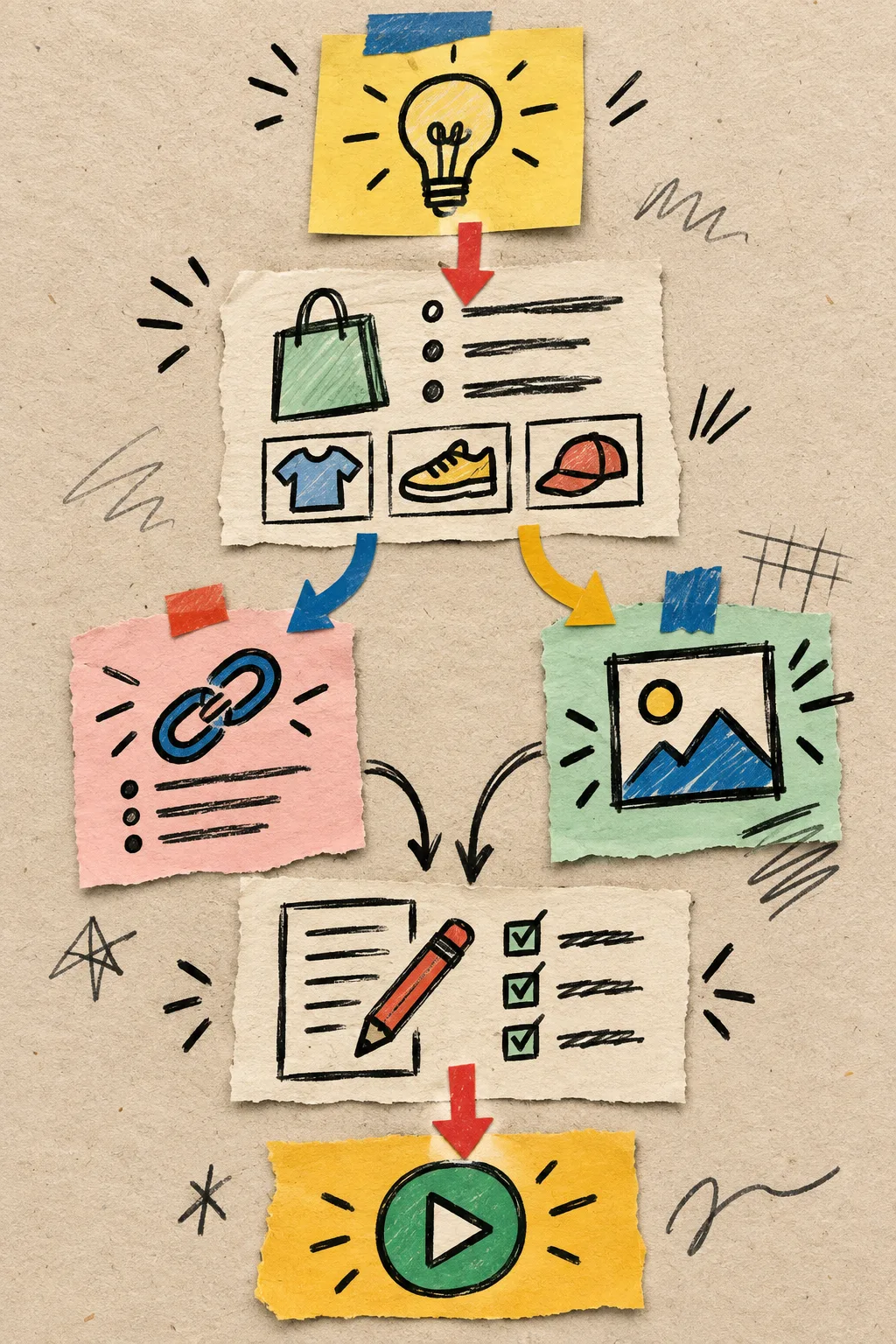
The queue is the unit of work
A content calendar is useful, but it is not enough. Mine used to be a cemetery of ambitious titles. A queue has a next action attached to every idea. It answers: what are we explaining, which product context makes the explanation concrete, what older page should this connect to, and who needs to approve it?
For a small shop, I keep five cards per post:
- Customer problem. Write it in the words people use in support tickets, reviews, or sales calls. ‘Which size should I get?’ beats ‘size guide strategy.’
- Commercial context. Pick the product or collection that makes the post useful. This is what prevents generic AI product blog posts from wandering off into advice your store cannot support.
- One useful angle. A checklist, a comparison, a setup walkthrough, or a seasonal decision. Not all four.
- Two internal destinations. Usually an older article plus the relevant product or collection page. Our earlier notes on organizing Shopify product-page content without theme code are a good reminder that the post and product experience should not live in separate universes.
- A review owner. This can be you. The important part is that automation does not quietly become unreviewed claims.
My tiny content-queue template
I now keep the handoff deliberately boring:
Topic: customer question + search phrase
Product context: one product or collection
Reader outcome: what they can decide or do
Internal links: one older post + one store destination
Visual brief: product image, AI illustration, or stock image
Publish mode: draft review or scheduled publish
That last line matters. The right setting is not always auto-publish. Product launches, health claims, pricing, shipping promises, and anything with legal sensitivity get a draft checkpoint. A lightweight educational post may be safe to schedule once the pattern is proven.

What I automate, and what I keep human
I am happy to automate the repetitive middle: turning a structured brief into a first draft, proposing headings, generating descriptive visuals, preparing metadata, and lining up a publishing date. Supra Blog Automation is built for that Shopify workflow: it can generate SEO-focused posts, use product or collection context, add internal links and visuals, then publish immediately or save a draft.
What stays human is the part that can embarrass the store: product accuracy, voice, strong claims, and the actual reason the article exists. That boundary is surprisingly freeing. The tool is no longer pretending to be the strategist; it is carrying the production load.
This is also why I would not feed an app a vague prompt like ‘write about summer.’ Give it an actual job: explain how a customer chooses between two materials, introduce a collection through a buying guide, or answer the question behind a return. The result has somewhere to stand.
Make internal links earn their place
Internal links work best when they continue the reader’s task. For example, a post about content systems might point to our reviewable seasonal Shopify content calendar and then to a hands-on reusable product-page content system. Someone planning articles is probably also trying to make product information easier to reuse.
That is a better relationship than dropping a pile of ‘related posts’ at the bottom. It gives readers a next move, and it helps a growing store avoid publishing isolated islands of content.
A weekly rhythm that survived real work
My low-drama version is one 30-minute planning pass a week. I add two or three queue cards, choose one to draft, and check the previous post for a natural connection. Then I let the production work happen in a batch.
The goal is not to build a content factory. It is to ensure that when the week gets messy, the blog still has a clear next article instead of another blank page. A recurring schedule is useful precisely because it turns publishing into an operating habit, not a burst of motivation.

Start with one reviewable run
If your Shopify blog has gone quiet, do not create a 52-post calendar tonight. Make one queue card for a product or collection you already know well. Give it a concrete customer question, two useful links, and a review step. Then generate the draft and see where it needs your judgment.
You can install Supra Blog Automation from the Shopify App Store and use that first run as a test of the system, not a commitment to hands-off publishing. The useful outcome is a blog process that keeps moving while your store is busy doing everything else.