

I had a familiar pre-redesign worry on my desk: the Webflow site was still earning its keep, while the next version was about to change navigation, copy, CMS templates, and a few campaign pages all at once. A Webflow backup is helpful, but what I wanted was more specific: a working, portable staging copy I could open somewhere else if the launch got weird.
That changed the job from ‘save the old site’ to ‘prove I can run a static copy of the old site.’ Here is the notebook version of the workflow that held up.
The copy I wanted was not just an export file
For a marketing site with CMS-driven pages, a useful fallback needs to be browsable. It should include the public pages, CSS, JavaScript, images, fonts, and the CMS routes people can still reach from search or old campaign links. A file that only captures text is not much help when the original layout, media, or route structure is the thing a stakeholder needs to review.
That is why I start with a lightweight inventory. I write down the homepage, key collection pages, three or four high-value CMS items, a form page, and any paid-traffic landing pages. If the site has a fragile corner, it makes the list: a filter, a scripted section, an animation, a gated resource, or an old redirect. The point is not a perfect audit. It is a short list I can test later.
For teams with a big CMS, this Webflow CMS static-hosting audit is a useful companion: it turns the vague ‘did we get the content?’ question into routes, assets, and exceptions.
I exported before I touched the redesign branch
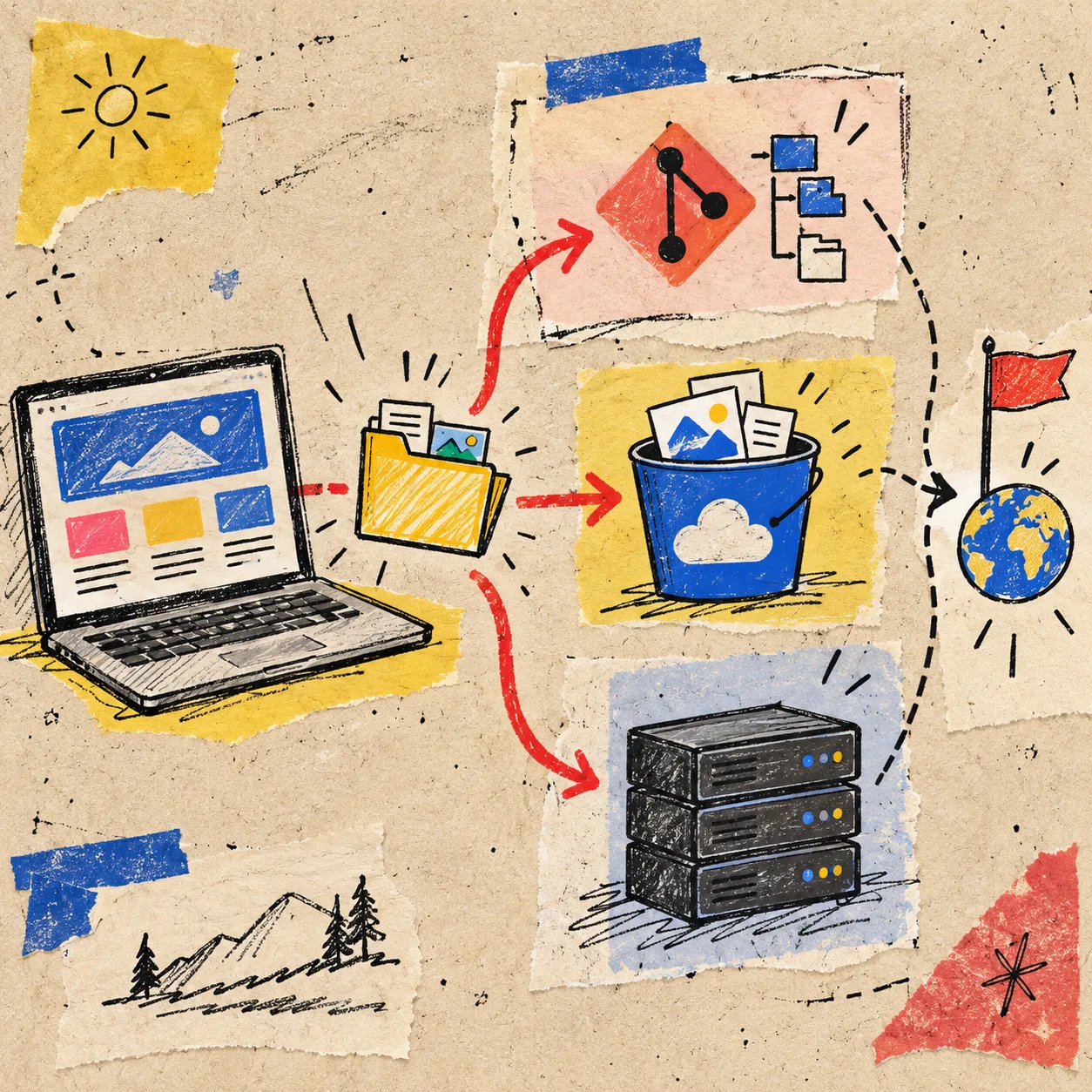
I used ExFlow’s Webflow exporter because the job is aimed at published Webflow sites rather than a generic page download. It can collect pages, HTML, CSS, JavaScript, images, media, and CMS pages into static output, then let you download a ZIP or sync the result to Git, S3, or FTP.
My small rule: export the version visitors can see before changing anything consequential. That gives the fallback a clear timestamp and prevents the uncomfortable question, ‘Which half-finished state did we save?’

I keep the export step deliberately boring:
- Open the public Webflow URL in a clean browser window.
- Run the export from that published URL.
- Save the ZIP with a date and a plain-language label, such as
site-pre-redesign-2026-10-07. - Put the extracted output in a separate staging location—never on top of the live project folder.
- Record the commit or hosting destination beside the redesign brief.
The boring labels matter. A fallback you cannot identify quickly is just another mystery folder.
I tested the visitor path, not every file
A static export is not a promise that every original service becomes static. Forms, search, login, third-party widgets, and server-side behavior deserve an explicit check. But I do not begin by opening hundreds of files. I replay the visitor paths that matter.
My first pass is five minutes:
- Desktop and phone homepage: layout, navigation, images, and loading behavior.
- A representative CMS route: URL shape, hero media, related links, and metadata.
- One campaign landing page: buttons, tracking snippets, and internal links.
- A form or interactive area: document whether it still works, needs a replacement, or should be a static notice.
- One old URL: confirm the redirect plan before moving the copy to a new host.
This is also where I compare the kind of preservation I need. When I archived a collection rather than a whole site, this approach for retaining a retired Webflow CMS collection as static HTML made the scope much clearer. A fallback does not need to be huge; it needs to cover the decision you are protecting.
I separated ‘safe reference’ from ‘ready fallback’

The ZIP is the safe reference. A deployed copy is the ready fallback. I keep both.
The ZIP protects the original export artifacts. The deployed version tells me whether the site can actually live outside its original platform. If I only have the ZIP, I still need to unpack, configure, and test it during an incident. If I have a small static deployment, I can point a temporary subdomain at it, share it with a client, or use it to compare a broken redesign against what customers were seeing yesterday.
For small teams, a Git repository is a satisfying middle ground: every exported version gets a commit, review notes live next to the files, and the output can feed a static host. For a simpler setup, ExFlow can also deploy or sync to Git, S3, FTP, or its own hosting path. Pick the destination your team will remember how to use at 4 p.m. on launch day.
My staging-copy checklist before the redesign moves
Here is the one-page version from my notebook:
- Scope: I know which pages and CMS routes the copy must preserve.
- Source: The export came from the published URL, not an unpublished experiment.
- Assets: Images, fonts, CSS, JavaScript, and media load from the staged copy.
- Behavior: I have noted which forms, embeds, and scripts need a replacement or do not belong in the fallback.
- Routes: Important internal links work and I have a redirect plan for old URLs.
- Ownership: Someone knows where the ZIP, repository, and hosting settings live.
That ownership line is easy to skip. It is also the difference between a backup that reassures one person and a fallback the whole team can use.
The useful part of a staging copy is the rehearsal
The payoff was not merely avoiding platform lock-in. The exercise exposed a couple of vague requirements before they became production bugs: which CMS pages needed to remain indexable, which form had a real business owner, and which old URLs were still carrying paid traffic. The recovery rehearsal in this Squarespace field note follows the same useful rule: test the recovery path before the pressure arrives.
The same thinking works when you are preserving a different builder. ExFlow has dedicated Squarespace and Framer exporters too, though I would keep the test plan platform-specific—animations and responsive details deserve special attention in Framer, for example. If that is your next handoff, this Framer client-handoff guide is worth reading alongside the export.
My next action is simple: before the redesign team changes the next Webflow collection template, I will export the published site, deploy the copy somewhere boring, and ask one teammate to click the five routes I would hate to lose. That is enough rehearsal to make a redesign feel a lot less like a leap.