

My first few attempts at Shopify blog automation had a familiar failure mode: the draft was technically tidy but could have belonged to almost any store. It had a keyword, a few headings, and a CTA. It did not have enough of the actual catalog in it to help a shopper make a decision.
The fix was smaller than a full content strategy. Before I automate a post, I make one product context card. It is a compact source sheet that tells the generator what the post is for, what it may safely say, and where a reader should go next. Supra Blog Automation is useful here because it can work from a topic, goal, product or collection context, visuals, internal links, and a publish-or-draft choice. The card makes those inputs deliberate instead of accidental.

The Five Things on My Card
I keep the card short enough that it gets made. For one product or collection, I write:
- The customer question. Not a keyword dump—the real question a buyer asks before or after purchase. For a ceramic-mug collection, that could be whether a finish is dishwasher-safe or how to choose a giftable size.
- The product-specific answer. One or two concrete benefits, use cases, or selection criteria pulled from the catalog. If I cannot substantiate it from the product information, it stays off the card.
- Proof and boundaries. Source URLs, compatible collections, details that need a human check, and claims I will not let the draft invent.
- The helpful destination. A product, collection, or a related guide that genuinely resolves the next question. This keeps internal links useful rather than decorative.
- The job of the post. Inform, help selection, support a launch, or answer a repeat support question. One job beats a vague request to “write SEO content.”
That is intentionally less elaborate than the full reviewable seasonal content calendar. The calendar decides what should exist; the card gives each individual post enough shop-specific material to earn its place.
Turn the Card Into a Draft Brief
Once the card is solid, I turn it into a simple brief: topic, audience, post goal, the product or collection to feature, and the tone constraints. In Supra Blog Automation, I would generate this as a draft first—not because automation is unreliable, but because product facts and brand voice deserve an owner.
A useful prompt shape is: “Help a first-time buyer choose the right mug size. Use the verified capacity and care notes in the product context. Link to the collection only where it helps selection. Avoid claims about durability that are not on the source card.”
That specificity is what separates product-aware content from the generic output I was trying to escape. It also makes image choices easier: the app can use product images, stock, or generated visuals, but the card tells it what visual evidence is relevant.

Keep Three Checks Human
I still run a lightweight review before a recurring automation releases anything:
- Accuracy: Are the product details, availability notes, and comparisons actually supported?
- Voice: Would a person from this store say it this way, or did the draft slip into generic advice?
- Journey: Does every link earn its click, and is the product mention a useful next step rather than a hard sell?
This is the same reason I like a draft-review workflow over blind publishing. A small review gate prevents a fast system from scaling a small mistake. If you are starting with recurring posts, a reviewable Shopify blog setup is a good companion process.
Let the Card Improve the Next Card
After a post is live, I note two things: which question it answered best and which follow-up question appeared in comments, support, or search data. That becomes the seed for the next card. The result is not “AI writes the blog for me.” It is a steady loop where real product knowledge becomes useful articles, internal links expose the next helpful page, and each post creates a better brief for the next one.
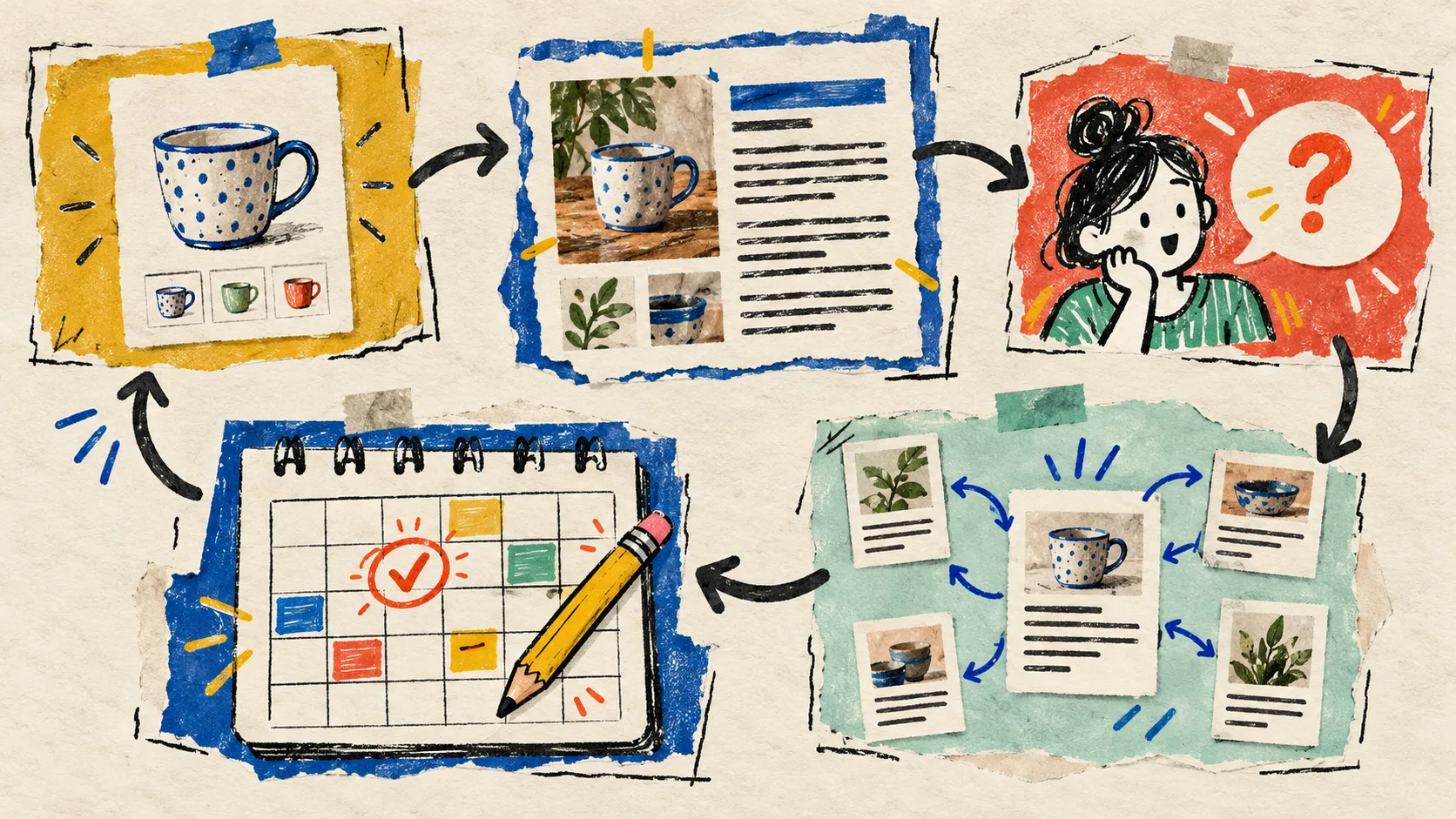
This also makes one product do more honest work. A sizing question can point toward a product-page decision path; a comparison question can support a collection guide; a recurring concern can become a more complete resource. I used a similar principle when turning Shopify content decisions into publishable posts: the operating decision comes first, then the article.
Start With One Product, Not a Content Factory
If your blog is quiet because every post begins with an empty document, do not start by scheduling thirty vague topics. Pick one product or collection that gets repeated questions. Build one context card. Generate one draft with Supra Blog Automation on Shopify, review it against the card, and publish only when the reader journey makes sense.
That first card is a tiny operational artifact, but it changes the quality of everything downstream: the brief, the internal links, the visuals, the CTA, and the next post you decide to make.