

I used to accept launch-video feedback as a pile of comments: make it faster, show the new dashboard, this line is too salesy. Then I would touch every scene, add two new ideas, and somehow lose the point of the film. The fix that survived contact with real launch week was tiny: a scene-change ledger.
It is one page between the feedback call and the next render. It tells me what changed, why it changed, which scene earns the edit, and—just as importantly—which scenes are not allowed to drift. When I am working from a startup site, VideoFlow Studio is useful here because I can start from the URL, direct the work from my terminal, and keep an editable video document behind the render instead of treating the first export as a dead end.
The ledger starts with the audience, not the timeline
Before I note a single requested change, I write one sentence: after this video, what should a specific viewer understand or do? If the answer is “book a demo,” the film needs to make the buyer’s problem, the product’s proof, and the next step easier to see. It does not need every feature someone mentioned in Slack.
That sounds obvious, but it protects the story. In my earlier startup-site-to-launch-brief workflow, I pull a six-beat outline from the homepage before making anything. The ledger is what keeps those beats intact when new feedback arrives.
My four-column scene-change ledger
I make a rough row for every proposed revision:
| Signal | Decision | Scene affected | Proof of done |
|---|---|---|---|
| Sales calls keep asking who this is for | Add the buyer role to the opening | 1 | A first-time viewer can name the audience in five seconds |
| The dashboard moment is hard to read | Simplify the frame, do not add another feature | 3 | Main action has contrast at normal playback size |
| Founder wants a stronger close | Replace only the last card | 6 | One clear action, no competing URLs |
The “decision” column is where vague feedback becomes an instruction. “Make it more premium” is not actionable. “Reduce the opening to one promise and leave space around the product frame” is. The “proof of done” column stops the next review from becoming a feeling contest.
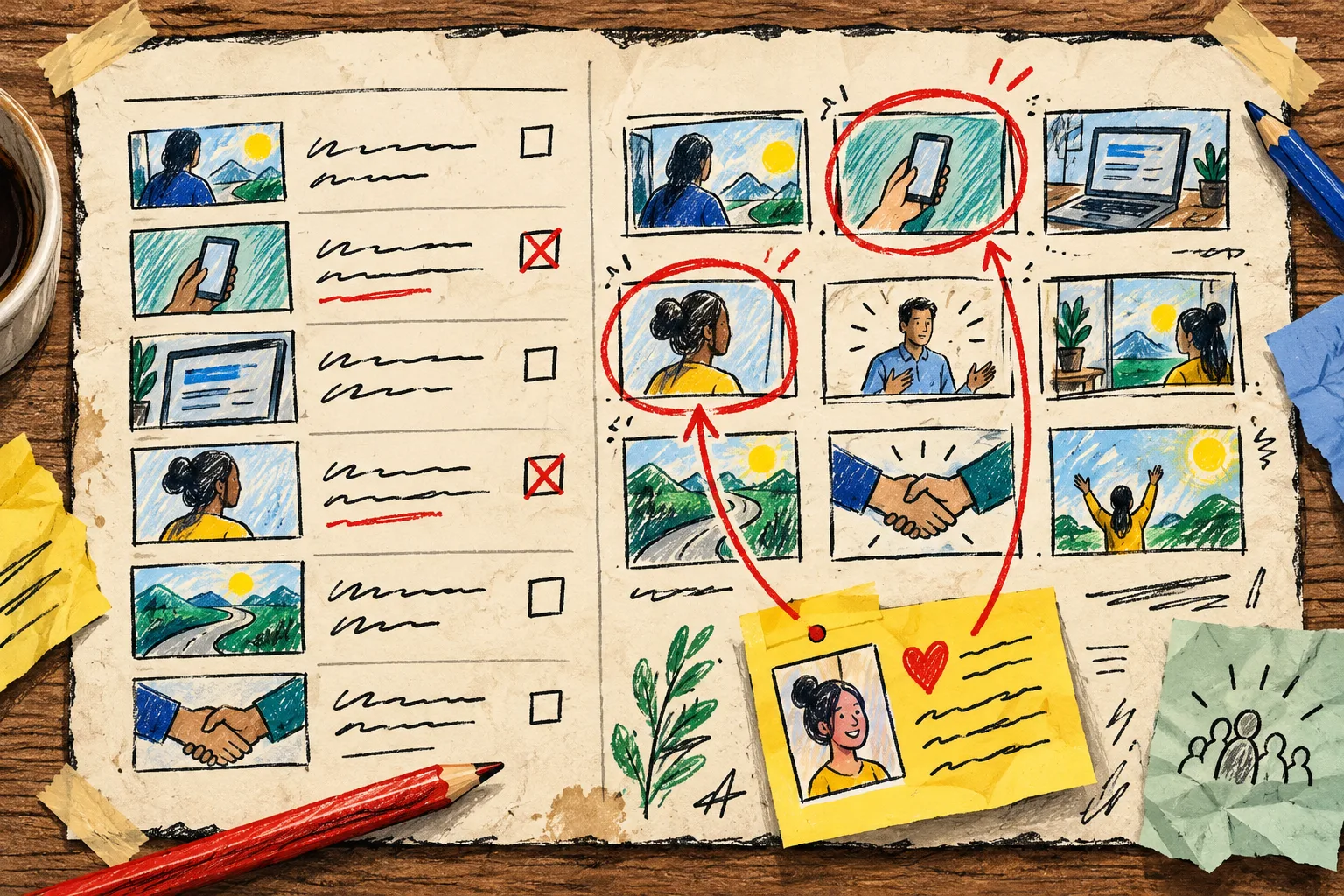
Change one narrative job at a time
A scene has a job: establish the problem, introduce the product, demonstrate a mechanism, show proof, or ask for the next step. When feedback comes in, I first label the job that is failing. If the product is clear but the stakes are not, I revise the problem scene—not the demo, not the end card, and not every transition.
This is also how I avoid turning a useful launch film into a feature tour. A good SaaS demo brief that survives revision gives every beat a reason to exist. My ledger is simply the maintenance version of that idea.
Review the render like a customer, then like an operator
After the narrative changes are scoped, I run two passes. First, I watch without pausing. Can I repeat the promise? Do I know what the product does? Does the final request make sense? Then I pause on the scenes the ledger names and look for practical defects: tiny type, weak contrast, crowded alignment, a transition that masks the useful thing.
Studio’s workflow is built around rendering, visually reviewing frames, fixing issues, and re-rendering; it also keeps manual editing available in its built-in editor. That matters because feedback should not force a choice between “ask the agent” and “take control myself.” I can describe a change in plain language, then adjust timing, layers, colors, or text where the cut needs a human hand.

I had already learned the value of a dedicated review gate for a startup launch video. The ledger makes that gate sharper: reviewers are asked to approve the stated outcome, not brainstorm a replacement film.
Preserve the parts that already work
The fastest revision is frequently subtraction. Mark every scene as change, keep, or watch before you open the timeline. “Keep” is a real instruction. It prevents a late-stage request from accidentally disturbing pacing, music timing, or a proof moment that already landed.
For example, a team may need a new opening statement because their positioning tightened. That does not mean the middle product sequence is wrong. The ledger lets the opener change while the demo stays stable. It also makes the next round easier to delegate: one person can check messaging while another checks the visual frame quality.
Keep the edit portable
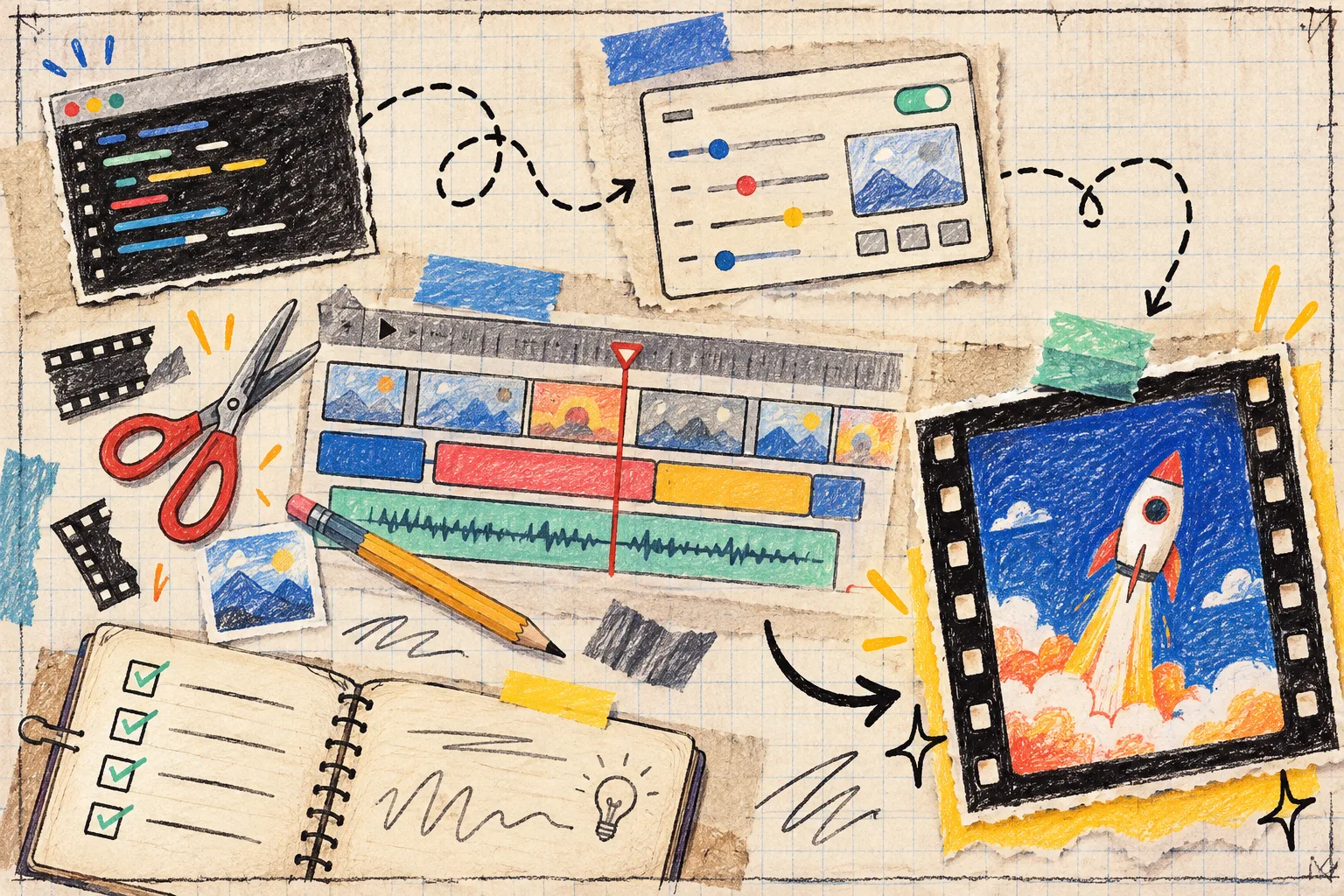
This is the other reason I prefer an editable motion-graphics workflow for product launches. VideoFlow Studio is built on the open-source VideoFlow engine, so the finished work is a structured, editable document rather than a one-shot generated clip. That is a better fit when the launch date moves, release notes change, or the sales team discovers a sharper customer question after the first cut.
If you are comparing routes, be honest about the job. A code-first framework can be the right choice when a developer needs to author a video application directly in React. Studio is aimed at the operator who needs a reviewable first trailer from a website, with a terminal-first agent workflow and an editor still available for details. I would not use either approach as a substitute for a full brand campaign; I would use this one when a structured product story needs to get to a credible first cut quickly.
The next launch-week move
Before the next feedback call, draw six rows: one for each scene, one audience outcome, and one proof-of-done check. Then make VideoFlow Studio revise only the rows that earned a change. You will spend less time re-litigating taste—and more time making the customer story clear.