

I used to treat a Squarespace handoff as a tidy admin task: send the client the URL, make sure the billing email is right, call it finished. That works until they need a backup before a redesign, a staging copy for a campaign, or a version they can host somewhere else. Then the handoff is not really a handoff; it is a set of credentials.
My new rule is simple: before I call a Squarespace project transferable, I make one static copy that someone else can open, test, and deploy. Here is the field-note checklist I use.
Start with a published-site inventory
A static export is only useful if it represents the site people actually see. I first list the public paths that matter: the home page, shop or campaign pages, navigation destinations, legal pages, thank-you pages, and any page that a paid ad points to. I also note the assets that must survive: product photography, videos, downloadable files, fonts, and any custom script.
This is where I stopped relying on a content-only export. The client usually needs a working presentation of the site, not a spreadsheet of page copy. If the site is password-protected for review, I put the owner-provided password in the handoff checklist too; it is a concrete condition to test, not a surprise for later.
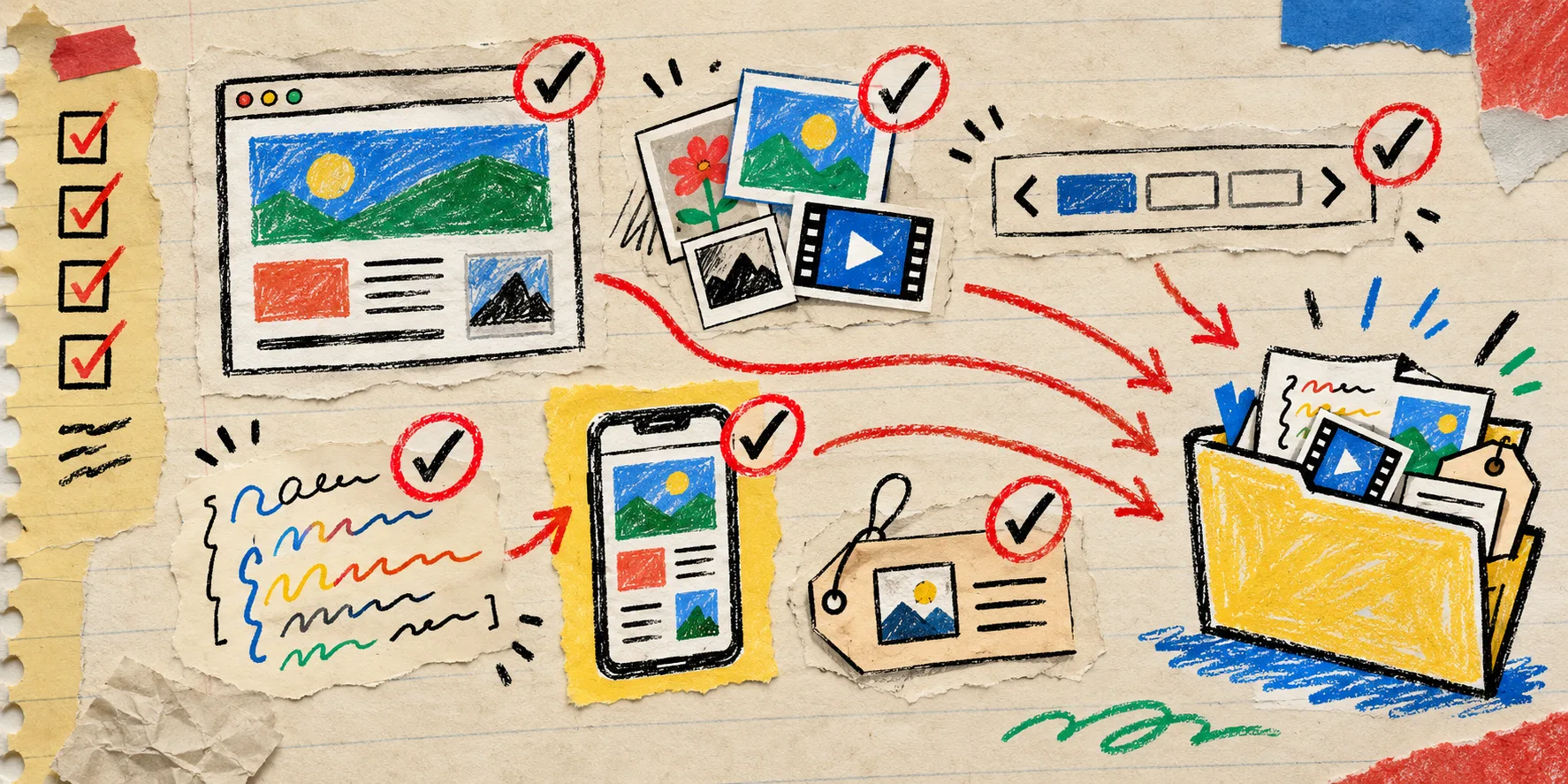
Make one portable build
For the actual copy, I use the Squarespace exporter in ExFlow. I give it the published URL, then ask it to collect the site as static HTML, CSS, JavaScript, and media. That distinction matters: I want the pages and their supporting files together, ready to download as a ZIP or send to a hosting target.
The output choice follows the job:
- For a client archive, I download the ZIP and keep it next to the launch notes.
- For a reviewable handoff, I sync to Git so each correction is visible as a change.
- For an established static host, I use Git, S3, or FTP as the deployment destination.
- When the team just needs a straightforward route, ExFlow Hosting is the simpler managed option.
That is intentionally less clever than it sounds. The goal is not to replace every Squarespace feature with a weekend of infrastructure. The goal is to own a tested static artifact before the project enters a risky phase. My earlier note on testing a Squarespace static export before calling it portable is still the right mindset: export is the beginning of QA, not the end.
Test the copy like a visitor, not like its maker
I open the exported version in a fresh browser profile and walk the short list. Navigation first. Then every campaign CTA. Then the pages that look visually simple but depend on details: image galleries, lazy-loaded media, embedded scripts, newsletter forms, mobile breakpoints, page titles, descriptions, and social preview metadata.
Forms deserve their own line item. A static export can preserve a form’s interface while the submission destination needs a deliberate replacement or a documented exception. I mark that clearly rather than pretending a pretty button is a working workflow. The same goes for redirects and authenticated areas.

Here is the tiny acceptance checklist I send with the handoff:
- Every required page opens directly, including deep links.
- Main navigation and campaign links land where expected.
- Images, video, fonts, and downloads return successfully.
- Desktop and phone layouts are checked at the actual target URL.
- Forms, analytics, redirects, and protected areas are marked working, replaced, or intentionally excluded.
- The client receives the deployment location, a rollback copy, and the date this snapshot was tested.
It is a small list, but it catches the expensive ambiguity. I use a similar rehearsal when moving a Webflow static deployment to a new domain: a launch path is only calm when the rollback path is written down.
Keep the handoff usable after today
A ZIP buried in a drive is a backup, not necessarily a handoff. I include a one-page note with the original Squarespace URL, export date, static destination, person who can deploy, custom-domain status, and the unresolved items from the test. If I have synced to Git, I link the exact revision. That gives the next operator a starting point without making them reconstruct the project from browser history.

The exercise also makes future migration choices calmer. ExFlow has dedicated exporters for Webflow and Framer, but I do not mix platforms into this particular decision. First make the Squarespace site portable. Then decide whether the next version belongs on another builder or on a static host.
If you are doing this for a client this week, start with one published campaign site. Export it, put it on a temporary static destination, and run the six checks above with someone who did not build it. That one dry run turns a vague promise of portability into a handoff people can actually use.