

I had a familiar pre-launch itch: the product page was ready, the photos were tidy, and somebody suggested a whole new creator shoot before we spent a dollar on traffic. I stopped there and sketched the test first. The useful question was not which influencer should we hire? It was: which message, setting, and next step deserve a real production budget?
For that first pass, I use Supra UGC Maker, a Shopify app for building UGC-style product videos with AI avatars, scenes, scripts, speech, and product references. It is not a substitute for a trusted creator telling a real customer story. It is a fast way to turn a product hypothesis into several reviewable video ad variations.
My one-product, four-variable rule
I try not to test a dozen ideas at once. I pick one product, one audience problem, and four deliberately different video cards. Each card changes one primary thing:
- Hook: a friction-first opener, a result-first opener, a comparison, or a small demonstration.
- Scene: kitchen counter, bright studio, boutique shelf, or an everyday setting that makes the use case obvious.
- Presenter: a preset avatar or a custom AI model only when the audience and product call for it.
- CTA: view the product, see the details, explore the collection, or save it for later.
The product stays recognizable. The claim stays supportable. The test is about the angle, not about inventing a different item in every clip. That small constraint keeps the review sane and makes the results useful when the ads reach Shopify.
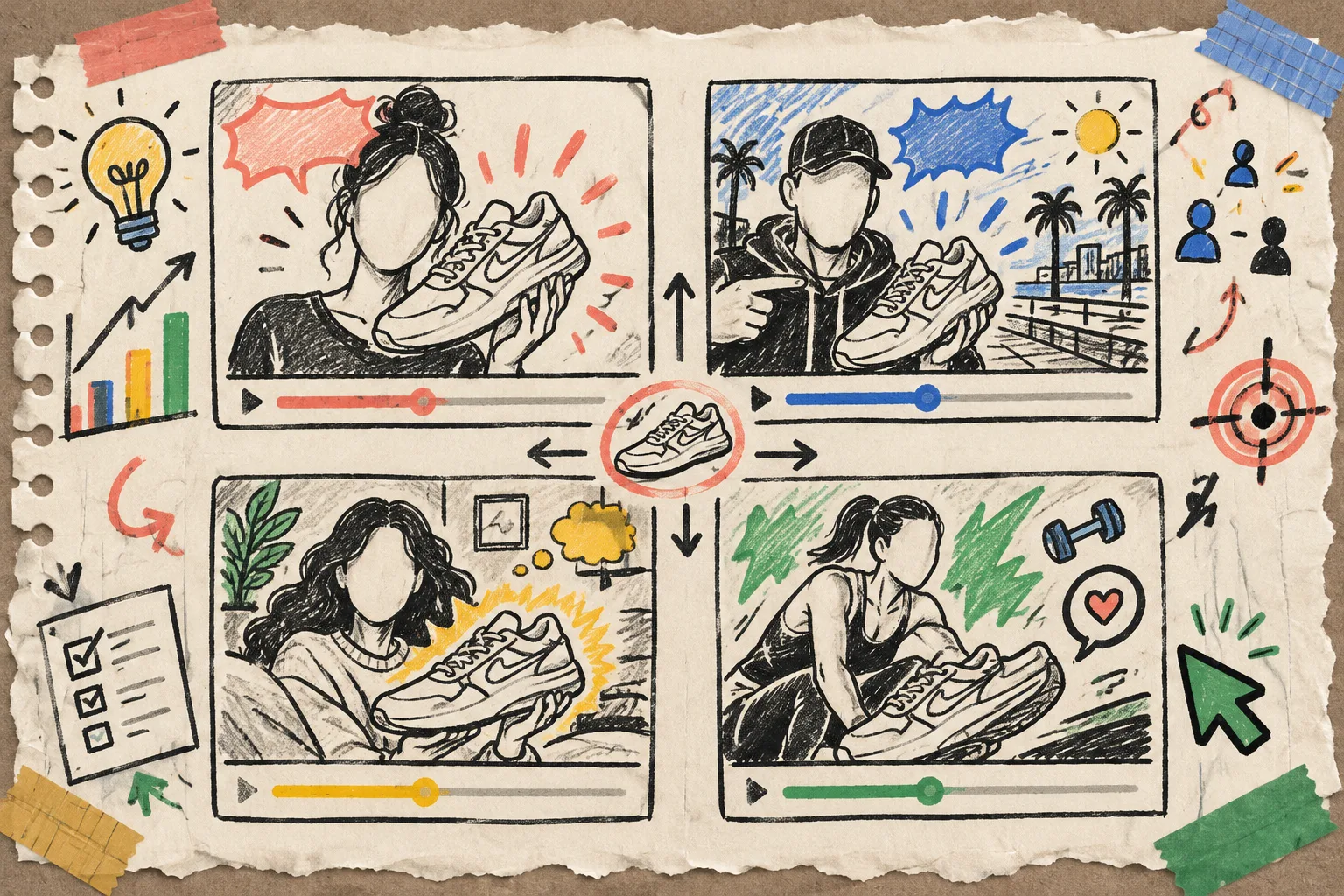
I also write each card as a tiny brief before opening a generator: audience, one tension, one proof point, and one action. That is the same discipline behind my UGC asset contract, except here the contract is small enough to fit beside the launch checklist.
Build the scene once, then change the hypothesis
In Supra UGC Maker, I start with the pieces that should remain stable: product reference, a scene direction, a short script shape, voice/tone, and the use location. I preview before generating, because a scene that feels right for a Reel may feel distracting on a product page.
Then I duplicate the project rather than rebuilding it. One version might lead with the unboxing moment. Another starts with the everyday annoyance it solves. A third gets a quieter, product-page-friendly script. The app lets me reorder, trim, update, and regenerate clips in the project, which is exactly the sort of boring flexibility I want when a launch is moving fast.
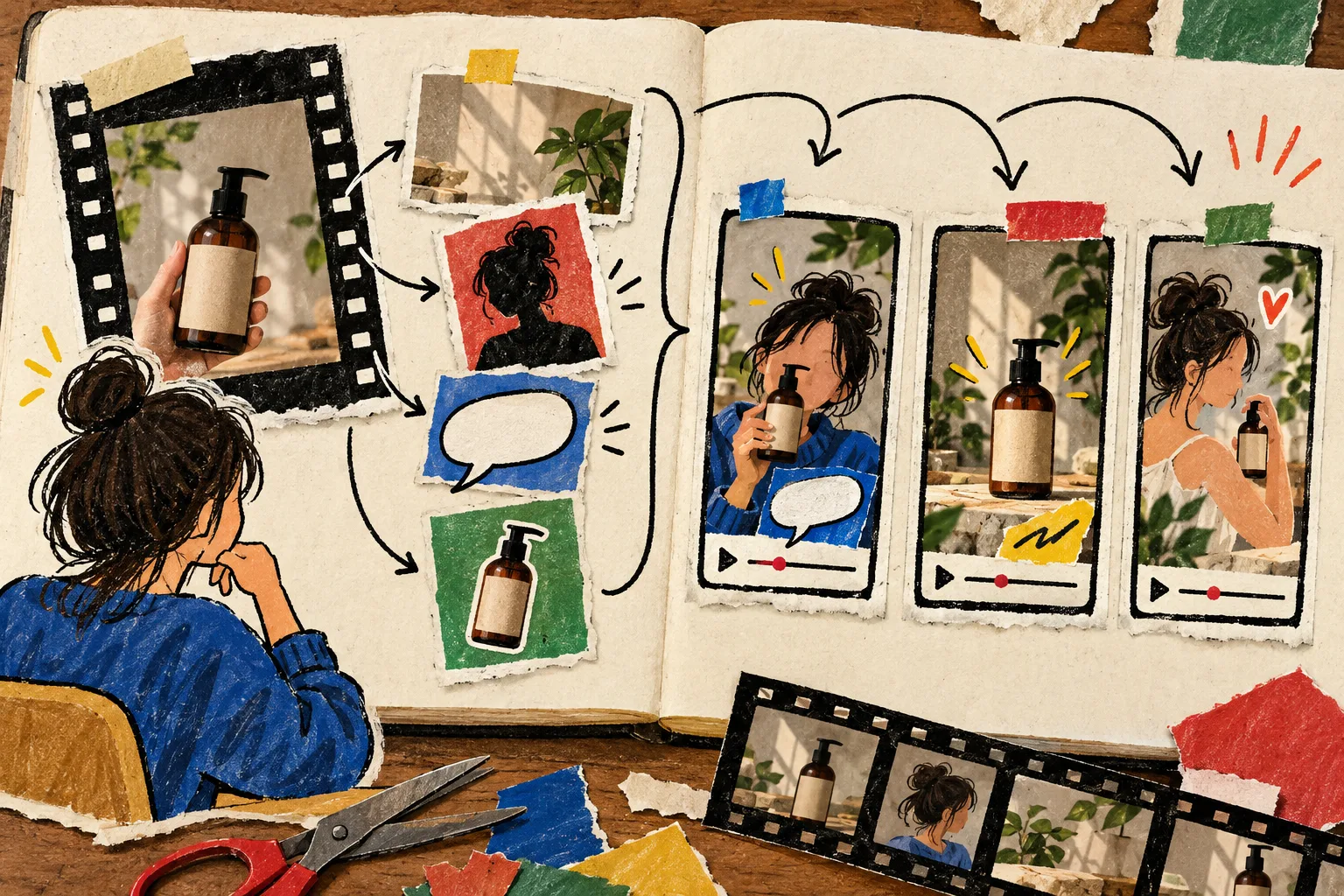
This is where AI UGC earns its place: fast creative testing, explainers, and repeatable launch work. A real creator still wins when the job is community trust, lived experience, or a testimonial only that person can make. I would not blur those two jobs together.
Keep the scripts different in a meaningful way
I see lots of “variations” that are just the same sentence with a new background. My notebook test has four script lanes instead:
- Problem lane: “I was tired of…” followed by the product solving one specific inconvenience.
- Proof lane: a close demonstration of the feature that changes the buyer’s decision.
- Objection lane: answer the hesitation a shopper has before adding to cart.
- Routine lane: show when and where the product fits into a normal day.
If I need raw material, I mine product questions and support notes first. That is much closer to a buyer’s language than a generic “must-have” line. I used the same habit when I turned Shopify objections into video briefs.
Place the winning clip where its job changes
A good short clip does not have to live only in paid social. Once I have a candidate, I label its intended job before exporting:
- Ad: earn the next second with a sharp hook.
- Product page: reduce uncertainty with a clear visual explanation.
- Email: make a campaign feel more like a useful product nudge than another banner.
- Post-purchase: show setup, use, or care before confusion becomes a support ticket.
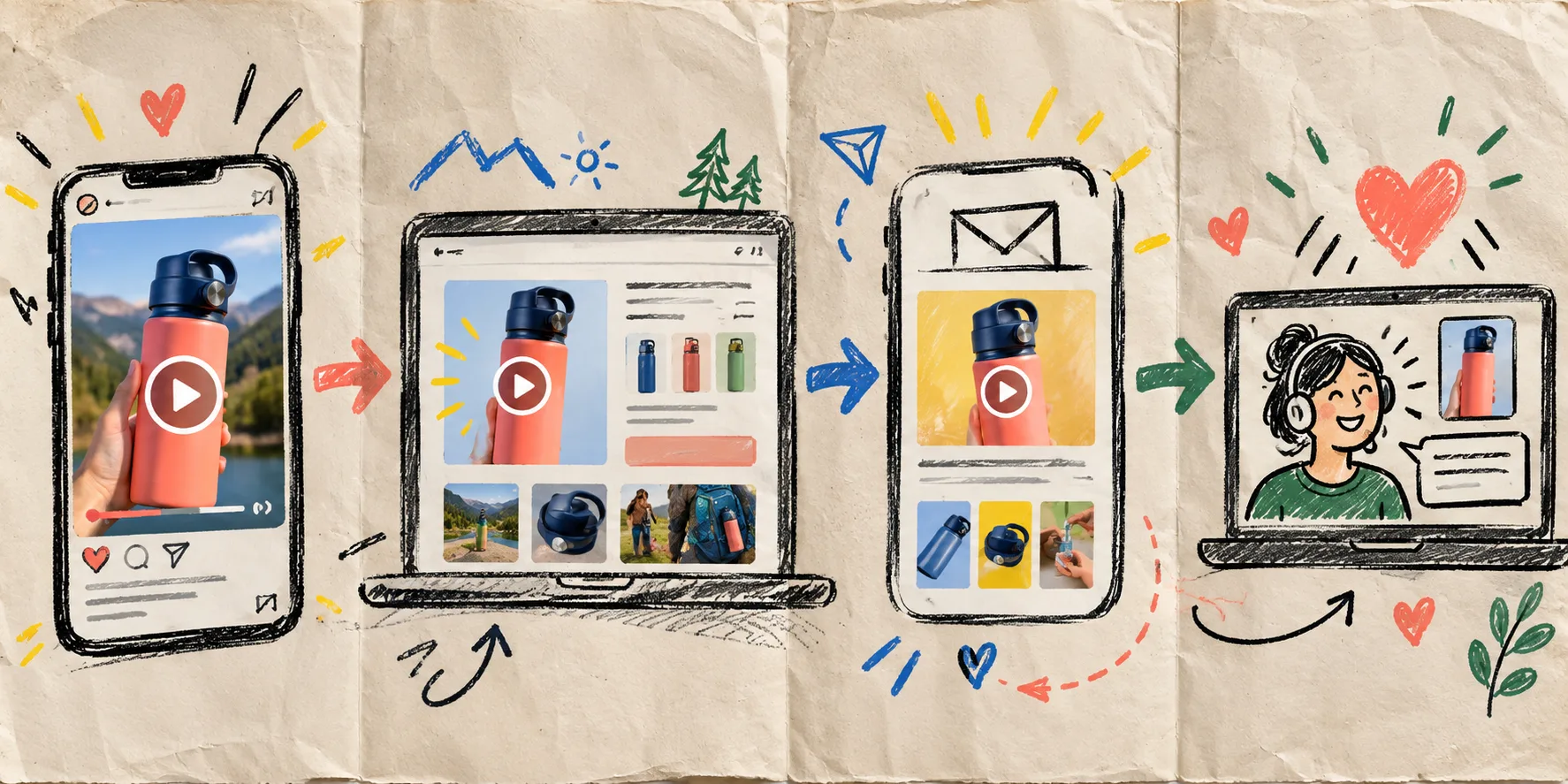
That destination changes the edit. The loudest hook is not automatically the best product-page video. For a launch walkthrough, I keep a separate version with one product promise and a calmer close—similar to the way I build a SaaS update video from one product change.
A compact review gate before anything goes live
Before downloading, I run four checks:
- Is the product shown accurately enough that a shopper will recognize what arrives?
- Does the script make a claim the page can support?
- Is the scene helping the use case rather than competing with it?
- Does the CTA match the page or campaign it will land on?
If a clip fails, I revise the card—not the entire system. That is why I like reusable scenes and projects: the next variation should cost a small decision, not another blank canvas.
The next move I would make today
Open Supra UGC Maker on Shopify, choose one product that needs a clearer explanation, and write four cards before you generate a single segment. Test a hook, an objection, a demonstration, and a routine. Keep the real-creator budget for the story only a real person can tell; use the AI UGC video generator to learn which product story is worth scaling first.
The small win is not “more video.” It is a launch team that knows what to make next.