

A correct size table can still make a shopper guess. I was looking at a tee page with chest and length numbers that were technically fine, yet it gave no clue whether the cut was close, standard, cropped, or intentionally roomy. The chart answered what the garment measures but not how it is meant to feel.
That small missing sentence is where unnecessary size questions begin. So before I publish a new chart now, I add a fit note and test it beside the measurements. It is a tiny bit of merchandising work that makes the rest of the size guide much more useful.
Supra Size Chart is the practical container I use for this: build the chart once, pair it with a labelled measurement guide, and assign it to the products that actually share that fit. The app keeps the chart in Shopify metaobjects, so the sizing system remains the store’s data rather than a paragraph buried in a product description.
First, decide what the numbers describe
The fastest way to confuse a shopper is to mix body measurements and garment measurements without saying which is which. They are both useful, but they answer different questions.
- Body measurements help someone compare their own chest, waist, hip, or inseam to a recommended size.
- Garment measurements describe the item laid flat or measured along a seam.
- A fit note explains the intended relationship between the two: fitted, regular, relaxed, oversized, cropped, longline, or whatever is true for this piece.
I keep those three layers separate in my working notes. If a tee is meant to have ease, I do not quietly present its garment chest as if it were a body measurement. If the chart is based on body measurements, I say that and make the garment silhouette do the explanatory work.
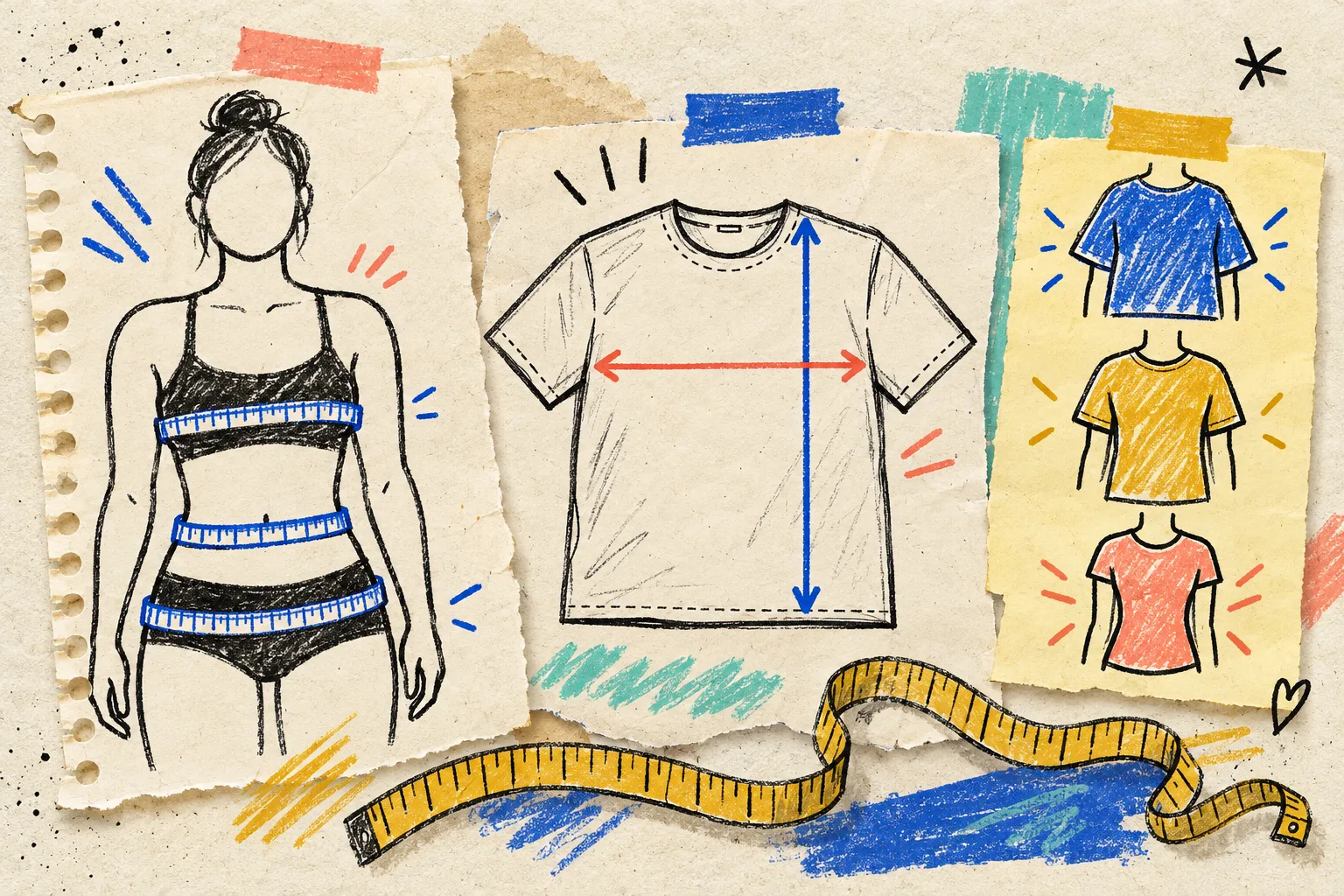
A plain-language fit note does not need a new fiction project. For a regular tee, something like “designed for a standard fit; compare the garment chest with a favourite tee laid flat” is enough. For a roomy sweatshirt, I might say “intentionally relaxed; choose your usual size for the intended roomy shape.” The useful part is that the note names the decision the customer otherwise has to invent.
Write the note from the sample, not from hope
I make the fit note while a real sample is on the table. That stops the copy from drifting into vague sales language. My small checklist is:
- Lay the sample flat without stretching it.
- Record the measurements that matter for this garment: chest, length, waist, rise, inseam, or sleeve length.
- Put a tape on the spots the shopper needs to understand, then make sure the measurement guide points to those same spots.
- Put the item on a person or compare it to the intended block. Is it close, standard, relaxed, or oversized?
- Write one sentence that states the intended fit and one sentence that explains how to use the measurements.
This is also where I catch a bad assumption early. A cropped, boxy knit and a regular-fit tee can both use “Medium,” but they should not inherit the same guidance just because the labels happen to match. That is why I previously split Shopify size charts by fit and product type: product naming is not a sizing system.
Route the chart only to products that share the promise
Once the fit note is honest, the next job is preventing it from landing on the wrong products. I use a shared chart and a shared note only when the measurement method, grading, and fit promise travel together.
For example, a standard tee and a standard hoodie could each have their own measurements but follow the same “regular fit” pattern. An oversized fleece gets its own chart or at least its own visibly different fit guidance. A default chart is helpful for newly added products, but it should be a safety net, not permission to forget the review.
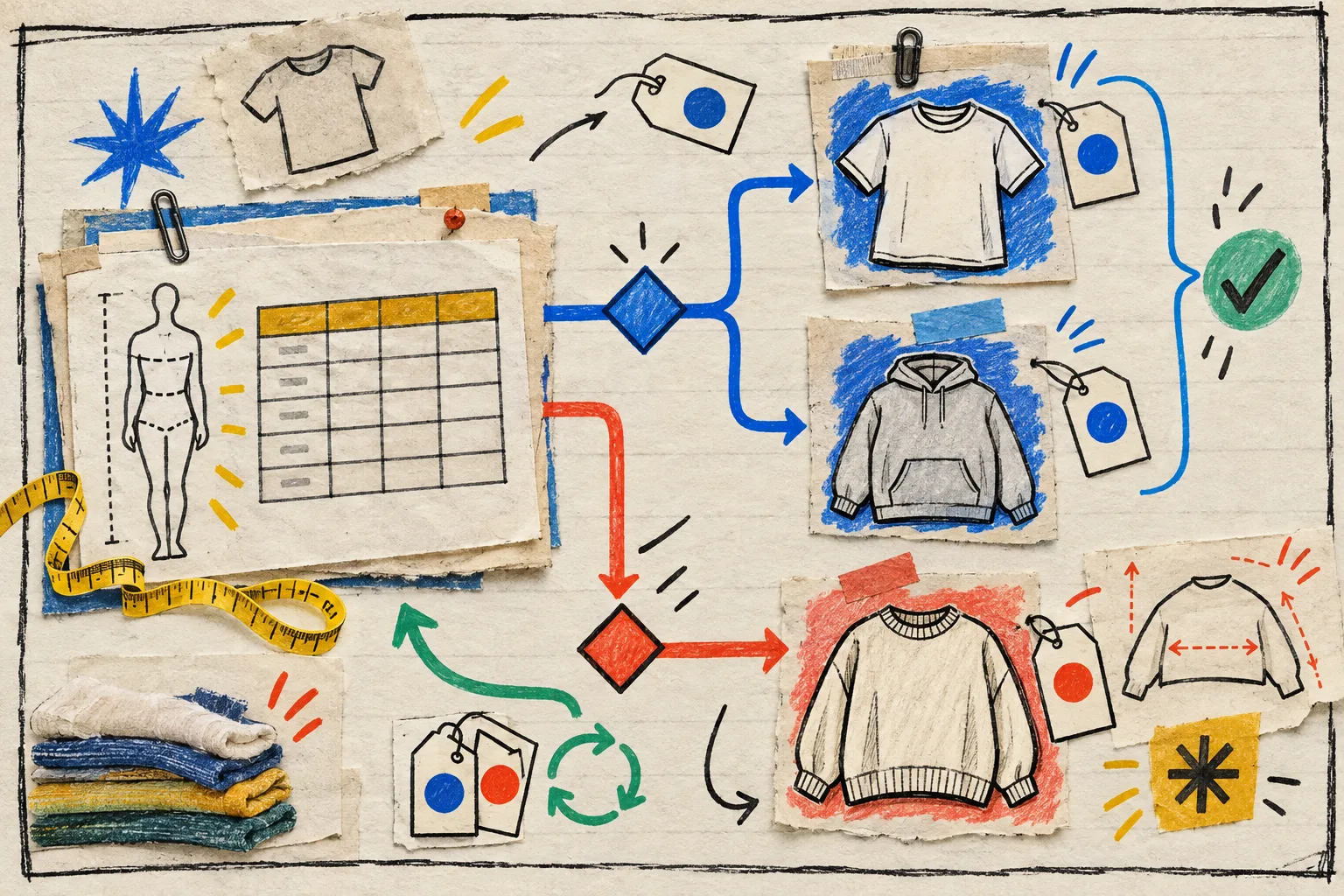
Supra Size Chart lets me target a chart by product, collection, product type, vendor, or tag, with the most specific matching rule taking precedence. That turns a decision made once into repeatable catalog behavior. It is the same reason I like to audit chart coverage before a collection drop: a chart is only useful where it actually appears.
Make the measurement guide earn its space
A measurement guide is not decorative reassurance. It should show the exact points used in the table. If your table says “pit to pit,” a simple labelled garment silhouette can show where that line begins and ends. If someone must measure their body, use the body figure instead.
That pairing matters even more on a small screen. A shopper should be able to see the chart, the guide, and the fit note without opening a second mystery layer or pinching a dense grid. I use the inline, accordion, or modal display mode based on the product page, then make sure the guide remains available at the moment of choice. Keyboard-friendly size chart navigation is part of that same test: clarity does not count if the information is awkward to reach.
My five-minute publish check
Before a size chart goes live, I open a representative product page and ask:
- Does the chart say whether it is body or garment measurements?
- Does the fit note describe this product, not a generic category?
- Do the measurement-guide labels match the table columns?
- Is this item covered by the right rule rather than a convenient default?
- Can I read and use it on a phone without hunting?
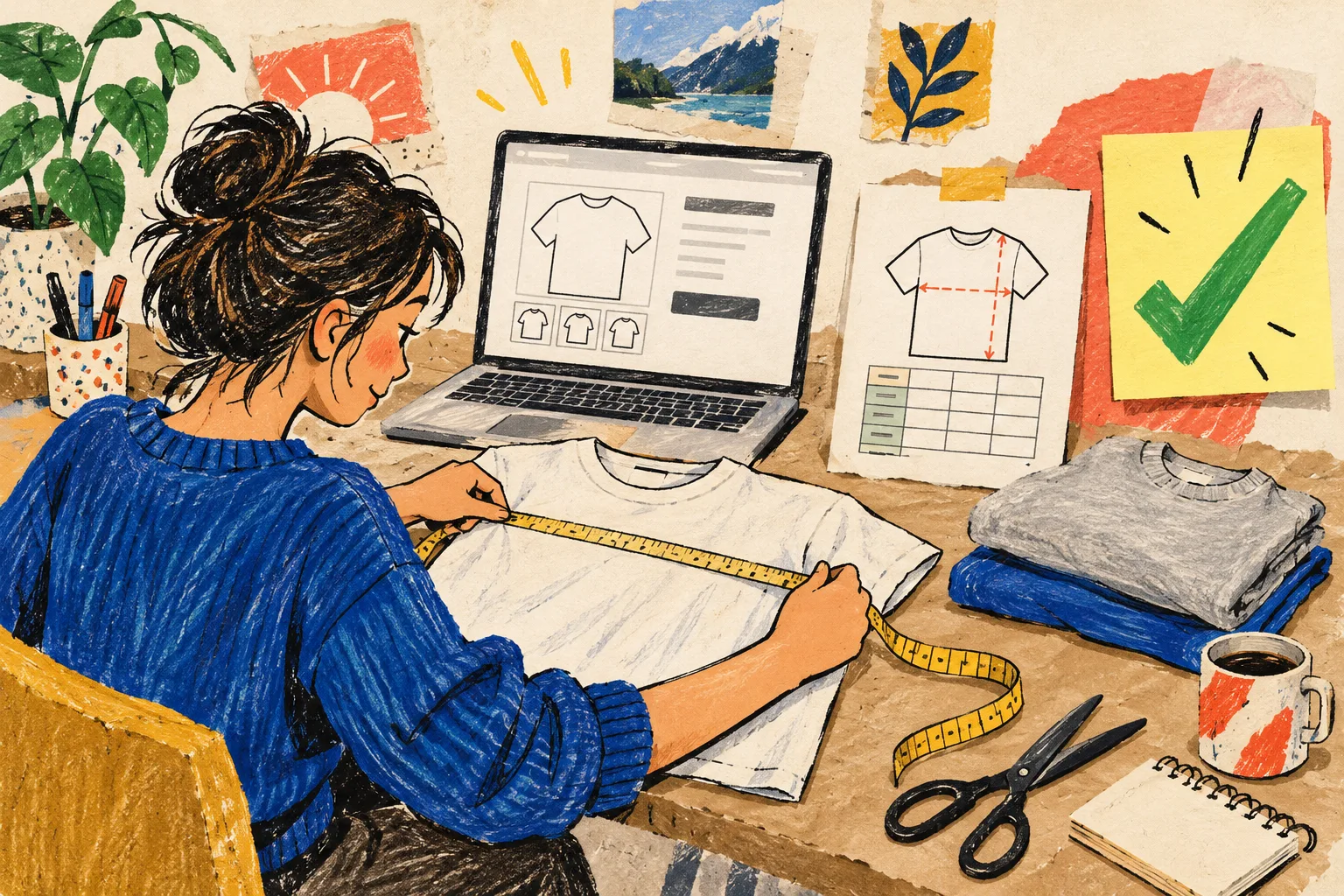
That is it. No promise that a chart erases every return; sizing is still personal and product fit is still real. But a chart plus a visible fit note gives customers a better basis for choosing, and gives the support team fewer avoidable “does this run small?” messages.
If your current guides are accurate but still feel unhelpful, pick one high-traffic product today. Measure the sample, write the fit sentence you would want to read as a buyer, then add it beside the chart. Supra Size Chart on the Shopify App Store is free, and its reusable charts, measurement guides, and assignment rules make that small improvement easier to carry across the catalog.