
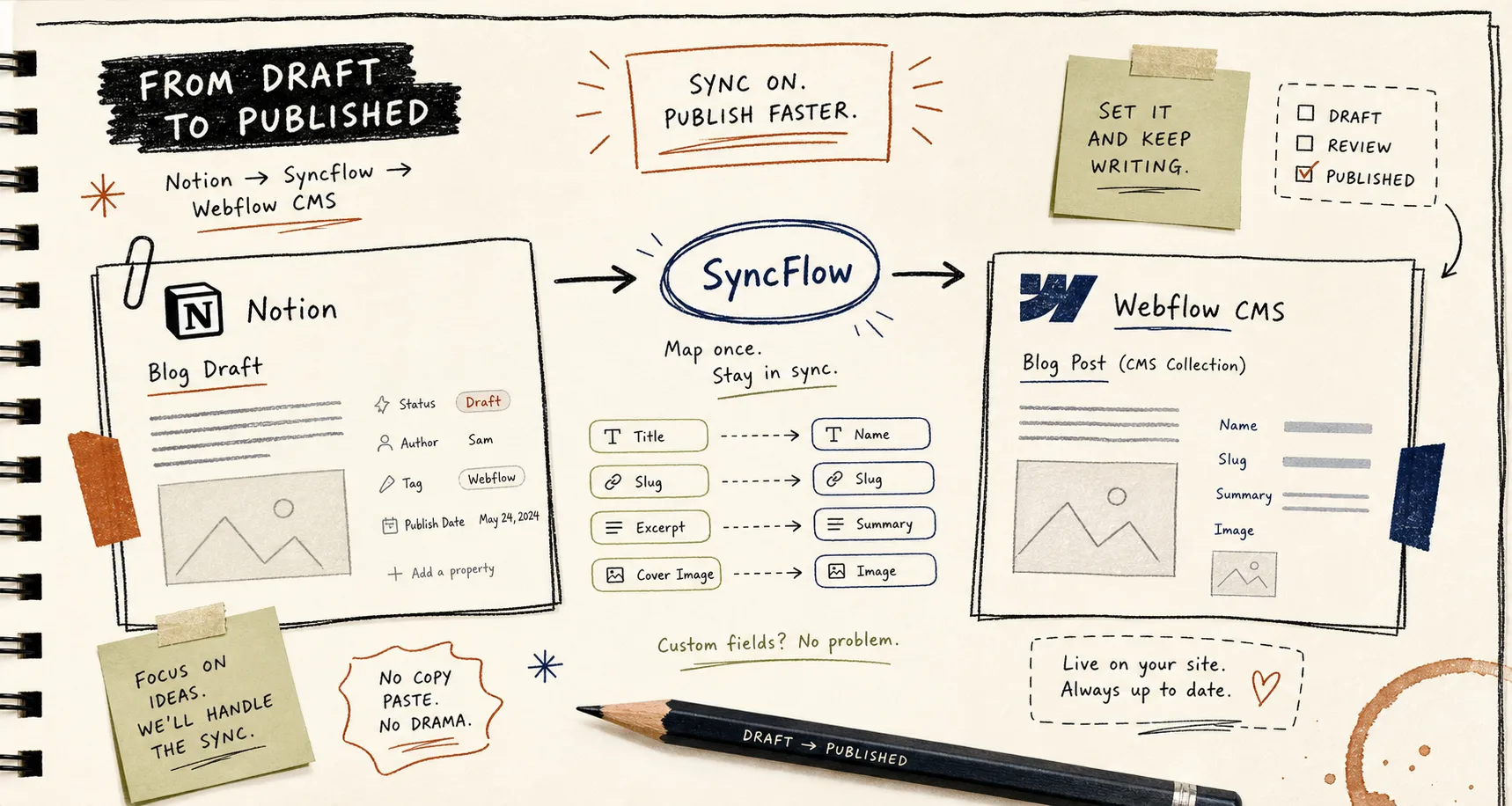
I got tired of copying the same post from Notion into Webflow twice. By the time I had retyped the title, slug, summary, image, and tags, the draft was already out of sync with itself. SyncFlow lives at syncflow.ybouane.com, and the pitch is simple: write in Notion, map the fields once, and keep the Webflow CMS collection in step.
What I like most is that SyncFlow does not ask me to redesign my workflow. It maps a Webflow CMS collection to a Notion database, supports text, images, checkboxes, dates, URLs, page links, code blocks, and TeX, and can auto-sync whenever a Notion page changes. For a small team, that is the difference between a content system and a copy-paste habit.
The first map is the part that matters
Before I touch styling, I decide which fields are actually structural. Title, slug, summary, publish date, cover image, tags, and any custom CMS fields go first. If those are wrong, the rest of the sync is just a faster way to publish the wrong thing.
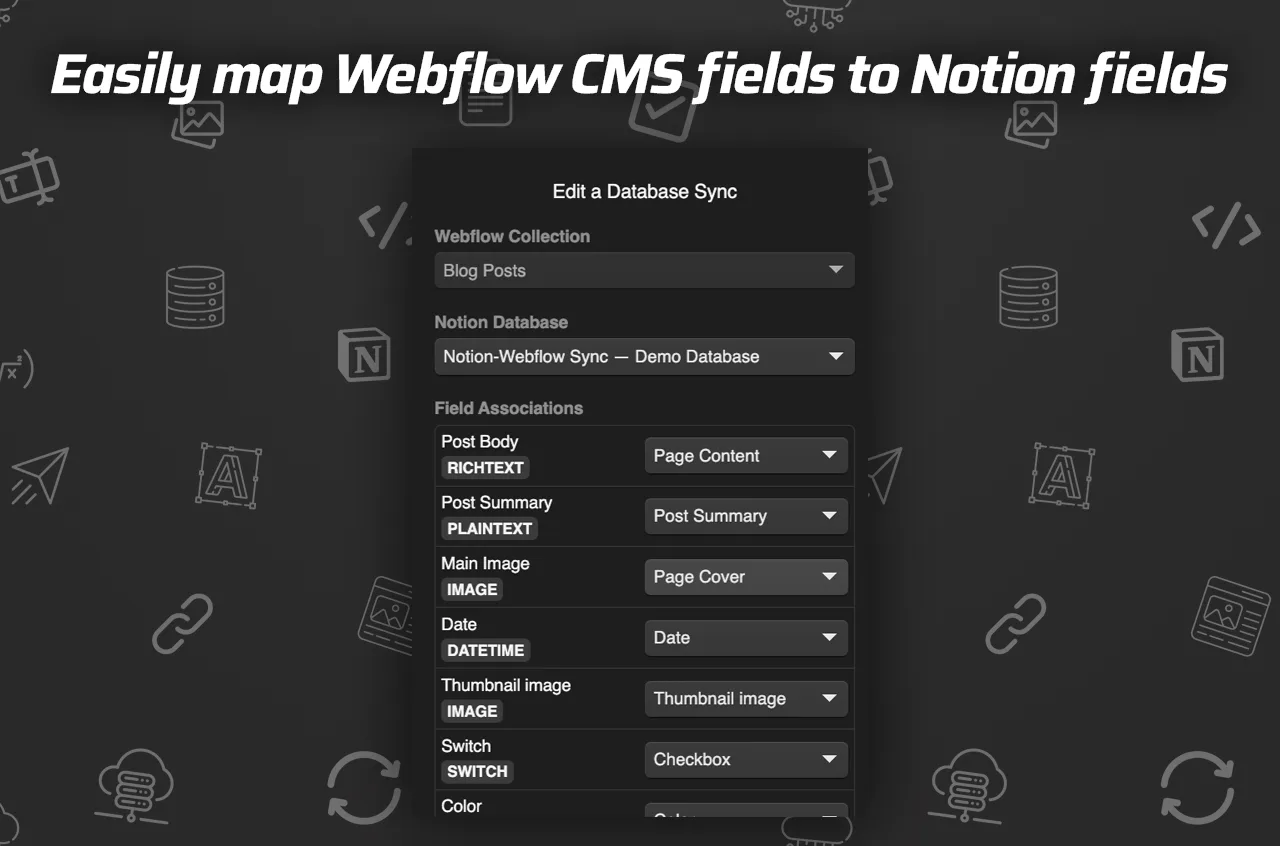
That is the bit I kept running into on other setups, and it is the reason I wrote How to Set Up a Notion-to-Webflow Sync Without Manual Cleanup. If your mapping is solid, most of the cleanup disappears before the article ever reaches Webflow.
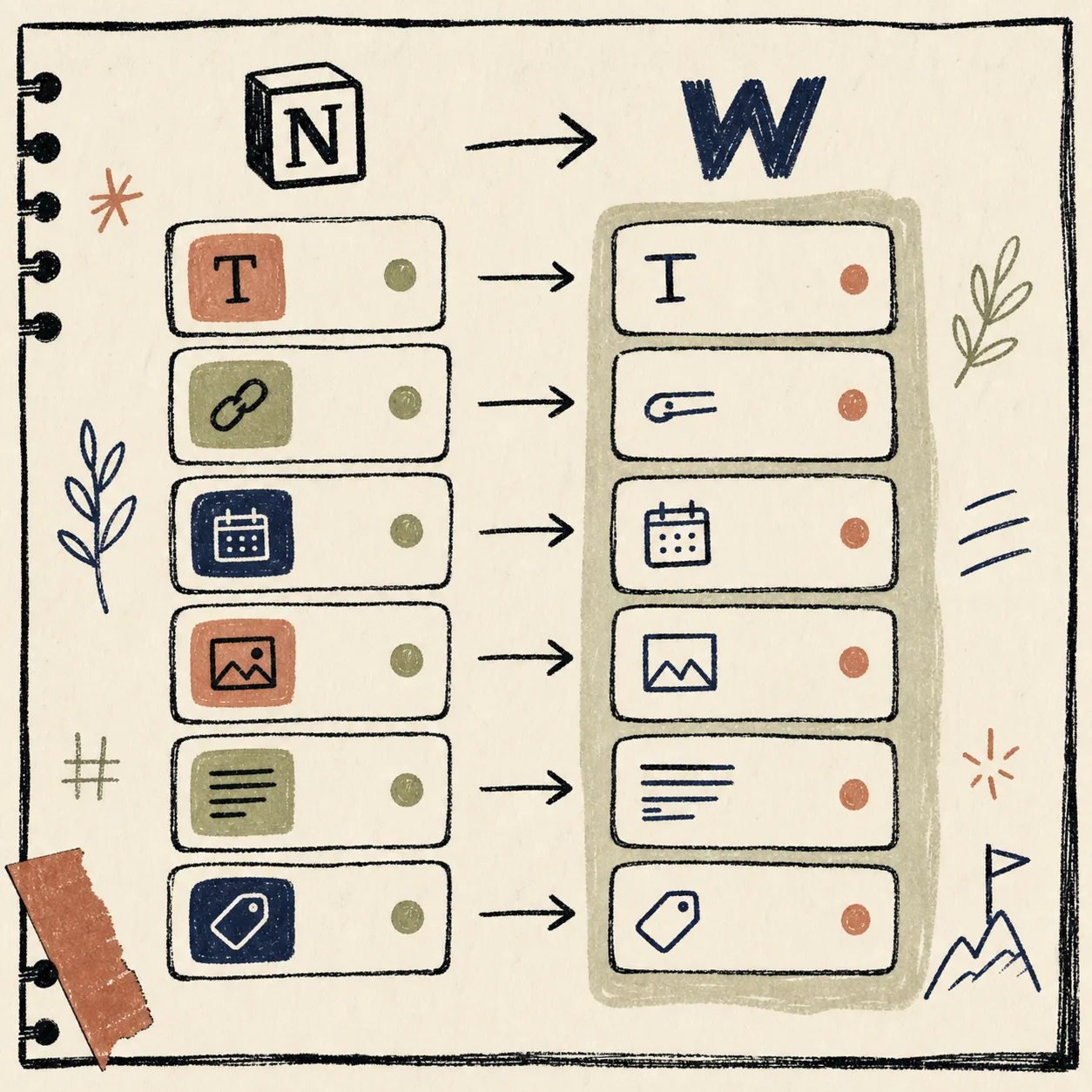
The visual I keep in my head is simple: one Notion database on the left, one Webflow collection on the right, and SyncFlow in the middle making the fields agree with each other. That is also why I think of the setup as a one-time modeling problem, not a recurring publishing task.
The three steps are actually the point
The product says it in three steps, and that is about right:
- Install SyncFlow and connect Notion plus Webflow.
- Map the Notion database fields to the Webflow collection fields.
- Sync manually once, then turn on auto-sync when the mapping looks right.
Once I stopped trying to make the first post perfect, the setup got easier. The first sync is only supposed to prove that the mapping is sane. After that, the system can keep up with me.

That is also the moment where How to Sync Notion Articles Into Webflow CMS Without Manual Rebuilds starts to matter. If the content already lives in Notion, the useful question is not “can I move it?” but “can I stop rebuilding it every time I publish?”
What I turn on first
The settings I care about first are the ones that decide how much of Notion survives the trip.
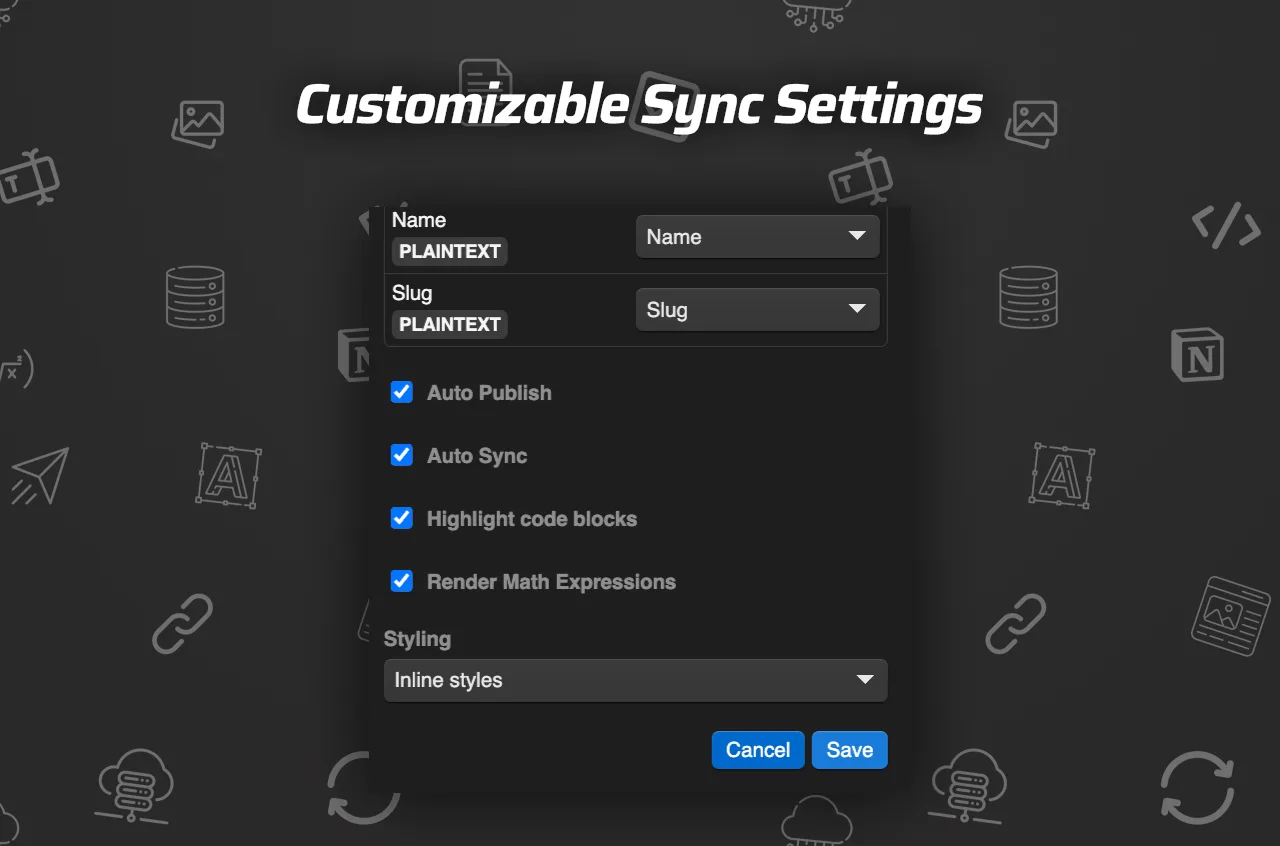
I usually look at these in this order:
- Auto-sync, if Notion is the source of truth.
- Inline styles, when I want Notion formatting to carry through exactly.
- Classes, when I want Webflow to own the final look.
- Code highlighting, if the article includes technical snippets.
- TeX support, if the post needs mathematical content.
- Page linking, because cross-page references should become Webflow links instead of dead text.
That is the part that made How I Map Notion Databases to Webflow CMS Without Rebuilding Pages useful to write in the first place. Once the fields and the formatting rules are settled, the rest of the workflow becomes mechanical.
The other thing I like is that SyncFlow is not just a plain text mover. It supports images, URLs, checkboxes, dates, code blocks, TeX, and links between Notion pages. That makes it much better for content that is already semi-structured before it ever reaches Webflow.
If you want the mechanics spelled out, the product page also points to a full tutorial and a trailer. I do not need to watch them every time, but they are handy when I want to sanity-check the flow.
The checklist I use before I trust a sync
Before I let a new database run unattended, I do a small test pass:
- Create one Notion post with a title, slug, summary, image, and a couple of body blocks.
- Include one page link, one date, and one tag field.
- Sync once manually and inspect the resulting Webflow item.
- Check that the image landed where I expected.
- Check that links between Notion pages became Webflow links.
- Check that the article still looks right with inline styles or classes.
- Only then turn on auto-sync.
That is the kind of boring checklist that saves you from debugging content later.
Where SyncFlow fits in the wider stack
I do not think of SyncFlow as the whole publishing strategy. I think of it as the part that keeps writing and design from drifting apart. If you are trying to make the same content pipeline less fragile, the adjacent problem is often export or hosting, which is why I also wrote How to Replace Webflow Hosting With GitHub Pages Using ExFlow.
The bigger lesson is simple: the less often I manually re-enter content, the less often I break it. SyncFlow helps by making Notion the place where the article lives and Webflow the place where it gets rendered.
If I were setting this up today, I would start with one collection, one database, and one clean field map. That gets me to a working system faster than trying to model the whole site on day one.