
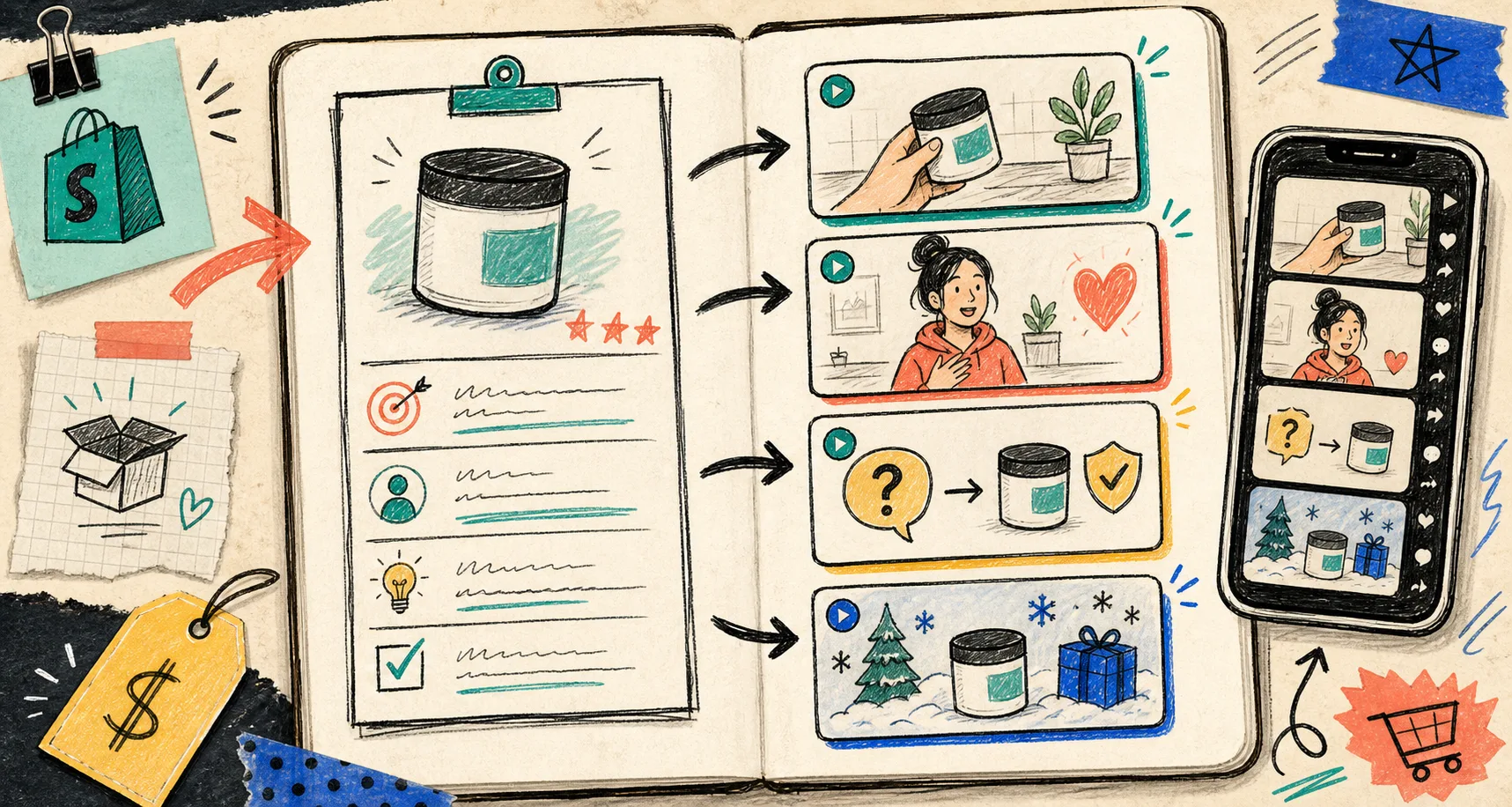
I stopped trying to make one perfect UGC video and started making a launch kit instead.
That shift matters because one video usually answers one question. A launch kit covers the next four questions too: what the product is, why it matters, why a shopper should trust it, and what to do next.
For me, Supra UGC Maker is the tool that makes that repeatable. It lets me split the work into the parts that actually change from one campaign to the next: avatar, scene, product reference, script, and voice or tone. If I want the paid version too, the Shopify App Store listing is the other place I keep handy.
The brief I start from
I do not start with a hook line. I start with a brief that answers five things:
- What product am I selling?
- Who is the shopper?
- What problem do they think they have?
- What proof can I show without overexplaining?
- What should the viewer do after watching?
If those five answers are fuzzy, the video usually turns into generic ecommerce soup. If they are clear, I can generate much better variations without rewriting the whole project.
The useful part of Supra UGC Maker is that I can keep the brief, the scenes, and the clips together in one workflow instead of scattering notes across docs and drafts. That makes it easier to build one asset into several campaign-ready formats.
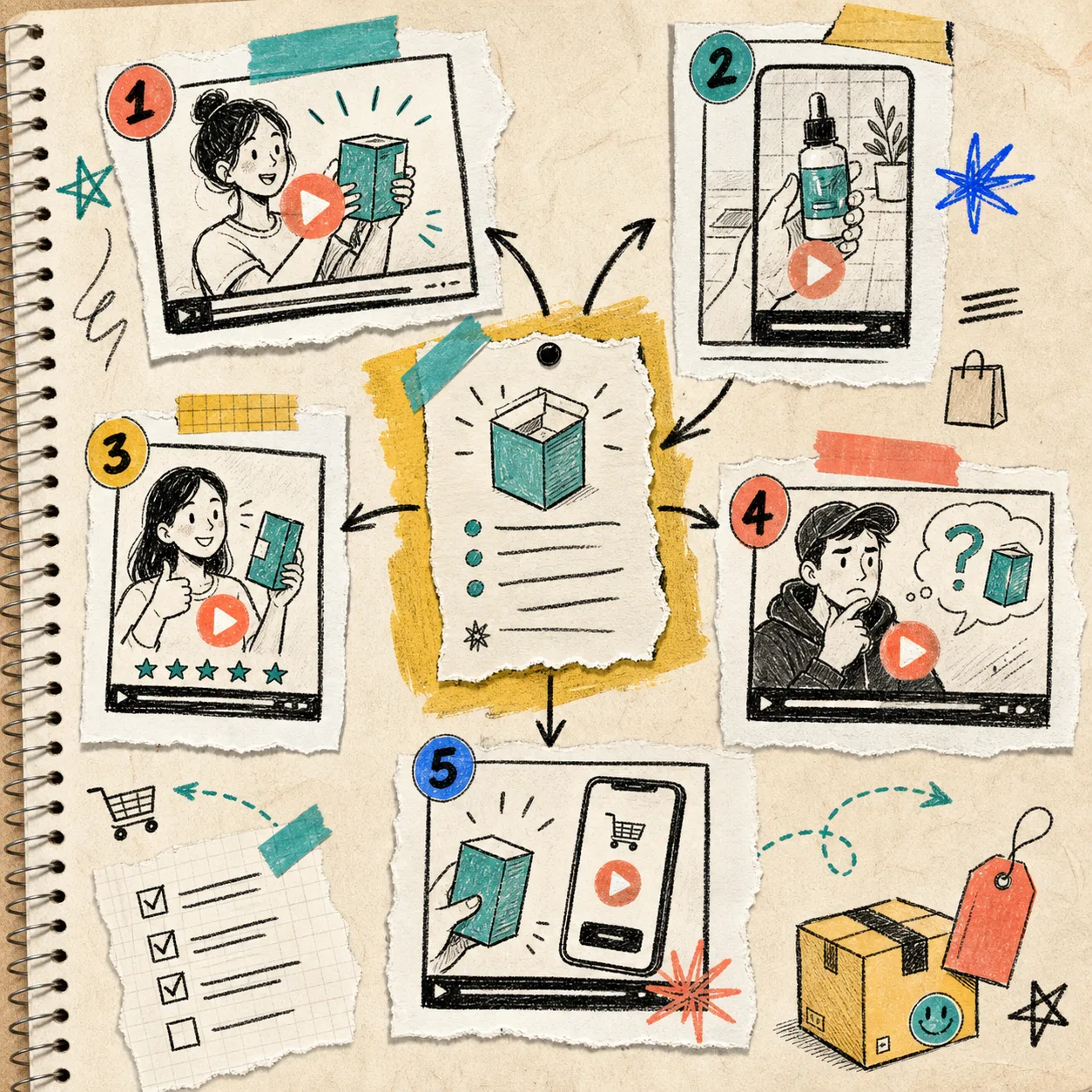
The five clips I pull out of one brief
I usually aim for a small bundle instead of one hero video:
- A hook-heavy ad clip for cold traffic.
- A product explanation clip for the product page.
- An objection-handling clip for skeptical shoppers.
- A shorter proof clip for email or retargeting.
- A seasonal or launch-specific version with a sharper CTA.
That mix gives me coverage across the funnel without pretending every placement needs the same message.
The trick is not to make each clip radically different. The trick is to change one variable at a time so I can see what moved the result. Usually that means:
- Keep the product promise the same.
- Change the opening line or hook.
- Change the scene or background.
- Change the avatar style or delivery.
- Change the CTA.
What I change between versions
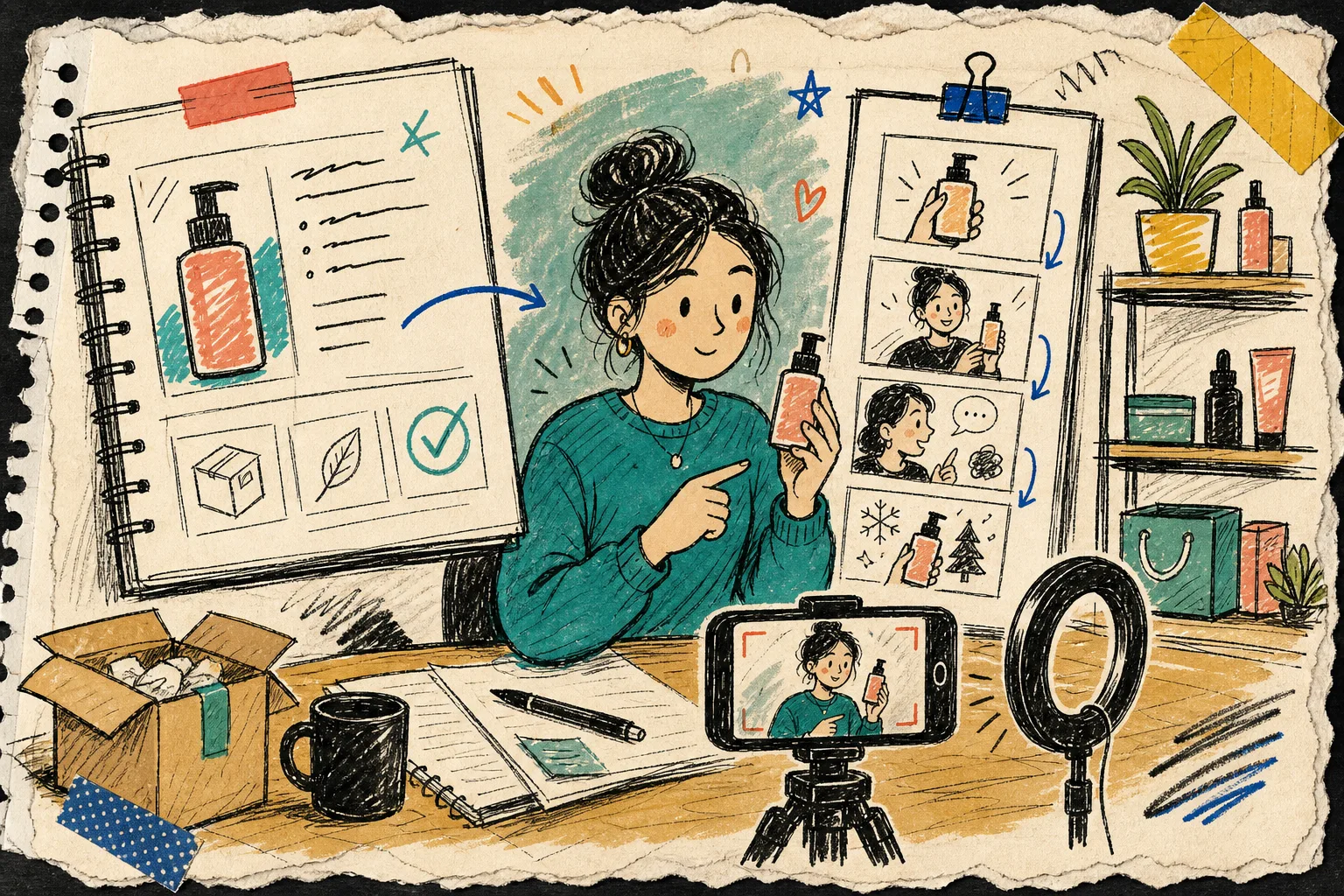
I get the best results when I treat the project like a modular system:
- The avatar can stay the same when I want continuity, or change when I want a fresh angle.
- The scene can shift from studio to lifestyle to seasonal without changing the core message.
- The script can be rewritten around a buyer question, a benefit, or an objection.
- The voice or tone can move from calm and explanatory to more energetic and promotional.
- The product reference can stay visible in every version so the clip still feels grounded.
That is the part most teams skip when they rush from idea to export. They make one clip, then rebuild the whole thing from scratch for the next variant. I would rather save the reusable structure and only swap the parts that need to move.
If you want the companion workflow for keeping the result consistent, I wrote about how I keep Shopify UGC videos on-brand without refilming every time.
Where each clip belongs in the funnel
I do not ask every clip to do the same job. I assign the clip to the place where it will actually be seen.
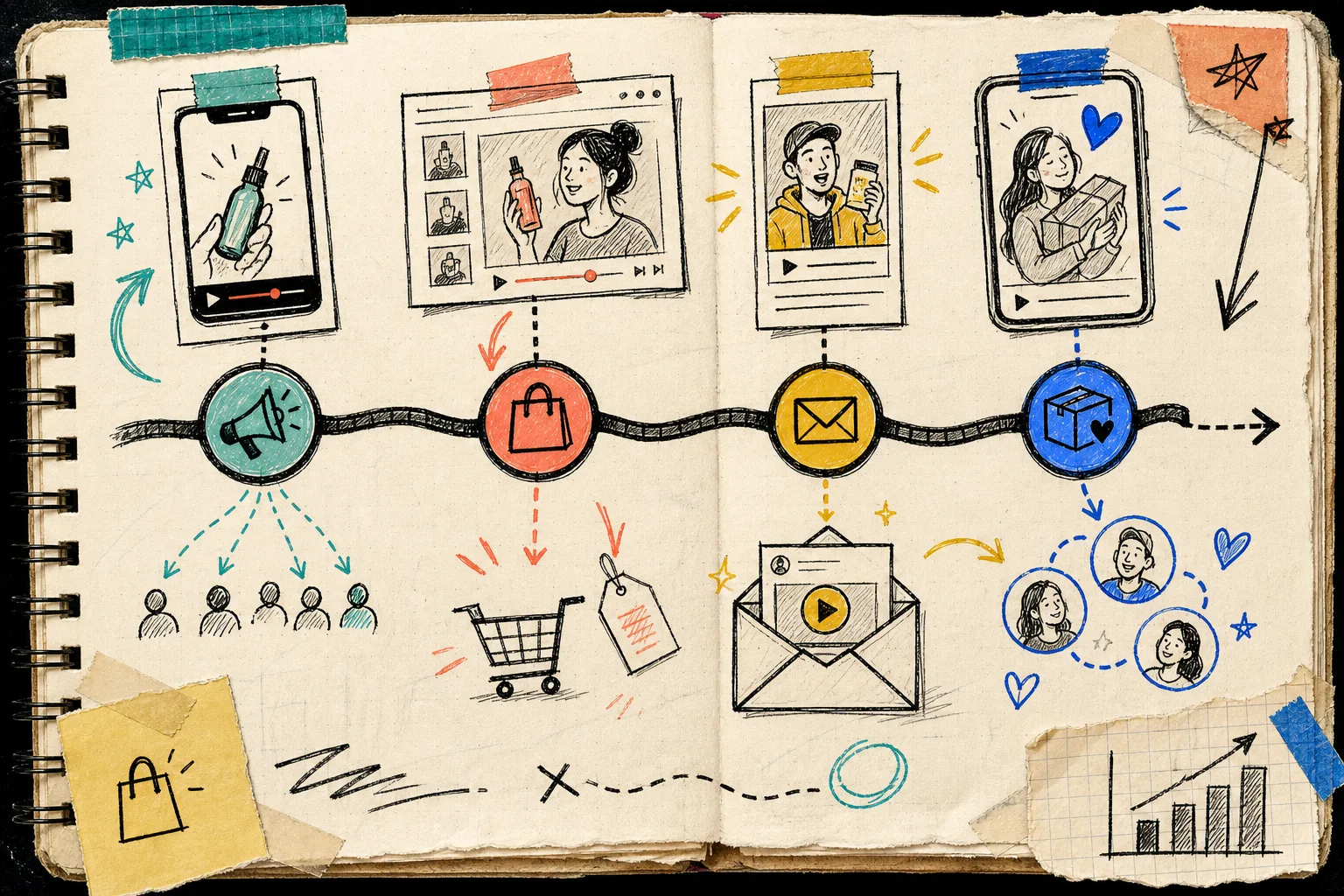
- Ads need a fast hook and one clear reason to stop scrolling.
- Product pages need clarity, proof, and enough detail to reduce hesitation.
- Email needs a short teaser or a reminder that feels useful, not stuffed.
- Post-purchase needs reassurance, setup guidance, or a next-step nudge.
That split is why I like a launch kit more than a single asset. One clip can be strong, but a launch needs a sequence.
This is the same logic behind how to build a reusable Shopify UGC video system and how to build a Shopify UGC video testing matrix. If you want the broader comparison with creator-led workflows, the older piece on creating UGC-style product videos for Shopify without hiring influencers is the right companion.
If you are starting from a product page instead of a launch brief, I would also keep how to create UGC-style product videos for Shopify without hiring influencers open in another tab, because the starting point changes the script.
My review pass before I publish
I keep the review pass boring on purpose. I want to catch the obvious mistakes before the asset goes anywhere public.
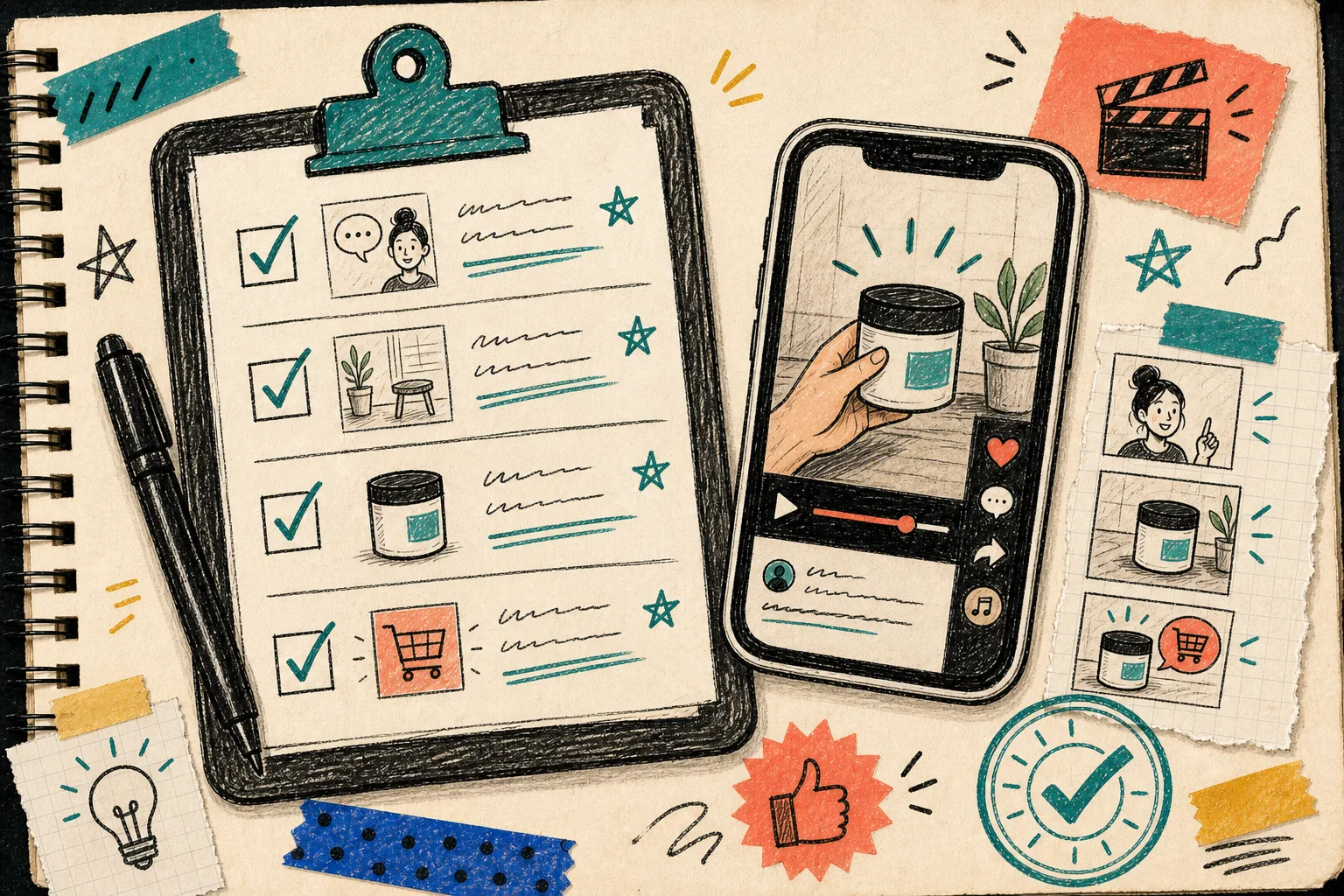
- Does the first line name the product or the use case clearly?
- Does the scene match the claim?
- Is there one obvious CTA?
- Did I include at least one variation for skepticism or objection handling?
- Does the product still look like the hero, not just background decoration?
- Would I be comfortable using this in an ad set, product page, or email flow tomorrow?
If the answer is yes, I keep the project and regenerate only the weak clip. If the answer is no, I fix the brief before I add more variants. That saves me from making six bad videos faster.
The part that survives contact with real work
The best thing about this workflow is not that it makes UGC videos automatically. It is that it makes them repeatable. I can keep the core product story intact, swap the delivery, and end up with a launch kit that is actually useful across ads, product pages, and retention.
If you want to test this on a real product, start with the free plan, build one brief, and generate the first batch of variants. Then keep the best-performing scene and script combination, and use that as the base for the next launch.