
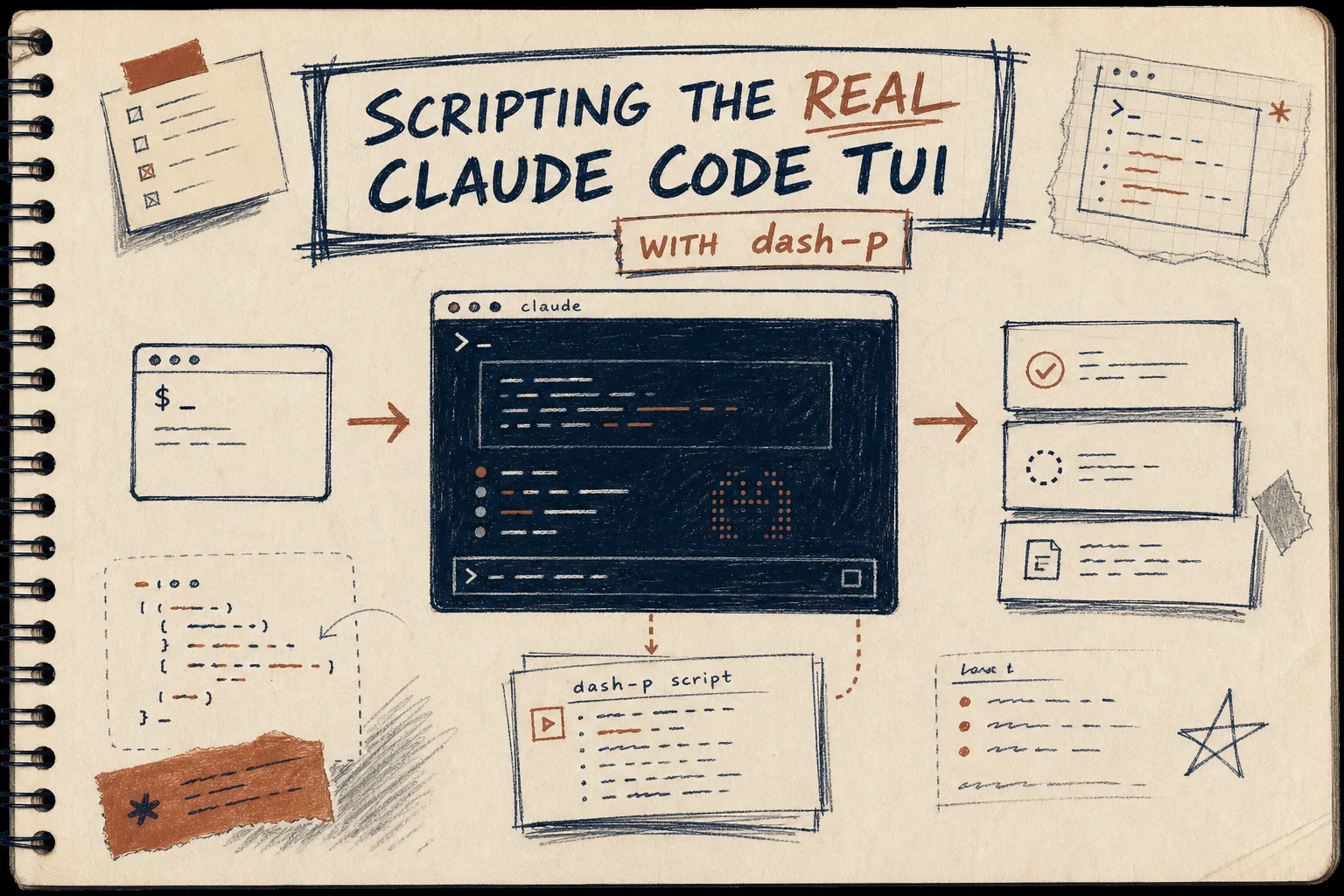
I keep coming back to Claude Code when I want a real terminal session, not a separate abstraction. dash-p is useful because it lets me script the actual Claude Code TUI I already use instead of rebuilding my workflow around a different headless path.
Why I Reached For It
Anthropic’s docs make the billing split easy to miss if you only skim the product pages. I usually check Use Claude Code with your Pro or Max plan, I subscribe to Claude Pro, why do I have to pay separately for API usage on Console?, and Pricing - Claude Platform Docs before I decide whether I want a local workflow or an API workflow.
That is the practical lane dash-p fits into: keep the real Claude Code session, but make it callable from scripts and TypeScript when I want repeatability.
What dash-p Actually Does
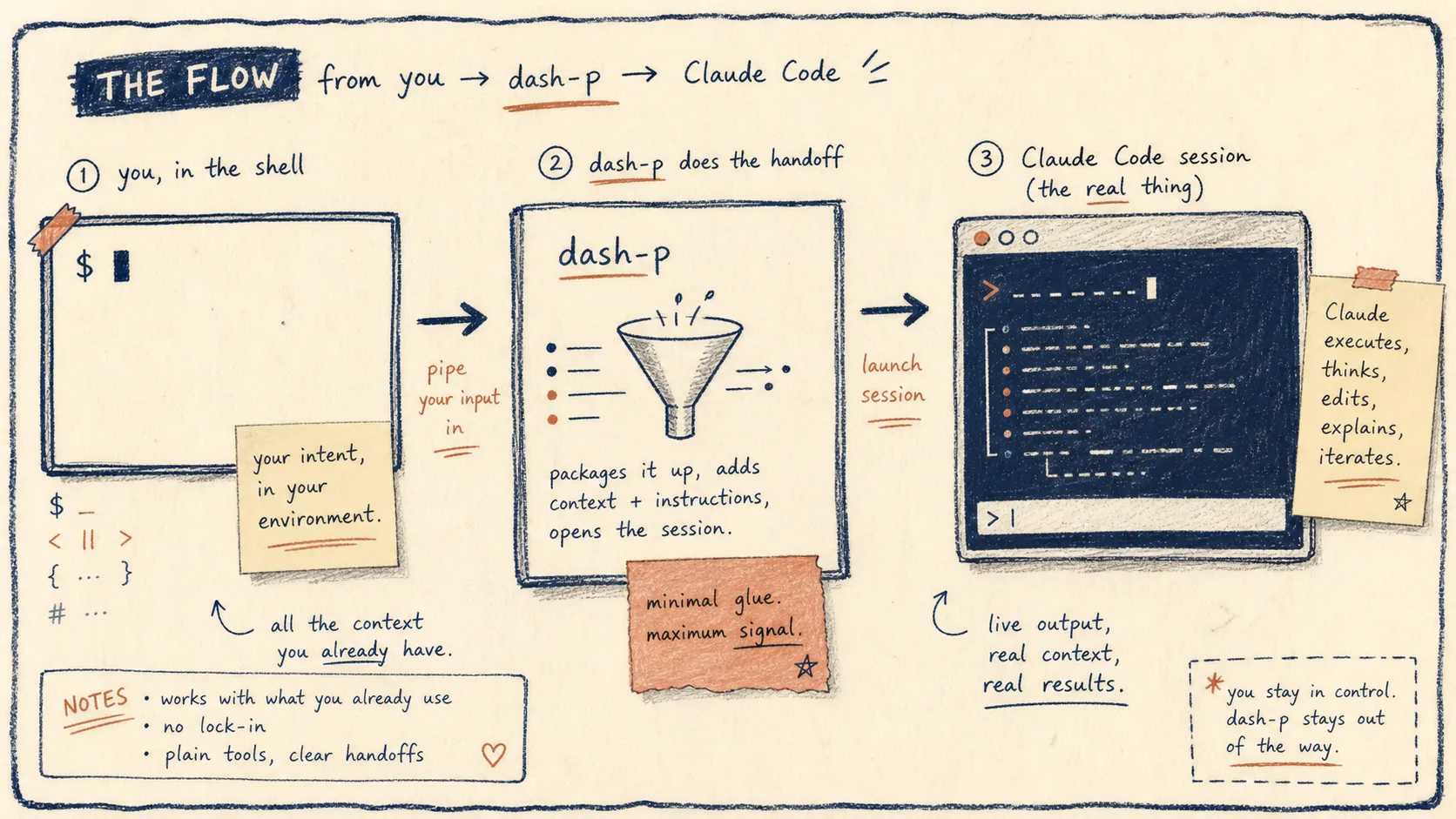
It launches the official claude command, injects input programmatically, and reads the rendered terminal output. That means:
- same account
- same login flow
- same local tools and permissions
- no unofficial headless protocol
- no bypassing authentication
That constraint is the point. The tool is composable because it stays close to the interface you already use. It is also fragile for the same reason, so I treat it like a workflow tool, not a permanent backend.
The Setup I Would Use
npm install -g @ybouane/dash-p
dash-p "summarize this repo"

npm install @ybouane/dash-p
import { query } from "@ybouane/dash-p";

for await (const msg of query({
  prompt: "In one sentence, what is a pseudo-terminal?",
  options: { model: "sonnet", includePartialMessages: true },
})) {
  if (msg.type === "result") console.log(msg.result);
}
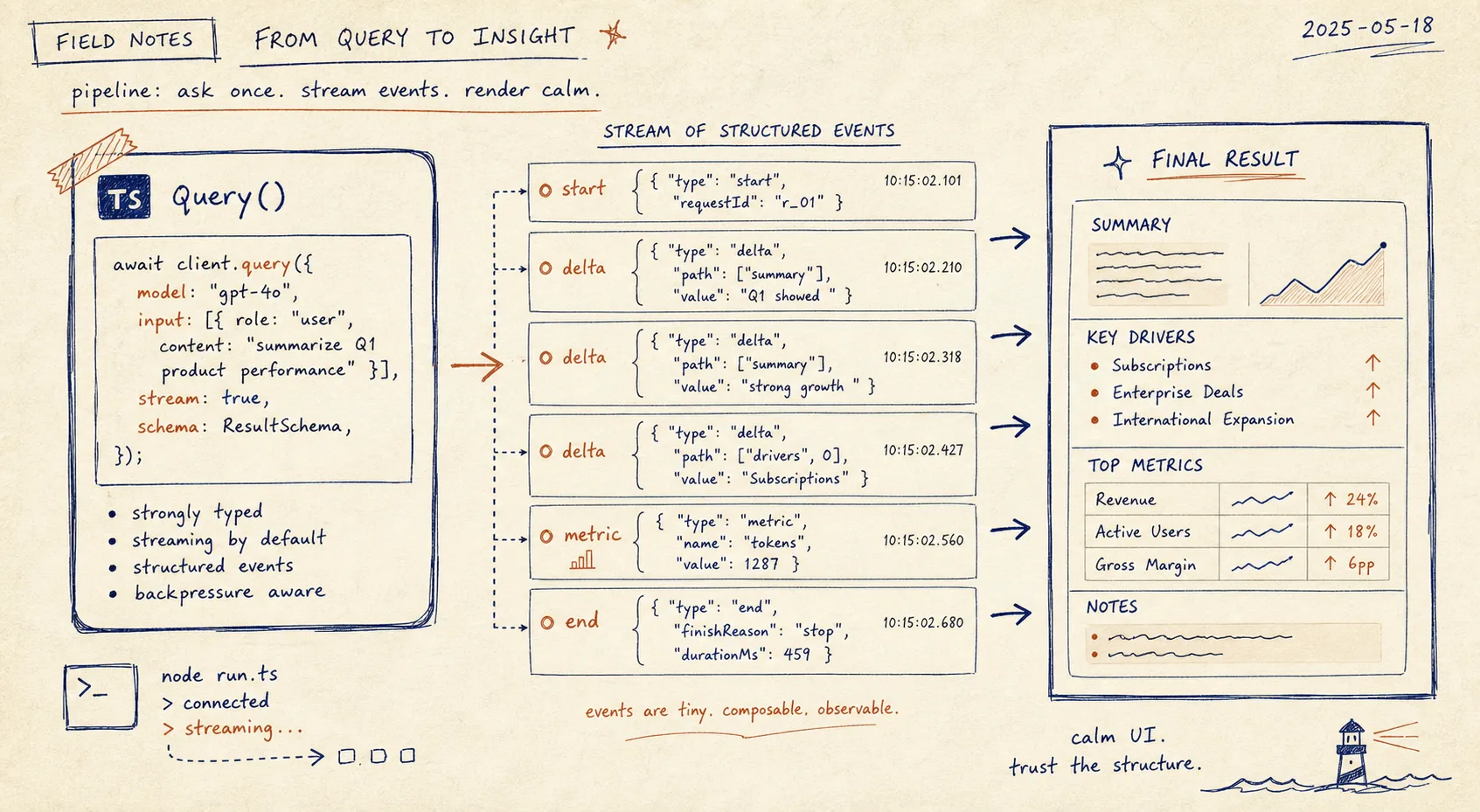
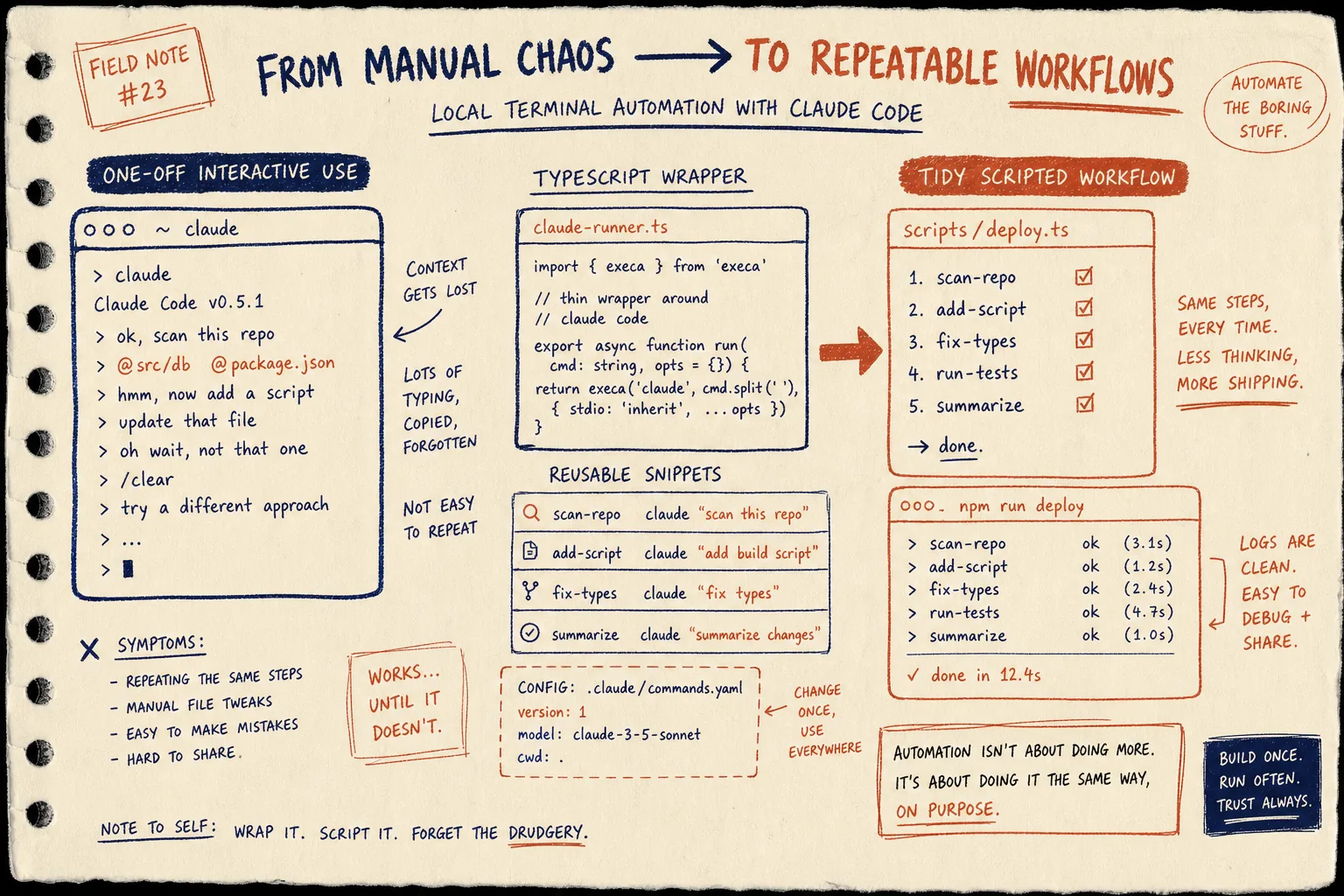
I use the CLI for quick prompts and the library when I want the result wired into another script. If I only need a one-off answer, I keep it in the shell. If I need repeatable behavior, I wrap it in TypeScript.
Where It Fits Best
The strongest use cases are pretty mundane in the best possible way:
- repo summaries before I touch a branch
- local developer helpers
- CI-adjacent tasks that still run on my machine
- structured output experiments
- repeatable prompts I already run by hand
The weak cases are just as important:
- unattended infrastructure
- anything that needs a stable official API contract
- workloads that must survive TUI changes without maintenance
That last point is the tradeoff. dash-p stays close to the real interface, so it inherits the UI’s fragility. I find that acceptable when the value is local control and session continuity.
If you want the broader context behind the design choice, I wrote about How I Keep Claude Code Scriptable After the Agent SDK Split, How to Automate Claude Code From a Shell Script, How to Turn Claude Code Into a Local Shell Pipeline, and How to Build a Scriptable Claude Code Workflow With dash-p.
Bottom Line
dash-p makes the most sense when you already like Claude Code and you just want to automate the boring repeatable bits without changing the session model. It feels like a local developer primitive: small, honest, and opinionated about staying close to the real terminal.
If that is your use case, start with the package on npm or the repo on GitHub, then try the simplest path first:
npm install -g @ybouane/dash-p
dash-p "summarize this repo"
If you want the library form, install the package and call query() from TypeScript.
The next thing I would test is one repetitive prompt you already run by hand. If it belongs in a tiny dash-p wrapper, you will know quickly.