
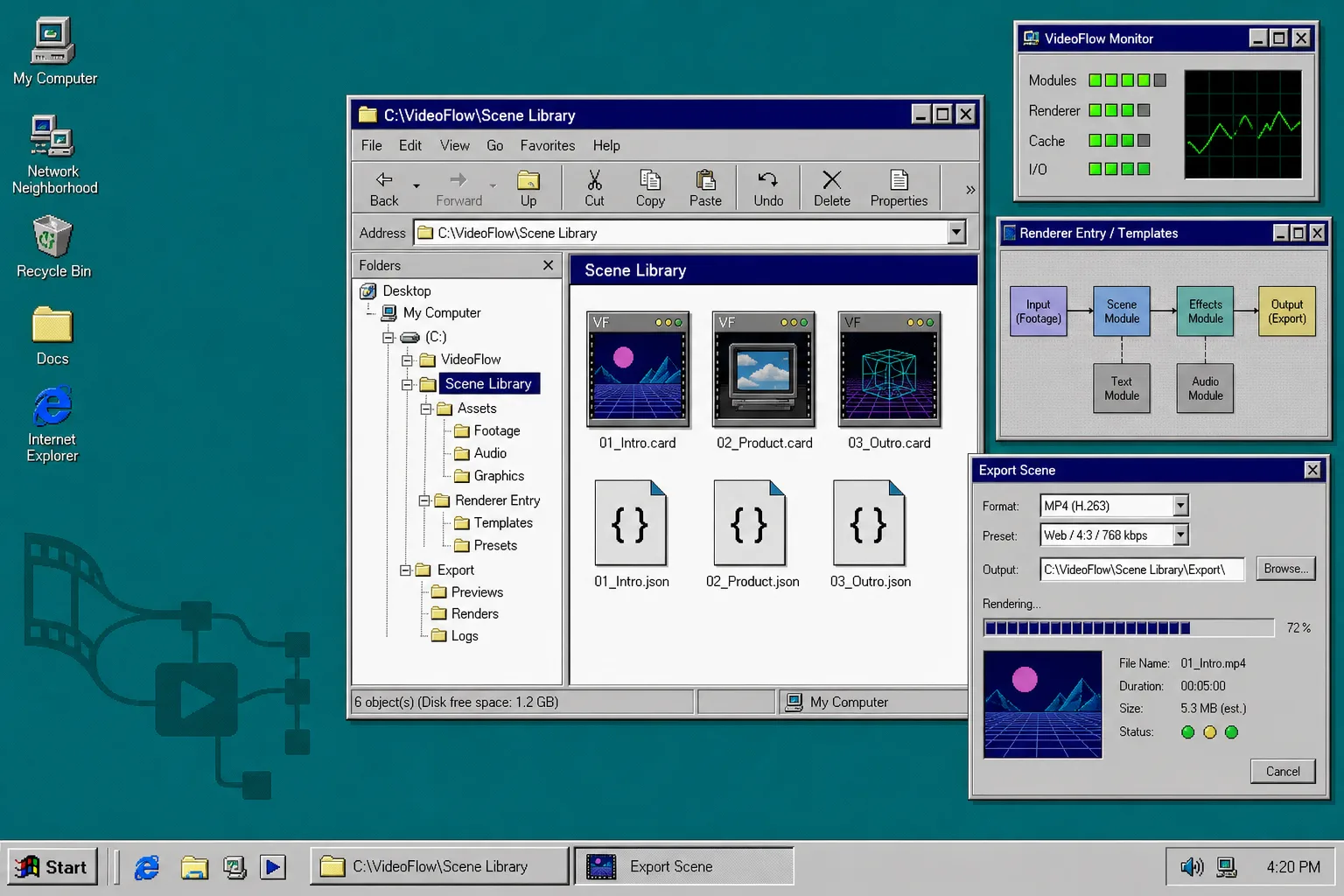
How to Build a Reusable VideoFlow Scene Library
If you keep copying intro, product card, and outro logic into every export, the project is too flat. A reusable VideoFlow scene library gives you one place for scene modules, one place for shared assets, and one entrypoint per renderer. The result is boring in the useful way: fewer broken paths, less duplicated animation code, and a project you can hand to browser export, server rendering, or a live editor without rebuilding the whole thing.
Start with the VideoFlow docs, then use the core docs, renderers, React video editor, and examples pages when you want to grow the library. If you are still deciding which render target should own a scene, read How I Pick the Right VideoFlow Renderer for the Job before you commit to a structure.
1. Create the folder layout
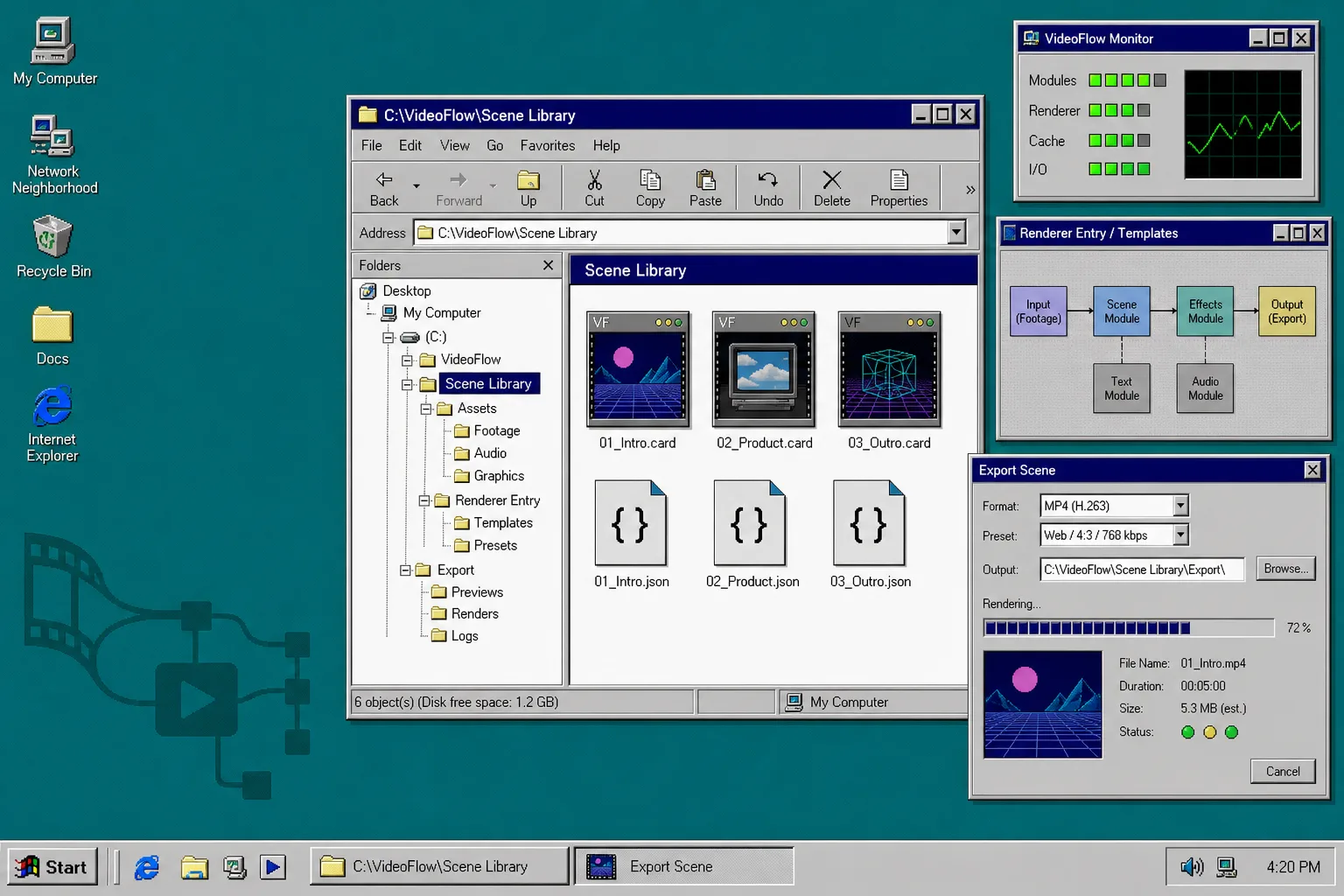
Start by giving the project four obvious roots: scenes, assets, renderers, and exports. That is the part that makes the rest of the system readable.
videoflow-project/
  scenes/
    intro.ts
    product.ts
    outro.ts
  assets/
    manifest.ts
    logo.png
    background.png
  renderers/
    browser.ts
    server.ts
    dom.ts
  exports/
    previews/
    renders/
After this step, you should be able to glance at the folder tree and tell what each file is for. If the project still feels like a pile of one-off scripts, the layout is not strict enough yet.
2. Put repeated scene logic in scene builders
Next, move repeated scene code into small builder functions. A scene file should describe one reusable visual unit, not the whole video pipeline. That is where @videoflow/core pays off: you can author the scene in TypeScript, use $.group() for repeated visual bundles, and return compiled VideoJSON instead of a hand-edited timeline.
import VideoFlow from '@videoflow/core';

export async function buildIntroScene() {
  const $ = new VideoFlow({
    name: 'Intro Scene',
    width: 1920,
    height: 1080,
    fps: 30,
  });

  $.addText(
    { text: 'VideoFlow', fontSize: 7, fontWeight: 800 },
    { transitionIn: { transition: 'overshootPop', duration: '500ms' } }
  );

  return $.compile();
}
After this step, each scene file should be small enough that you can change a headline, a badge, or a background without opening every other part of the project.
3. Centralize shared assets and theme tokens
Do not let each scene invent its own copy of the same asset path. Put the shared URLs, local paths, and theme tokens in one manifest so every scene imports the same values.
export const assets = {
  logo: '../assets/logo.png',
  introBackground: '../assets/intro-background.png',
  outroMusic: '../assets/outro-theme.mp3',
};

export const theme = {
  primary: '#0b2f75',
  accent: '#ffcc00',
  panel: '#d8d8d8',
};
That keeps asset replacement and visual refresh work in one place. If a logo moves or a color changes, you do not want to chase the same path through five scene files.
4. Add one entrypoint per renderer
Once the scene modules are stable, split the output logic. Browser export, server rendering, and live preview should not share a single overloaded script. Give each target its own file and let it consume the same compiled scene data.
renderers/browser.ts
renderers/server.ts
renderers/dom.ts
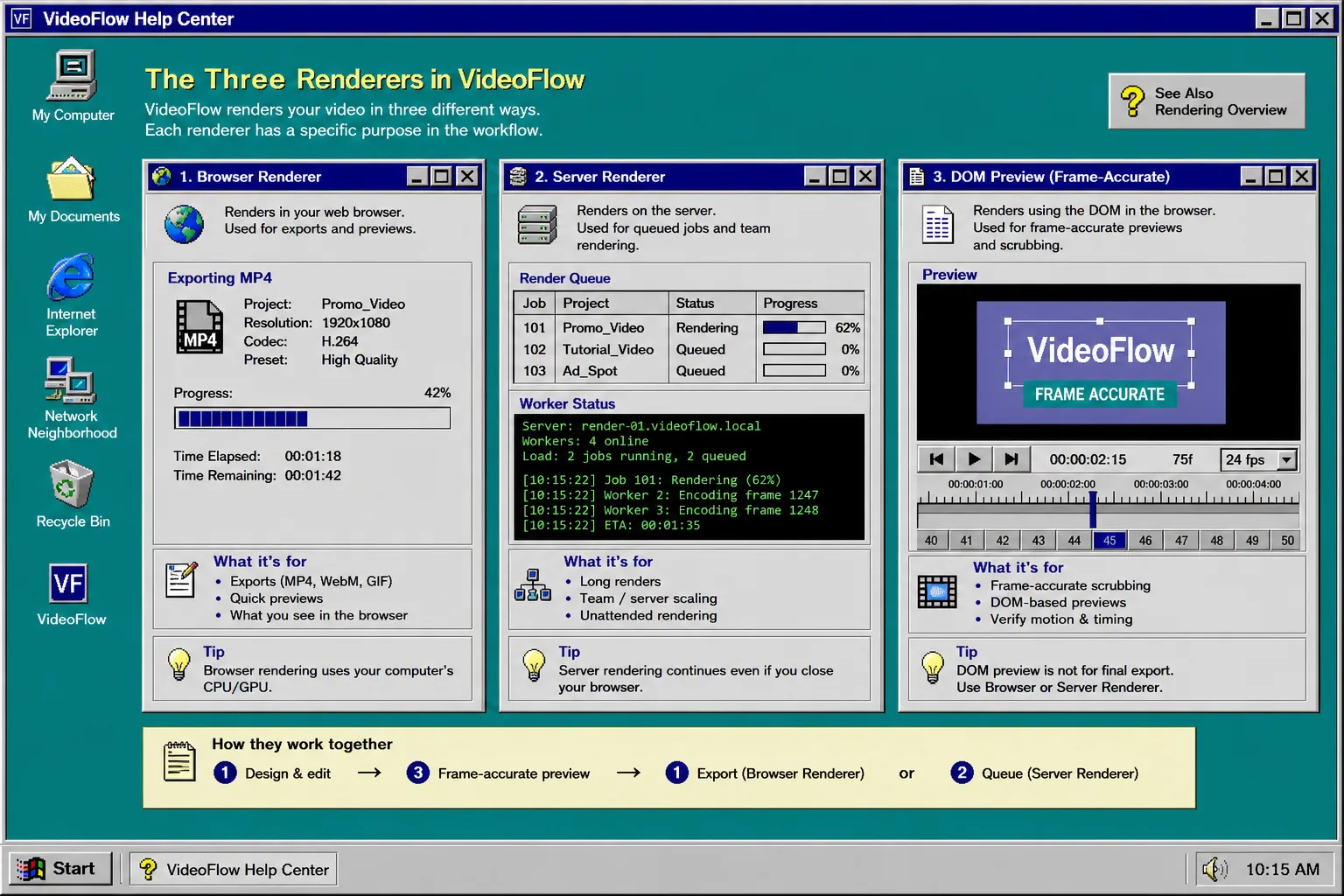
That split matters because the targets solve different problems. The browser renderer is for immediate export inside the app. The server renderer is for queues, APIs, and scheduled jobs. The DOM renderer is for frame-accurate preview and scrub-friendly inspection.
If you are still deciding which one should own a workflow, How I Pick the Right VideoFlow Renderer for the Job is the best follow-up. For a wider comparison of browser, Node, and React surfaces, read How to Render One Video JSON in Browser, Node, and React. And if the problem is keeping the project boundary clean, How to Build a VideoFlow Project That Keeps Templates and Renderers Separate shows the same idea from the project-structure side.
5. Compile once and reuse the output
The final rule is simple: compile the scene once, then reuse that output everywhere it belongs. With @videoflow/core, the useful seam is $.compile(). Once you have the JSON, you can store it, diff it, feed it to another renderer, or hand it to a React editor without changing the scene definition.
const intro = await buildIntroScene();
await saveJson('exports/intro.json', intro);
await renderForBrowser(intro);
await renderForServer(intro);
That is the point where the scene library stops being a folder full of code and becomes a reusable system. If your templates are maintained carefully, How I Keep Video Templates Maintainable With VideoFlow is the next article to read. It covers the same idea from the template-maintenance side instead of the folder-structure side.
Troubleshooting
If a scene library starts feeling messy, check these first.
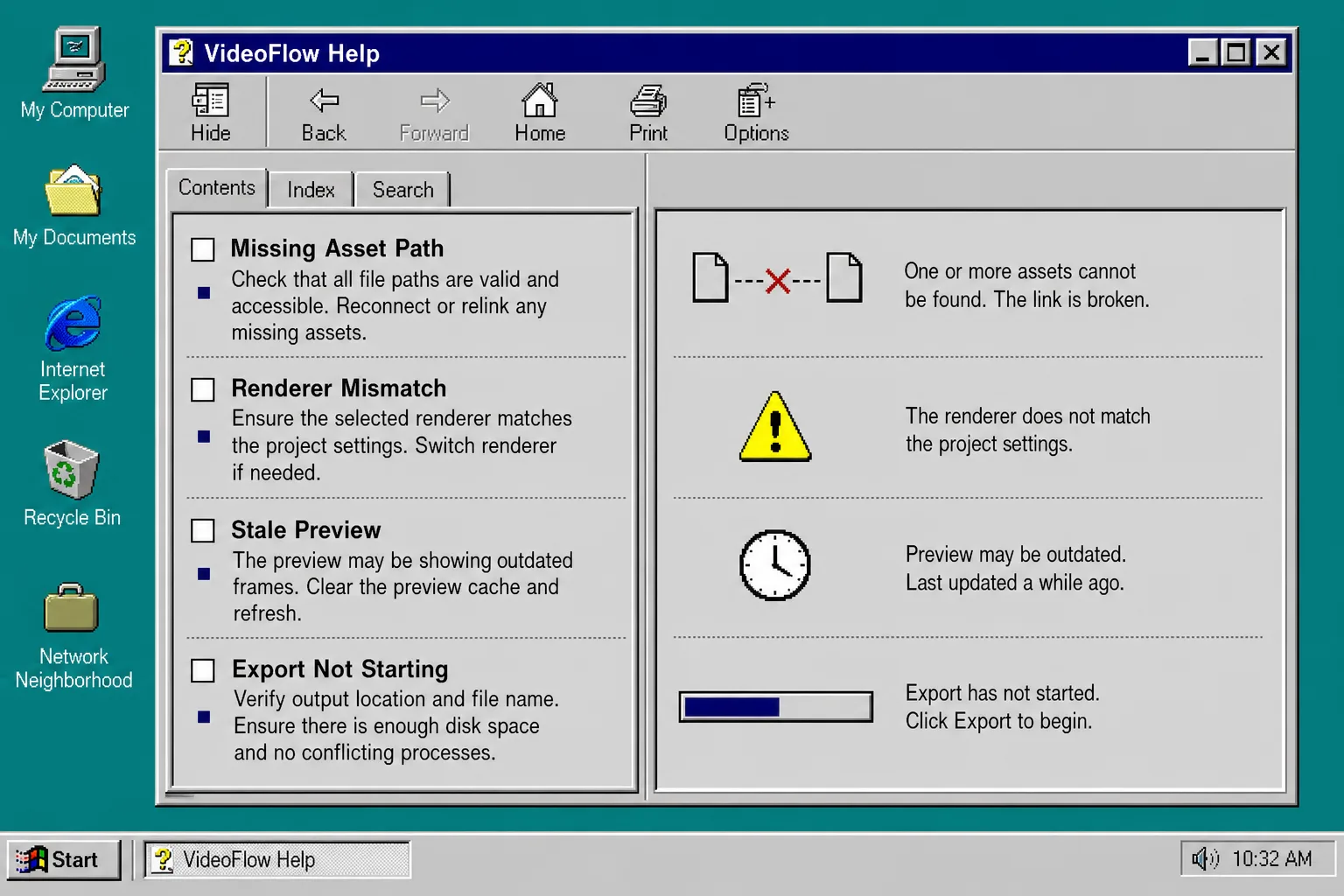
- If one scene file gets too large, split repeated groups into a helper builder and keep only scene-specific differences in the scene module.
- If an asset works in one renderer but not another, stop and compare the path, dimensions, and format before you change any animation code.
- If preview and export drift apart, make sure both entrypoints consume the same compiled JSON instead of rebuilding the scene in two different ways.
- If every scene needs the same fix, move the setting into the shared theme or asset manifest instead of patching files one by one.
What to do next
Build the folder layout first, then move one repeated scene into it before you touch the rest of the project. If that one scene survives preview, export, and a small visual change, the structure is working.
That is the value of a reusable VideoFlow scene library: the project stays readable, the output stays portable, and the renderer choice stays isolated from the scene definition.