

I do not start a Shopify AI automation with a clever prompt. I start with the pile of things that would make a bad Tuesday: a duplicate order, a stock count that is suddenly wrong, a refund request with an angry note, and a customer whose shipment has gone quiet.
That pile became my escalation board. It is a small, deliberately unglamorous way to decide what an AI assistant may watch, what it may draft, and what still needs a person. It has made Shopify automation feel much more useful—and much less like handing over the store keys.
The board has three lanes
The first lane is watch. An agent can read the data, notice a pattern, and put the exception in front of me. The second is draft. It can prepare a reply, a product-description update, or a report, but it does not send or publish anything. The final lane is ask me. That is where money, customer commitments, and irreversible changes live.
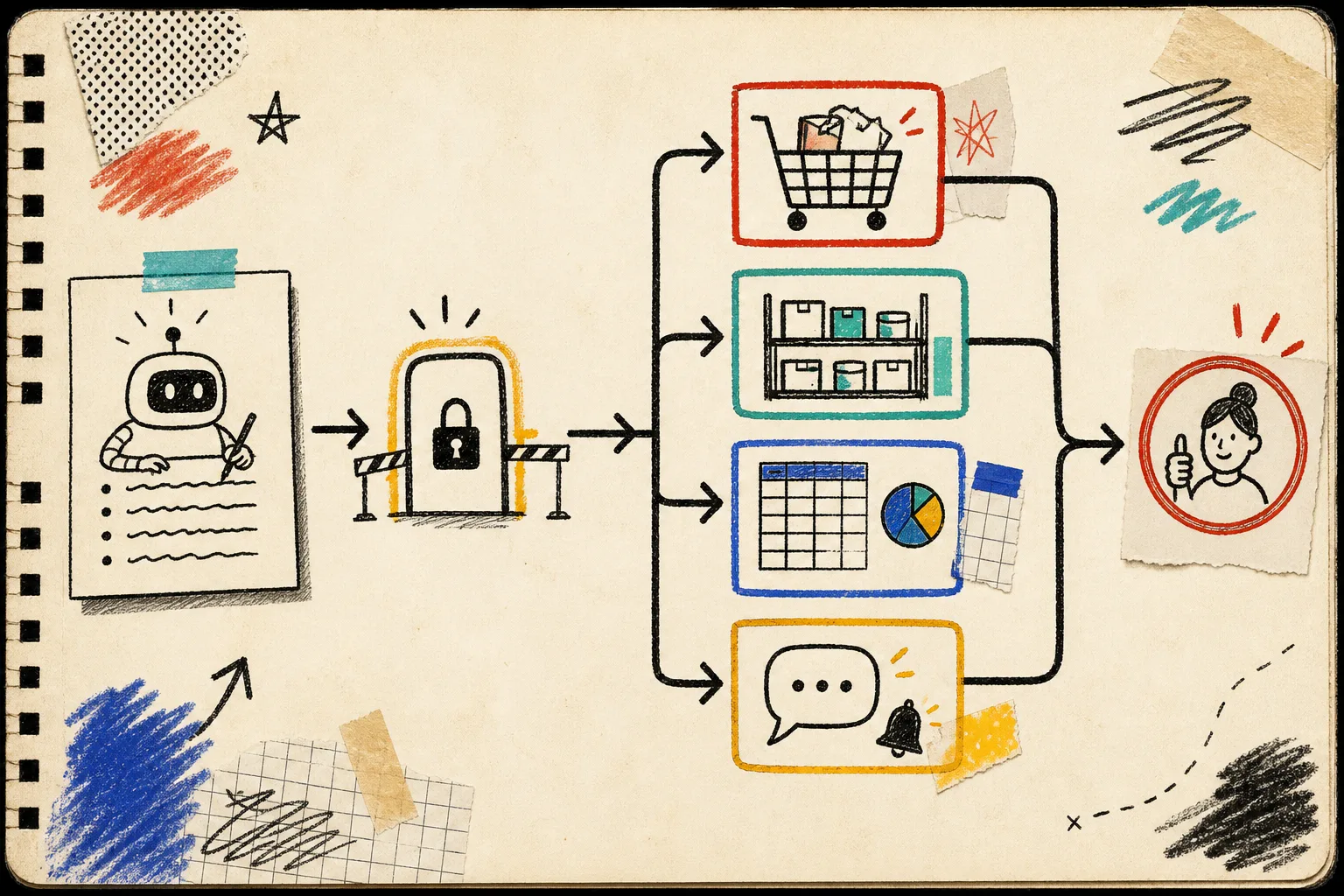
This is why I like the framing of Clawly as an AI Agent for Shopify. It can connect Shopify to the tools already around the store—such as Google Sheets, Slack, Klaviyo, or Notion—but each assistant can have scoped permissions. The useful question is not “what can the agent do?” It is “what job can it do safely this week?”
I used the same instinct when I wrote about starting with a low-risk Shopify AI agent: earn trust through a narrow workflow before expanding the assignment.
Start with a report, not a change
My first lane is almost always a morning report. Give the assistant read access to orders and products, then ask for three things:
- Yesterday’s revenue and top sellers.
- Products approaching the inventory threshold I set.
- Anything that looks different enough to inspect: a sales spike, an order cluster, or a product with missing data.
That creates a useful briefing without letting automation touch prices, fulfillment, refunds, or customer messages. A report also tells you whether the agent is seeing the store the way you do. If its summary misses the important exception, fix the instruction before adding another integration.

A read-only report is not just a safe demo. It becomes a living specification for the next workflow. I have a fuller setup for this pattern in my read-only Shopify daily report walkthrough.
Write permissions as plain-language jobs
“Access to Shopify” is too broad to be a useful permission. I write each capability as a sentence a new teammate could understand:
- Read orders and flag orders above a chosen value or with unusual shipping patterns.
- Read inventory and notify the team when selected products fall below a threshold.
- Draft a support reply using order status, but never send it.
- Draft product titles, tags, or collection suggestions, but leave publishing for review.
- Create a weekly social-content draft from approved catalog information.
The sentence does two jobs. It gives the agent a sharper instruction, and it exposes ambiguity before it reaches a customer. “Help with support” is vague. “Draft an order-status reply and escalate missing-delivery claims” is a real boundary.

Clawly’s approach is built around granular permissions and scoped tool access, so I would enable only the integrations and operations behind the job at hand. If I want a daily report, I do not need discount access. If I want a content draft, I do not need order editing. That boring constraint is the feature.
For the same reason, I keep product and money-adjacent work in the ask me lane. Price changes, refunds, discount creation, fulfillment edits, and customer-facing promises should have an explicit human checkpoint until a team has strong evidence that a narrower action is safe.
Make escalation visible, not implied
An agent should know what to do when it sees an exception. “Use your judgment” is not an escalation policy. I add a short rule set directly to the instruction:
When an order, inventory, or support issue is outside the normal pattern, do not change it. Summarize what you found, include the relevant order or product context, and send a notification for review.
Then I choose one channel the team actually watches. That might be Slack, a shared sheet, or a daily email. The best alert is specific enough to make a decision quickly: what changed, why it was flagged, and the next sensible action.
This is close to the permission-first setup I used in my earlier Shopify AI assistant notes, but the escalation board adds the missing operational piece: every exception has an owner.
Add one automation at a time
Once the report is consistently useful, I add one drafting workflow. A good next candidate is catalog cleanup: let the assistant identify products with thin titles or inconsistent tags, then draft the suggested update in a review queue. Another is marketing: prepare a weekly batch of Instagram captions from approved catalog details, ready for an operator to edit.
I would not connect five tools and declare victory. Every added integration increases the number of ways a vague instruction can surprise you. The same review discipline that keeps a Shopify blog automation pipeline reviewable is useful here: show the input, show the proposed output, and make the approval moment obvious.
My five-minute setup checklist
Before enabling an AI store assistant, I check these notes:
- Is the first job read-only or draft-only?
- Does the agent have only the integrations it needs?
- Can I describe its allowed action in one sentence?
- Is there a named person or channel for exceptions?
- Can the agent explain what it saw without taking a sensitive action?
If one answer is fuzzy, the automation is not ready. Tightening the workflow now is cheaper than explaining an avoidable store change later.
The next practical step is simple: install Clawly from the Shopify App Store, create one assistant for a read-only daily report, and write its three escalation lanes before you enable anything else. Start with visibility. Let useful trust build from there.