
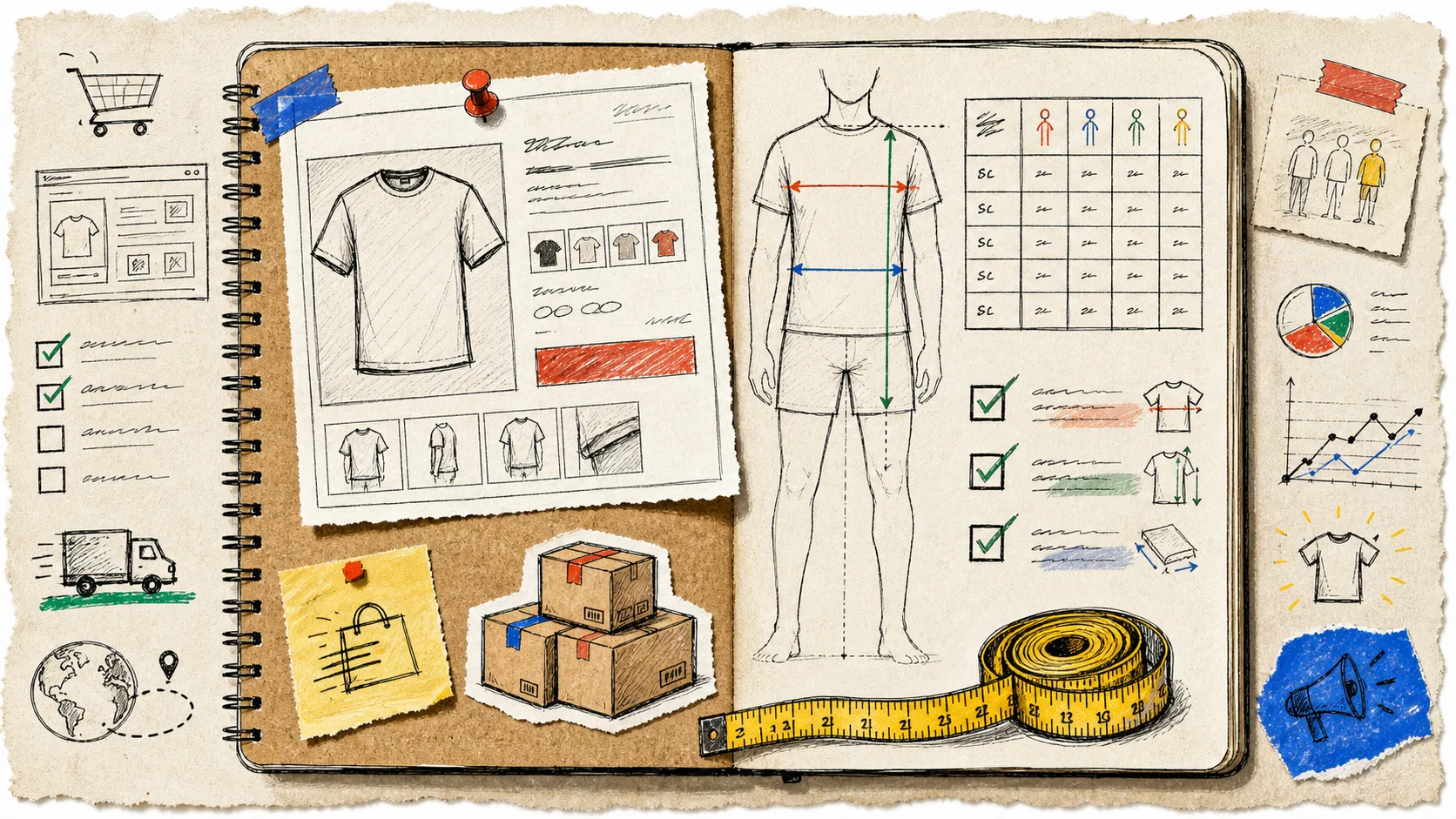
I have watched a product launch get wonderfully tidy everywhere except the bit that decides whether the customer keeps the item: the size guide. Photos are ready, inventory is counted, the product description is polished—and the chart is a stale table pasted into a description three seasons ago. That is how a simple ‘what size am I?’ question becomes a support ticket, an abandoned cart, or a return.
My fix is not a grand sizing project. It is a short pre-launch pass: make the measurements understandable, put the right guide on the right products, then make it easy to find on the page. Here is the checklist I use before an apparel drop.
1. Decide what the chart measures
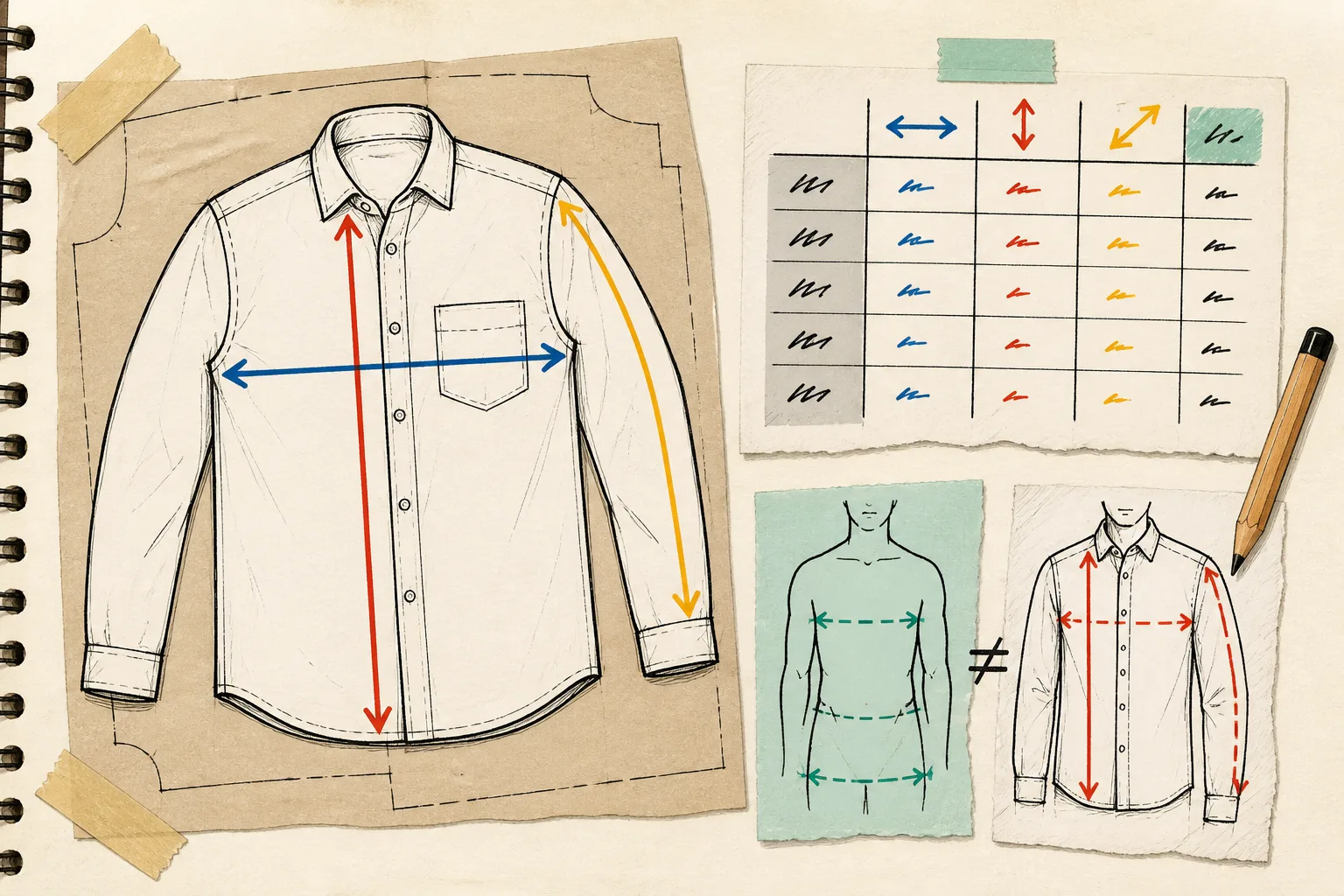
The first useful decision is whether the chart shows garment measurements or body measurements. They are both valid; mixing them without saying so is where trouble starts.
For garment measurements, I measure the finished item laid flat: chest width, body length, sleeve length, waist, inseam—whatever determines fit for that product. For body measurements, I tell the shopper which part of themselves to measure and how much ease the garment is designed to have. A relaxed hoodie and a fitted rib tee should not inherit the same explanation merely because they share a size run.
Pick the smallest set of columns that helps a shopper choose. A shirt often needs chest and length; trousers need waist, hip, rise, and inseam. Add a short measurement note where it prevents a common mistake, such as whether chest is full circumference or flat width.
2. Give shoppers a measurement guide, not just numbers
A grid of numbers is only useful when a shopper knows where their tape measure belongs. I pair each chart with a simple labelled garment or body silhouette and make the labels match the chart columns. That little bit of visual instruction is especially helpful for chest, rise, and length, where stores often mean different things.
This is also the moment to check your fit language. ‘Oversized,’ ‘cropped,’ and ‘high rise’ are helpful context, but they are not substitutes for measurements. I write the fit note as a small expectation-setter, then let the chart do the precise work. If the range spans regions, include both metric and imperial units or make the conversion obvious.
3. Split charts when fit really changes
A single chart is not automatically more consistent. If a collection contains both rigid denim and stretch leggings, or a unisex tee and a fitted baby tee, shared size labels may hide very different fits. I split the chart when the garment pattern, intended ease, or measurement method changes.
On the other hand, I do not make a new chart for every colorway or every product handle. A shared chart for a genuine product family is easier to maintain and easier for returning shoppers to trust. The useful question is: would a customer who fit well in Product A reasonably use the same measurements to choose Product B?
If color options are spread across related products, the Shopify swatch setup deserves the same kind of scrutiny: visual options should not make a sizing relationship harder to understand.
4. Assign the guide by a rule, not by copy-paste
This is where catalog maintenance usually goes sideways. Pasting a table into product descriptions creates copies that drift. A better setup is one central chart with rules that apply it by product, collection, product type, vendor, or tag. New products that join the matching collection are then covered without someone remembering a separate HTML edit.
Supra Size Chart is useful here because it keeps charts centrally and can match them across the catalog with those rules. It uses Shopify metaobjects for the chart data, so the store owns the information, and it can import or export CSV and JSON when the merchandising workflow changes. I would start with the specific rule where an exception matters, then let a collection or product-type rule cover the ordinary family.
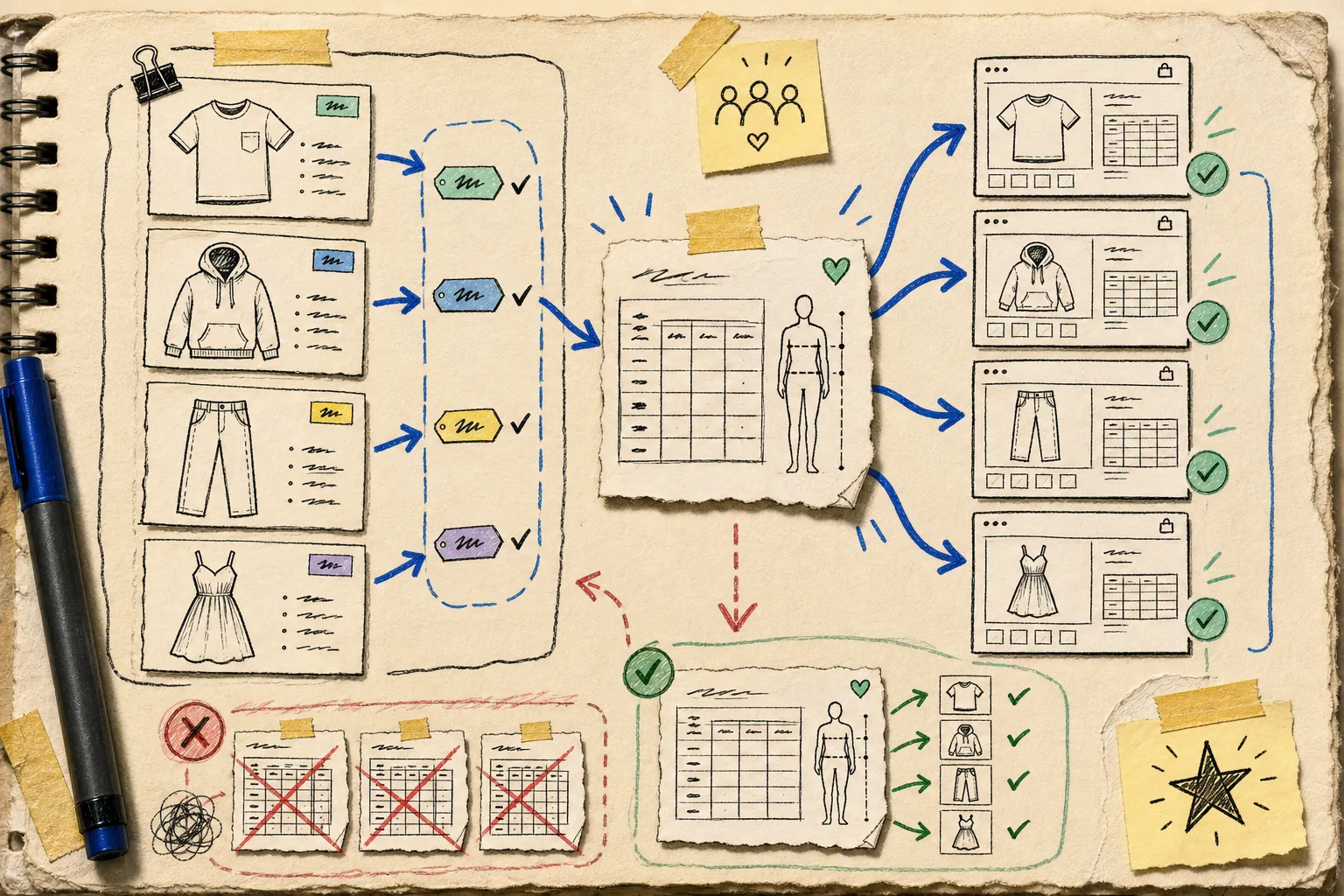
The fallback matters too. Set a store-wide default only when it is truly safe; a generic adult apparel chart should not quietly appear on children’s accessories. Specific rules should win, and exceptions should be obvious to the person launching the collection.
5. Check the product-page presentation on mobile
The chart can be accurate and still be hard to use. I open a real product page on a phone and check three things: can I find the size guide before I commit to a variant, can I read the table without fighting horizontal scroll, and can I get back to the product without losing my choice?
An inline table is direct for short charts. An accordion keeps a dense product page calmer. A modal gives a bigger canvas for a guide and metric/imperial toggle. Supra Size Chart supports all three through a theme app block, so the choice can follow the product page rather than a widget’s default styling. The app renders its markup server-side, with only small JavaScript pieces for the modal and unit toggle—exactly the sort of detail I prefer to settle before launch day.
If you are doing a broader launch pass, I use the same real-device mindset for product media; this guide on staging Shopify product photos before publishing is a good companion check.
6. Run the shopper-question test
Before publishing, I ask a teammate to answer these without my help:
- Which measurement should I compare with a garment I already own?
- Does this size run true to the intended fit?
- Can I switch between centimetres and inches if I need to?
- Does this chart belong to this exact product?
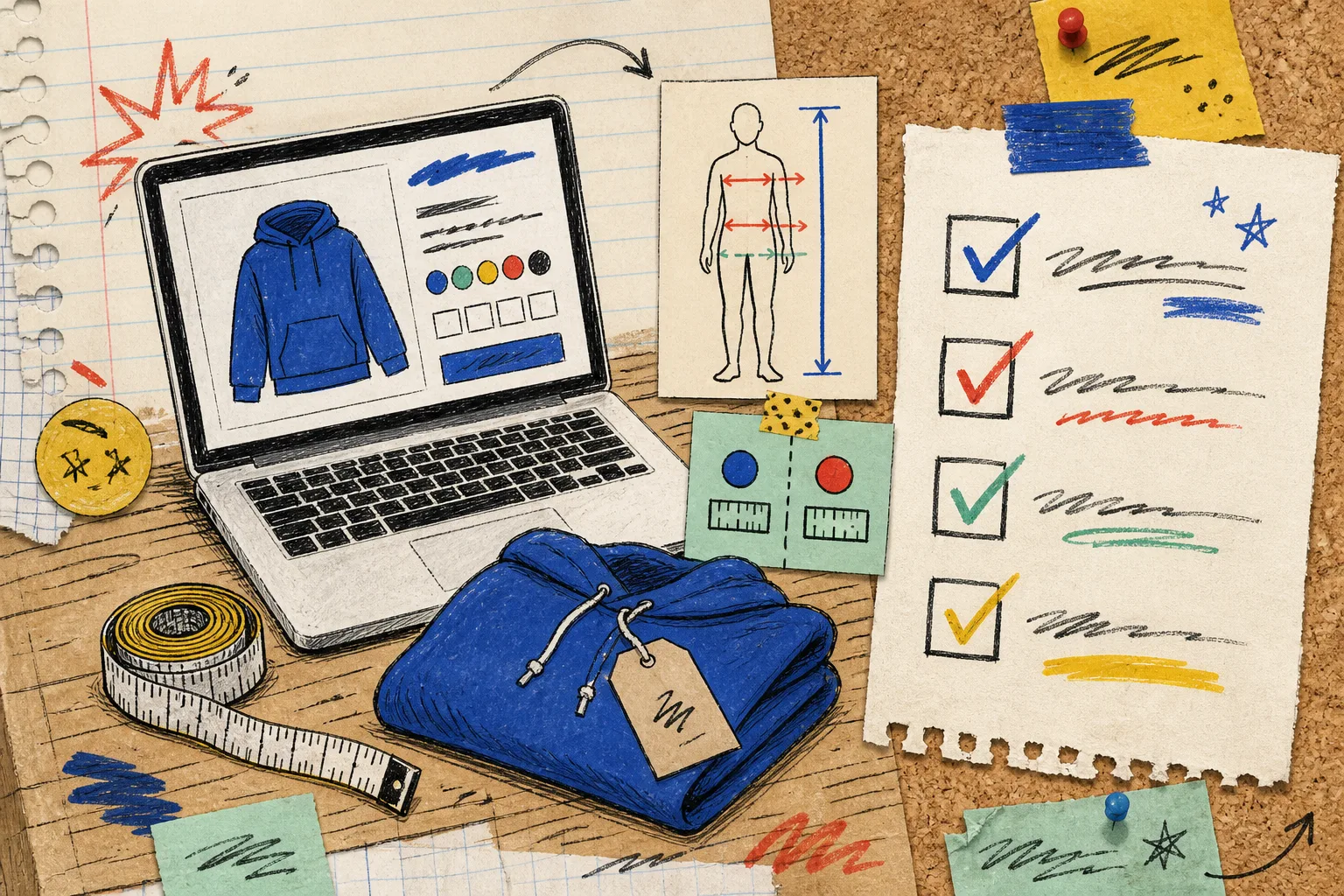
If any answer requires digging through product copy or guessing from a model photo, the guide needs another pass. The goal is not to promise that no one will ever order the wrong size. It is to give a careful shopper the information to make a confident choice.
Make the next launch less fragile
A dependable size guide is less about a prettier table than a reliable system behind it: clear measurement definitions, reusable guides, sensible assignment rules, and a presentation that works where shoppers browse. If your current setup is copied HTML scattered across product descriptions, start by centralizing one product family. You can install Supra Size Chart from the Shopify App Store and build that first chart, guide, and rule without adding a new paid plan.
Then run this checklist on the next collection before it goes live. The work is modest; the reduction in last-minute sizing chaos is the point.