
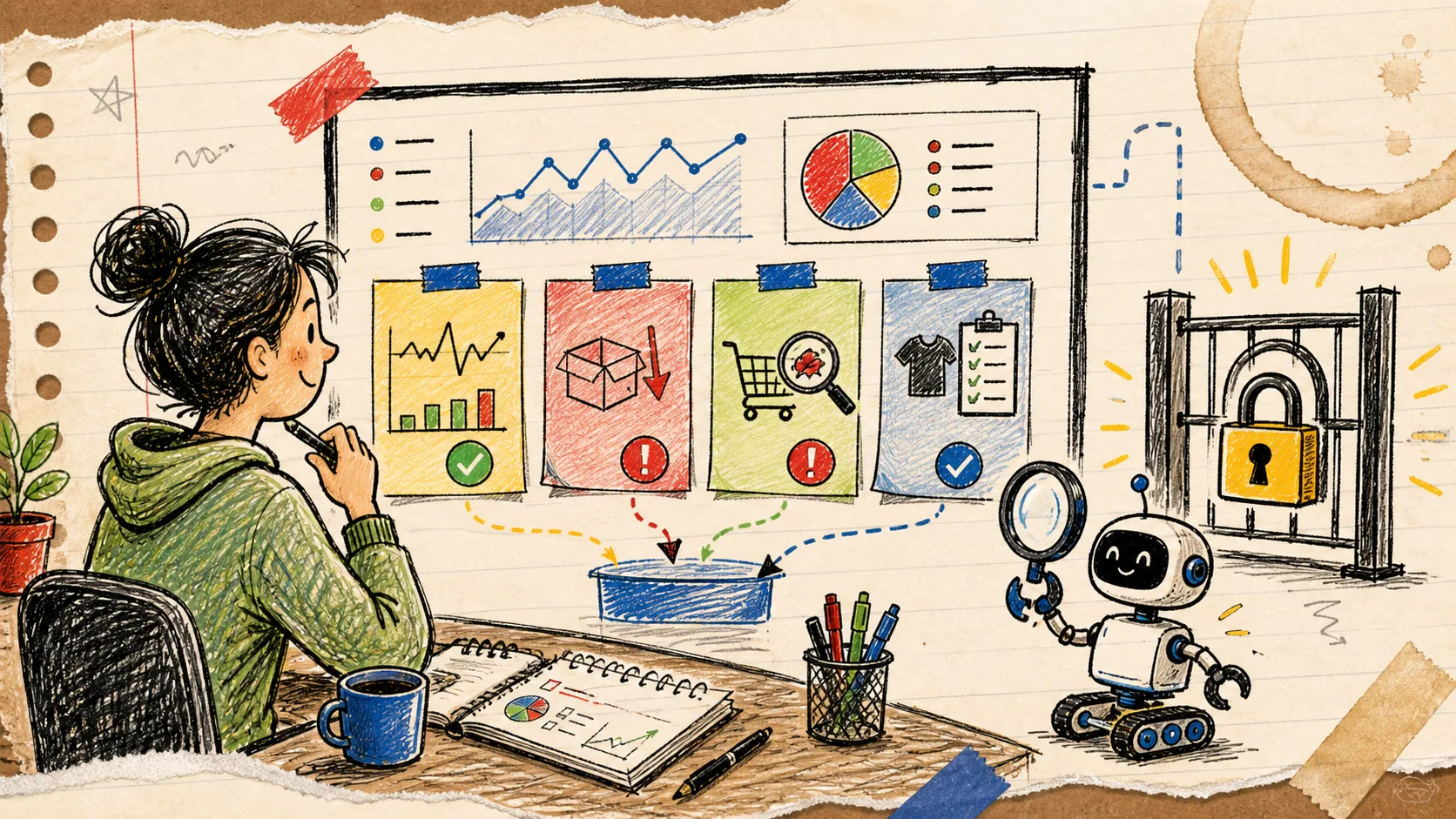
I keep seeing the same move with Shopify AI: someone starts with a big, exciting instruction—clean up my catalog, watch orders, write marketing, maybe fix things while you’re at it—and then has to decide how much access they are comfortable granting before they have learned whether the report is even useful.
My first useful agent workflow was much smaller. I asked for a read-only exception report: one short daily note that tells me what deserves human attention in products, orders, inventory, and sales. Nothing gets changed. Nothing gets sent to a customer. The agent’s job is to notice, group, and point. Mine is to decide.
That is a very workable place to start with an AI Agent for Shopify. Clawly is built around Shopify-connected assistants with scoped permissions, integrations, chat, and recurring automations. The value is not that an agent can touch every system on day one; it is that you can give it one narrow, helpful job and make the boundary obvious.
The report I would build first
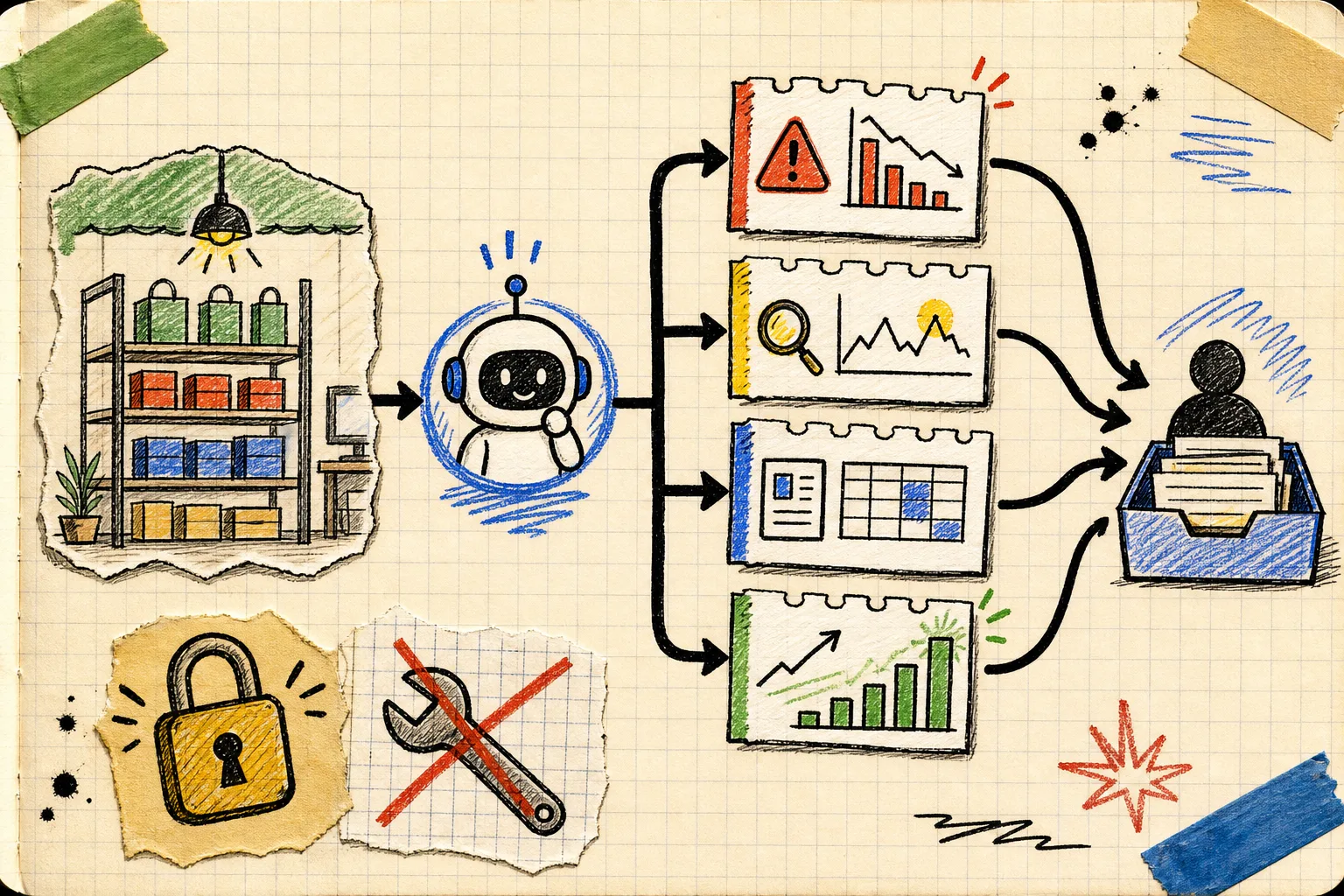
An exception report is deliberately not a dashboard replacement. It should be brief enough to read with coffee and opinionated enough to save you from opening five tabs. I would have it check four buckets:
- Inventory: products below the threshold you set, plus the variant or location context you need to investigate.
- Orders: unusual patterns worth a look—an unexpected spike, a sudden drop, or orders that need an operator’s judgment.
- Catalog quality: missing descriptions, incomplete tags, products in the wrong collection, or new items that need a review.
- Sales pulse: top sellers and changes that might affect replenishment, merchandising, or the day’s campaign plan.
That scope comes straight from practical Shopify work. If the report shows nothing notable, great: close it. If it surfaces three low-stock variants and a new product with thin copy, you have a focused worklist instead of a vague feeling that the store needs attention. This is the same reason I like a weekly Shopify operations review with an AI agent: make the signal reviewable before you try to make it automatic.
Draw the boundary before you describe the task
The most important line in the brief is not what the agent should monitor. It is what it must not do. Start with read access to the information needed for the report. Do not enable product edits, discount changes, customer replies, or outbound messages merely because they may become useful later.
I would write the instruction in plain language like this:
Every weekday morning, review the enabled Shopify product, order, inventory, and sales data. Send me a concise exception report with the most important items to investigate, why each item matters, and the source record. Do not modify Shopify data, contact customers, publish content, or take actions in connected tools.
Clawly’s scoped tool access is the part that makes this more than a prompt pinned to a chat window. You can connect the systems that matter—Shopify and, when useful, tools such as Google Sheets, Slack, Klaviyo, or Notion—while deciding what the assistant may access or modify. That is a healthier model than treating a generic chatbot as a store administrator.
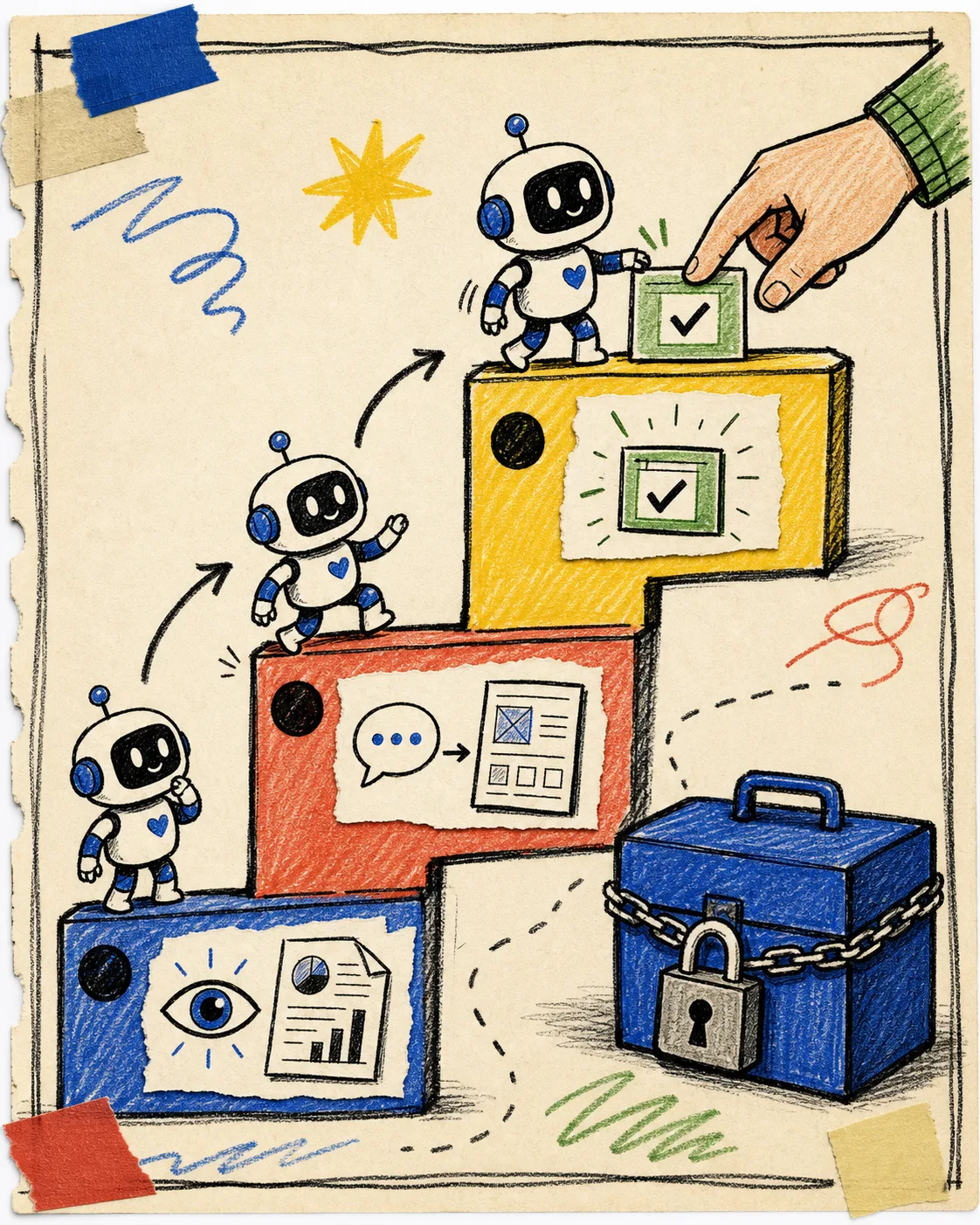
The staged path I use is simple:
- Read and report: collect observations only.
- Draft for review: suggest a product description, support reply, or collection change, but leave the decision with a person.
- Act with explicit approval: only after the reports and drafts have proven dependable should a narrow action be considered.
This deliberately echoes a low-risk Shopify AI agent rollout. Trust should grow from evidence, not from an impressive demo.
Make the output easy to triage
A useful report needs a predictable shape. Ask for severity first, then the specific record, then the suggested next check. Avoid a long narrative. Here is the rough template I would use:
Needs attention today
- High: [product or variant] is below its inventory threshold; check replenishment timing.
- Medium: [new product] has incomplete merchandising fields; review copy, tags, and collection.
- Medium: [order pattern] differs from the recent baseline; inspect source and fulfillment context.

Worth watching
- [top seller] is gaining momentum; confirm stock and campaign placement.

No action taken.
The agent does not need to decide that an order is fraudulent, that a product should be unpublished, or that a customer deserves a particular reply. It can give you the record, the change it noticed, and enough context to make the next decision faster. For product work, that fits neatly with a Shopify photo triage board: agents can sort the pile and expose missing inputs; a person still chooses the publishable asset.

Review the report for two weeks before widening access
This is the unglamorous bit that pays for itself. For the first ten business days, keep a tiny scorecard beside the report:
- Which alerts were genuinely useful?
- Which were noisy or missing context?
- Which data sources created false alarms?
- Did the report miss a recurring issue you noticed manually?
- Could a draft—not an action—save time on the next pass?
Use that feedback to tune thresholds, wording, and the enabled data sources. If low-inventory notes are excellent but sales-spike notes are noisy, keep the former and narrow the latter. If a daily report repeatedly reveals missing product descriptions, the next safe experiment may be a draft-only product copy helper—similar in spirit to a publish-safe Shopify photo decision system, where the review gate is part of the workflow rather than an apology afterward.
The small next step
Open Clawly on the Shopify App Store and create one assistant whose only job is a daily, read-only exception report. Give it the smallest sensible data scope, choose the four buckets above, and read its output for two weeks.
If it consistently helps you find work that would otherwise hide in Shopify tabs and spreadsheets, you have earned the next experiment: a draft, a notification, or one tightly approved action. Start with better visibility. The automation can grow later.