
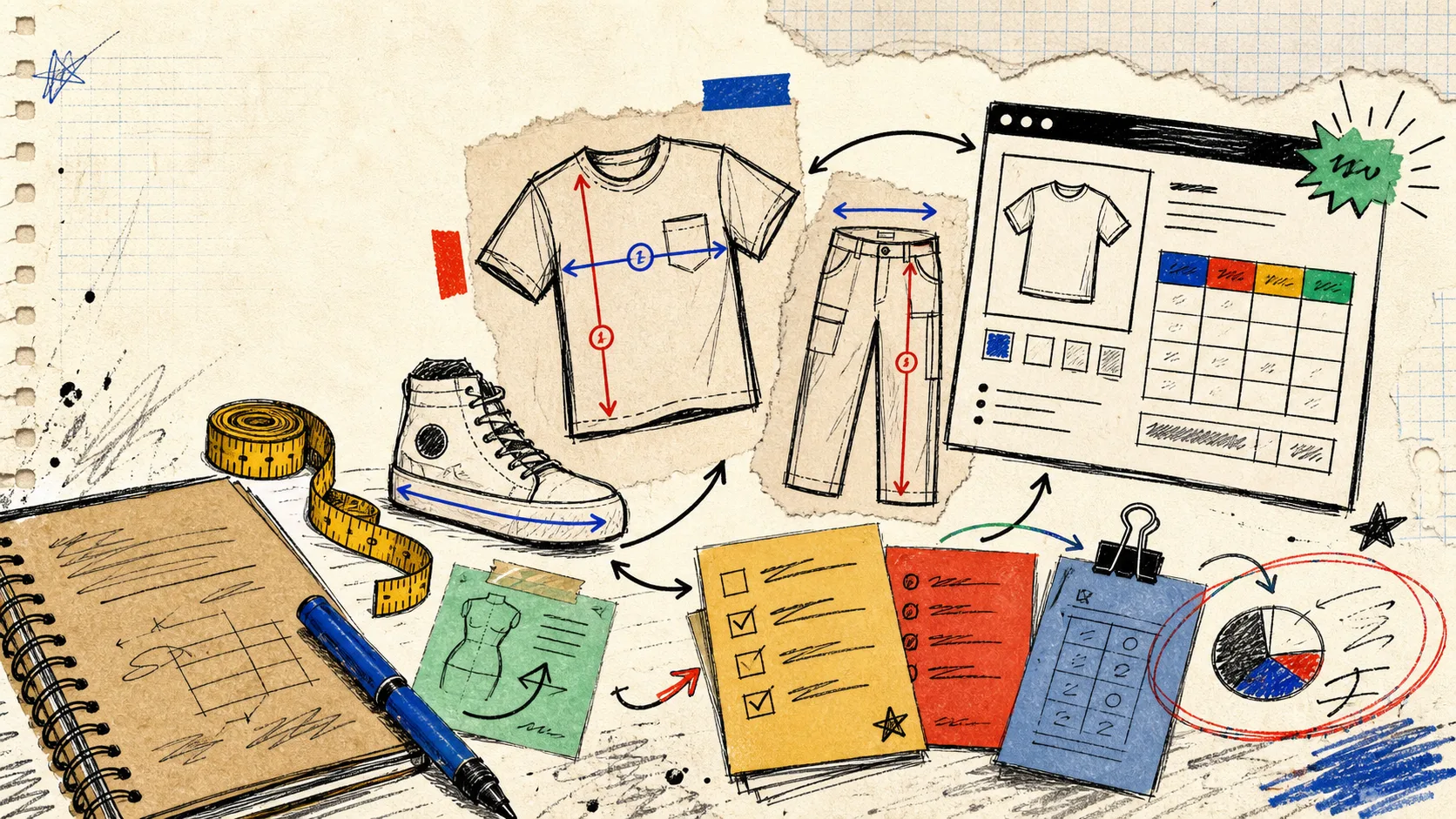
I had a familiar pre-launch problem on my desk: a new collection with tees, overshirts, trousers, and a couple of accessories—and one old size table that was technically present but practically useless. It had grown by copy-paste. A shopper could find it, but could not tell which measurements applied to which item, and our team could not change it without opening product descriptions one by one.
The fix was not to make one bigger chart. It was to split the system by the decisions a shopper actually has to make. Here is the field-note version of that setup.
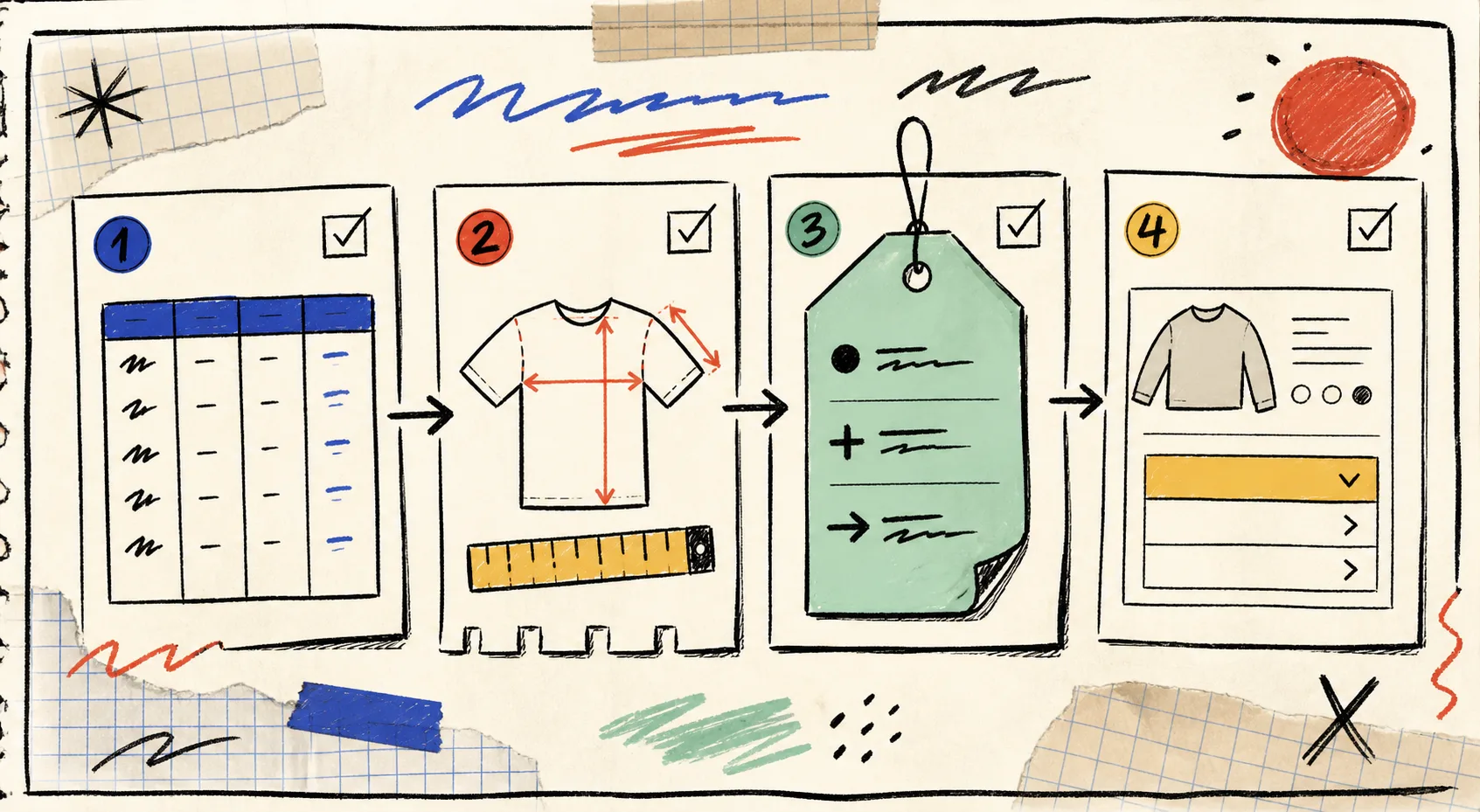
Start With Product Families, Not Individual SKUs
My first pass is always a four-column inventory: product family, fit promise, measurements needed, and exceptions. That separates genuinely different sizing decisions from cosmetic catalog differences.
A relaxed cotton tee and a graphic tee can usually share a chart if the same garment measurements explain the fit. A cropped tee, however, may deserve a separate chart because length is the deciding measurement. Likewise, a regular inseam and a petite inseam may share waist and hip values but still need distinct guidance.
The useful question is not, “Do these products look alike?” It is, “Would the same shopper measurement lead to a confident choice here?” If yes, keep the chart shared. If no, split it. This keeps the catalog understandable without creating a chart for every SKU.
For a quick pre-launch sanity check, I still use the four checks in my size-chart release gate: correct chart, right product coverage, readable display, and a real shopper test.
Decide Whether You Need Garment or Body Measurements
This is where many charts go sideways. A grid of chest, waist, and hip numbers tells shoppers very little unless the page says whether they are measuring themselves or the garment.
For close-fitting basics, body measurements can be the clearer starting point. For outerwear, relaxed silhouettes, or vintage-style garments, flat garment measurements are often more useful. If you use garment measurements, show how to measure: chest laid flat, shoulder seam to seam, sleeve from shoulder, rise, inseam, or total length. A short measurement guide can prevent the classic “my chest is 40, why is your shirt 23?” support ticket.
I keep notes next to any number that might be misread: “measured flat,” “multiply width by two,” or “allow a little room for layering.” The detailed walkthrough in How to Build Size Charts Shoppers Can Measure at Home is a good companion when the guide itself needs a reset.
Give Footwear, Apparel, and Accessories Their Own Logic
One of the fastest ways to make a product page feel careless is forcing every category into a tee-shirt-shaped chart. Each product family needs its own decision model.
- Apparel usually needs a fit cue plus a few high-value garment or body measurements. A shirt chart may need chest and length; trousers add waist, hip, rise, and inseam.
- Footwear needs the sizing system stated plainly, then a foot-length or conversion cue when relevant. Do not bury the region behind a vague size column.
- Accessories often need circumference, strap drop, width, capacity, or device compatibility—not a generic S through XL row.
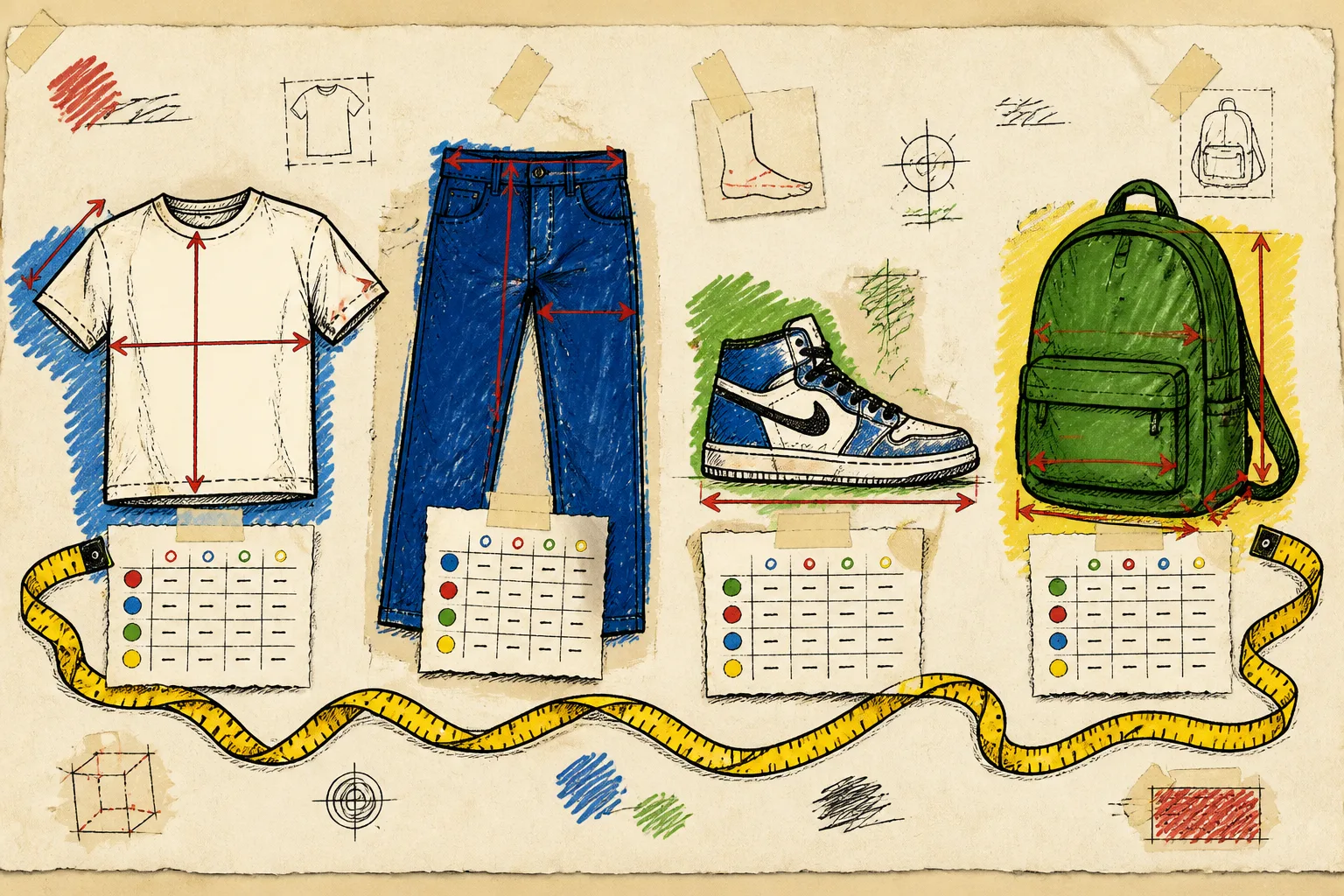
This is also where the display choice matters. A compact accessory guide may work inline. A long trouser chart may be easier in an accordion. A measurement guide that shoppers need to compare while looking at photos may be worth a modal. If you are deciding between those patterns, the earlier audit of a Shopify size-chart system lays out the checks I use before touching the theme.
Make Assignment Rules Do the Repetitive Work
Once the chart boundaries are sound, I stop assigning them SKU by SKU. That approach fails the moment somebody adds a product after launch.
A rule based on collection, product type, vendor, or tag is closer to how a catalog actually changes. For example, a “Core Tees” collection can receive one chart; a “Petite” tag can take precedence with another; a store-wide fallback prevents a blank state while the team fills gaps. The important part is naming the collection and tags like operating tools, not temporary campaign copy.
Supra Size Chart is useful here because its rules can match product, collection, type, vendor, or tag, while the chart itself stays centrally managed. Its theme block can render as an inline table, accordion, or modal, so the page treatment can follow the product instead of forcing every category into one pattern.
Keep the Chart Portable Enough to Survive a Change
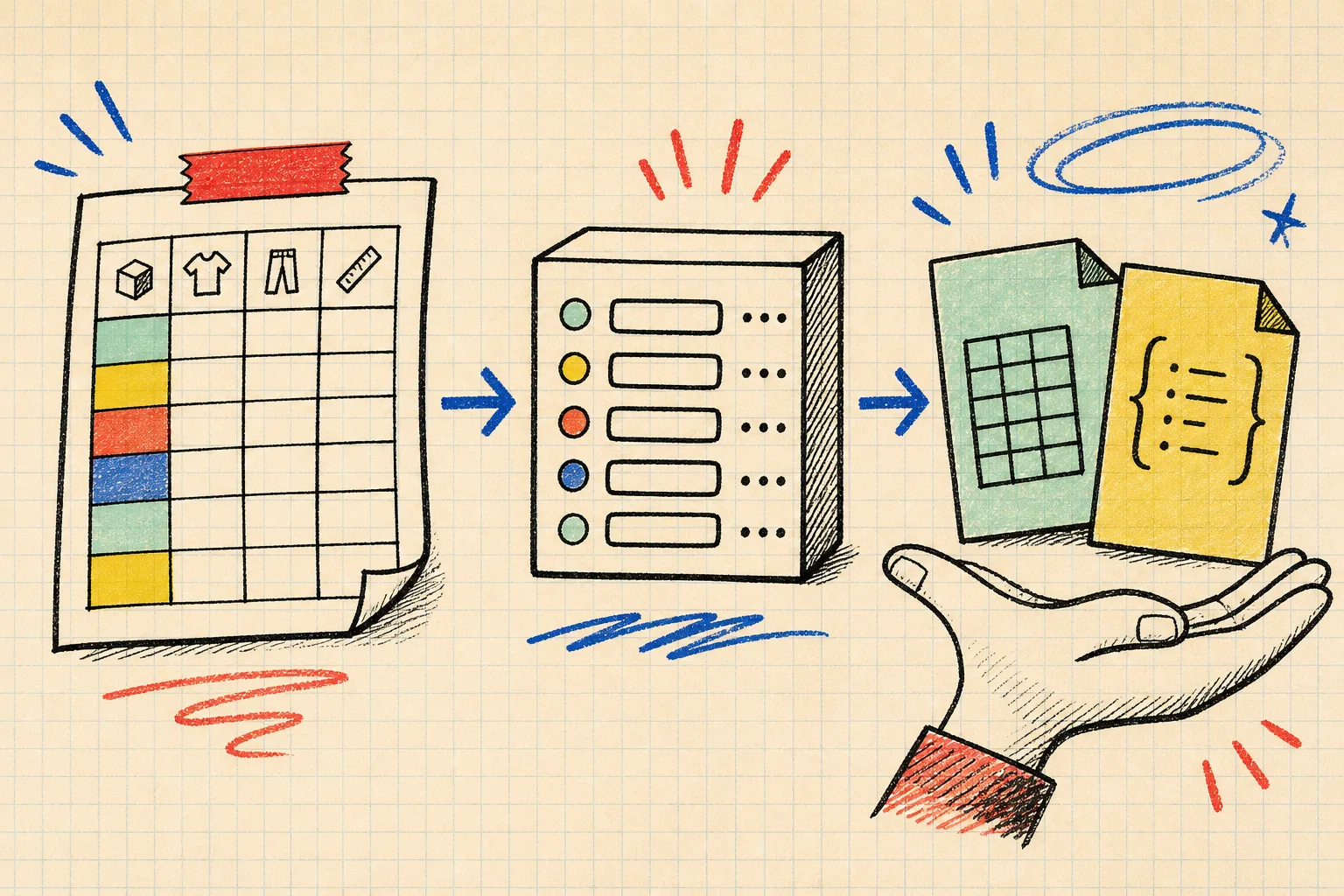
I also want the chart to be an asset, not a widget-shaped dependency. The practical test: can we export it, explain it, and reuse it without rebuilding the work from memory?
With Supra Size Chart, charts are stored in the shop’s Shopify metaobjects and can be imported or exported as CSV or JSON. That gives the merchandising team a real source of truth instead of a hidden table pasted across descriptions. It also makes seasonal changes easier: update one chart, confirm the affected rules, and the correct pages pick it up.
That is a much calmer starting point than the product-description cleanup I described in How I Refresh Shopify Size Charts for a New Apparel Collection.
The Ten-Minute Test Before You Publish
Before declaring the system done, open one product from each family on desktop and mobile. Ask four plain questions:
- Can a shopper tell whether this is a body or garment measurement?
- Can they see where to measure without leaving the page?
- Does the chart match this item’s actual fit and region?
- If a new SKU gets added to the collection tomorrow, will it inherit the right guide?
If any answer is no, adjust the chart boundary or assignment rule before launch. This is not glamorous work, but it removes uncertainty exactly where uncertainty becomes a return or a support ticket.
My next action would be simple: pick one product family with the most sizing questions, rebuild its chart around the real buying decision, and apply it with a rule. A free Supra Size Chart Shopify app setup is enough to test that system without committing to another paid layer.