
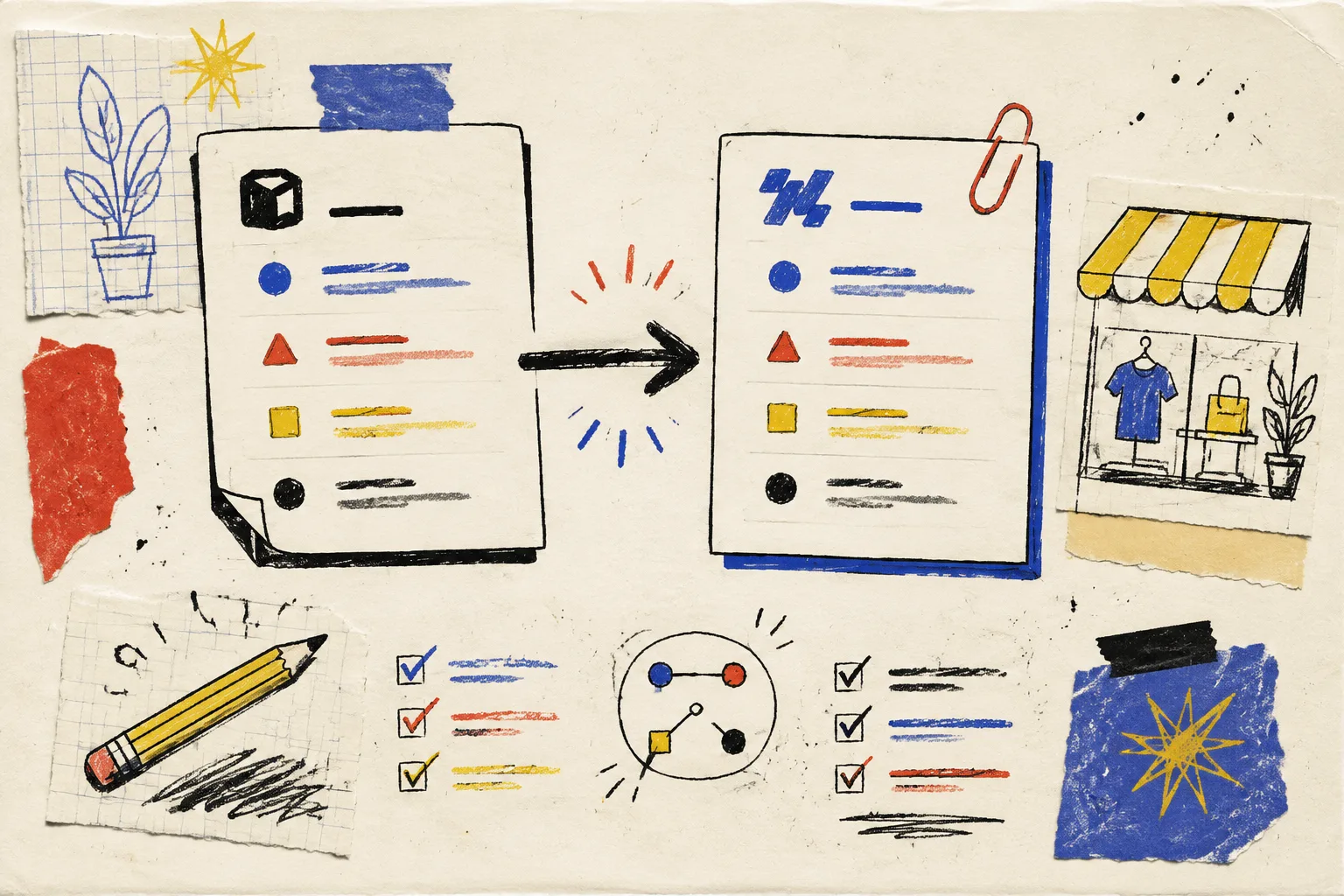
I learned this one after treating a Notion-to-Webflow sync like a convenience feature: a post arrived in the CMS, but the important parts did not arrive in a shape anyone could safely publish. The title made it through. The image did not. The URL was technically there, but not where the template expected it.
That is not a sync problem in the abstract. It is a missing agreement. Before I enable auto-sync in Syncflow, I write a tiny content model contract: what each field means, where it comes from, where it lands, and what happens when it is blank. It takes less time than repairing one half-published collection page.

The Contract Is Not a Spreadsheet Exercise
A content model contract is simply a short list of promises between the writing database and the CMS collection. I keep it beside the collection setup, not in someone’s head. Mine starts with six fields: title, slug, author, publish date, hero image, and body.
For every field, I answer four questions:
- What is the source field in Notion?
- What is the destination field in Webflow?
- Is it required before a page can be reviewed?
- What is the fallback if it is empty?
The useful part is the meaning, not the label. A Publish date must be a date the site can use; a Hero image must be a usable image reference, not merely a sentence saying an image is needed. A Slug must have one owner. Once I decide that, the mapping inside Syncflow becomes much less mysterious: connect the accounts, pick the Notion database and Webflow CMS collection, map the fields, then choose manual or automatic sync. Syncflow supports text, images, checkboxes, dates, URLs, and more, which is exactly why I set the rules before I map anything.
I had already sketched a schema checkpoint before syncing Notion to Webflow. The contract is the next layer: it turns that checkpoint into a repeatable handoff another person can understand.
My Six-Field First Pass
Here is the lean version I use for a blog collection. It is deliberately boring. Boring fields publish better.
- Title: required text. The writer owns it; the CMS displays it. No fallback.
- Slug: required URL-safe text. I decide whether Notion or Webflow owns it, then do not let both quietly improvise.
- Author: a controlled value, not a free-form spelling contest. If there is no author, I send the page to review instead of guessing.
- Publish date: optional until approval, required when the page is ready to go live.
- Hero image: required for templates that assume one. I define the acceptable source format before mapping.
- Body: required rich content. I check one page with headings, links, an image, and a code block if the publication uses them.
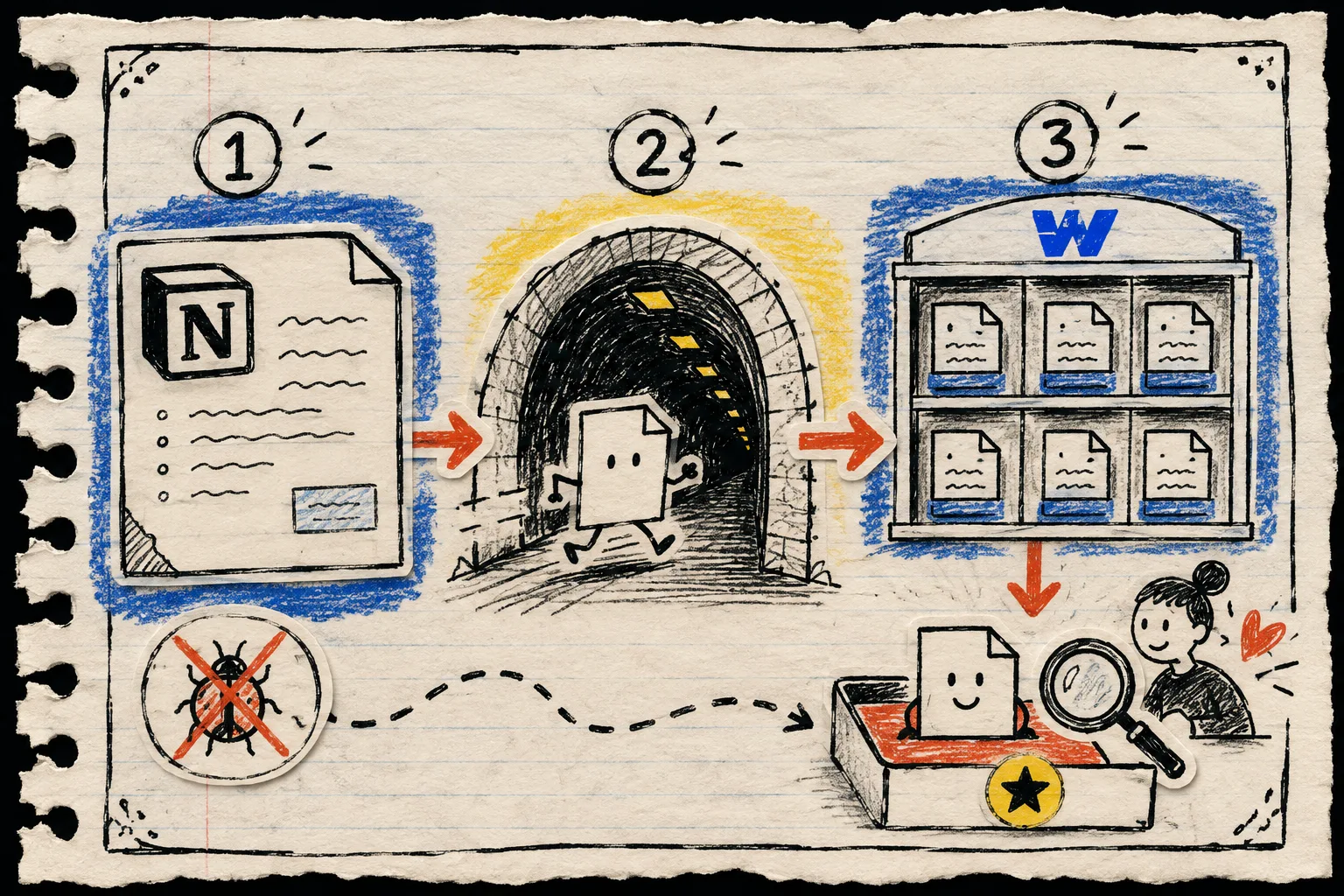
This is also where I decide the workflow status. In a small team, Draft, Ready for review, and Published are enough. I do not treat auto-sync as auto-publish. Syncflow can auto-sync and auto-publish changes, but I enable the second only after the contract survives real test entries. For teams planning content in batches, my reviewable collection-brief queue is the same principle applied upstream: make the queue visible before the machine gets fast.
Test With One Deliberately Messy Entry
The best test page is not the perfect demo. I make one record that includes a long title, a missing optional field, a real hero image, a related-page link, and a body with a few different Notion blocks. Then I sync it manually and inspect the actual Webflow CMS item.
I look for three things:
- Field shape: did each value land in the destination field I intended?
- Presentation: does the collection template make the title, image, author, and body usable?
- Editorial safety: would a teammate know this item needs review before it becomes public?
Syncflow’s import options matter here. You can bring Notion elements across with inline styling or with classes; I choose the option that matches the Webflow system I actually maintain, rather than hoping a pretty test page proves a durable setup. Its page-link conversion, code highlighting, and TeX support are useful only after the ordinary fields are stable.
This test also keeps publishing discipline in view. The same reason I schedule Shopify posts without skipping review is why I keep a review step here: automation should move approved work faster, not quietly decide that it is approved.
Make Failure Boring Too
When a sync looks wrong, I do not remap random fields until the page appears correct. I run a three-stop check: source record, mapped field, destination record.
- Open the Notion item and confirm the source value is actually present.
- Compare the value and type to the mapping contract.
- Open the Webflow CMS item and identify whether the mismatch is data, mapping, or template display.
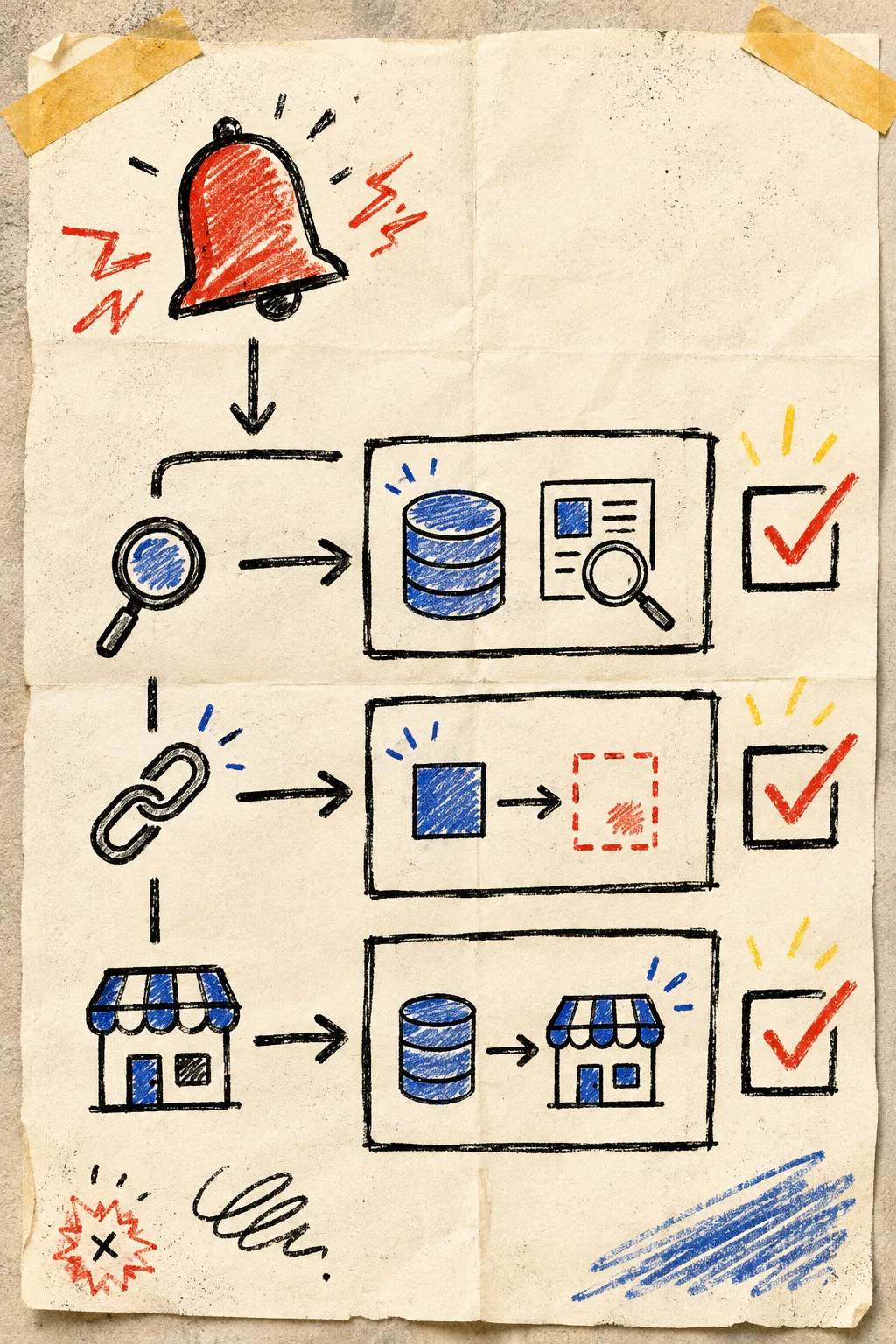
The point is useful: first trace the item, then trace the relationship, then inspect the live destination. If the content itself is correct but the template is wrong, that is a Webflow presentation task, not a reason to rewrite the source. I use the same separation during a Webflow static-site cutover and QA runbook: isolate the layer before changing anything.
The Small Rule That Prevents Most Sync Anxiety
Do not begin with every database field. Begin with the fields that let one page be correctly reviewed. Once that works, add the nice-to-haves: excerpts, related posts, labels, SEO details, and publishing triggers. Syncflow offers unlimited syncs and connected fields on its standard plan, so restraint at the start is not a permanent limitation; it is how you learn which mapping rules are genuinely useful.
If your Notion writers and Webflow editors keep correcting each other’s work, make the contract today. Open Syncflow, map one small collection, create one intentionally messy test entry, and keep auto-publish off until the review path is boring. That is the kind of automation I trust.