
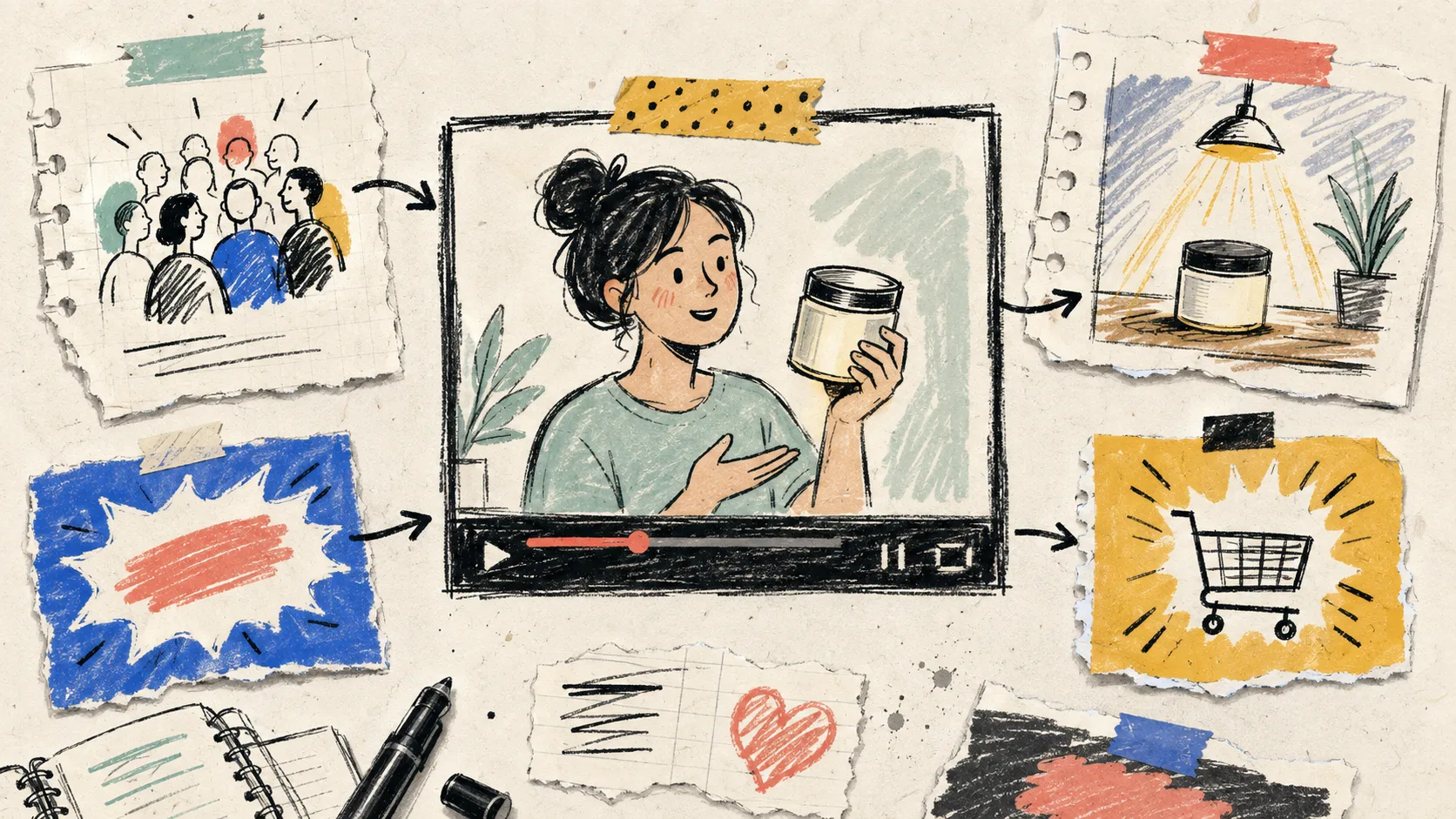
I kept treating Shopify UGC videos as though the hard part was generating them. Then I opened a folder full of clips that were all fine—and none of them knew what they were meant to do. One was trying to be an ad, a product demo, a testimonial, and a sale reminder in 20 seconds. That is not a production problem. It is a briefing problem.
My small rule now: every video gets one job before I choose an avatar, scene, or voice. That constraint makes the rest of the work faster, easier to review, and much less likely to produce a polished clip that cannot earn its place on a product page.

Start with the video’s job, not its format
Write a one-line brief before opening a generator. Mine follows this pattern:
Help [specific shopper] take [one next action] by showing [one useful proof or explanation].
For example: “Help a first-time buyer understand how the insulated bottle lid works by showing a short leak-test demo.” That is different from “make a video for this bottle.”
The job usually belongs in one of three buckets:
- Get attention: a paid-social or Reel opening that earns the next second of attention.
- Remove a buying doubt: a product-page explainer that answers one real question.
- Move an existing customer: an email, launch, or post-purchase clip with one clear next step.
Do not combine the buckets just because the same product appears in all of them. I learned this while mapping one product into three UGC video jobs: the product can stay constant while the viewer’s context changes completely.
Pick one audience moment
A useful UGC-style clip is specific about when someone sees it. “People who like wellness products” is not a moment. “A shopper on the product page wondering whether this fits in a work bag” is.
Write down four details: the placement, the viewer’s question, the product fact you can actually show, and the next action. If one of those is fuzzy, I do not generate yet. It is cheaper to fix a sentence in a brief than to keep regenerating scenes.
This is also where I decide whether an AI avatar is the right creative choice. For explainers, fast angle tests, and lightweight launch variations, it can be a practical way to produce more Shopify product videos. For a real customer story or a trust-heavy endorsement, a genuine creator may still be the better fit. “UGC-style” is not permission to imply a real-person experience that never happened.
Build a four-beat script that can survive trimming
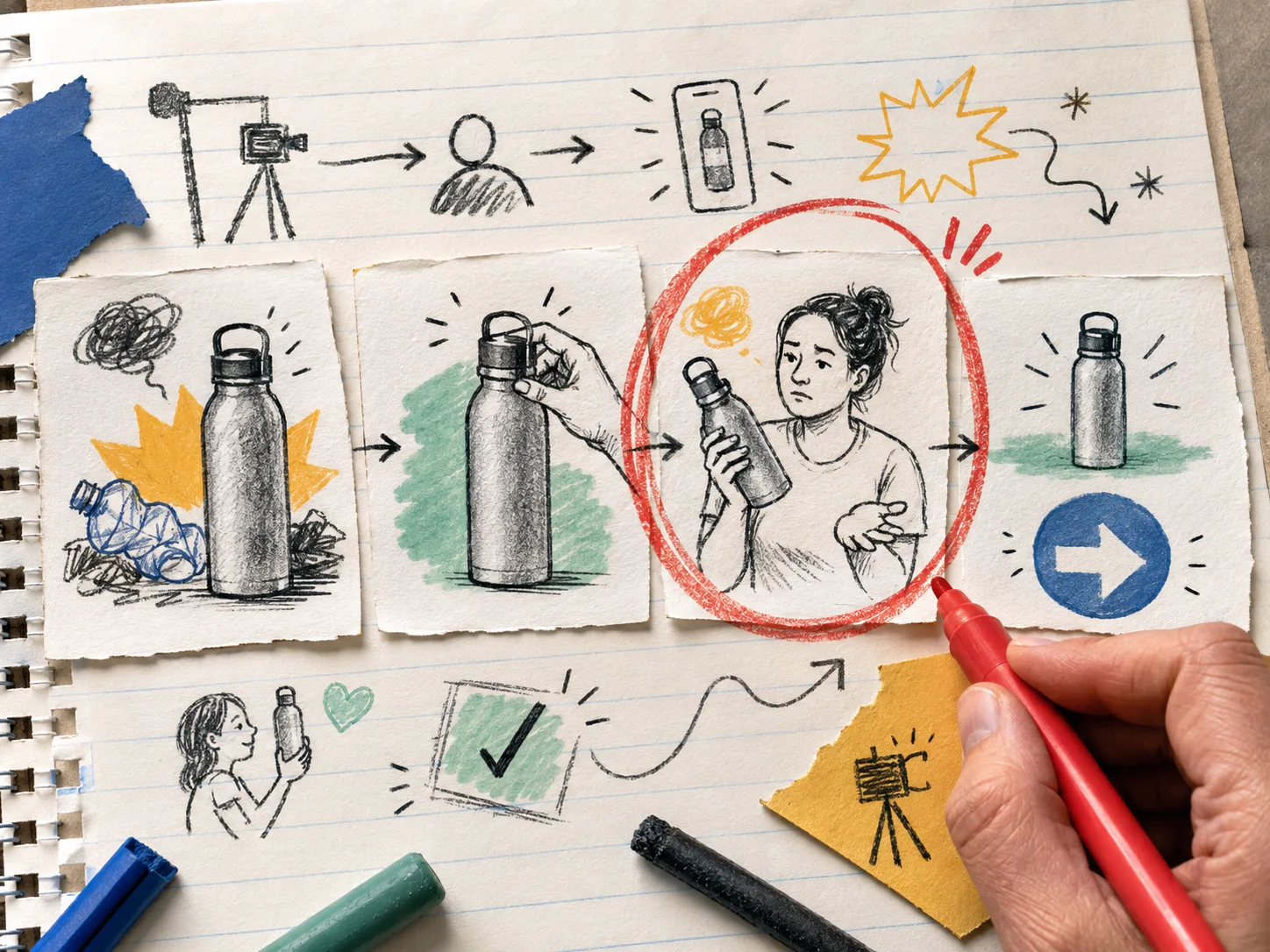
My default storyboard has four beats:
- Problem: name the friction in language the shopper might use.
- Proof: show the product or the relevant product detail doing one thing.
- Boundary: keep the claim honest; avoid promises the product cannot support.
- Next step: tell the viewer what to do next.
That is enough structure for a first pass. It is deliberately smaller than a full campaign script. I may change the hook later—this hook-testing workflow is still useful when the goal is paid attention—but I do not let hook experiments change the video’s job halfway through.
With Supra UGC Maker, that compact brief becomes a practical setup: choose a preset avatar or create a custom model, choose a scene, add the Shopify product where useful, write the script, select voice and tone, then preview before generating. The point is not to automate taste. It is to make scenes, scripts, and product references reusable when you need another variation.
Keep the variable list visible
Before I click generate, I make a tiny “fixed versus testing” list. If I am testing a message, I keep the product, placement, call to action, and review standard fixed. If I am testing a scene, I do not also rewrite the script and change avatars. Otherwise a result tells me nothing.
For a first working set, I would make three clips at most:
- one direct product-question explainer;
- one problem-first version for social;
- one version with a different scene or voice, not five changes at once.
That is enough to learn without turning a small creative test into a production queue. If you need a deliberately small first experiment, the first Shopify UGC video test approach is a good companion: one product, a few hooks, and a human decision before scale.
Put a human review gate before placement
I review the draft with the original one-line brief beside it. Can a viewer identify the product? Does the spoken claim match what we can substantiate? Is the scene appropriate for the audience? Does the CTA match where the clip will live? Does the avatar accidentally imply a personal testimonial?
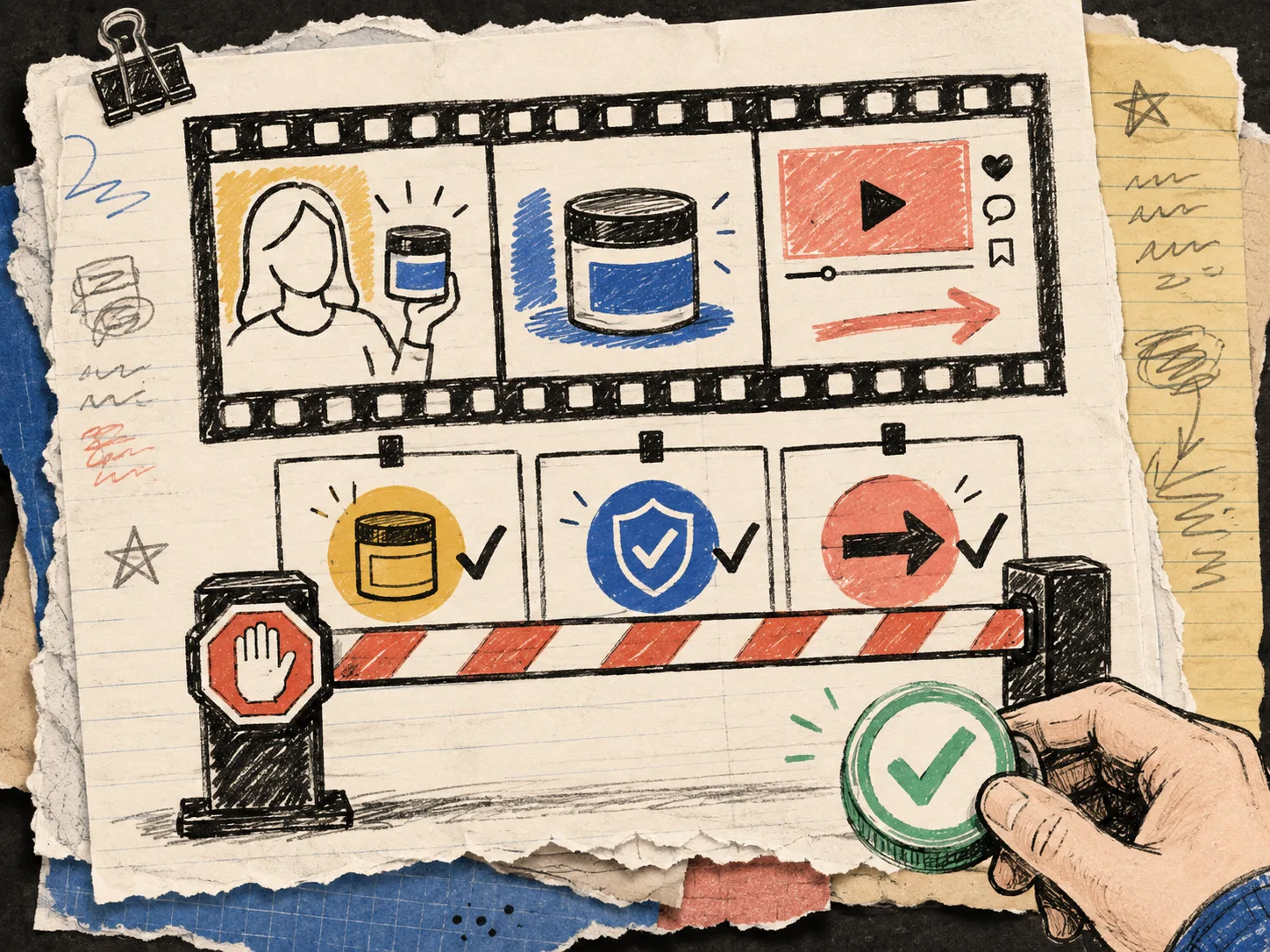
If the answer is no, I revise the specific beat that failed. Reordering, trimming, updating, and regenerating clips inside one project is far more useful when the brief gives the revision a target. This same discipline is why I prefer a clear reviewable queue to a pile of automatic output; human review in product-video automation catches the awkward gaps that a generation step cannot judge.
The next action
Pick one product page this week and write the one-line brief before making anything. Then create a single UGC-style explainer around a buyer question you can answer honestly. If you need a faster way to build the avatar, scene, product, script, and voice combination, try Supra UGC Maker on Shopify and keep the brief attached to the project. The video should have one job. Make that job obvious enough that your reviewer—and your shopper—can tell when it succeeds.