

The brief was never the real bottleneck
I used to treat every new product-video request as a fresh creative project. A launch note would arrive with a product name, three selling points, a price, and an urgent request for versions for paid social. Then somebody would make a one-off brief, somebody else would find the assets, and the final review happened in a browser tab with six similarly named files. It worked until it did not.
The thing I needed was not a faster way to ask for videos. I needed a small, dependable queue that could turn one product brief into a set of understandable variations, while leaving a human-sized approval step before anything went live.

That distinction matters. A useful queue makes the repeatable parts boring: format, product facts, visual assets, locales, hooks, and calls to action. It keeps judgment visible: which hook is worth testing, which product shot feels right, and whether the offer language still makes sense.
Start with a product-shaped input, not a blank timeline
My first pass is a compact product brief with fields I can actually validate. I want a stable product identifier, the approved title, a destination URL, one primary image, optional supporting clips, price or offer text when relevant, a short list of hooks, and the output formats needed for the campaign. That is enough to make variations without pretending every campaign is identical.
For example, the moving parts might look like this:
{
  "productId": "linen-overshirt-04",
  "hook": "A lighter layer for late afternoons",
  "formats": ["9:16", "1:1"],
  "cta": "See the color options",
  "locale": "en-CA"
}
The key is that this is a contract, not a script. I can change the hook or the format without accidentally changing the price, link, or product identity. That same discipline made the review step much easier in my earlier notes on adding approval to an automated product-video workflow.
Give the template a clear job
A template should decide the visual grammar: where a title goes, how long a product frame holds, what transitions are allowed, and what a call to action looks like. It should not hide the commercial choices that a marketer needs to inspect. I keep those choices as named inputs: hook, image order, offer line, CTA, format, locale, and campaign label.
That means a single brief can produce a small, useful set of variants: a short vertical launch version, a square retargeting version, a localized version, or a version whose opening line is intentionally different. The workflow stays manageable because I am not duplicating timelines by hand.

I have found this is also the place to set boundaries. One template may support three hooks and two aspect ratios. It does not need to support every future campaign idea. A bounded template is easier to trust, easier to review, and much less likely to turn into a private design system that nobody can safely edit.
Generate a reviewable description before rendering
This is where VideoFlow fits into the system I wanted. Its TypeScript core can turn structured inputs and templates into VideoJSON, which can then be previewed in the browser or rendered in an appropriate environment. The useful part for me is the shared description of the video: the version being reviewed is tied to data rather than to a mysterious export on somebody’s desktop.
I would create one queue item per variant, save the product brief and the generated video description together, then show a clear preview. For an in-platform workflow, the React video editor is especially interesting because a team can expose editing and review capabilities without starting by building a timeline interface from scratch. The examples are a good place to examine the practical shape of that integration.
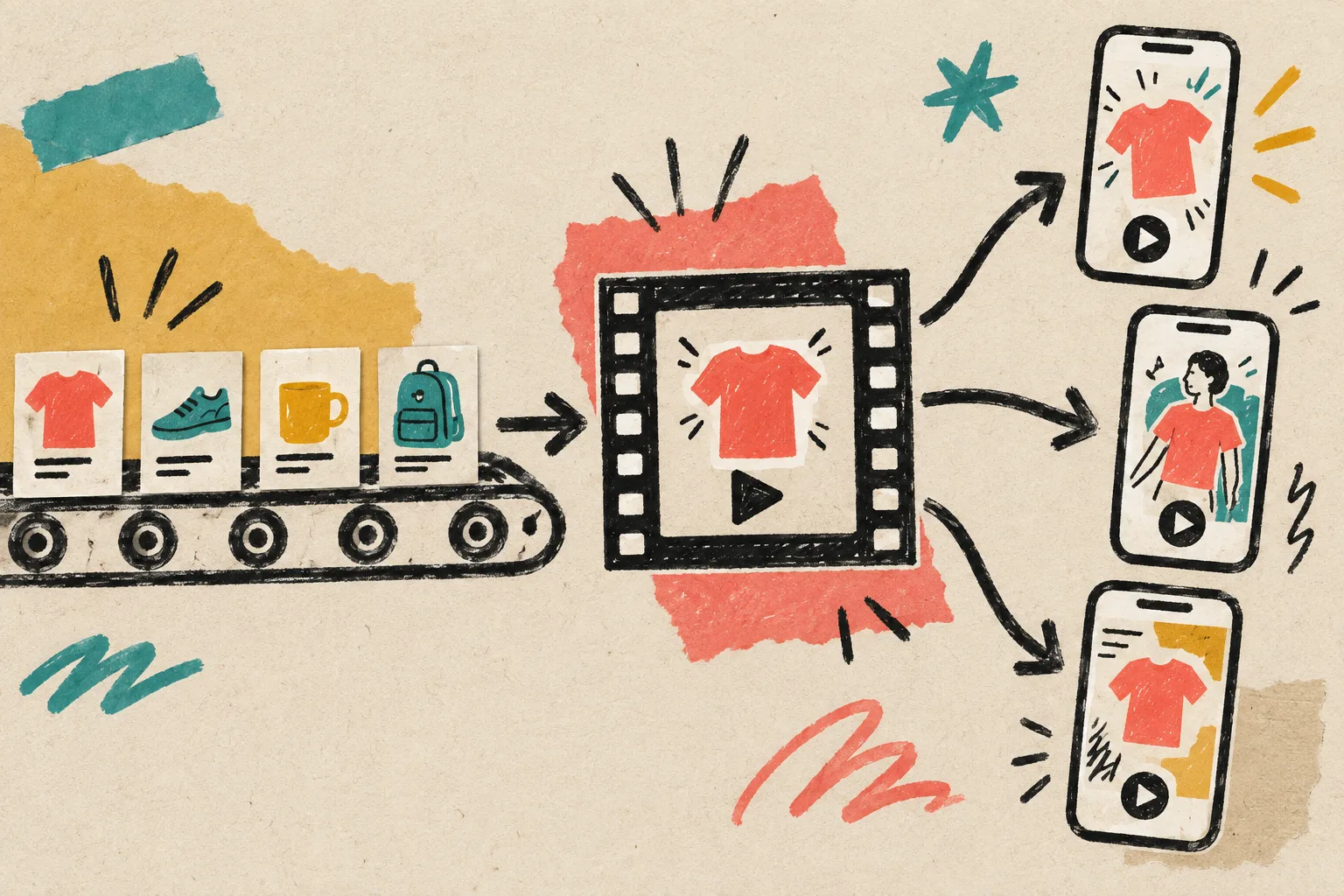
The preview is where I ask simple, operational questions: Is the correct image leading? Does the hook fit on screen? Is the price current? Is the landing-page link right for this locale? Has the campaign owner approved this particular variation? Each answer belongs to a queue item, not a scattered message thread.
Keep a human gate in the middle
Automation is not an argument for publishing blindly. I want the queue to have explicit states: drafted, ready for review, approved, rendering, rendered, and delivered. The approved state should record who reviewed it and what they saw. When a product price or image changes, the item can go back to draft instead of silently inheriting stale information.
That pattern is more valuable than a flashy batch export. I wrote about a related escape hatch in this field note on keeping templates flexible: standardized output is useful precisely because it makes the exceptional work obvious.
For a larger catalog, I would add a small rule set: products with missing imagery do not enter the render queue; localizations with untranslated CTA text remain in review; variants with an outdated destination URL fail visibly. These are not creative restrictions. They are the guardrails that let a team produce more videos without producing more avoidable mistakes.
A queue makes the work easier to improve
Once each variation has an ID and a visible status, learning compounds. I can compare a hook across products, see which formats repeatedly require manual changes, and find templates that need a cleaner input contract. It is a calmer way to operate than rebuilding the whole flow whenever a campaign arrives.
A few older experiments point at the same idea from different angles: localized videos from one template and a weekly video job queue replacing a slide deck. The shared lesson is that repeatability should make room for better judgment, not erase it.
My practical checklist is short: define the approved inputs, keep templates bounded, produce a reviewable video description, require an explicit approval state, and render only the variants that have passed it. That turns one product brief into a queue the whole team can understand.
For teams exploring the implementation details, the VideoFlow documentation and its renderers overview are the sensible next stops.