
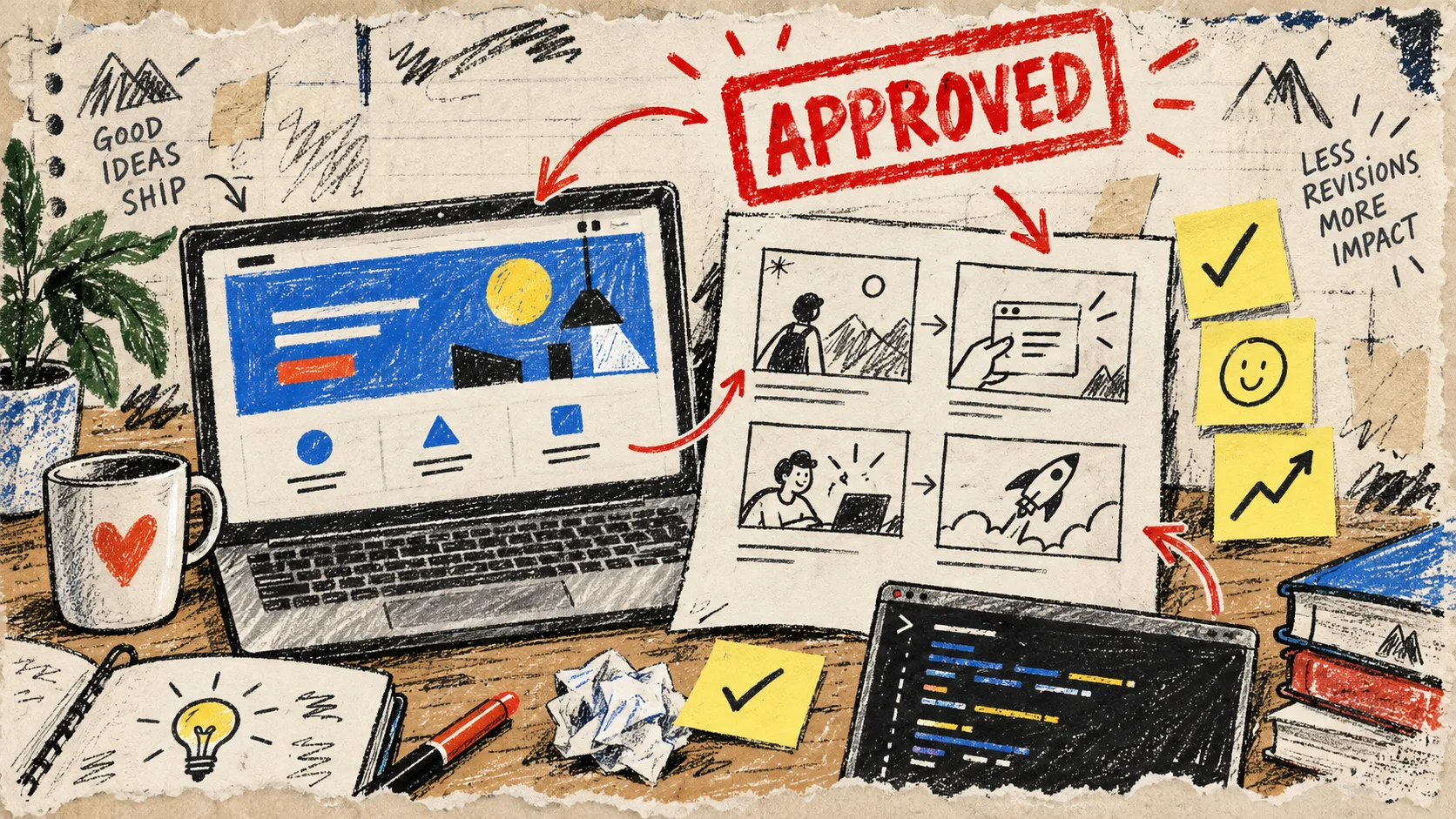
I have a small rule for launch videos now: nobody gets to debate the third transition until we agree on the first four beats. It sounds obvious, but my messiest projects have always started with a vague request—”make it punchy”—and a beautiful-looking first cut that nobody can actually approve.
For a SaaS launch, I want a reviewable argument, not a pile of scenes. That is why I have been using VideoFlow Studio as the first-cut machine: I can give it a URL from my terminal, ask for a motion-graphics story, and still keep an editable video document behind the render. The useful part is not merely that it makes a video. It gives me something concrete to approve, correct, and carry forward.
My pre-render rule: approve the story, not the decoration
Before opening the terminal, I write a four-beat brief on one ugly piece of paper. It has to fit on a screen and answer four questions:
- What painful moment starts the story? Name the job that is slow, risky, or annoying.
- What proof makes the promise believable? A result, a workflow, or a product detail is better than a broad claim.
- What does the product actually do? Pick the one interaction a viewer should remember.
- What should the right viewer do next? Start a trial, join a waitlist, book a demo, or visit the launch page.
That sounds modest, but it prevents the classic founder trailer from becoming a homepage narrated by kinetic type. If you have raw customer notes instead of a clean brief, I would start with this customer-research-to-launch-video workflow and distill the repeated pain into beat one.

A working example
For a small inventory-alert product, my note might read like this:
- Problem: stock surprises turn a calm afternoon into emergency Slack messages.
- Proof: the owner sees a low-stock signal before a popular variant runs out.
- Product moment: one clear alert changes the next purchase decision.
- Next action: see the product in action on the launch page.
Notice what is missing: seven features, a market-size slide, and an origin story. Those can live elsewhere. A launch video needs a clean through-line first.
Turn the brief into a first cut you can discuss
VideoFlow Studio is built around a simple operator flow: point it at the product site, direct it in plain language, let it plan and render, then review what actually landed. From the terminal, the starting command is:
npx @videoflow/studio
I give it the URL, then describe the four beats and the constraints in one short instruction. I mention the audience, the desired feeling, and the detail that must be visually true. For example: “Make a concise launch video for store operators. Open on the cost of surprise stockouts, show the alert as the product moment, and end with a clear launch-page action. Keep it direct, not cinematic.”
That specificity matters more than a giant creative brief. Studio reads the site, plans the motion-graphics film, and produces a structured output you can continue to change. If your source material is product updates rather than a marketing page, the same discipline works with release notes as the input: choose the customer consequence before you choose the scene.
Make the approval pass visual and brutally small
My first review is not “do we love it?” I ask four narrower questions:
- Can a new viewer name the problem before the product appears?
- Does the proof feel specific, rather than like a floating claim?
- Is the product moment legible without pausing?
- Does the ending ask for one next action?
Then I do a second, visual pass: contrast, alignment, cropping, spacing, and whether the brand treatment survives motion. Studio is designed to inspect rendered frames and re-render corrections, which is exactly the right moment for this check. It is far cheaper to catch a cramped end card here than after a stakeholder has turned it into a philosophy debate.

I keep feedback attached to a beat, not a vague feeling. “The proof arrives too late” is actionable. “Make the middle better” is a ticket to six unhelpful rounds.
Change one variable, then look again
The nice thing about Studio is that the render is not a dead, one-shot clip. You can ask for a change in a sentence, and the built-in editor keeps manual controls for layers, timing, colors, and text without throwing away the agent context. That is especially useful when a launch owner says, “Keep the whole thing; make the ending clearer.”
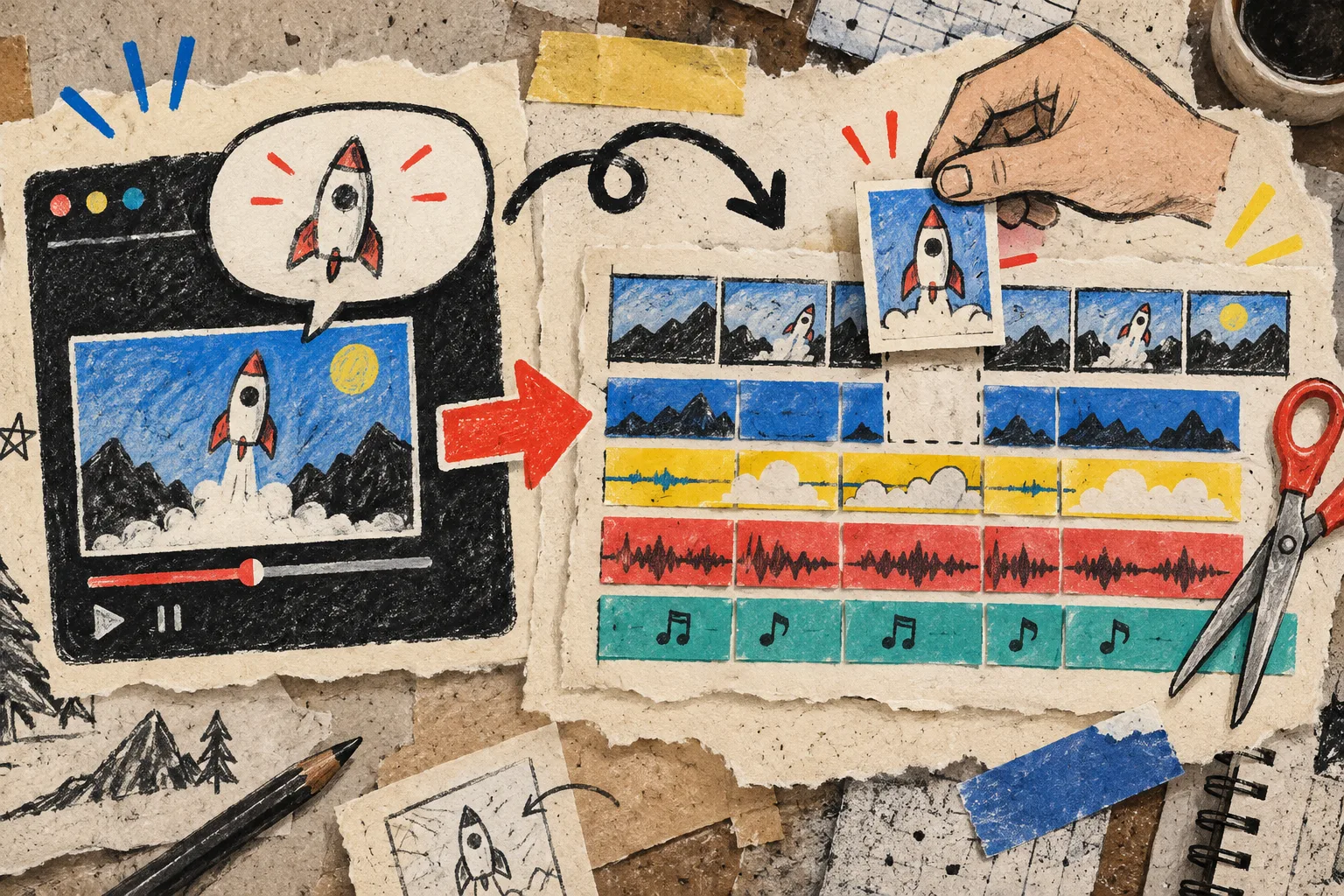
My rule is one revision category per pass:
- Story order
- Product clarity
- Brand treatment
- End-card action
Do not blend all four. A small, controlled change makes it possible to see whether the revision helped. It also keeps an agency or founder team from accidentally approving a different video every time. If the goal is a store-facing piece, the same editable-first thinking is useful in this guide to creating an AI product video you can still edit.
When this workflow is the right fit
VideoFlow Studio is strongest when you need structured, brand-aware motion graphics for a product narrative, launch, or explainer—and when you expect real feedback before delivery. It is not a claim that every video should be generated by an agent, or that every production should skip a director. The underlying VideoFlow engine is open source, while Studio is the operator layer for getting from a URL and instruction to a reviewable film.
For a founder or small marketing team, that distinction is practical: the first cut can arrive fast, but it remains portable and editable instead of becoming an opaque render. I used a related URL-first approach in my earlier SaaS release-video field note; this approval checklist is what I would add before sharing that first cut broadly.
The next thing I would do today
Open your product homepage, write the four beats in ten minutes, and run VideoFlow Studio with one clear instruction. Do not aim for the final trailer. Aim for the first version that a teammate can approve, reject, or correct with a specific sentence. That is the cut that gets a launch moving.