
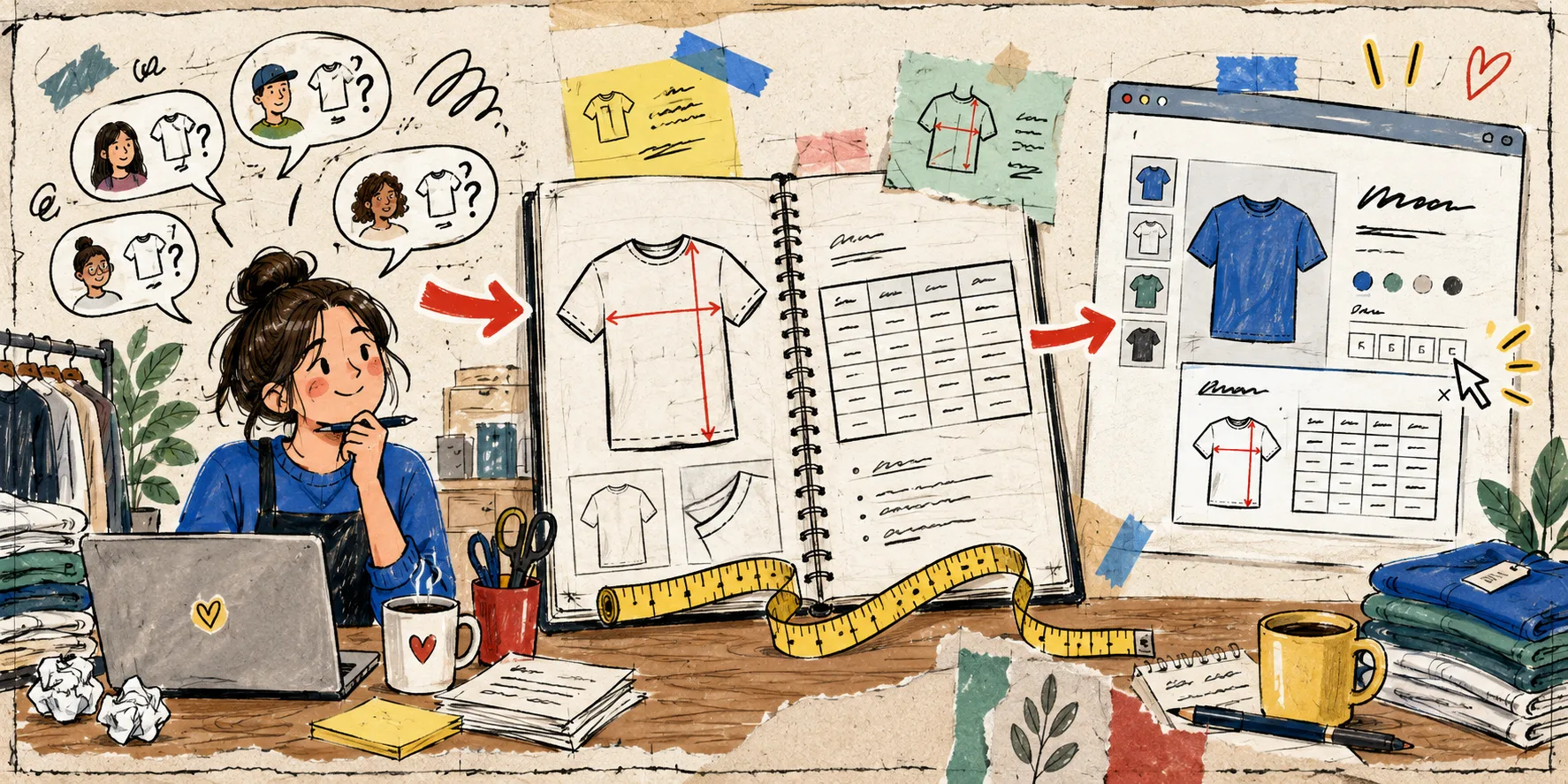
I kept seeing the same support thread in apparel stores: “Which size should I get?” The problem was not that shoppers refused to read. The product page was asking them to translate their own body, a garment, a vague fit note, and a table of numbers all at once. That is a decision path with a missing middle.
My field-note fix is to make the size guide answer the next question a shopper has, in the order they have it. Here is the workflow I now use before calling a size chart “done.”
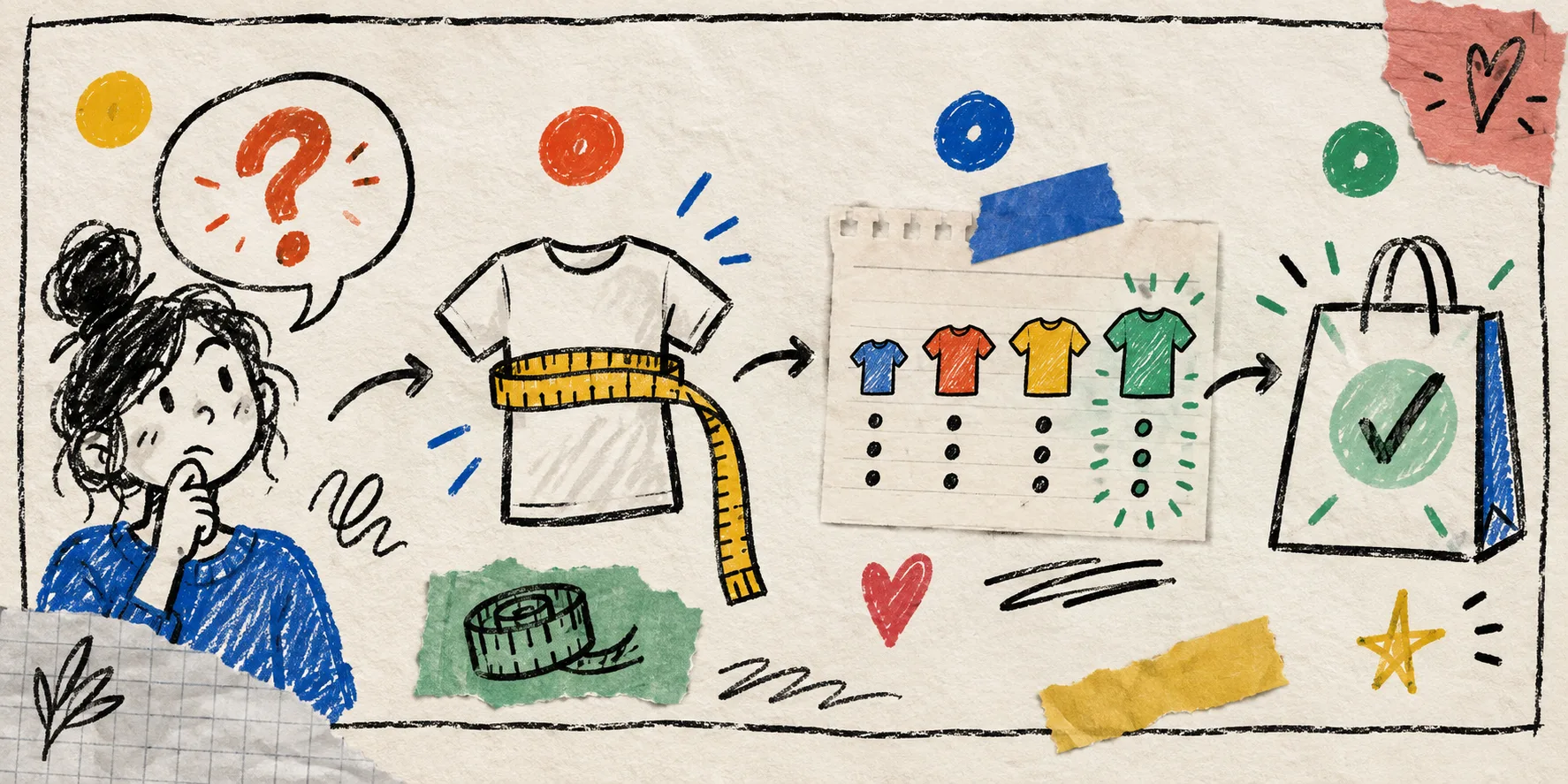
Start With the Questions, Not the Columns
Pull the last handful of sizing tickets, reviews, and live-chat transcripts. Group the wording rather than trying to solve every request individually. In most apparel catalogs, the repeated questions fall into a few buckets:
- Is this chart for the garment or for my body?
- Where exactly do I measure?
- Is the fit relaxed, standard, or slim?
- Which chart applies to this product?
- Can I use centimetres or inches?
That list is the brief for the size guide. It is also a useful way to decide which Shopify products need their own size chart. A heavyweight boxy tee and a fitted rib tee may both be “tops,” but they do not promise the same fit.
Make the Measurement Type Obvious
The fastest way to create doubt is mixing garment measurements and body measurements with no label. Pick one approach for a chart, name it plainly, and make the instruction sit beside the numbers.
For a garment-measurement chart, tell shoppers to lay a comparable item flat, smooth it without stretching, and measure the stated points. For a body-measurement chart, say that the numbers are body measurements and include any ease or fit guidance. Do not make the shopper infer this from a tiny note below the fold.
For a tee, the useful minimum is usually chest width, body length, and sleeve length. For trousers, add waist, hip, rise, and inseam. For footwear, use the measurement shoppers can take reliably and state whether it maps to foot length or an existing regional size. More columns are not automatically more helpful.
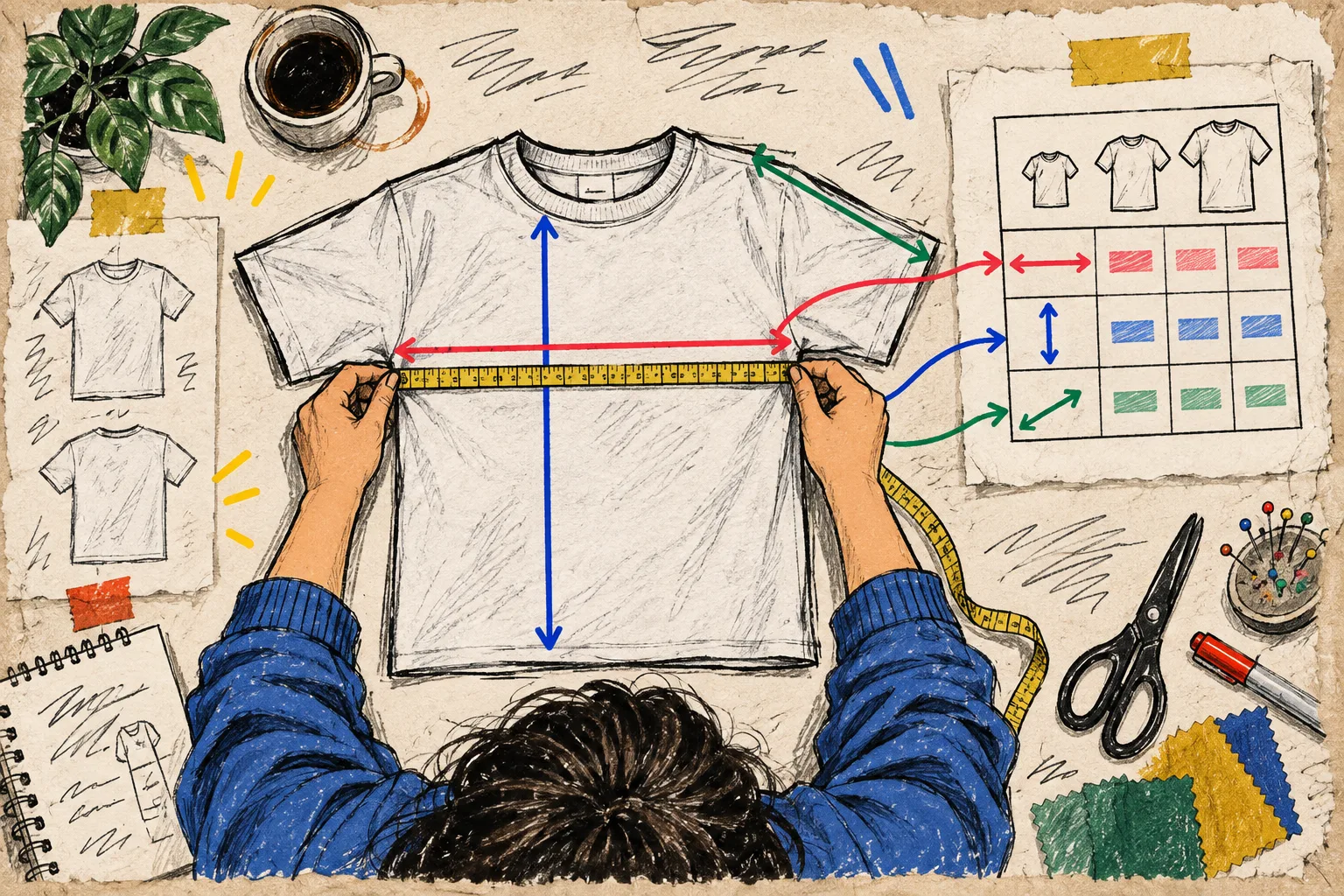
A labelled measurement guide earns its space here. It closes the gap between “measure the chest” and a shopper putting a tape at the correct point. If you are building the chart from scratch, the apparel size guide launch checklist is a good companion review before your next collection goes live.
Add One Decision Rule for In-Between Sizes
A chart should not merely list sizes; it should resolve uncertainty. Write one honest decision rule wherever the fit requires one. Examples:
- Prefer the larger size for a relaxed layer or if you are between measurements.
- Choose your usual size for the intended standard fit.
- Size up for a less fitted waist or longer inseam preference.
Keep the rule product-family specific. “Size up if unsure” applied everywhere is not guidance; it is a support ticket delayed until after delivery. A concise fit note, paired with accurate garment measurements, gives shoppers a reasoned next step without pretending every body fits one pattern.
Put the Same Guide on the Right Products
Once the content works, catalog maintenance becomes the next trap. Pasting a table into descriptions creates a second task every time a measurement changes or a new product enters a collection. I prefer one central chart and rules that decide where it appears.
With Supra Size Chart, you can build the chart in a spreadsheet-style editor, attach a reusable measurement guide, and assign it by product, collection, product type, vendor, or tag. The page block can render the chart inline, in an accordion, or behind a modal trigger. The right display mode depends on the product page, but the source of truth stays the same.
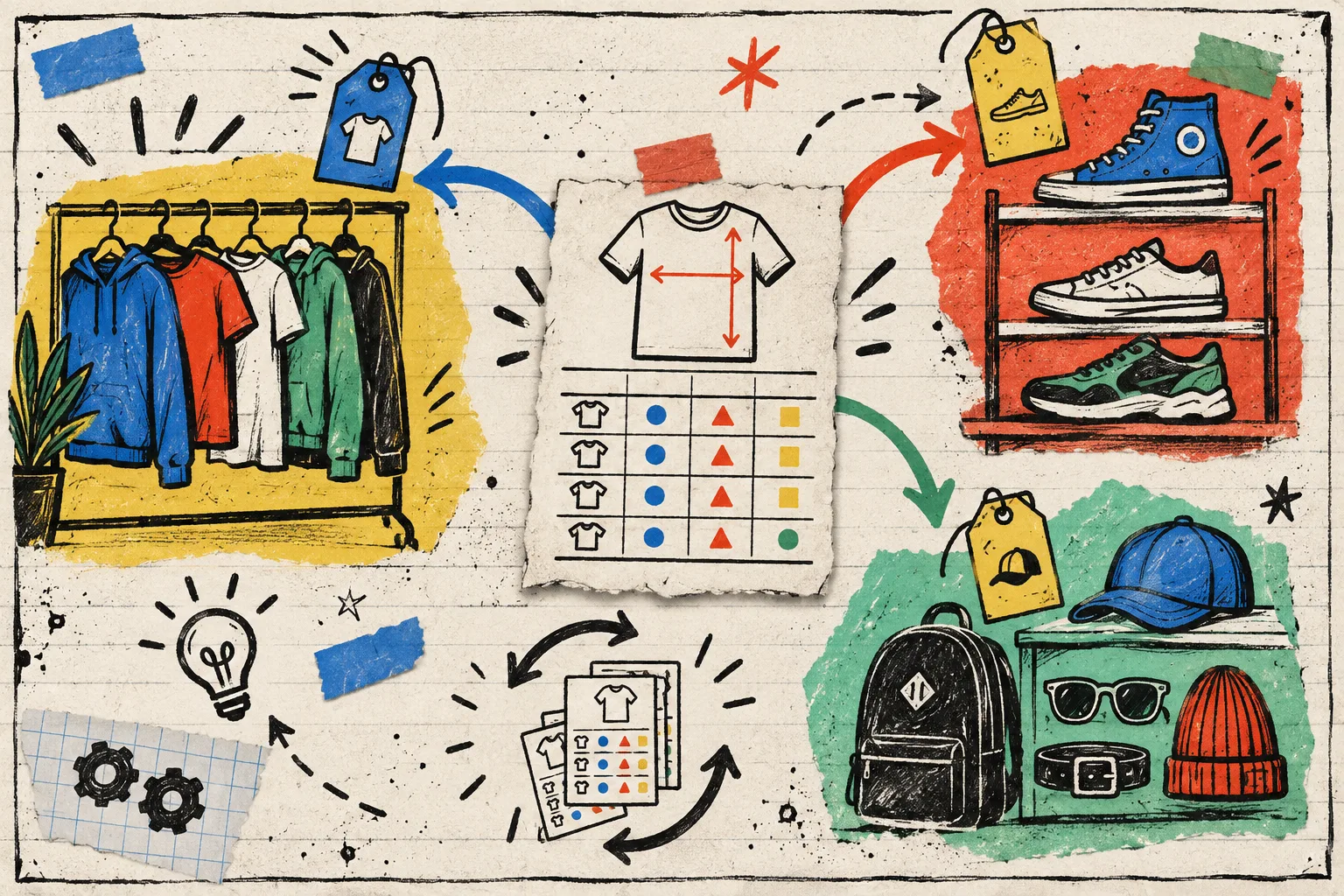
I would use a collection rule for a stable family of similar cuts, a tag for a controlled fit group, and a product-level exception whenever one SKU genuinely differs. The useful principle is specificity: your most specific rule should win, with a sensible store-wide fallback underneath. For the step-by-step collection setup, see how to assign one Shopify size chart to a whole collection.
Make Unit Choice a Small, Visible Decision
If you sell across borders, shoppers should not need a separate search tab to interpret the chart. Show the unit they expect or provide a clear metric/imperial switch. The important detail is that it should convert a like-for-like scale and keep the original measurement context clear.
That is particularly useful when the chart is maintained once and reused broadly. Supra Size Chart supports per-column units and a shopper-facing metric/imperial toggle, while keeping charts in your store’s Shopify metaobjects and available for CSV or JSON export. That portability matters: a size chart is operational product information, not disposable widget content.
The Five-Minute Product-Page Test
Before publishing a new chart, open one product page as if you have never seen the collection. Can you answer these in under a minute?
- Does this guide apply to this exact item?
- Am I measuring my body or the garment?
- Where do I place the tape?
- What should I do if I am between sizes?
- Can I read the unit I use?
If any answer takes hunting, adjust the page rather than writing a longer FAQ. The objective is not a bigger size table. It is a shopper who can choose with less guesswork and a team that does not have to maintain the same answer in hundreds of descriptions.
My next action would be simple: pick the product family producing the most size questions this week, collect five real questions, and turn them into the guide’s labels, fit note, and assignment rule. Then set up the chart once in Supra Size Chart and let the product page carry the routine answer.