
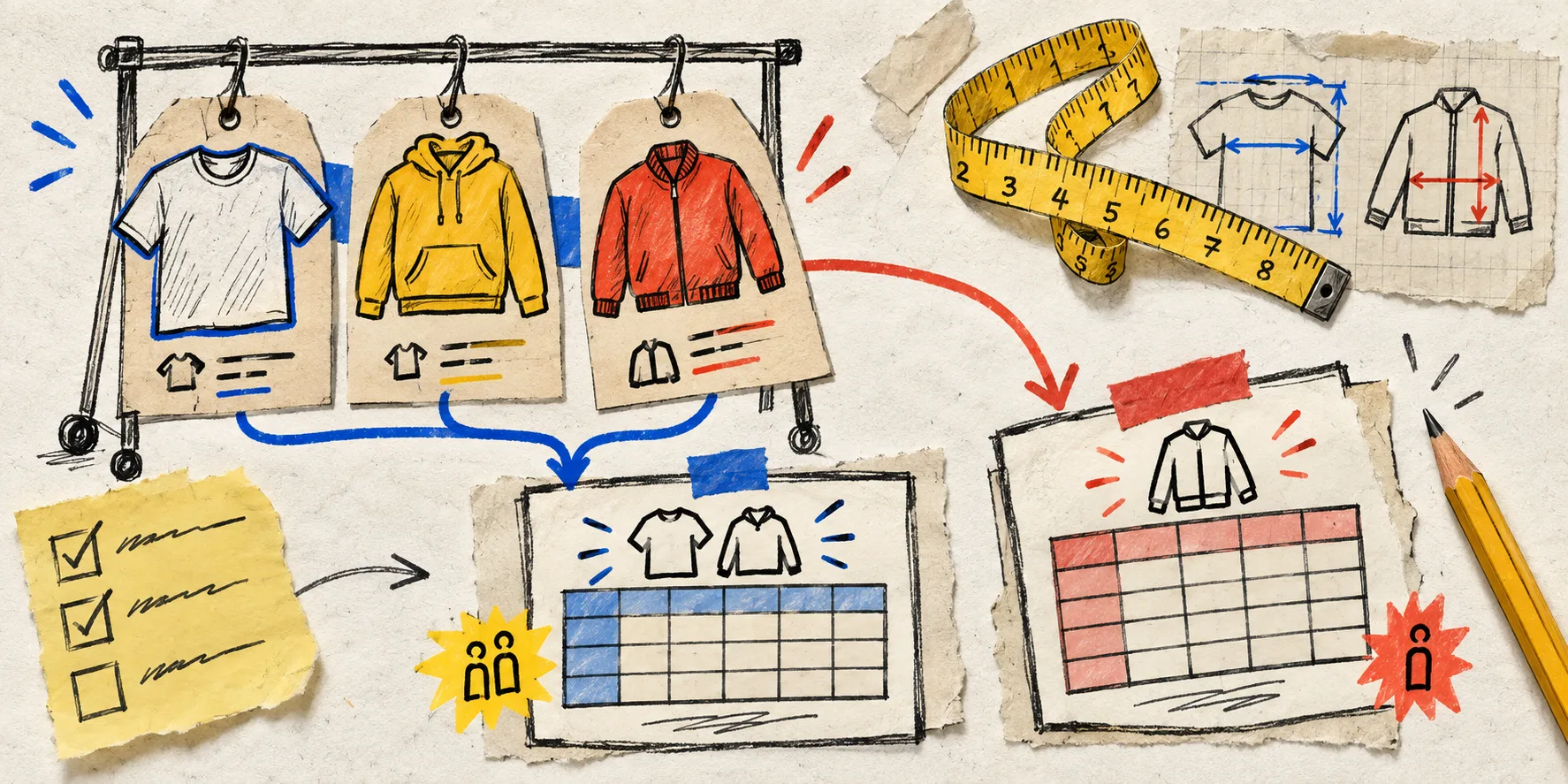
I used to think the neatest size-chart setup was one chart per product family. Tees together. Dresses together. Boots together. That was mostly right—until it wasn’t.
The useful rule I landed on is less tidy: a product earns its own Shopify size chart when the shared chart would make a shopper guess at a measurement, a fit promise, or a conversion. A clean catalog is great. A clean catalog that quietly sends people to the returns portal is not.
This is the notebook test I now run before creating another chart.
Start With the Family Default, Not a Blank Table
A default chart is still the workhorse. It gives a collection a shared baseline and prevents the familiar mess of pasting nearly identical HTML tables into product descriptions. In Supra Size Chart, I can create that base once, keep it in Shopify metaobjects, and assign it with a collection, product type, vendor, or tag rule. New products inherit coverage instead of waiting for a manual page edit.
But a family name is only a starting hypothesis. “Tops” tells me very little about sleeve construction, ease, stretch, or intended silhouette. Before I reuse a chart, I look for differences that would change the advice I would give a shopper. That is the threshold.
The Four Reasons a Product Earns an Exception
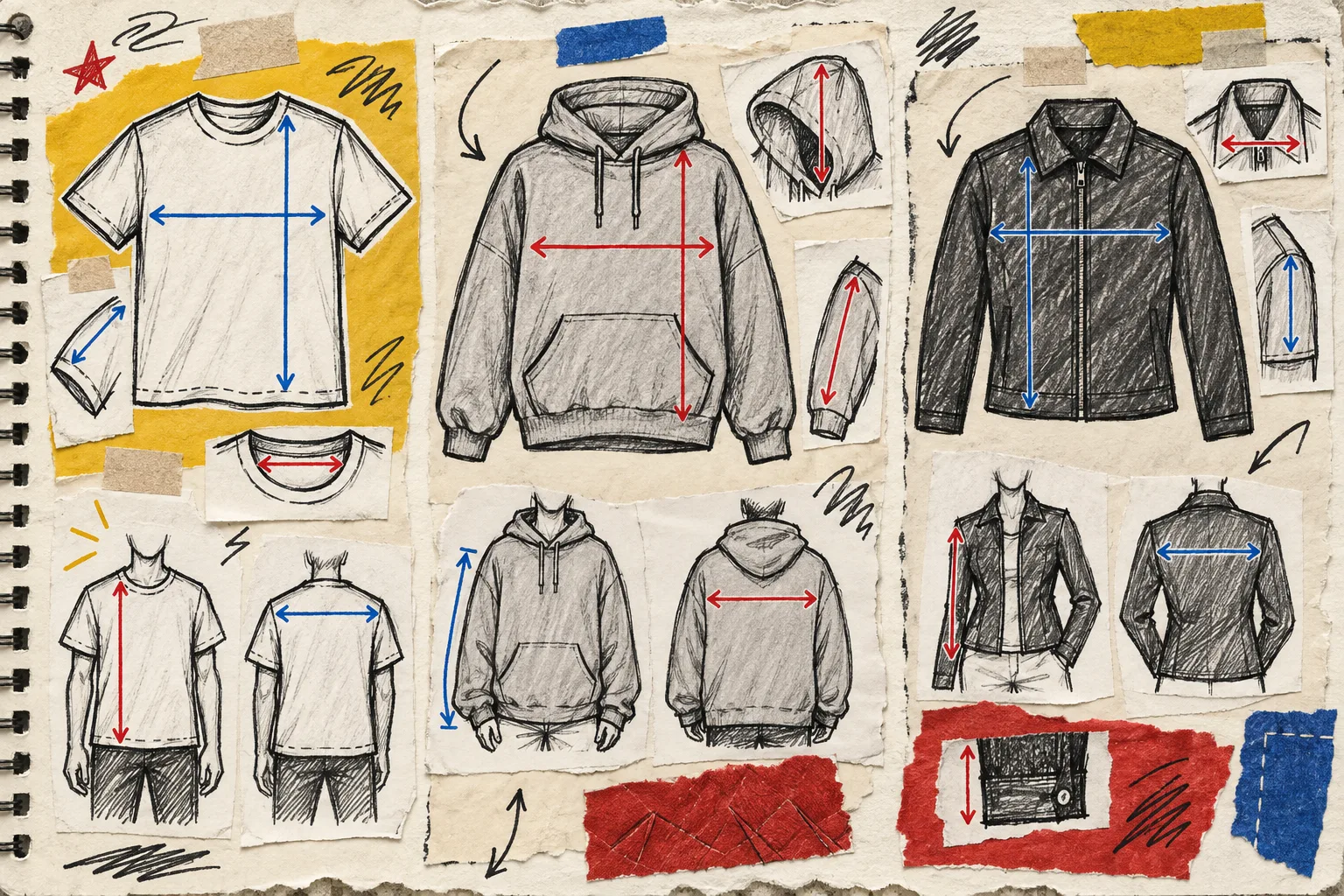
1. The measuring points change
If the shared chart uses chest width and body length, but the new garment needs shoulder width, rise, inseam, calf circumference, or shaft height to be understandable, it needs a dedicated chart or at least a dedicated guide. A shopper cannot safely map a tape measurement to a number that does not describe the garment.
This is why I separate a fitted blazer from an oversized tee even when both technically live under “tops.” The decision is not about making more admin work. It is about whether the table answers the question the product page creates.
2. The fit promise changes
A boxy, relaxed, cropped, compression, or slim fit changes what “choose your usual size” means. If the default chart describes the garment but not the intentional fit, I add a product-specific note and often a dedicated chart. A useful note is concrete: “designed with 8 cm of ease through the body” is better than “runs roomy.”
The fit-family audit is a good first pass here: compare construction and intended fit before you compare labels.
3. The source data belongs to a different scale
Footwear, helmets, rings, gloves, and technical equipment frequently arrive with their own vendor measurements. Forcing those into an apparel default makes the catalog look standardized while removing the useful information. Keep the original measurements, state what they refer to, and pair them with the correct guide.
For international stores, this is also the moment to check units. A centimetres-and-inches workflow is more trustworthy than a hard-coded conversion table that slowly drifts out of date.
4. The support inbox keeps asking the same question
I treat repeated sizing tickets as product research. “Where do I measure the waist?” “Does this fit over a base layer?” “Is the listed length from shoulder or collar?” Each repeat question is a hint that the shared chart is not carrying enough context.
A dedicated chart is not the only answer; a labelled measurement guide or a clearer fit note may solve it. But the answer needs to appear where the shopper is deciding. That is the product-page decision path, not a buried FAQ.
Make the Exception Rule Explicit
The part that prevents exceptions from becoming chaos is to write down why the chart exists. My small rule set looks like this:
- Reuse the family chart when measuring points, fit promise, and size scale match.
- Create a dedicated chart when one of those three changes materially.
- Add a measurement guide whenever the shopper could reasonably measure the wrong place.
- Add a product note when the garment’s intended ease or silhouette changes the recommendation.
- Review the exception again when the next colorway, fabric, or cut arrives.
With Supra Size Chart, I keep the broad rule on the collection or product type, then place the exception on the specific product. Its matching order lets the most-specific rule win, while the store-wide default remains a safety net. That is much safer than deleting the shared rule or copying a whole table into one product description.
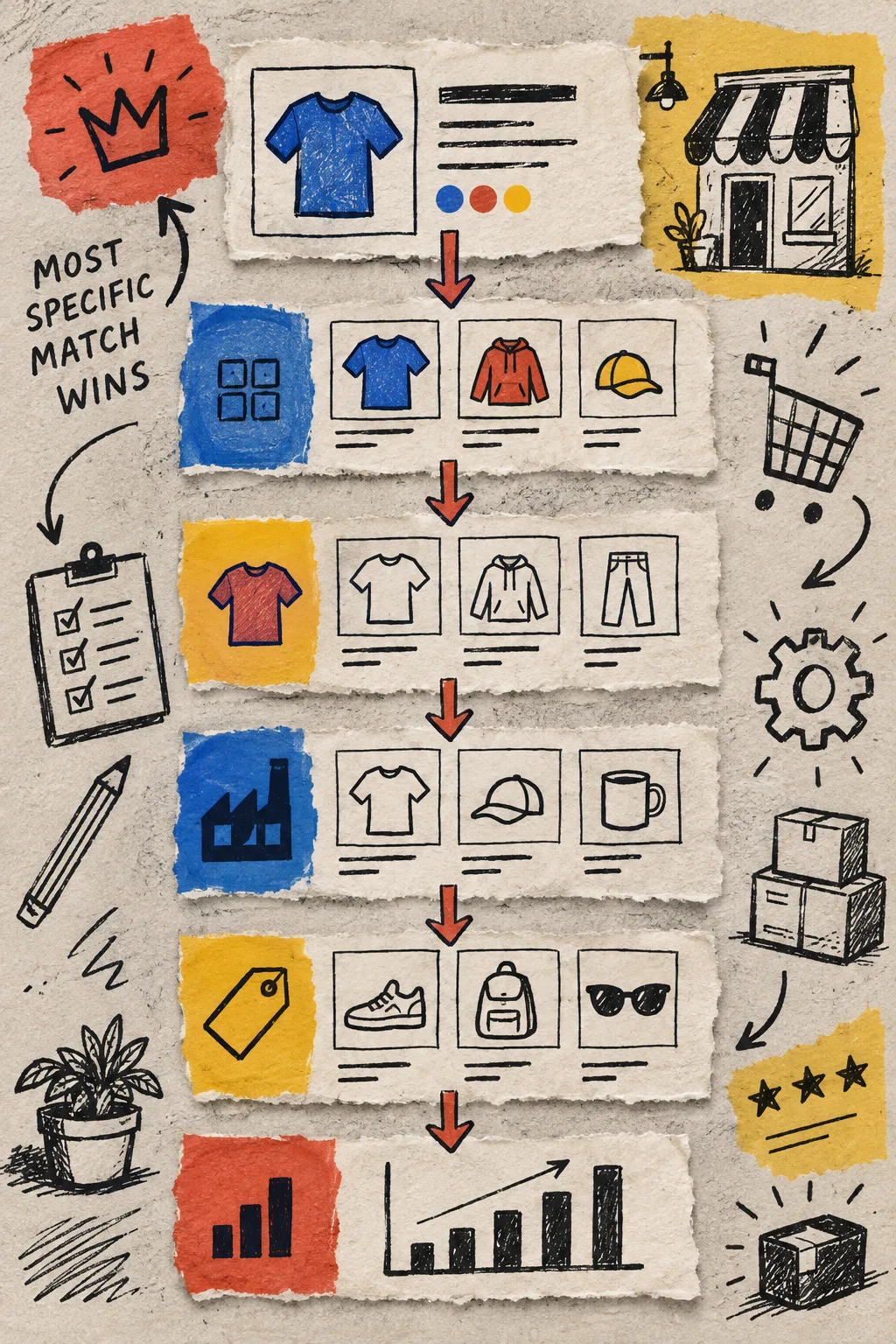
If the underlying family is genuinely uniform, a collection-level assignment is still the fastest move. Exceptions should be deliberate, not a reflex.
Do a Five-Minute Product-Page Check
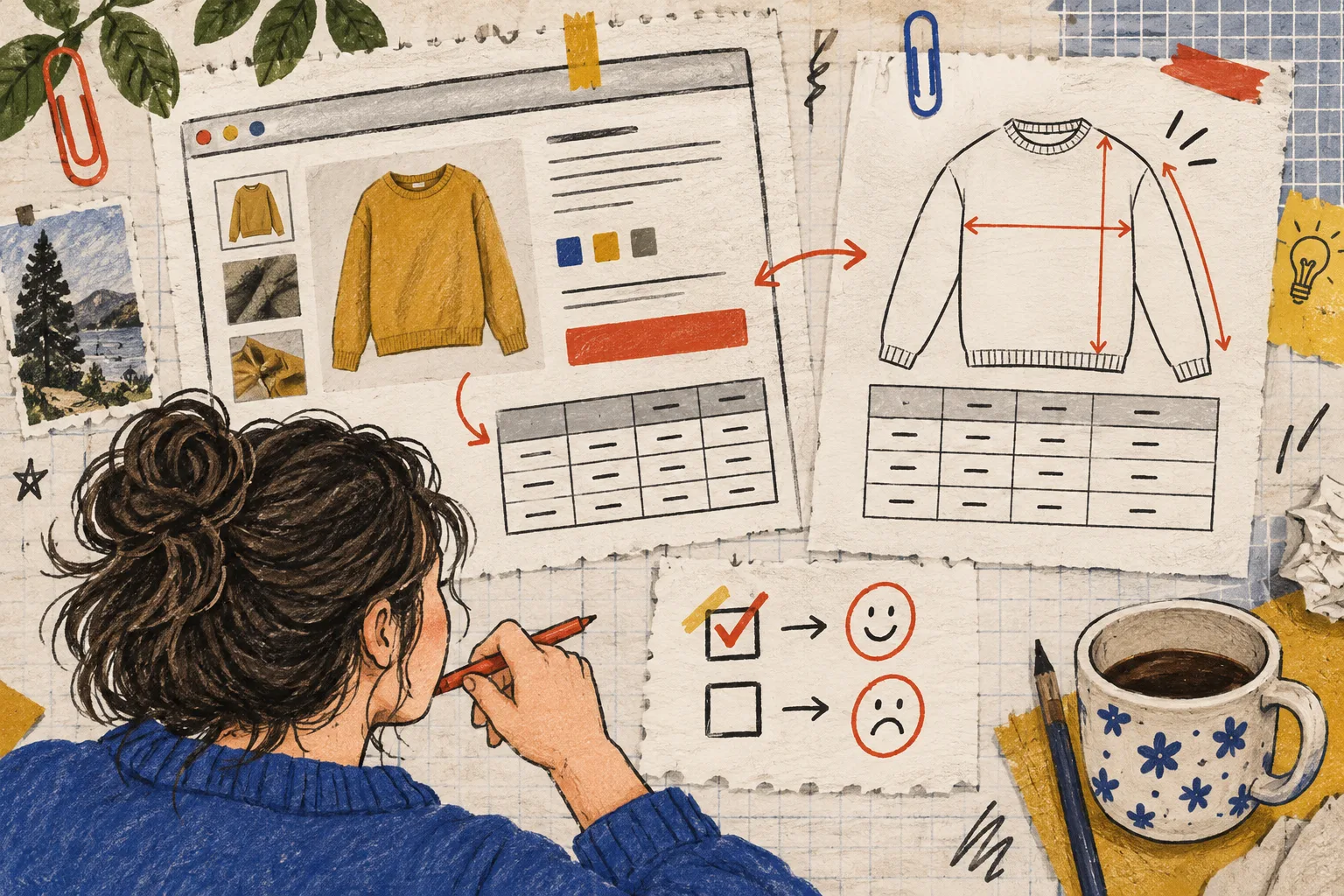
Before a new chart goes live, I open the actual product page—not just the editor—and ask:
- Can I tell whether these are garment or body measurements?
- Are the two or three deciding measurements visible without scrolling through product copy?
- Does the measurement guide point to the same places the table names?
- Does the fit note explain the meaningful difference from the family default?
- Can a metric-first and imperial-first shopper both make sense of it?
That last check is a small one, but it catches a surprising amount of confusion. For more on what to put directly on the page, I recently wrote about turning sizing questions into a product-page decision path.
Keep the System Portable
The nicest part of this approach is that it does not trap the catalog in a pile of page-specific markup. Supra Size Chart stores charts as Shopify metaobjects and supports CSV and JSON import/export, so the shared defaults and the carefully chosen exceptions remain inspectable store data. The theme app block can show the right chart inline, in an accordion, or in a modal without loading a heavyweight widget across every page.
If your catalog has been making shoppers decode one generic table, start with one product that gets unusual sizing questions. Give it the chart, guide, and fit note it actually needs. Then use that decision to make the next exception faster—not to create more charts for their own sake.
Install Supra Size Chart free from the Shopify App Store and build the default-plus-exception system before the next collection makes your tidy size charts less useful.