

I have a growing suspicion about Shopify AI assistants: the ones that make people nervous usually get assigned the biggest, vaguest job first. “Run the store.” “Keep an eye on everything.” “Fix the catalog.” That is a great way to create a very fast, very confusing helper.
My better starting point is much smaller: make a morning report that points at the work worth looking at. That gives the team a useful result, gives the assistant clear boundaries, and gives you a chance to learn how it behaves before it can change anything.
That is the use case where Clawly caught my attention. It is an AI Agent for Shopify built around connecting store work to the tools a team already uses, while letting the merchant decide what each assistant can read, change, or simply flag.
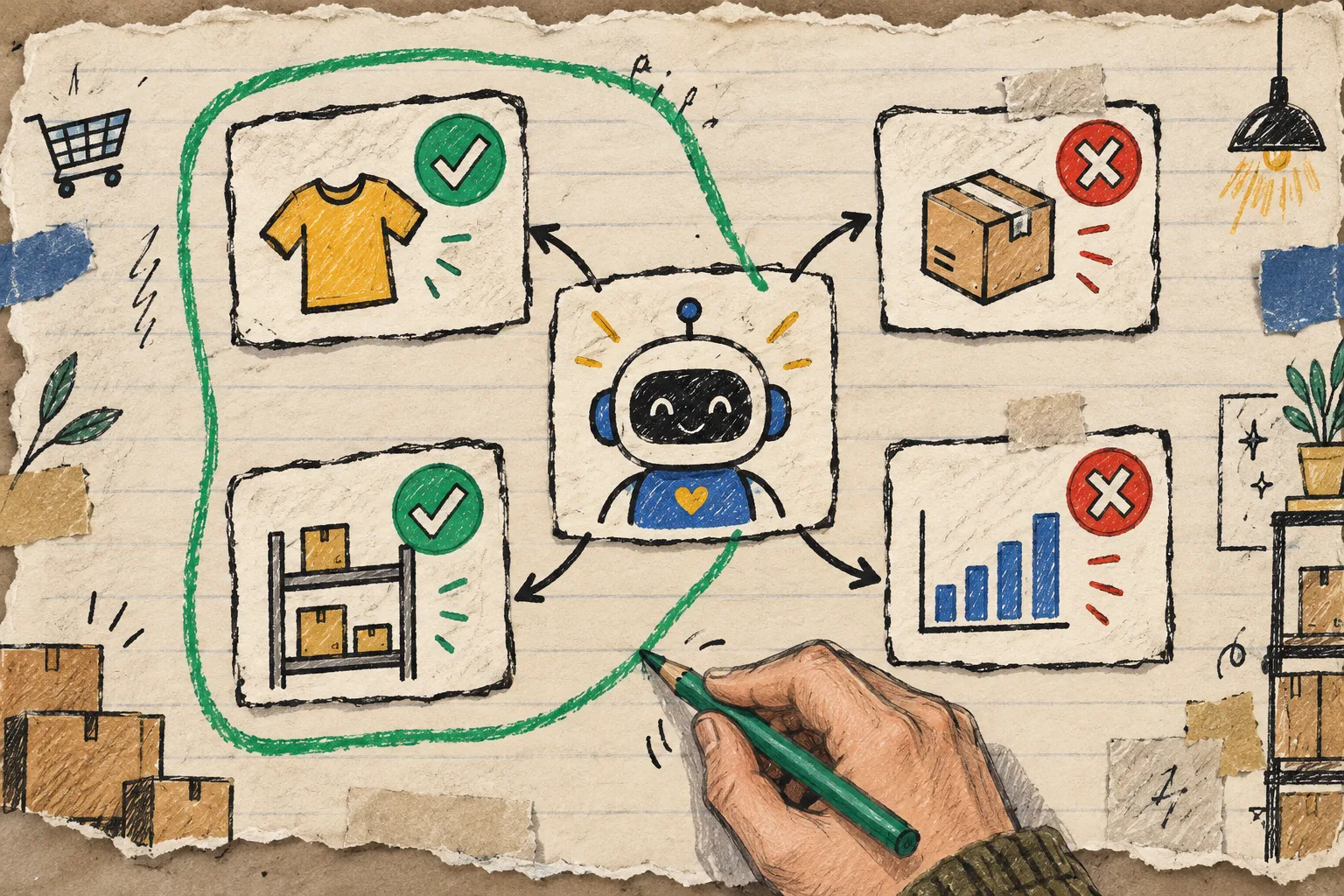
The first rule: give the assistant an output, not a mandate
A mandate sounds like “manage inventory.” An output sounds like: “At 9 a.m. on weekdays, send our operations channel a short list of products under the agreed threshold, unusual order patterns, and the five best-selling items. Do not edit products, inventory, or orders.”
The second version is better because it names the schedule, audience, source material, result, and most importantly, the non-actions. It is a useful first automation because a person still decides what happens next.
This is the same mindset I use when I build a safe Shopify AI agent with scoped permissions: start with a narrow toolset, make the outcome observable, then widen it only after the routine has earned trust.
My starter setup for a Shopify AI assistant
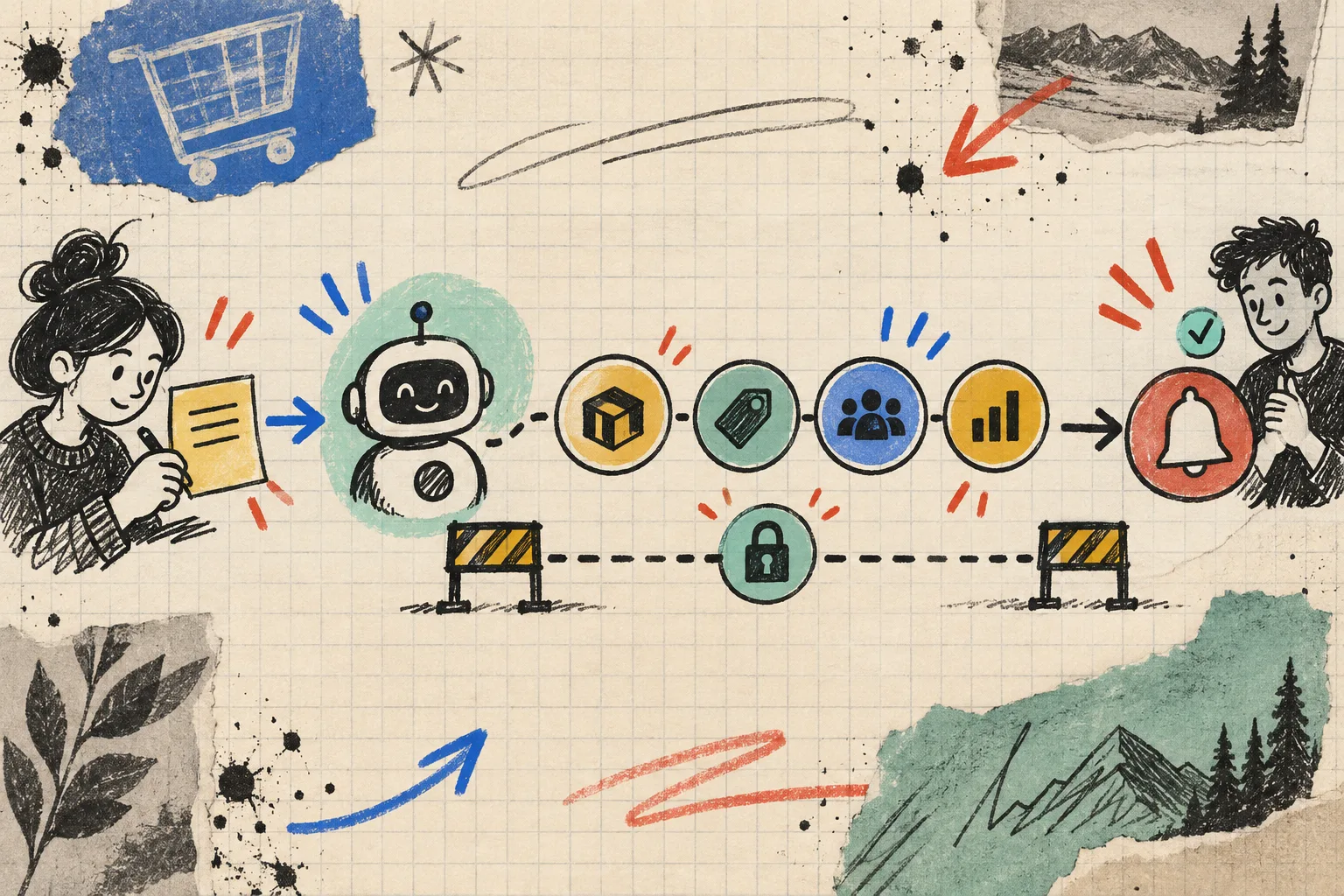
Here is the rough notebook version of the setup I would use in Clawly. The product supports Shopify Admin, recurring automations, chat, and connections to tools such as Google Sheets, Slack, Klaviyo, Notion, and ad platforms, so keep the first pass intentionally boring.
1. Choose one recurring question
Pick a question your team already answers manually each week:
- Which products need an inventory look?
- Did a sales spike or dip deserve a human check?
- Which new products are missing description or tag basics?
- What should support know before the inbox opens?
One question is enough. I would not combine catalog cleanup, social content, discounts, and order monitoring in the first assistant. They have different risks and need different definitions of “done.”
2. Connect only the data you need
For a morning report, start with Shopify product and order access, plus one destination such as Slack or Google Sheets. If the report does not need to touch marketing data, do not connect marketing data yet. Fewer connections make the report easier to inspect and easier to debug.
That restraint also helps when a store is already using a more rules-driven system. Shopify product tags can be updated safely in bulk when the operation is deliberate and reviewable; the agent should surface the candidates before it becomes the mechanism that changes them.
3. Set read-only permissions for the trial
Clawly’s useful distinction is between an assistant that can see something and one that can alter it. For this first job, grant read access to the relevant products and orders, and permission to send the report. Leave product edits, discount changes, customer-facing replies, and external publishing off.
Write the boundary in plain language too: “Summarize and notify. Never modify store records.” A permission setting is the hard rail; a clear instruction gives the assistant a practical lane inside it.

4. Define what deserves a flag
“Unusual” is not a useful instruction by itself. Add the local rule your operator would use. For example: flag inventory below the team’s chosen threshold; call out an order surge only when it is meaningfully above the recent daily pattern; list products without a description or tags rather than silently repairing them.
This is where an AI assistant can make operations calmer: it collects the prompts for attention, notifies the right person, and leaves the decision visible. A similar preflight habit is why I like a 3D media QA before scaling Shopify product models. Small checks prevent a broad cleanup later.
What I would automate second
Once the report has been useful for a couple of weeks, the next step should still be low-risk. Ask the assistant to draft, propose, or collect before it executes. Good second jobs include:
- Drafting product-description improvements for review.
- Preparing a weekly sales summary in a shared sheet.
- Flagging low-stock products to a designated channel.
- Drafting support replies for a human to approve.
- Suggesting tags or collection placement for newly added products.
The pattern is consistent: the assistant does the repetitive first pass; the operator keeps the last call. That is particularly helpful for content work. I would rather review a suggested queue than rediscover the brand voice after publishing, which is why automating a Shopify blog without losing the human touch remains a useful companion rule.
A quick review checklist
Before you let any Shopify AI automation run on a schedule, I would write these five answers in the same place as the instruction:
- What exact question does it answer?
- Which systems may it read?
- Which actions may it take, if any?
- Who receives the result and who owns the follow-up?
- What result would make you pause or disable the workflow?
If those answers are fuzzy, the assistant’s job is still too big. Tightening the job nearly always makes the output better.
Start with the report, then earn the next permission
Clawly makes sense to me as an OpenClaw-for-Shopify-style assistant when it is treated like a new teammate: give it a specific assignment, only the keys it needs, and a review loop while it learns the shape of your store. You can see Clawly on the Shopify App Store or start from its landing page and build the first assistant around a daily report or low-inventory alert.
The next action is simple: pick one question your team answered manually this week and turn it into a read-only, scheduled brief. The assistant does not need more power to become useful; it needs a smaller job.