

A website has plenty of material for a launch video. That is exactly the problem. Homepage copy, feature pages, screenshots, founder notes, and customer language can become a 30-second film that says everything and lands nowhere.
The last time I made a startup trailer, I paused before opening the generator and made a one-page narrative inventory. It took maybe fifteen minutes. It saved me from treating a video like a moving product tour.
I used VideoFlow Studio for the build because it starts from a URL, plans the film, renders it, reviews the rendered frames, and leaves an editable document behind. But the inventory is useful before any creative tool. It is the small bit of operator work that gives the agent a direction worth following.

The Inventory Is Not a Script
A script tries to decide every sentence. My inventory only decides what the viewer needs to understand and feel. I write five short cards:
- The moment of friction. What is the person doing when the product becomes useful? One real situation beats a category label.
- The visible proof. Which screen, outcome, or before-and-after makes the promise believable?
- The one feature worth showing. Not the feature list. The feature that changes the person’s next move.
- The brand temperature. Calm and technical? Bright and playful? Precise and slightly severe? This tells the film what not to look like.
- The desired final action. Start a trial, join a waitlist, book a demo, or simply remember the product’s name.
That is enough to give a launch film a spine. If I cannot fill a card with a specific answer, I do not ask the video tool to compensate with more effects. I go back to the site or ask the founder one better question.
This is the same lesson I found when I got a SaaS launch video approved before the first cut: approval gets easier when the team is agreeing on the job of the film, not arguing over isolated scenes.
Turn Five Cards Into One Through-Line
I connect those cards with one plain sentence: For [this person], who is stuck at [friction], [product] makes [outcome] possible through [proof], so they can [action].
It feels almost too simple, which is why it works. A launch trailer has very little time. The through-line gives every scene a test: does this make that sentence clearer, more credible, or more memorable? If not, it is a nice idea looking for another home.
For a B2B tool, the outline might become:
- Open on the slow, repetitive work.
- Show the one action that changes the workflow.
- Let the visible result carry the middle of the film.
- Return to the person with more control and less drag.
- End on one next step.
That is not a rigid template. It is a way to prevent the first cut from becoming a slide deck with transitions.
Give the Agent Context, Not a Wish
Once the inventory is ready, I point Studio at the public site and add the through-line plus a few constraints. A useful prompt is closer to a creative brief than “make a cool video.” For example:
Build a 30-second launch trailer for founders who are losing time to manual handoffs.
Lead with the bottleneck, make the product’s automation the turning point,
and end with a confident demo request. Keep the mood practical, spare, and warm.
Do not turn the feature list into separate scenes.
Studio is a terminal-first agent workflow — run npx @videoflow/studio, direct it in normal language, then let it develop and render the plan. The product page describes the useful distinction: Studio is the harness for planning, rendering, and review; the open-source VideoFlow engine is the structured rendering and editing layer underneath. That distinction matters because I am hiring Studio here for the finished creative workflow, not asking a developer to author scene code from scratch.
I keep the instruction short, but I do include what must not happen. “One carried idea, not a feature parade” has been more valuable to me than adding another paragraph of adjectives.

Review the Film Like an Operator
The first render is where the inventory earns its place. Instead of asking “Do I like it?”, I open my cards and check:
- Can a new viewer name the initial friction within the first few seconds?
- Is the proof visible, rather than narrated as a claim?
- Did a secondary feature steal the story’s middle?
- Does the end card ask for the action I chose?
- Does the motion match the brand temperature?
VideoFlow Studio reviews encoded frames rather than just trusting the scene plan, which is a sensible extra pass for alignment and contrast issues. I still watch the result myself. Automated visual review catches a different class of mistakes than a founder who knows the audience.
When something is off, I make one narrow revision request: “Hold the proof scene longer,” “move the final action from the last card into the close,” or “remove the second feature and give the first one more space.” That is much easier than restarting a vague first cut. The approach is related to the release-video workflow I used in my terminal update field note: revise a specific decision, then inspect the new result.
Keep the Useful Parts Editable
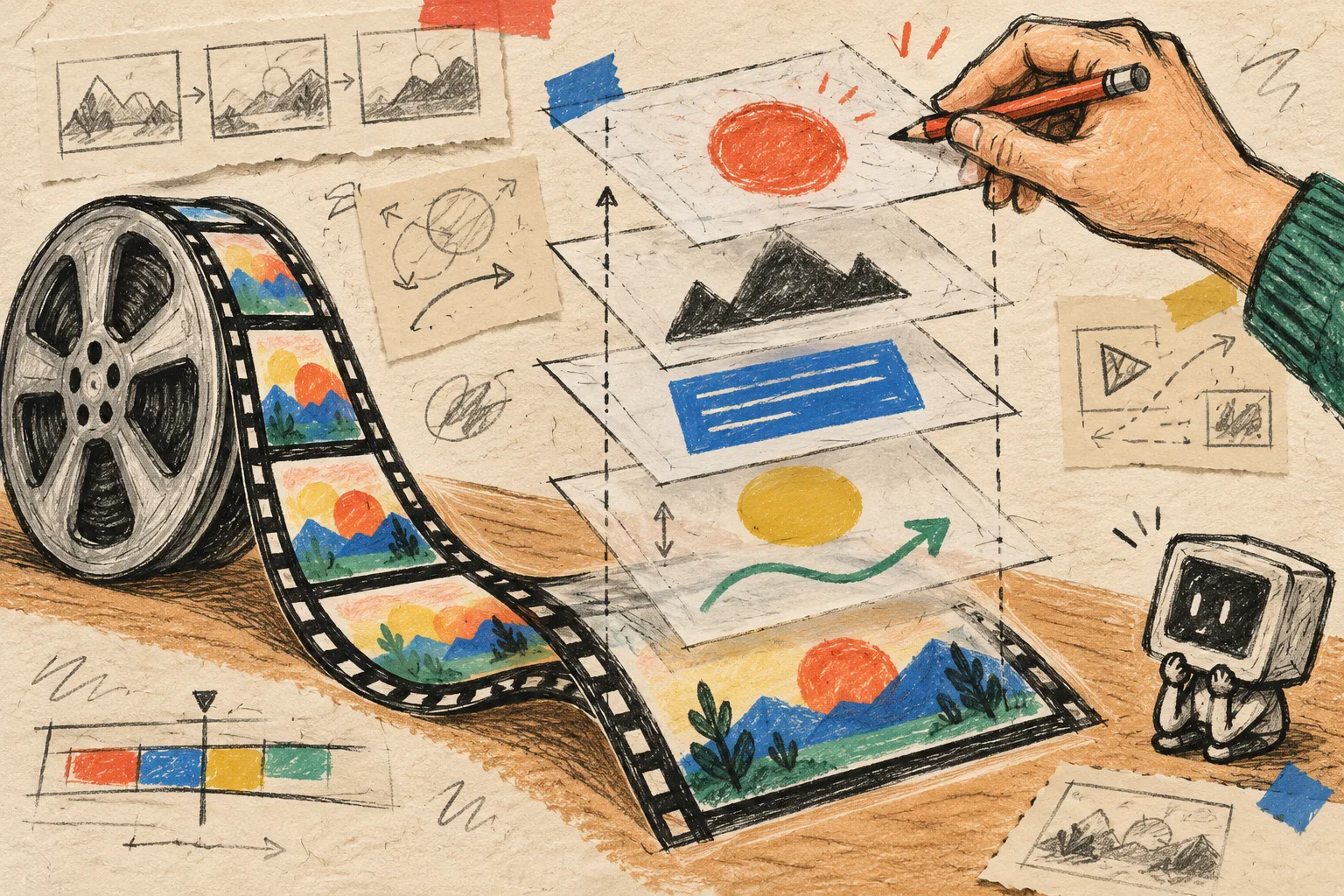
This is the reason I prefer a structured film over a one-shot exported clip. Studio’s output remains a real, editable video document: layers, timing, colors, and text can be adjusted in the built-in editor, and the agent can carry that context into the next revision. The underlying VideoFlow stack is also open source on GitHub, so the idea is portability rather than a render that becomes untouchable after delivery.
That does not make every change free of thought. It does mean I can separate the decisions that should happen before the first render from the adjustments that become obvious only when motion, pacing, and real frames exist. If the brief needs a more formal handoff, I use the same mindset as a product-video approval loop built from catalog data: identify the evidence, the owner, and the next decision before the work gets expensive.
My Next-Step Rule
Before asking an AI for a launch video, make five cards and write one through-line. Then point VideoFlow Studio at the site, ask for a first cut that protects that one idea, and review it against the cards.
The tool can turn a URL into motion. Your inventory makes sure it turns into a story someone can follow.