
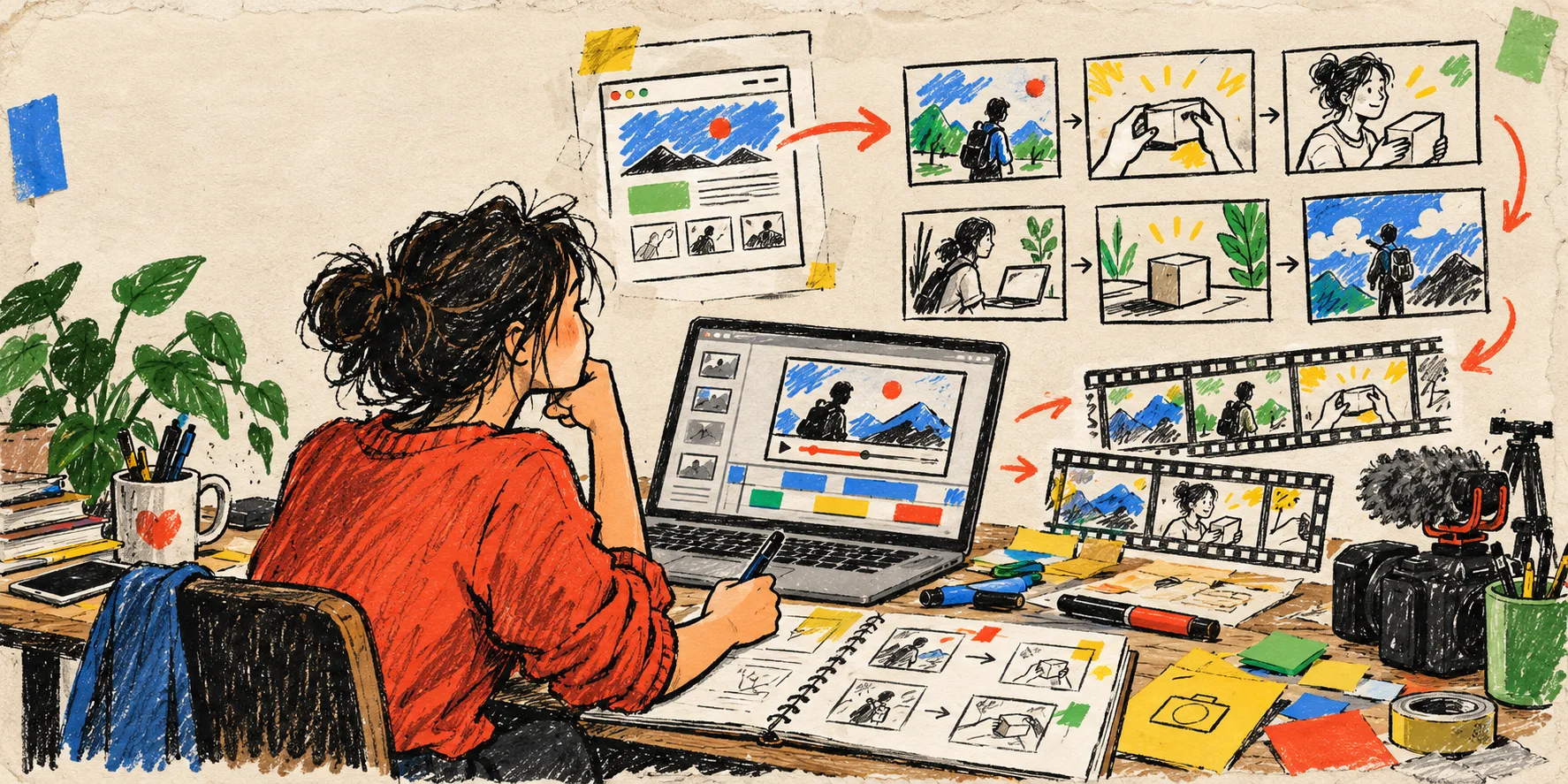
I used to treat a launch video like a separate project: another brief, another agency thread, another version that stopped being useful the moment the homepage changed. That made a fresh trailer feel expensive before we had even learned what story the landing page was actually telling.
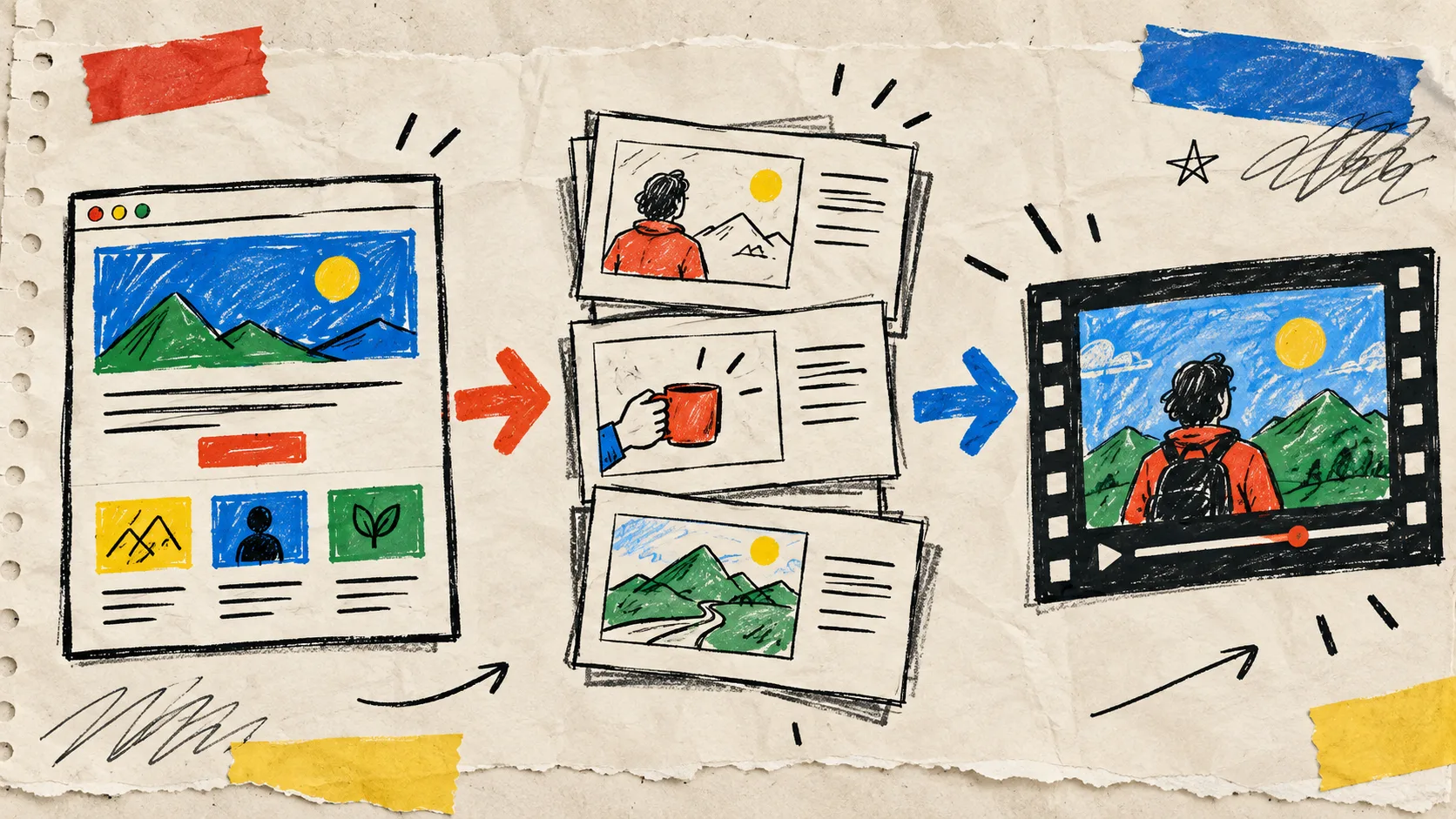
My more useful starting point is the URL. A good product site already contains the raw material: the customer problem, the promised outcome, the visual cues, and the handful of proof points worth animating. The catch is that a URL is not a brief. It needs a small editorial pass before it becomes a video anyone should ship.
VideoFlow Studio is the tool I would use for that pass when I want a terminal-first route from site to motion-graphics first cut. It reads the site, plans the film, renders it, then lets me review and direct revisions in plain language. The important distinction: Studio is the operator-facing product; the open-source VideoFlow engine is the structured video and editor stack underneath. I am not handing over a one-shot clip and hoping it survives the next product update.
The small brief I make before giving an agent the URL
Before I run anything, I make a one-page note beside the URL. Mine has four boxes:
- Audience and moment. Is this for a waitlist, a launch, a sales follow-up, or a product update? One video cannot carry all of those jobs.
- The promise. I write one plain sentence: “For this person, the product makes this hard thing easier.”
- Three proof beats. A visual workflow, a before-and-after, or one credible detail beats a parade of features.
- The action after the film. Visit the product page, join a waitlist, try a workflow, or book a demo. Pick one.
That little note stops the agent from treating every heading on the website as equally important. It is the same discipline I used when I made a narrative inventory before asking AI for a launch video: first decide the story, then decide what earns screen time.
Turn the website into scenes, not screenshots
A launch film is not a scrolling capture of a landing page. I ask for a short sequence with a job for each scene:
- Open on the tension. Show the awkward manual step, slow handoff, or fuzzy decision the customer recognizes.
- Reveal the new path. Introduce the product through the outcome, not a logo splash.
- Prove it with a workflow. Animate the one or two product moments that make the claim believable.
- Land the next action. End with a clear, quiet invitation.
VideoFlow Studio can be started from a terminal with npx @videoflow/studio, which suits the way I work: I can point at the live site, ask for a launch-film direction, and keep the conversation close to the project. The product creates a structured plan before the final film, rather than jumping straight from URL to a mysterious export.
That planning step matters most when the site is crowded. If the homepage has six audiences, I choose one. If the product has five integrations, I pick the workflow that makes the customer say “yes, that is my Tuesday.” A 35-second video with one sharp point travels farther than a 90-second tour that keeps changing its mind.
My first-cut review is visual, not just verbal
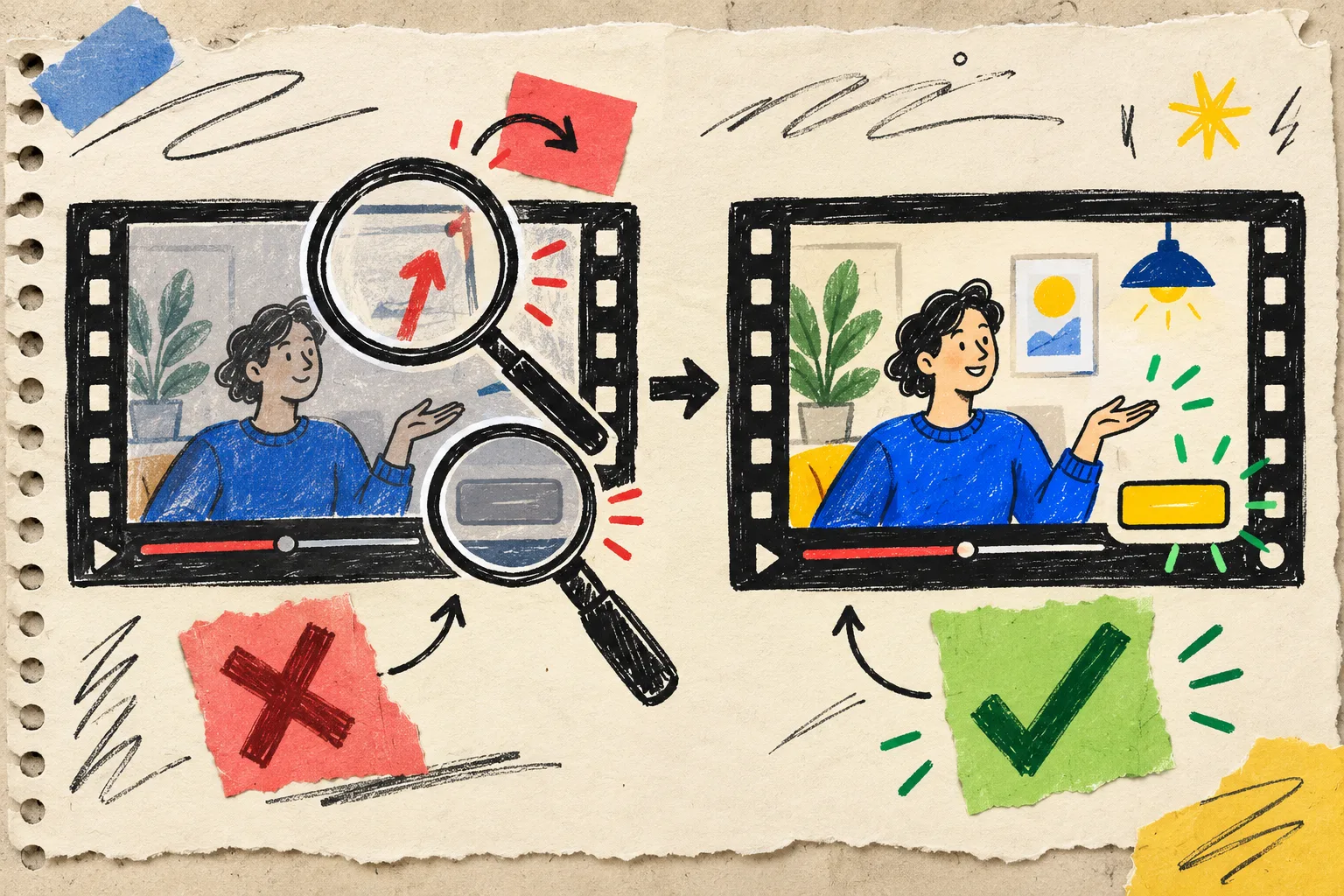
Once there is a render, I watch it twice. The first pass is silent. I am looking for legibility, pacing, alignment, contrast, and whether the brand still feels like itself. The second pass is with the intended sound situation: muted in a crowded tab, with headphones, or on a sales call.
Here is the fast checklist in my notebook:
- Can I explain the promise before the halfway point?
- Does every on-screen element have enough contrast at laptop size?
- Is the product moment understandable without tiny text?
- Did the animation make one thing clearer, or merely busier?
- Does the final action match the page where the viewer will land?
Studio is designed to inspect rendered frames and catch visual issues before delivery. That is a far better loop than discovering that the call to action is too faint after the campaign is live. For a related release cadence, I have also used a release-notes-to-trailer workflow to keep the story current without rebuilding the whole thing.
Give revision requests a location and a purpose

The most productive feedback is not “make it more exciting.” It is specific enough to be checked in the next render:
In the workflow scene, keep the product card on screen for one beat longer, raise the contrast of the button, and replace the feature list with the customer outcome.
That request has a place, an observable change, and a reason. I keep a maximum of three changes per revision so I can tell whether the new cut improved. Because the output remains an editable document, I can also open the built-in editor and adjust layers, timing, colors, or text manually without throwing away the agent context.
This is where Studio and code-first tools serve different jobs. A framework such as Remotion is excellent when a developer wants to author a video application in React. Studio is aimed at the founder or marketer who needs a reviewable motion-graphics first cut from a URL, then wants to direct it without turning the launch into a video-engineering project. I wrote more about why I keep a startup launch video editable after the first cut because that source file is what gives feedback a future.
Treat the export as a reusable launch asset
When the cut is ready, I export the version for the immediate campaign, then keep the plan and editable source next to the release notes. The next launch can reuse the narrative shape, replace the proof beat, and update the CTA. It is a small operational habit, but it means the video becomes part of the product system instead of a ceremonial one-off.
If you already have a product page that explains a real customer outcome, try VideoFlow Studio with that URL and a four-box brief. Ask for one focused scene sequence, review the frames, and make one purposeful revision. Your first cut does not need to be final; it needs to be clear enough to improve.
That is the version I can ship, learn from, and revise when the product changes. For a downstream review checkpoint, this product-video approval loop from catalog data is a useful companion: it keeps a sensible person in charge before a render reaches customers.