

I learned this the expensive way: an AI can produce a plausible video plan much faster than I can decide whether that plan deserves a render. If my job runner turns every generated draft into an MP4, I get a queue full of almost-right clips, mystery costs, and feedback that arrives after the useful editing moment.
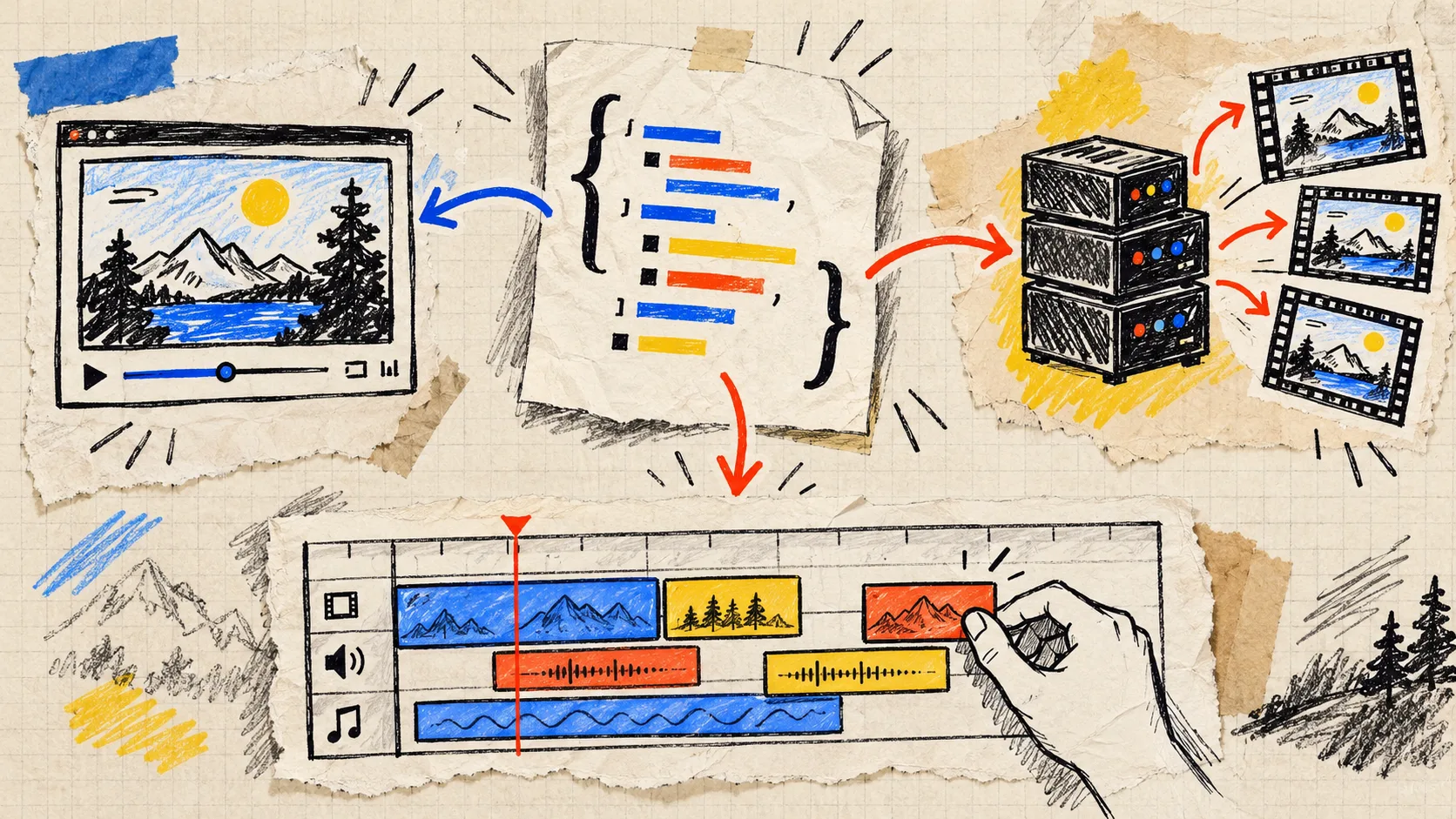
My fix is simple: the render queue only accepts an approved VideoJSON document. The agent may draft it, but the document has to survive a small review gate first. VideoFlow is useful here because its portable JSON can drive a live preview, an editable React timeline, and a renderer without translating the project between each checkpoint.

The Queue Is Not the First Step
I now treat the queue as delivery, not discovery. The useful sequence is:
- Gather a bounded input packet: product title, approved images, a claim list, locale, CTA, and duration limit.
- Ask the model for structured VideoJSON or a TypeScript draft that compiles to it.
- Validate the document mechanically.
- Preview and inspect it with a person who understands the campaign.
- Save the approved revision, then hand that revision to the render worker.
That order matters. A text prompt alone is a weak audit trail. A JSON document gives me a durable thing to diff, store beside the campaign, reopen in an editor, and render again later. It is the same logic behind the catalog-to-video setup I used when I built a product-video API around one portable JSON document, except the approval boundary is explicit instead of implied.
First Gate: Make the Agent’s Output Boringly Valid
Before anyone watches a preview, my service checks the basics: schema shape, permitted layer types, asset URLs from an allowlist, a maximum duration, required alt/caption fields, and a CTA that belongs to the campaign. I also reject missing media rather than letting the renderer improvise a blank scene.
That is where a JSON-first format earns its keep. An agent does not need direct access to a timeline editor or a production rendering credential. It produces a constrained document; the application validates it; a reviewer sees the result. VideoFlow’s Core can author layers and compile them into portable VideoJSON, so the draft can remain a reviewable artifact even when it began as TypeScript.
My minimum validation object looks more like a release checklist than an AI safety lecture:
const checks = {
  durationUnderSeconds: 20,
  assetsFromApprovedHosts: true,
  captionsPresent: true,
  ctaMatchesCampaign: true,
  noUnresolvedTemplateTokens: true,
};
The exact implementation will differ, but the principle does not: block the avoidable failure before rendering makes it look official. This is the engineering counterpart to the input review I used when I started reviewing product-video inputs before the first render.
Second Gate: Review the Moving Thing, Not Just Its JSON
Valid JSON can still make a bad video. A product image can crop badly; a caption can arrive too late; a first frame can read like a placeholder. So the next checkpoint is a real preview.
This is one of the nicer properties of VideoFlow’s renderer split. The same document can mount in the DOM for a scrub-able preview, open in the React Video Editor for a timeline adjustment, or later go to a server renderer. I do not need one format for the model, another for review, and a third for export.
My reviewer gets five questions, not an open-ended request to “check the video”:
- Can you understand the offer with sound off?
- Is the first visual the right product, at a useful crop?
- Does each caption match an approved claim?
- Does the CTA arrive early enough to matter?
- Would you ship this exact variant to this audience?
That keeps feedback specific. “Trim scene two by half a second” or “replace the comparison image” becomes a revision to a named document rather than a vague ticket attached to an MP4. It is also why I prefer this workflow to treating every variation as a separate creative project, a trap I described in I Stopped Treating Product Video Variations as Separate Projects.
Third Gate: Freeze the Approved Revision
Once a reviewer approves a draft, I save the exact VideoJSON with a revision ID and a short decision note. The render request contains that revision ID, not a mutable “latest” template. If the campaign needs another CTA or a French locale, it becomes a new revision.
This tiny rule removes a surprising amount of confusion. It lets support answer “what did we send?” and lets engineering reproduce a render without guessing which data was live that afternoon. For localized batches, the same pattern keeps copy swaps from becoming a separate code path; automating localized variants from a VideoJSON template is much safer when every locale has an inspectable source document.

Render Only When the Trade-Off Is Clear
For a small user-initiated export, browser rendering can be the lean answer. For a batch, scheduled campaign, or API workflow, server-side rendering is usually the sensible place to queue work. VideoFlow’s renderers support both paths from the same VideoJSON.
The decision is not “which renderer is more advanced?” It is “where should this cost, latency, and privacy boundary live?” A browser export avoids shipping the source project to your infrastructure; a server worker gives you controlled batch processing and predictable delivery. Either way, the approval gate stays upstream.
The Next Useful Step
If you are building an AI video workflow this week, add one column to your render table: approved_video_revision_id. Make it required. Then make one real preview before the worker can claim a job.
That is a modest bit of friction, but it creates the kind you want: the agent can still move quickly, while a human gets one clean moment to catch the expensive wrong turn. Start with VideoFlow’s examples, wire up the smallest possible validation step, and let your queue render only work somebody chose to ship.