
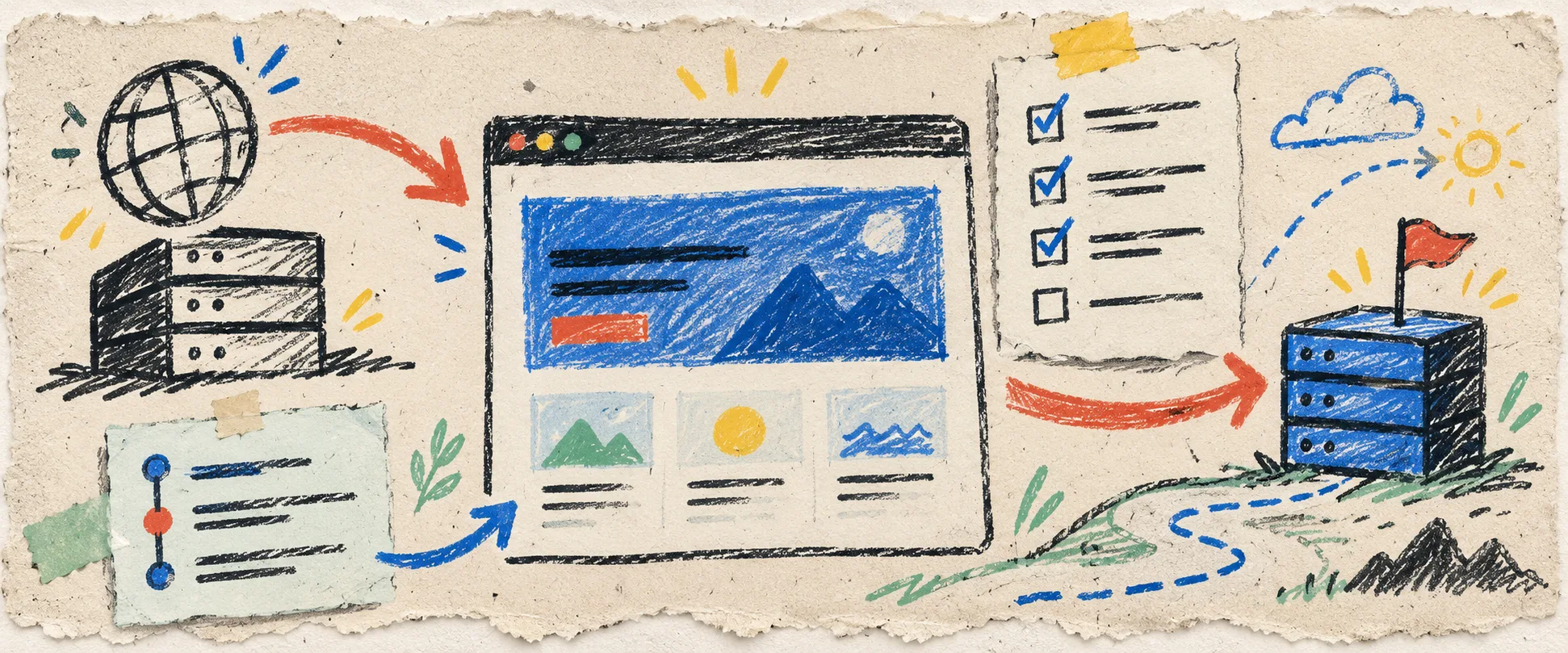
I had a Framer launch page that was finally doing its job: ad traffic landed, the product story moved, and the team could change a headline without asking engineering. Then we wanted to move the domain. That is the moment a pretty page turns into an operations problem.
My rule now is simple: I do not point a production domain at a new static host until I can name the copy I am moving, test it on a throwaway address, and undo the switch without improvising.
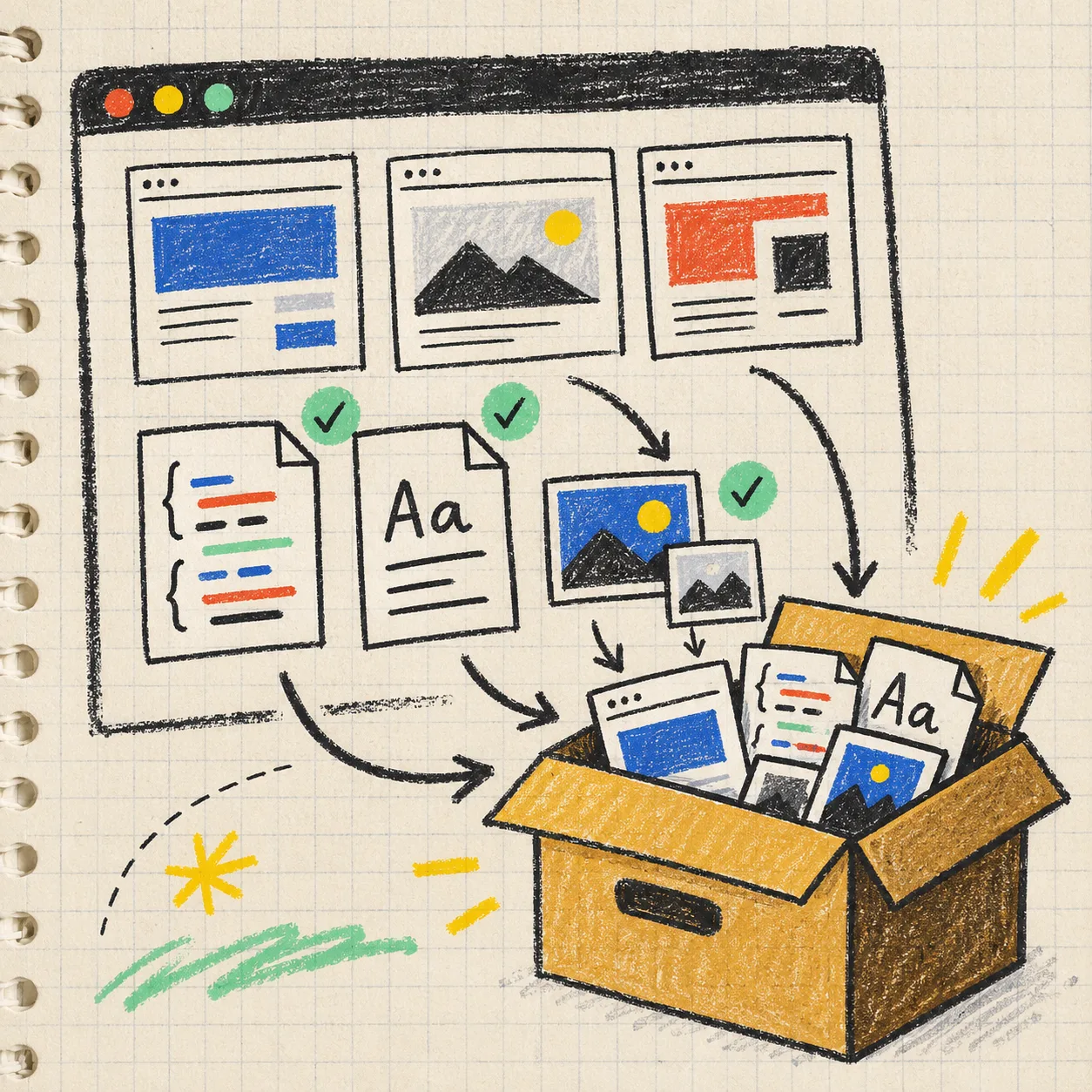
For Framer, I use ExFlow’s Framer exporter to turn the published site into a static package—HTML, CSS, JavaScript, fonts, images, media, and the behavior that makes a marketing page feel like itself. The export is not the finish line. It is the artifact that makes a controlled domain cutover possible.
1. Draw the cutover boundary first
Before exporting, I write one very unglamorous note: what will remain on Framer, and what will move? A simple campaign site may move as one unit. A site with forms, embedded scheduling, analytics, or member-only areas needs a more precise boundary.
My short inventory looks like this:
- Pages and their final paths, including thank-you pages and older campaign URLs
- Fonts, images, video, and any assets loaded only after scrolling
- Navigation, footer links, legal pages, and social links
- Forms and where their submissions must go
- Tracking snippets, consent tools, embeds, and redirects
- The current DNS record, registrar access, and a rollback owner
This is the same discipline that helped when I exported a Framer launch page to Git before a campaign. The only difference here is that the domain is now part of the checklist, not an afterthought.
2. Export a copy you can inspect
I enter the published Framer URL in ExFlow, let it collect the site files, then download the ZIP or sync the output to Git, S3, or FTP. I prefer Git for a domain move because it gives the whole team one inspectable snapshot before anybody changes DNS.
I check the export rather than assuming every route came along. Open the top-level pages, click navigation, and look at the browser network panel on a few representative pages. The boring catches are usually the expensive ones: a font loaded from the old host, a lazy-loaded image that only fails halfway down the page, or a script path that works at / but not at /pricing/.
If you are planning a bigger redesign, the export can also be a safety copy. My Webflow CMS export checklist uses the same idea: preserve what is live before changing the system beneath it.
3. Put the static site on staging before DNS
Next, I deploy the export to a host-controlled staging URL. It can be a preview deployment or a temporary subdomain; the important part is that it is not the production domain yet.
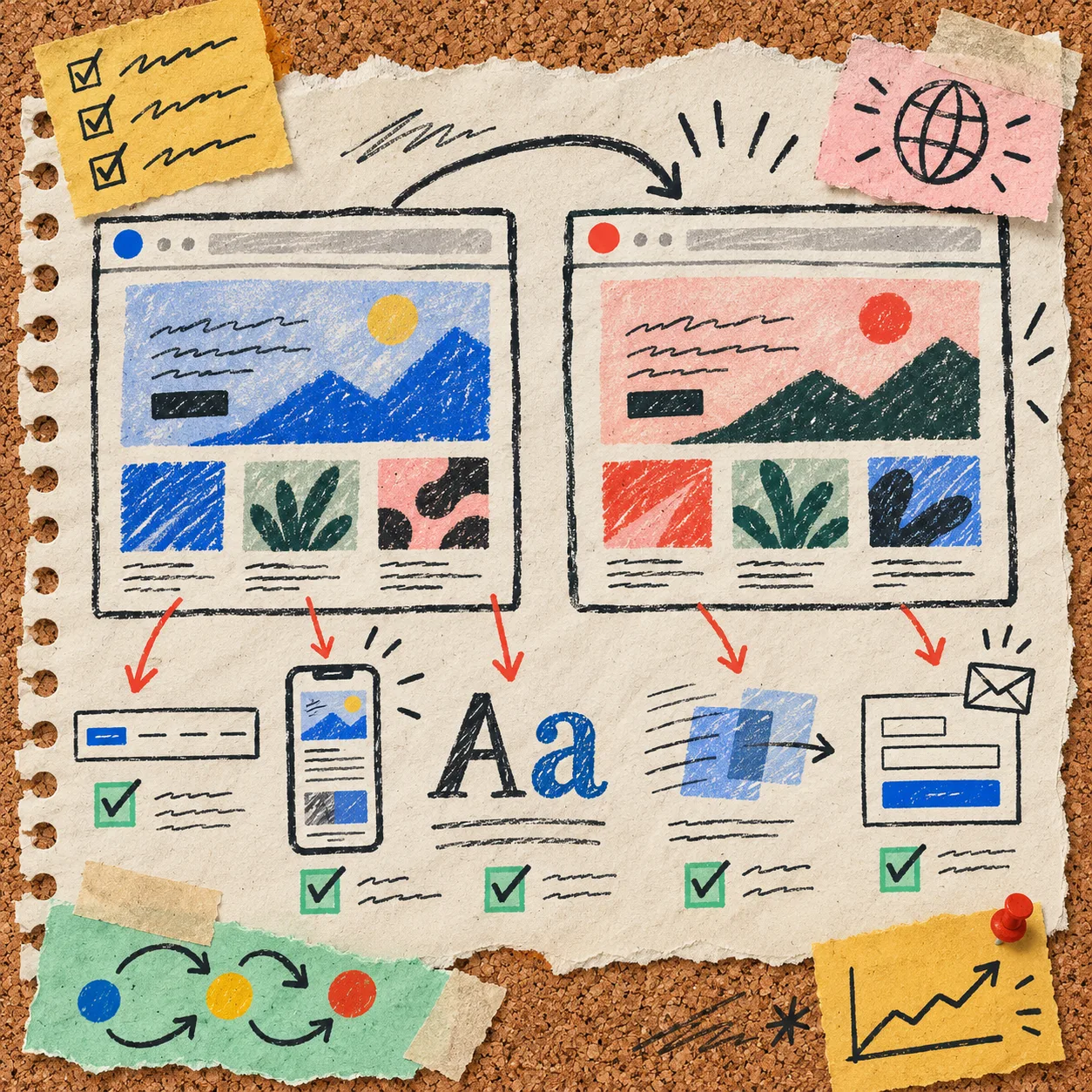
Then I test the specific things Framer visitors actually experience:
- Desktop and narrow mobile layouts at the breakpoints your traffic uses
- Hero motion, hover states, anchored navigation, and any section revealed on scroll
- Fonts after a hard refresh and in a private browser window
- All main conversion paths: CTA, form, calendar, checkout, or email link
- Page titles, descriptions, social image references, and canonical URLs
- Direct visits to important nested paths, not just clicks from the homepage
A static export does not magically recreate a service behind a form. If a form or embed needs its own destination, decide that before launch and test a real submission. That small distinction is why I also like the approach in this Squarespace static handoff field note: a handoff is only useful when the next owner can verify the moving pieces.
4. Make the DNS switch reversible
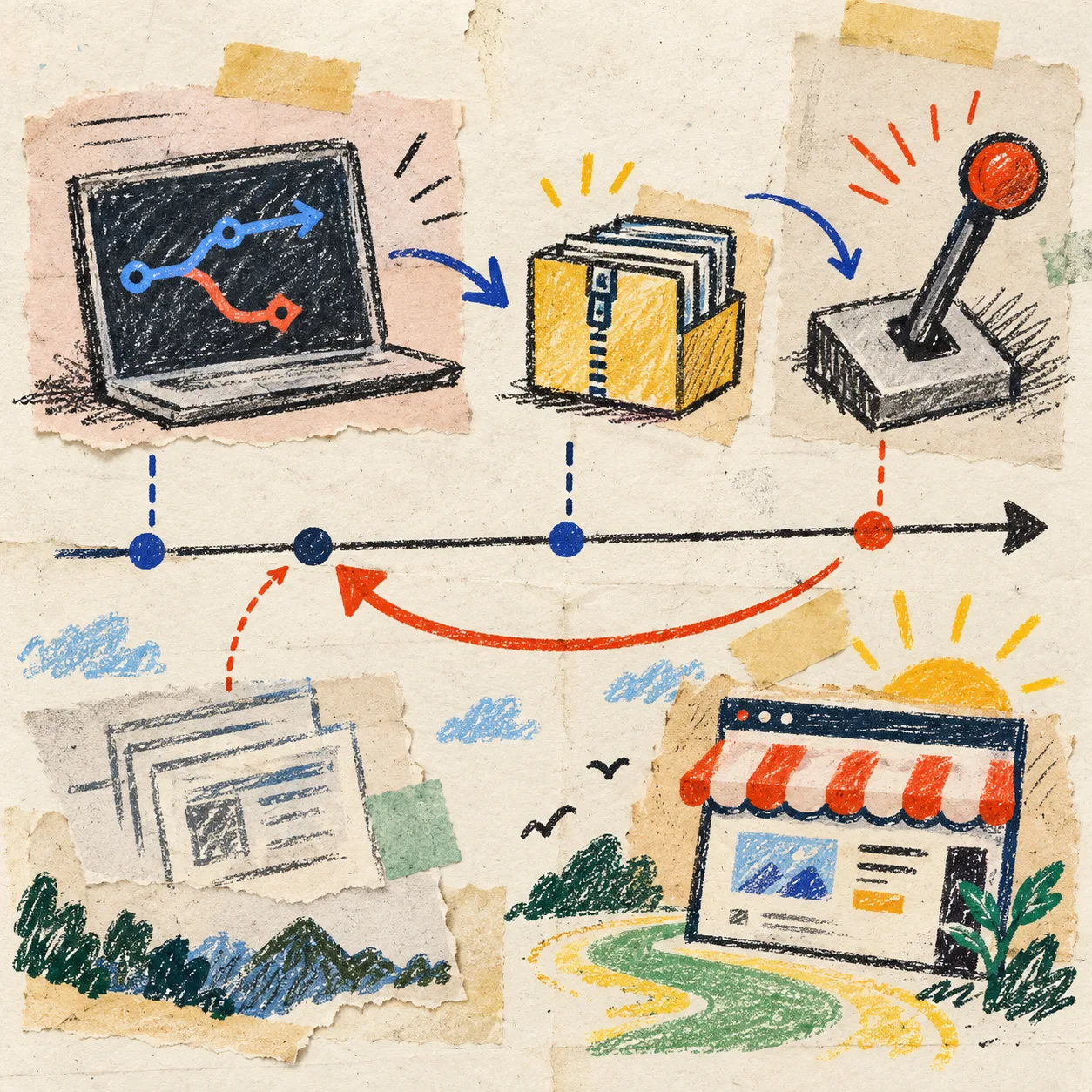
I schedule the change during a quiet window, lower the DNS TTL beforehand when I control it, and keep the old setup untouched until the new one has been checked in public. Someone should own the registrar login, someone else should own the test list, and both people should know the exact reversal.
My launch note has three lines:
- Change the record to the new host.
- Check the production domain from a fresh browser and a phone connection.
- Roll back to the saved record if navigation, assets, or conversion actions fail.
That is enough structure to prevent a frantic group chat from becoming the deployment plan.
5. Keep the first week boring
After the cutover, I keep the exported files and a dated backup. I watch analytics and form delivery, test the highest-value landing pages, and make a note of every small fix. If the page is stable, then I can improve the hosting setup, connect a custom domain cleanly, or automate deployment from the Git copy.
ExFlow is purpose-built for this kind of platform-specific export, so it is a more practical starting point than a generic downloader for a Framer page with fonts, media, animations, and routed content. If another property is on a different builder, ExFlow also has dedicated exporters for Webflow and Squarespace.
My next action
Before you move your Framer domain, export the live site and deploy it to a staging URL. Test one real conversion path and write the rollback record in the same place as the DNS access. A calm cutover is mostly the result of work done before the switch.