
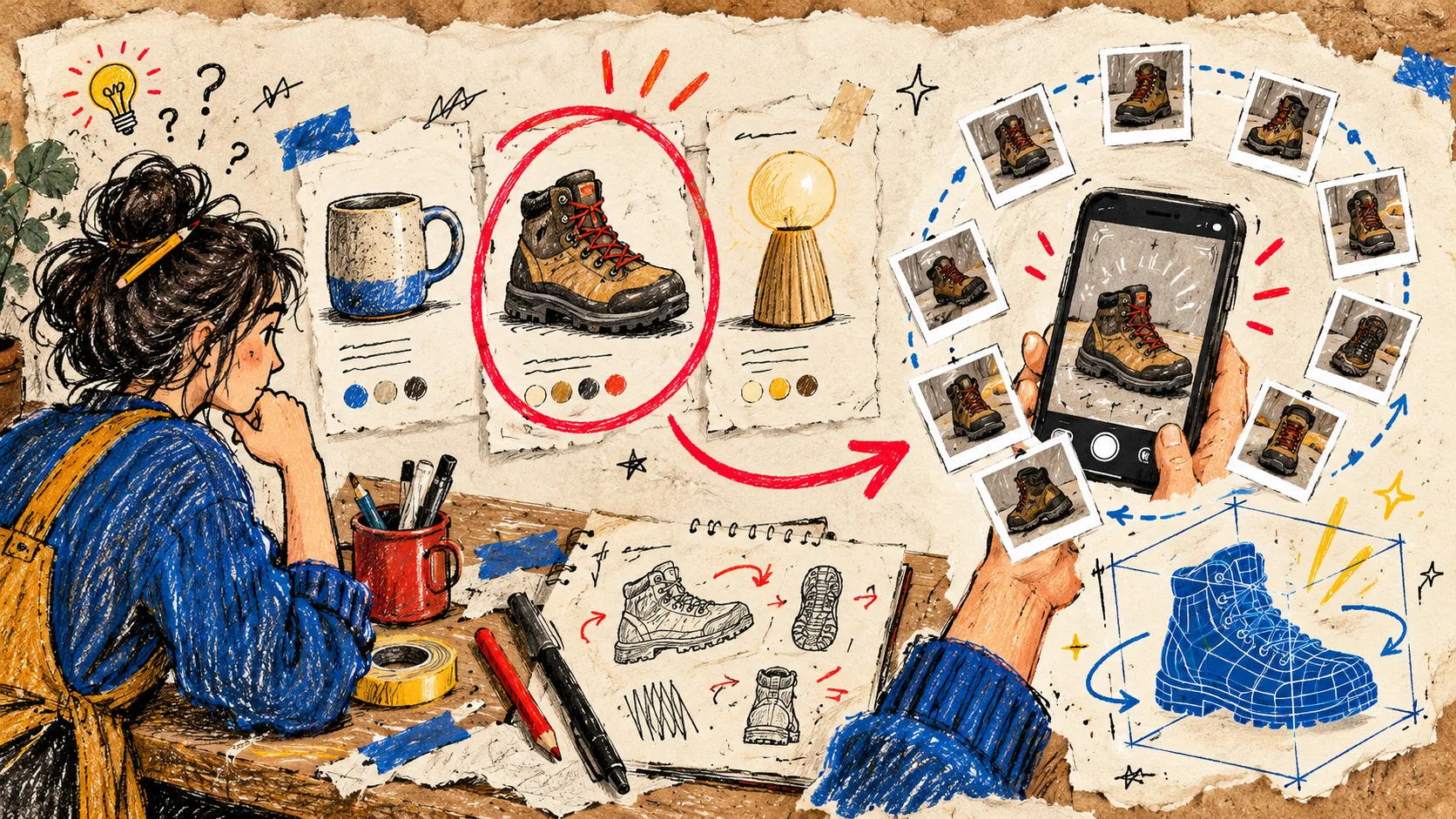
I used to make the same mistake with 3D product media: I treated it as a catalog-wide project. That turns a useful product-page experiment into an intimidating production queue. My better starting point is to pick one SKU with an obvious viewer problem—the shopper cannot quite understand it from flat photos—and make that one item earn the next scan.
That is where Supra 3D Capture fits my workflow. It turns a guided set of phone photos into a web-ready GLB that I can attach to Shopify product media or place with an Online Store 2.0 app block. No 3D artist or specialist capture kit is the prerequisite; a well-lit product and a deliberate choice are.
My first-pass SKU filter
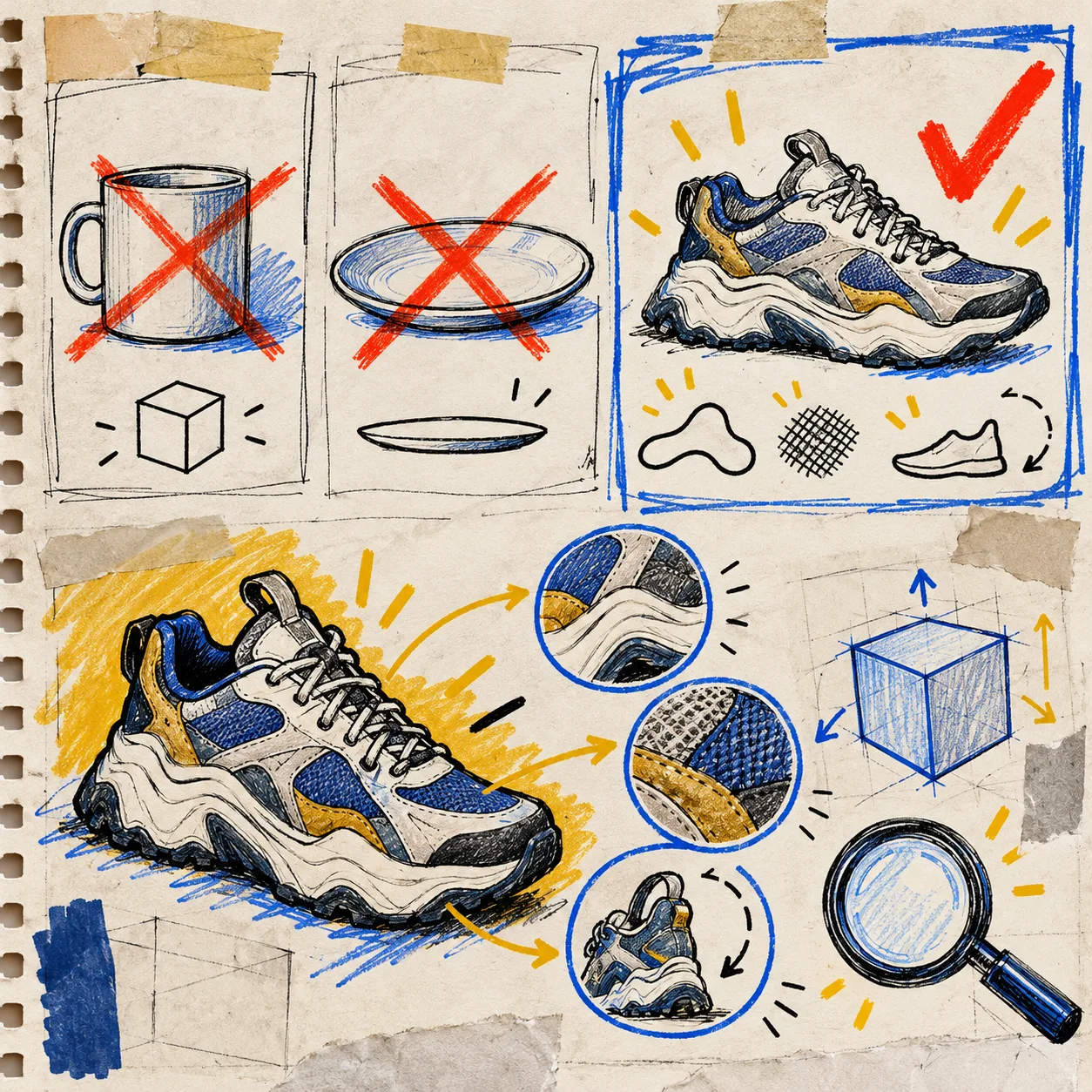
I do not start with the bestseller automatically. I pull a short list and ask three notebook-margin questions:
- Does shape change the buying decision? A boot, lamp, bag, sculptural bottle, or tool has meaningful side views. A flat refill pouch generally does not.
- Do the existing photos leave an expectation gap? Look for support questions about size, depth, heel shape, texture, handles, closure, or how a product sits in space. That is stronger evidence than chasing a novelty effect.
- Can I capture it cleanly this week? The first model should be a stable, well-lit, matte-ish object with a clear silhouette. I leave shiny, transparent, fuzzy, or ultra-thin items for later experiments.
This is the same practical instinct behind auditing a Shopify 3D model before it reaches the product page: remove uncertainty early, before it becomes an expensive rework.
Score the product-page problem, not the object’s cool factor
My rough scorecard is one point each for: hard-to-see proportions, useful side/back detail, tactile material, a premium price or return risk, steady product-page traffic, and a clear place to show the model. Four points is enough to test.
A ceramic mug may look great in 3D, but a hiking boot with an outsole, ankle profile, and toe box can do more customer-confidence work. That distinction matters. Interactive media is most useful when it helps somebody resolve a real “is this what I think it is?” moment. It is not a promise of a conversion lift; it is a way to make the product page more legible.
For a more visual version of this decision, I like the earlier field note on picking a first Shopify 3D product before opening the camera. The point is to select a bounded, learnable pilot.
Then I run the smallest useful capture
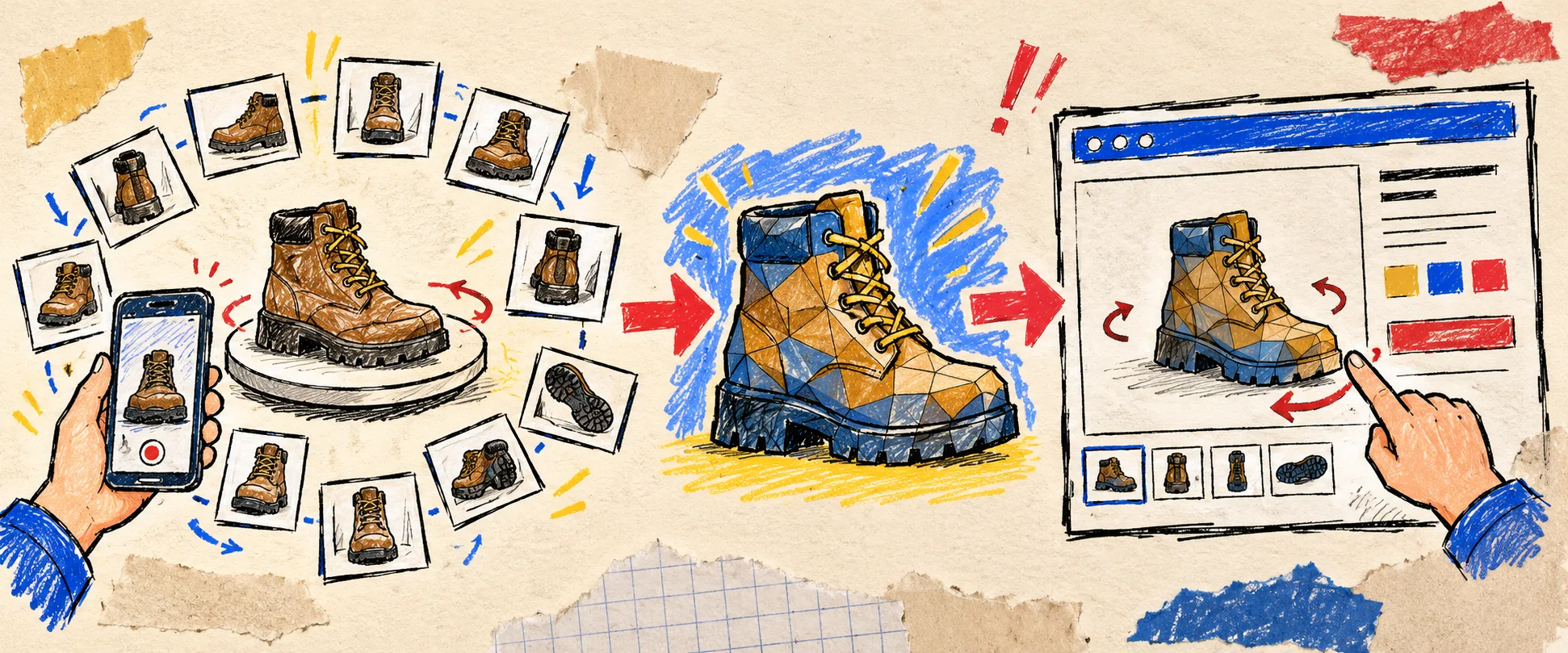
Once the SKU wins the scorecard, I set up a plain repeatable capture: clean the object, use even light, keep the background calm, and move the phone in a full orbit while keeping the product in frame. Supra 3D Capture guides the session; after the photos are uploaded, its photogrammetry pipeline processes them into an optimized GLB.
My rule is simple: take the guided pass seriously, then inspect the result on a phone before I touch the theme. If the silhouette is broken, reflections are confusing, or the material reads badly, I reshoot rather than trying to “design around” a weak model. That is also why I keep a 3D model audit in the workflow instead of treating processing as the finish line.
Put the model where the question happens
A GLB does not need a parade of new template work. I can publish it into Shopify’s native 3D product media when the theme supports it, or use the dedicated app block for an intentional placement. I start beside the photo gallery or near the detail the customer is likely to rotate for—not buried below a long description.
Before launch, I test four small things: mobile rotation feels natural, the model has a sensible initial view, the page still loads coherently, and the product photos remain useful companions. A shopper should never have to choose between an excellent photograph and a model; the media should divide the explanatory work. If you are planning this as a product-page feature, the field note on shipping a first Shopify 3D model is a useful companion.
A launch note I write down

After publishing, I keep one tiny record: the SKU, its original customer question, the capture conditions, and what I would change on a second scan. That prevents the next model from starting as a fresh mystery. It also helps me identify whether 3D is worth repeating for a whole product family or only for the few products where perspective truly carries the sale.
If your catalog is full of products whose shape, texture, or scale is difficult to explain in stills, start with one high-question SKU. Open a Supra 3D Capture session, capture a clean orbit, and test the finished model where shoppers already hesitate. That is a much more useful first 3D project than trying to make every product spin at once.