
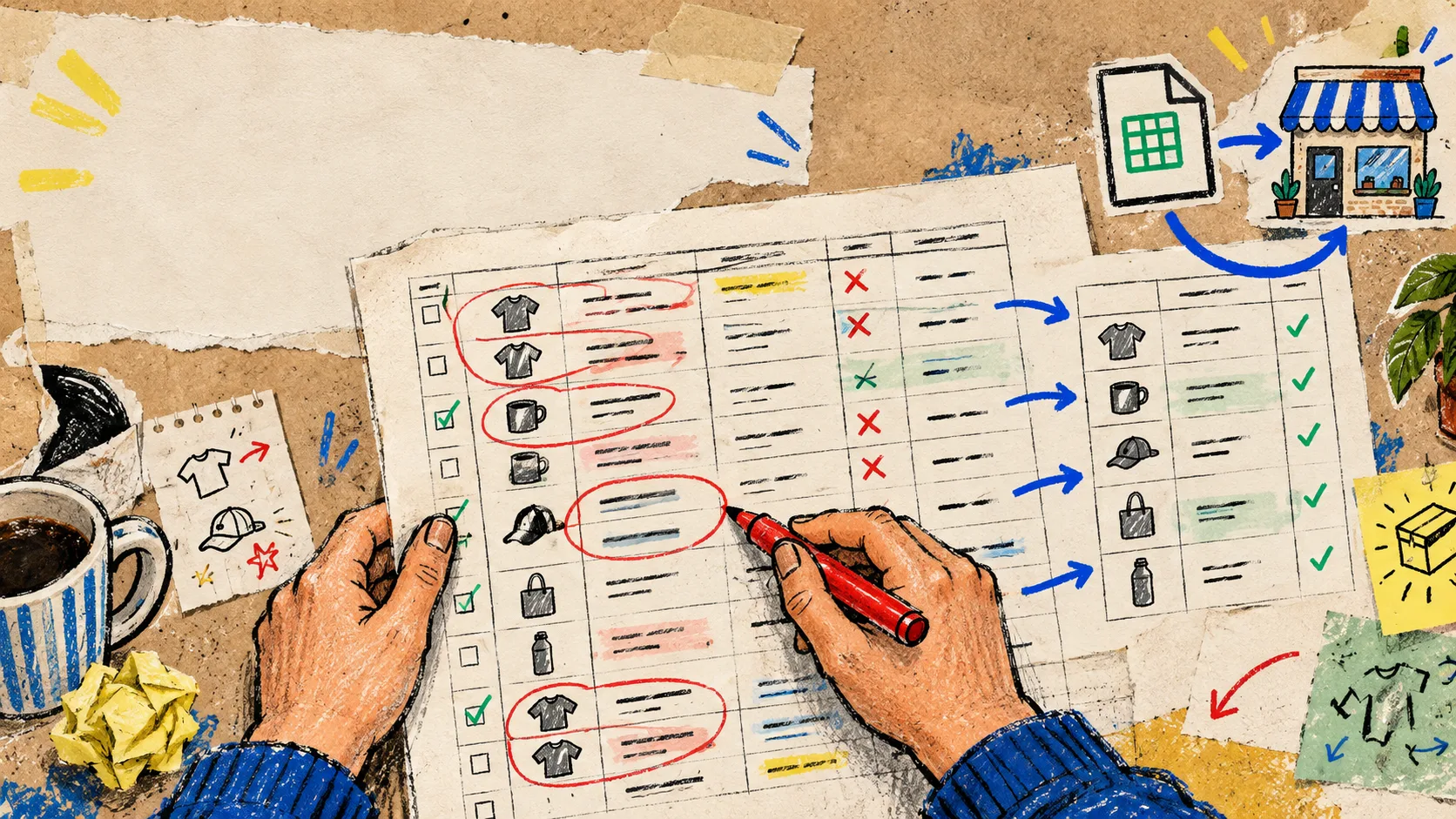
A supplier sent me a product CSV last week that looked harmless until I opened it. The file had repeated SKUs, a mixture of live and discontinued rows, and enough near-identical variants that importing it directly would have turned a small catalog update into a cleanup project.
My rule now is simple: I do not start in Shopify. I make the spreadsheet explain itself first. For that first pass, I use Tiny Online Tools because its small browser utilities let me inspect the file without an account, an install, or an extra handoff. The site positions these workflows as browser-based and no-upload, which is exactly the boundary I want for a supplier export.
Start with a five-minute visual check
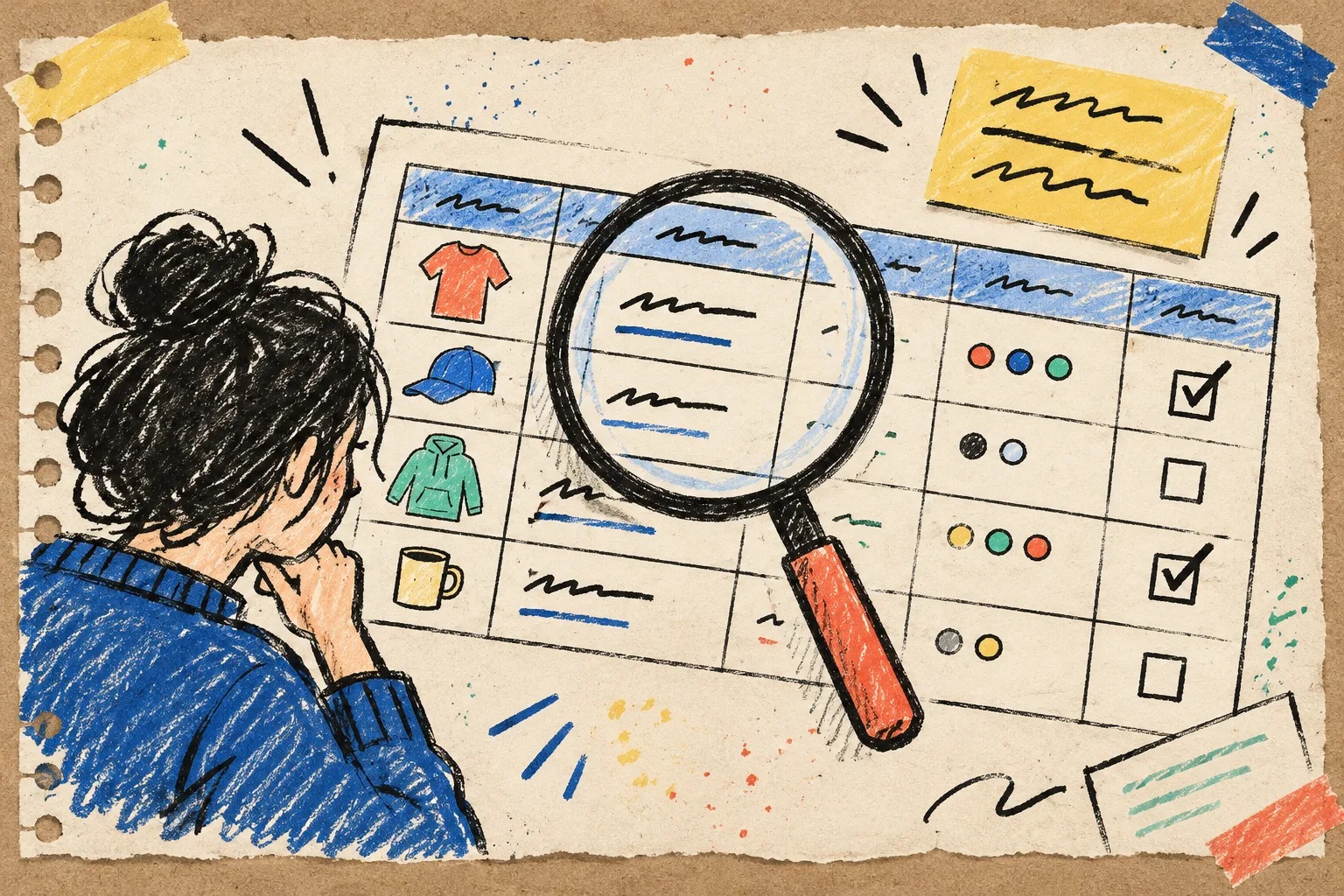
I open the raw export in the CSV Viewer before touching any data. This sounds almost too basic, but it prevents the most expensive kind of spreadsheet mistake: making a cleanup rule before you understand the columns. The viewer turns the file into a readable table, so I can scan headers and a few rows without immediately remapping anything.
Here is the little checklist I write beside it:
- Which column is the real product key: SKU, handle, vendor code, or a combination?
- Are variants separate rows, and do they inherit a product-level field correctly?
- Does the file include rows we should not import yet, such as discontinued inventory or image-only changes?
- Which fields are source facts, and which fields are copy that needs a human decision?
That last question matters. A CSV can carry prices, inventory notes, and vendor descriptions, but it cannot decide what deserves to be live in the store. I treat the first view as reconnaissance, not an import preview. It is the same habit behind my product-photo metadata check: inspect the asset before it gets a chance to make a public mess.
Choose the duplicate rule before removing anything
Duplicates are rarely just exact copies. One vendor may repeat a SKU with different case, while another sends the same product twice because a collection changed. The CSV Deduplicator is useful here because it asks me to choose the columns that define a repeat and whether I want to keep the first or last match. That decision should live in the operator’s notebook, not inside an accidental spreadsheet sort.
For a straightforward replacement import, I usually compare the stable identifier first: SKU for a variant-level file, or handle plus option values when the rows represent variants. I do not deduplicate on product title alone. Titles change; a stable product key is the thing I can explain later.
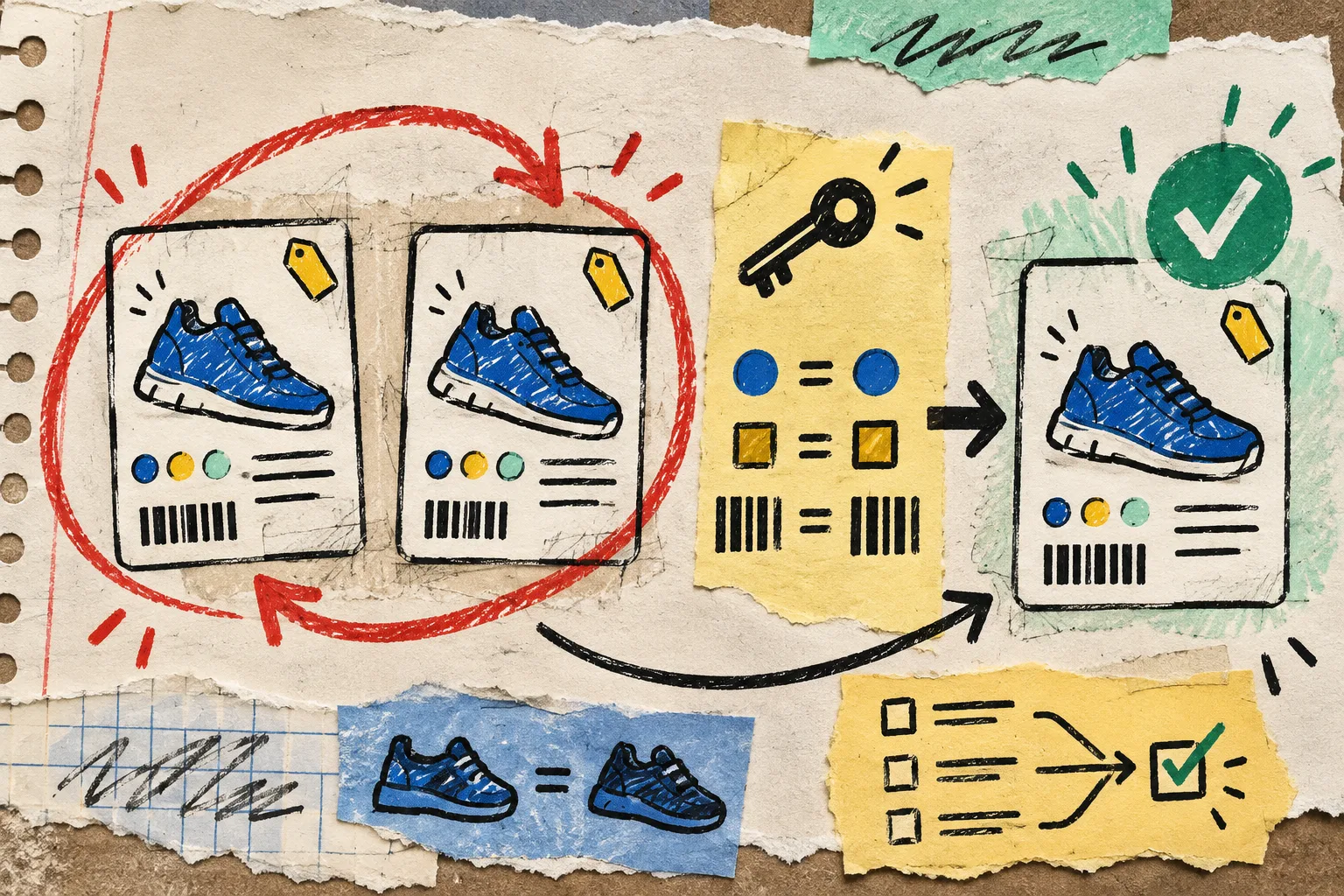
Before downloading the cleaned copy, I make a tiny audit note: source file + columns compared + keep-first/keep-last choice + rows removed. It takes a minute and gives me something concrete when a teammate asks why one record disappeared. If the export must be shared for review, I also use a smaller derivative rather than tossing the whole source file into an email; this is close to the tactic in my CSV-sharing workflow.
Filter the working set, not the whole catalog
A full supplier export is often broader than today’s job. I might only be publishing a new seasonal range, correcting inventory for one brand, or preparing products that have a specific status. The CSV Filter lets me narrow the file by column values and download the result as a new CSV.
The important part is that the filtered file becomes its own named working artifact. I keep the source untouched, then work from something like vendor-fall-live-candidates.csv. That gives me a clean rollback point and stops a useful one-off change from becoming an undocumented rewrite of the master export.
A decent filter pass is also a chance to catch scope creep. If I filter for a vendor and still see products from three unrelated collections, I pause before I import. No bulk tool can rescue a fuzzy selection rule after it is live. The same is true with visual work: a short accessibility check before publishing is much cheaper than a public correction.
Keep the browser tools in the right role
Tiny Online Tools is not a replacement for Shopify’s import validation or a catalog governance system. It is the fast, low-friction place where I make a messy export readable: view it, define a duplicate rule, isolate the relevant rows, and save a reviewable derivative. The tool catalog is broad enough that I can stay in the same browser workspace for related chores, but the strength here is the narrowness of each job.
For a lightweight final check, I sometimes open the output again in the CSV Viewer. I look for the boring but important things: headers survived, row counts look plausible, a known SKU is present, and a deliberately excluded product is absent. Then I use Shopify’s own import flow for the platform-specific validation.

My pre-import card
Before I upload, this is the whole card I want to be able to answer:
- What changed, and which source export produced it?
- Which product key defined duplicates?
- Which rows were deliberately included or excluded?
- Did I preserve the untouched source and download a named working copy?
- Have I checked a handful of representative products after the import?
It is an unglamorous ritual, which is why it works. I would rather spend ten calm minutes with a browser table than untangle a hundred accidental Shopify edits. If you have a supplier export waiting on your desktop, start with the CSV Viewer, write down the key you trust, and let the import be the final step—not the first act of investigation.
For the bigger operating-system version of this habit, I use the same release-gate thinking when I set up recurring Shopify blog posts: prepare the exact change, validate the smallest useful sample, then ship.