
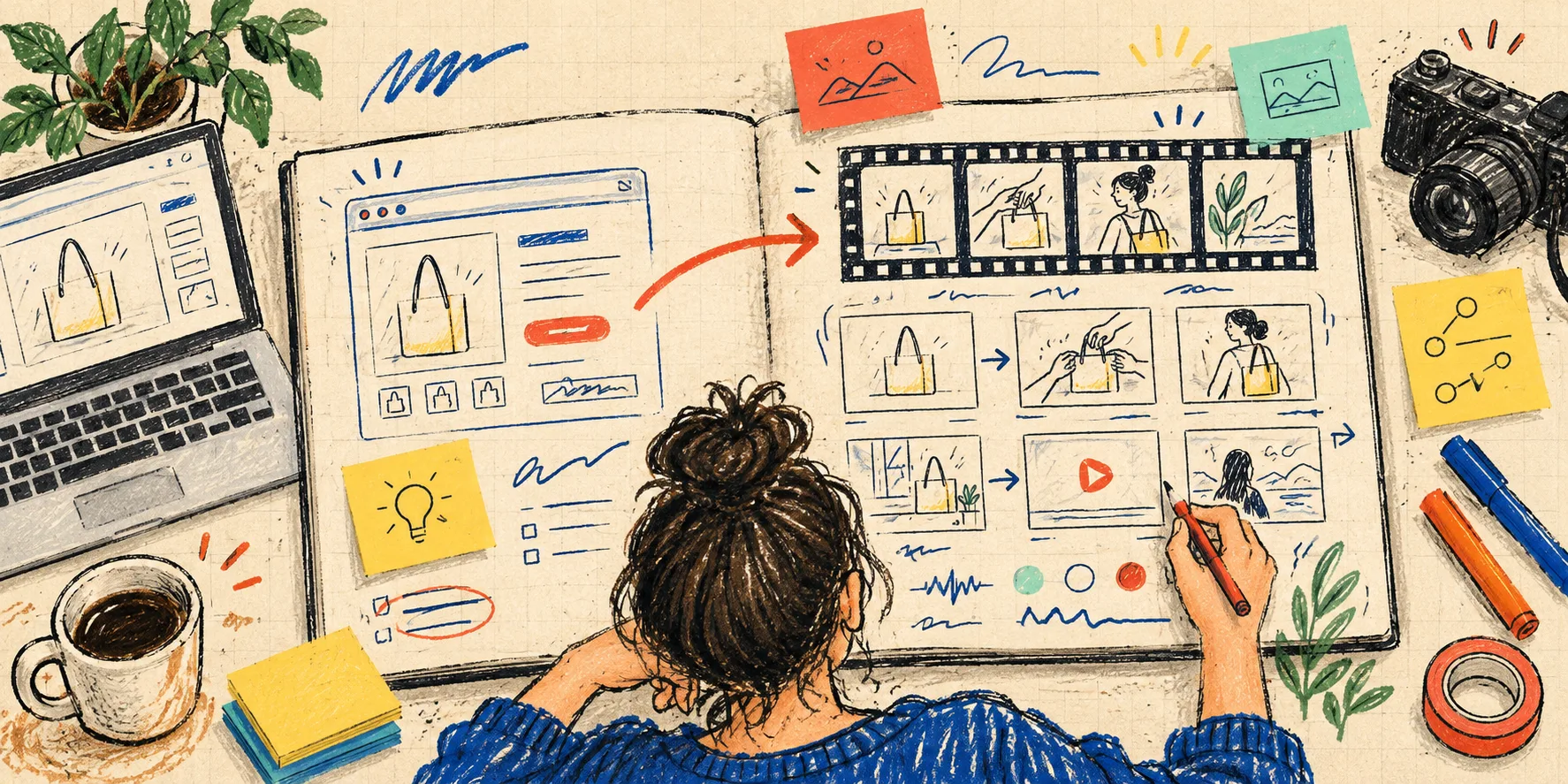
A launch video can get stuck before the first frame because I hand an agent a whole website and silently expect it to know what matters. The homepage has product screenshots, three audiences, old feature copy, a pricing pitch, a founder story, and enough competing claims to make a five-minute film.
So before I open VideoFlow Studio, I make one scruffy launch-film decision sheet. It takes me about twenty minutes. It is not a creative brief for an agency and it is not a screenplay. It is the smallest document that makes the next prompt honest: here is the audience, here is the change, here is the proof, and here is the one thing the viewer should do next.
Studio is useful here because I can start from a URL, direct the work from my terminal, and keep an editable video document behind the render. But the tool should not be the strategist. The decision sheet gives it a lane.
My one-page decision sheet
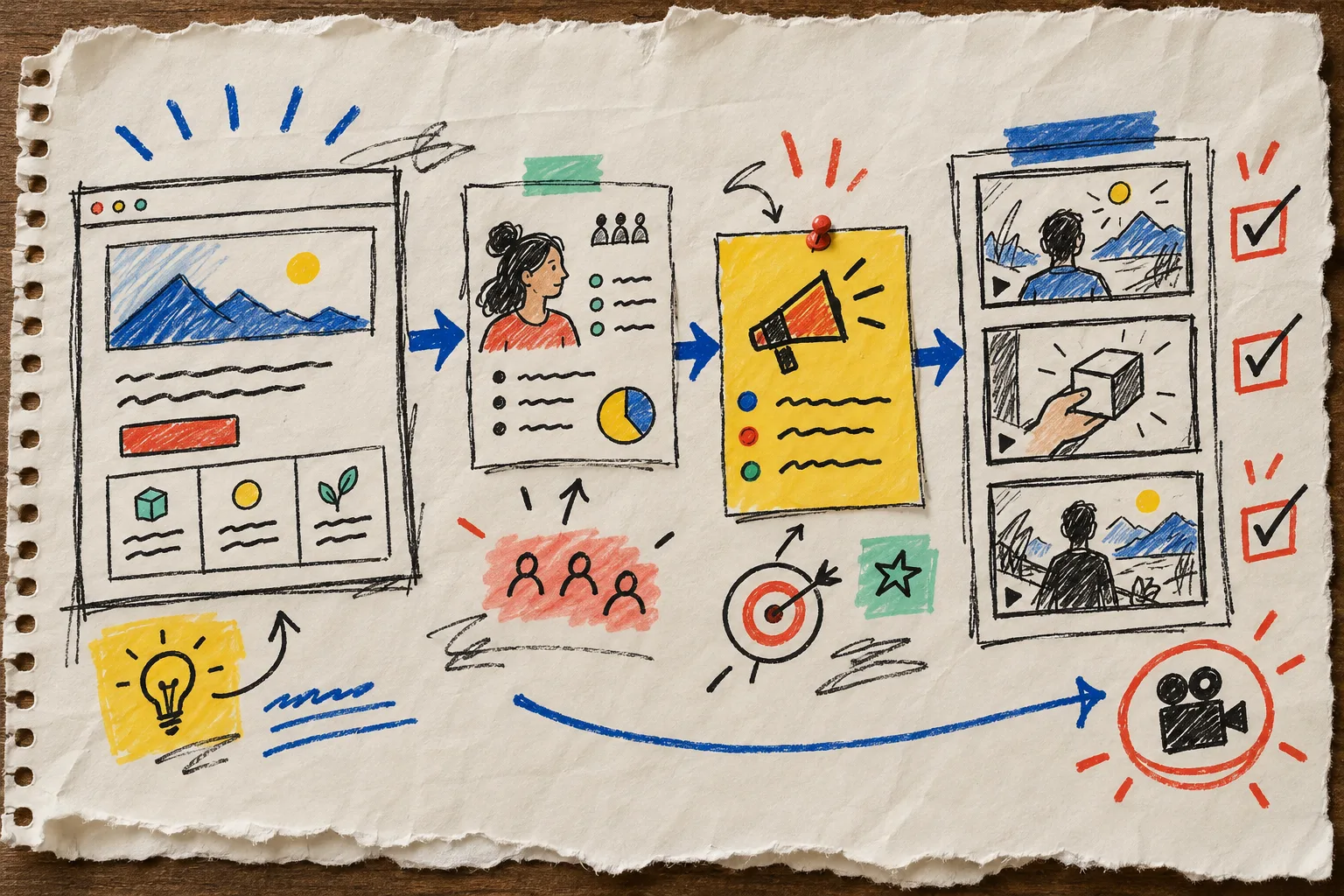
I divide a notebook page into five boxes:
- The viewer: one specific person at one specific moment.
- The friction: what is annoying, risky, slow, or unclear right then.
- The change: the product action that removes that friction.
- The proof: the screenshot, workflow, or observable result that earns the claim.
- The ask: the next action after the film ends.
For a store-operations tool, “busy teams” is too mushy. “The merchandiser who needs to fix 200 sale prices before Friday without touching the wrong collection” is much better. It gives the film a point of view. The opening can show the messy job; the middle can show the controlled action; the end can show the calmer result and a useful next step.
I choose one story, not a homepage recap
The practical rule on my sheet is one film, one tension. If the video needs to introduce every feature, it will feel like a page of tabs read aloud.
I write this sentence before I request a first cut:
For [viewer], [product] changes [friction] by [specific action], so they can [outcome].
That sentence exposes weak inputs quickly. If I cannot fill in the action without saying “uses AI to streamline everything,” I have not decided anything. If the outcome is only “save time,” I need to return to the website and find a more concrete moment.
This is the same discipline I use when I turn a startup website into a product-video brief: extract the few signals that can survive a short film rather than treating every section as a scene request.
Then I pull only evidence that can appear on screen
My proof box gets a short source list:
- one real product screen or product-state change;
- one precise capability that the site supports;
- one visual motif from the brand;
- one claim I can defend without narration doing all the work.
That list protects the edit from generic startup-video filler. It also keeps a launch video from overpromising. For example, a before-and-after interface state is stronger than an unqualified “effortless” card. A visible review step is stronger than saying an agent is flawless.
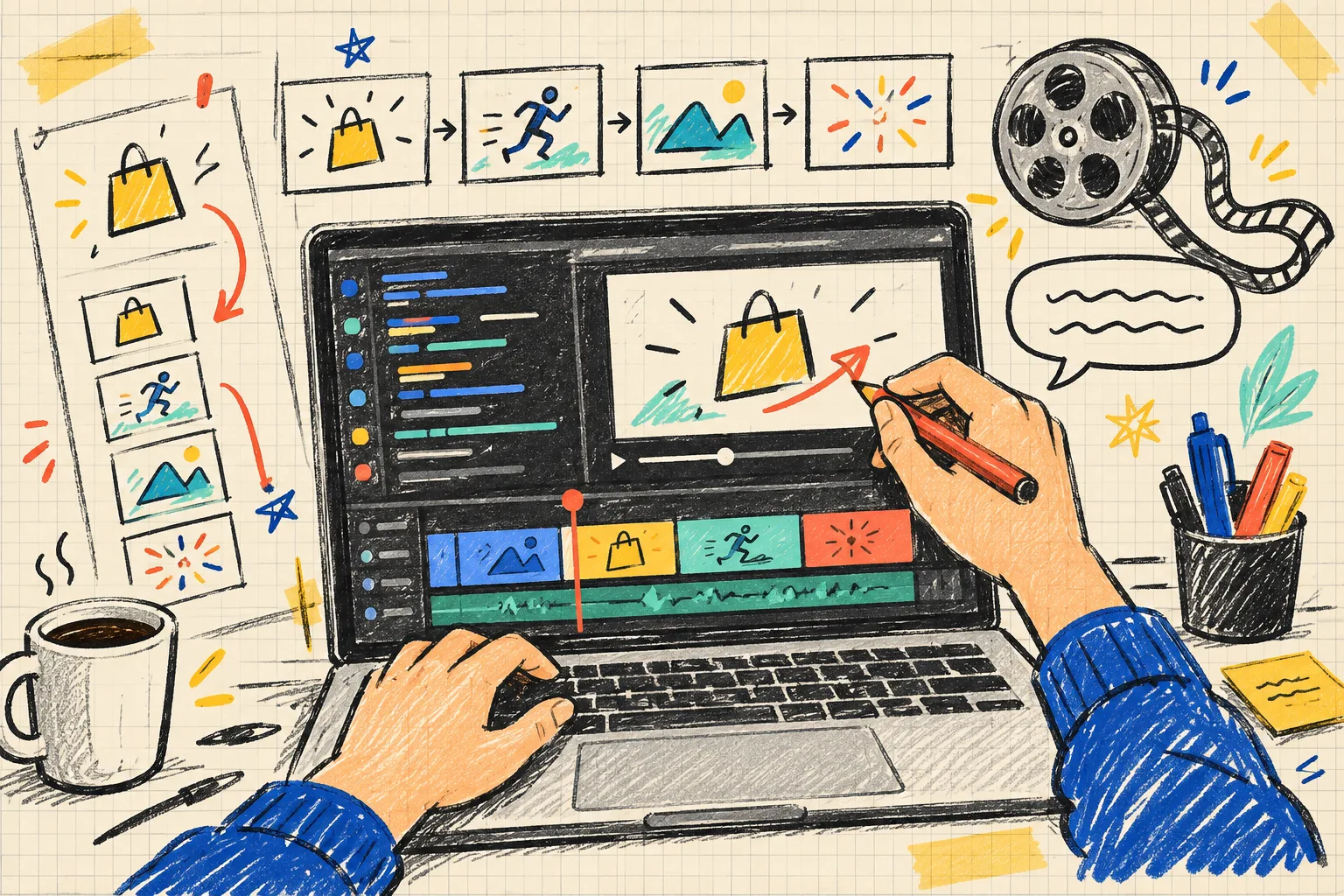
I especially want the proof to be editable. With Studio, the agent creates motion graphics on top of the open-source VideoFlow engine, and the resulting work can still be adjusted in its built-in editor. That matters when the marketing lead spots a dated screen, the founder changes a phrase, or the CTA needs to move. The decision sheet identifies what must remain true; the editable timeline makes revision less like starting over.
My first-cut prompt is deliberately plain
Once the sheet is done, I use the URL and a prompt that names the job instead of prescribing every transition. Something like:
Create a 35–45 second launch film for a founder evaluating a new workflow.
Open on the manual bottleneck, show the product action that resolves it,
use the supplied website as brand reference, and finish with one clear CTA.
Keep the claim grounded in the visible product flow. Make every scene editable.
That is enough direction for a real first cut without pretending I can storyboard every second before seeing motion. I run Studio with npx @videoflow/studio, then I react to an actual render. This fits the terminal-first approach I used when I built a product-video review rubric before export: concrete questions beat vague “make it better” feedback.
I review against the sheet, not my mood
The first render gets three passes.
1. Story pass
Can someone name the viewer’s problem after the opening? Is the product action visible before the final few seconds? Does the CTA follow naturally from the outcome?
2. Proof pass
I check each claim against the website and product. If the film implies a feature or result that is not supported, I remove it or request a more accurate scene. This is where structured motion graphics are a relief: I can ask for a sentence, layer, color, or timing change instead of recreating a whole clip.
3. Visual pass
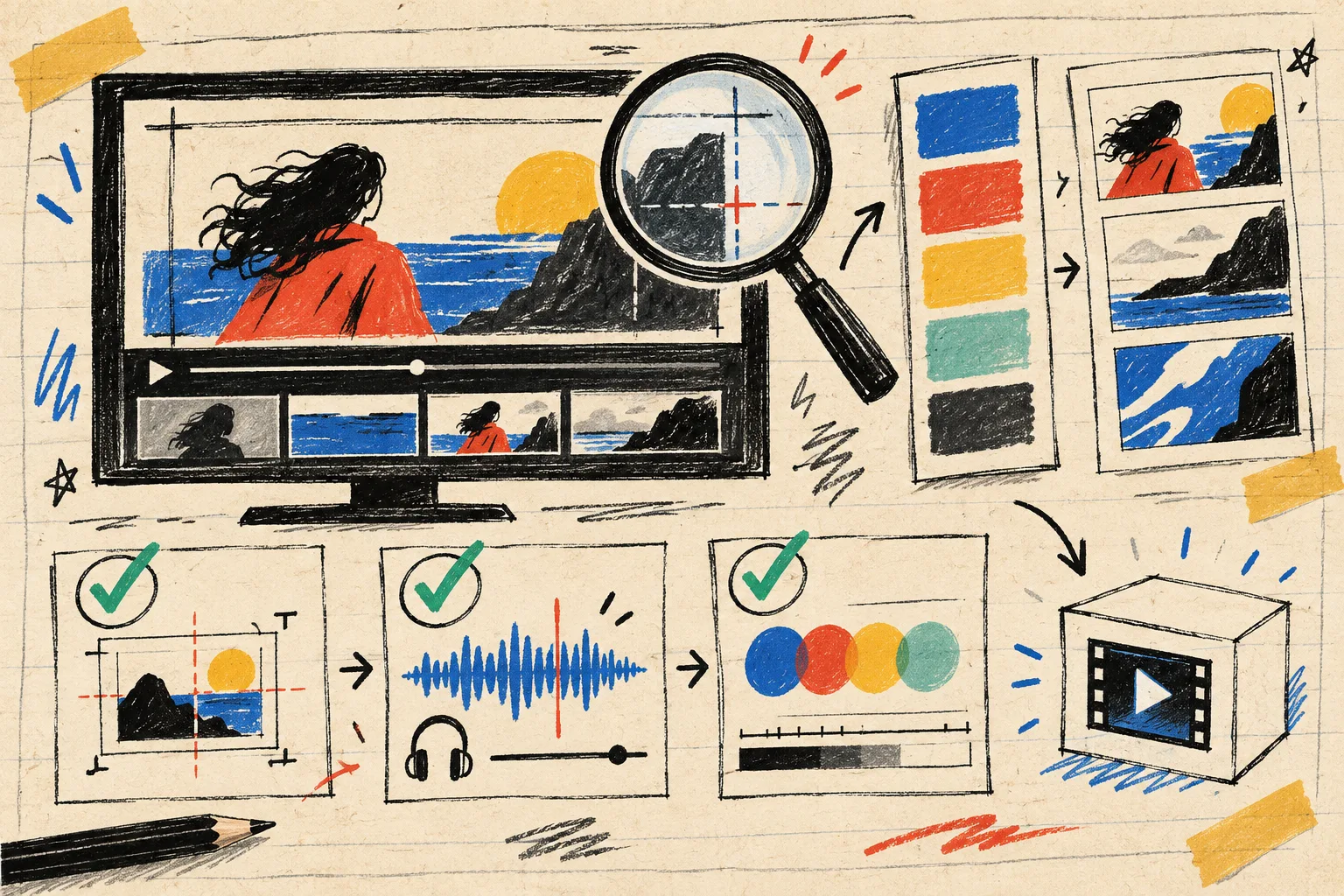
I look for tiny things that make a serious product feel careless: cramped end cards, low-contrast labels, brand colors drifting, a product screen that is too small to understand, or a cut that hides the action. Studio’s workflow includes rendered-frame review and re-rendering, but I still keep a human eye on the narrative.
That review is more focused than a general “does this look good?” question. It also separates this process from my earlier scene-change ledger. The ledger tracks requested revisions; this sheet decides what the film is allowed to say before revisions begin.
The final check before delivery
Before export, I tick off five things:
- The opening names a recognizable situation.
- One product action is shown rather than merely claimed.
- The proof is legible at the intended viewing size.
- The brand treatment looks intentional across every scene.
- The final CTA is the single next action I want.
I keep the sheet beside the exported file too. Launch details change. Pricing changes, a product screen changes, or the team discovers a better customer story. When that happens, I have a durable creative decision to revisit rather than a mysterious video prompt to reverse-engineer.
If you are preparing a launch, make the sheet first, then try VideoFlow Studio with the product URL and your one-sentence story. Start with a film that has something specific to prove. You will get a better first cut—and a much more useful editable one when the inevitable revision arrives.