
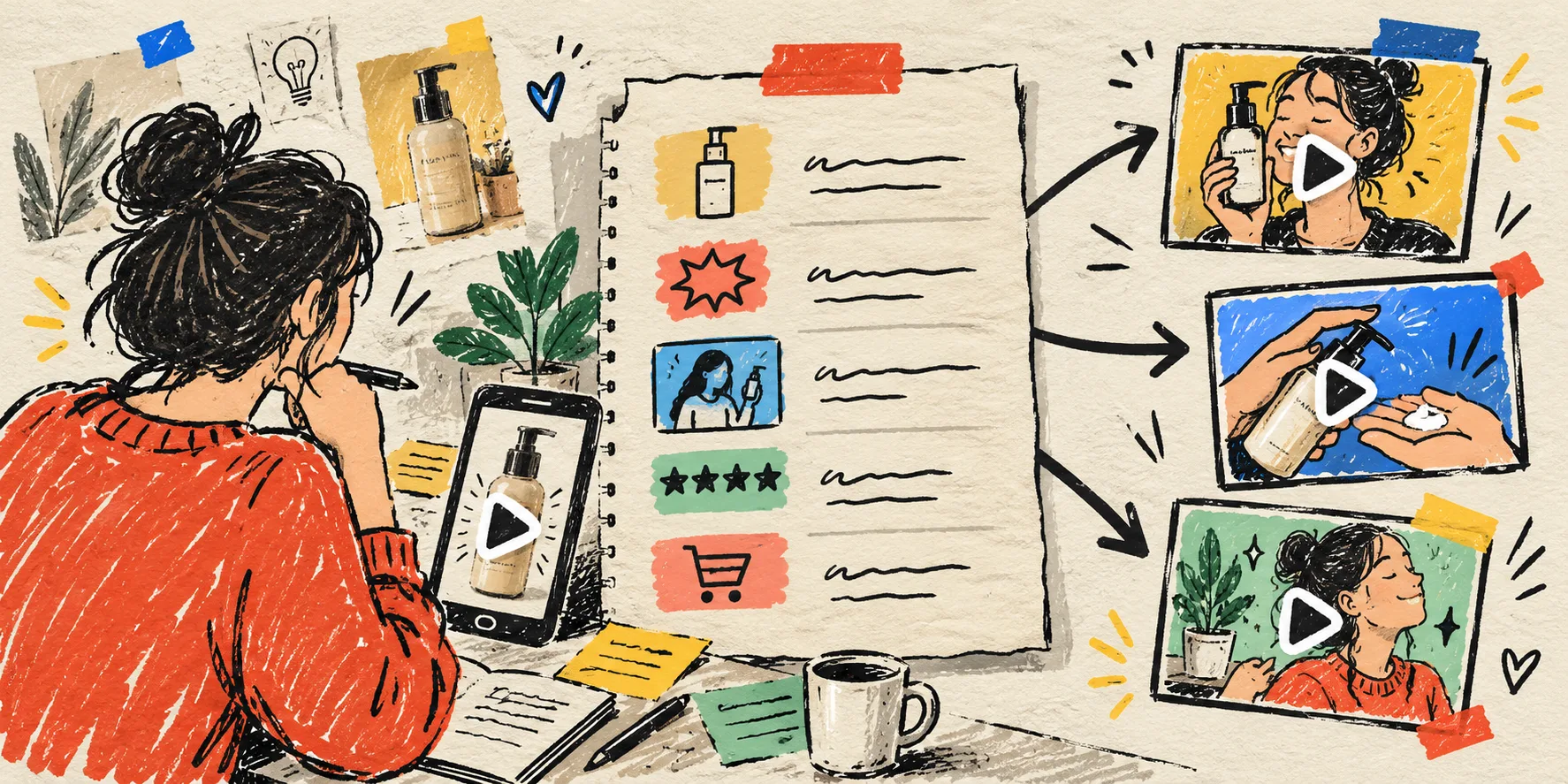
I kept making the same bad request: “make three UGC ads for this product.” The output was technically varied, but not usefully varied. One clip had a different hook, another had a new background, another sounded like a different campaign. I could not tell what I was testing, so I could not learn from the result.
My fix is a one-page scene card. It takes about ten minutes to sketch, and it gives every new variation a job. Before I open an AI UGC video tool, I write down the product proof, opening hook, scene, voice, and next action. It is less glamorous than pressing Generate, but it makes the generated videos much easier to judge.
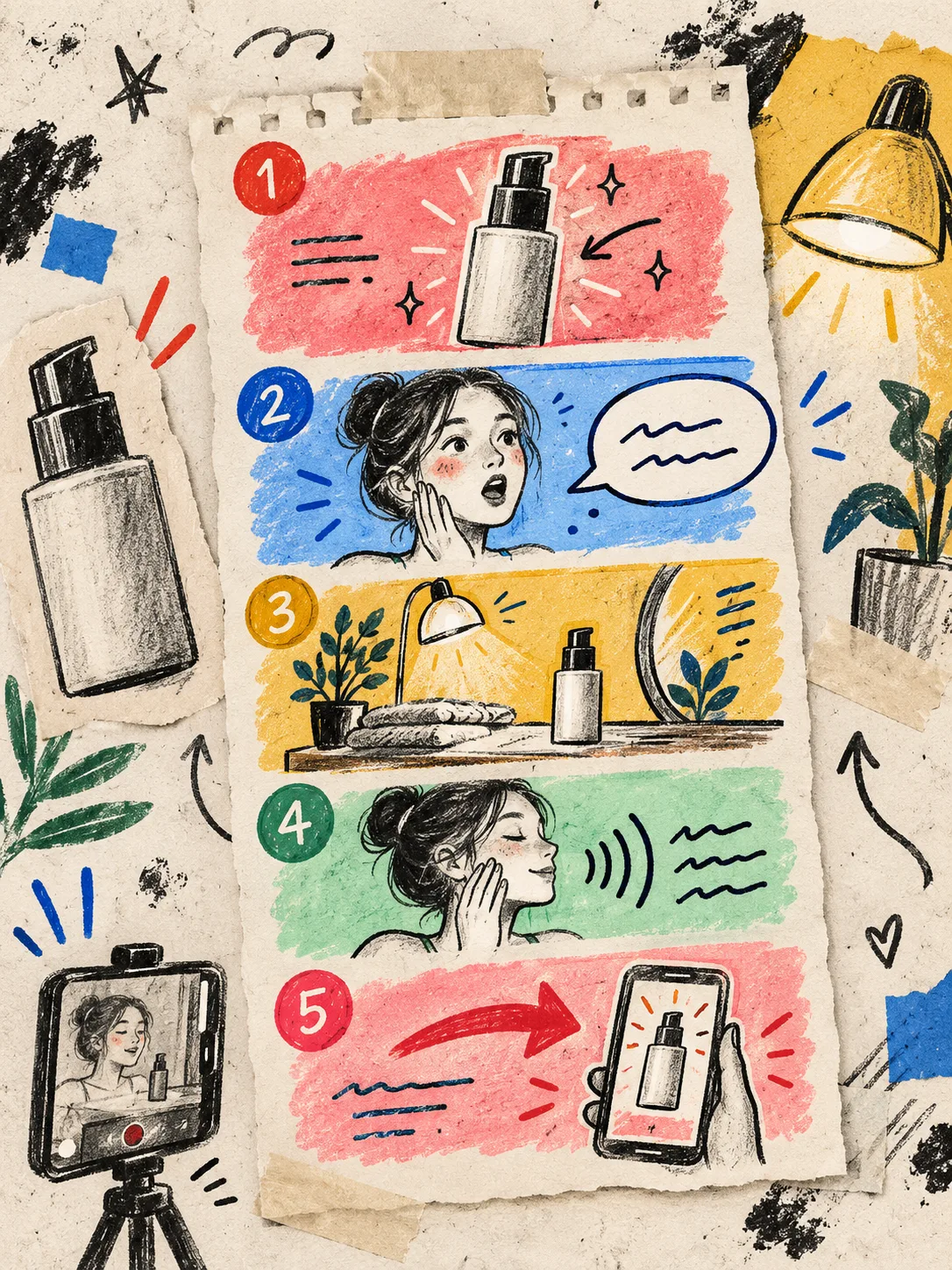
The five boxes on my scene card
A good card is not a script disguised as a spreadsheet. It is a compact decision record. Mine has five boxes:
- Product proof: What can a shopper actually see? A texture, fit detail, before-and-after, use step, scale cue, or close-up.
- Opening hook: What tension earns the first seconds? Keep it to one problem or outcome, not a stack of claims.
- Scene: Where should this happen? A clean studio, a bathroom shelf, a kitchen counter, or a boutique setting all imply something different about the product.
- Voice and delivery: A calm explainer, an energetic discovery, or a matter-of-fact demo. Write the feeling down so the voice is not an accident.
- CTA: One small next move: see the product, compare options, use it this week, or check the product page.
That is enough structure to brief a video without pretending the first clip is the final answer. It is also close to the inputs you can set in Supra UGC Maker: avatar, scene, Shopify product reference, script, voice/tone, and reusable projects. The app is useful here because I can preview a scene, adjust a clip, and make a new variation without rebuilding every piece.
Freeze the proof before you vary the creative
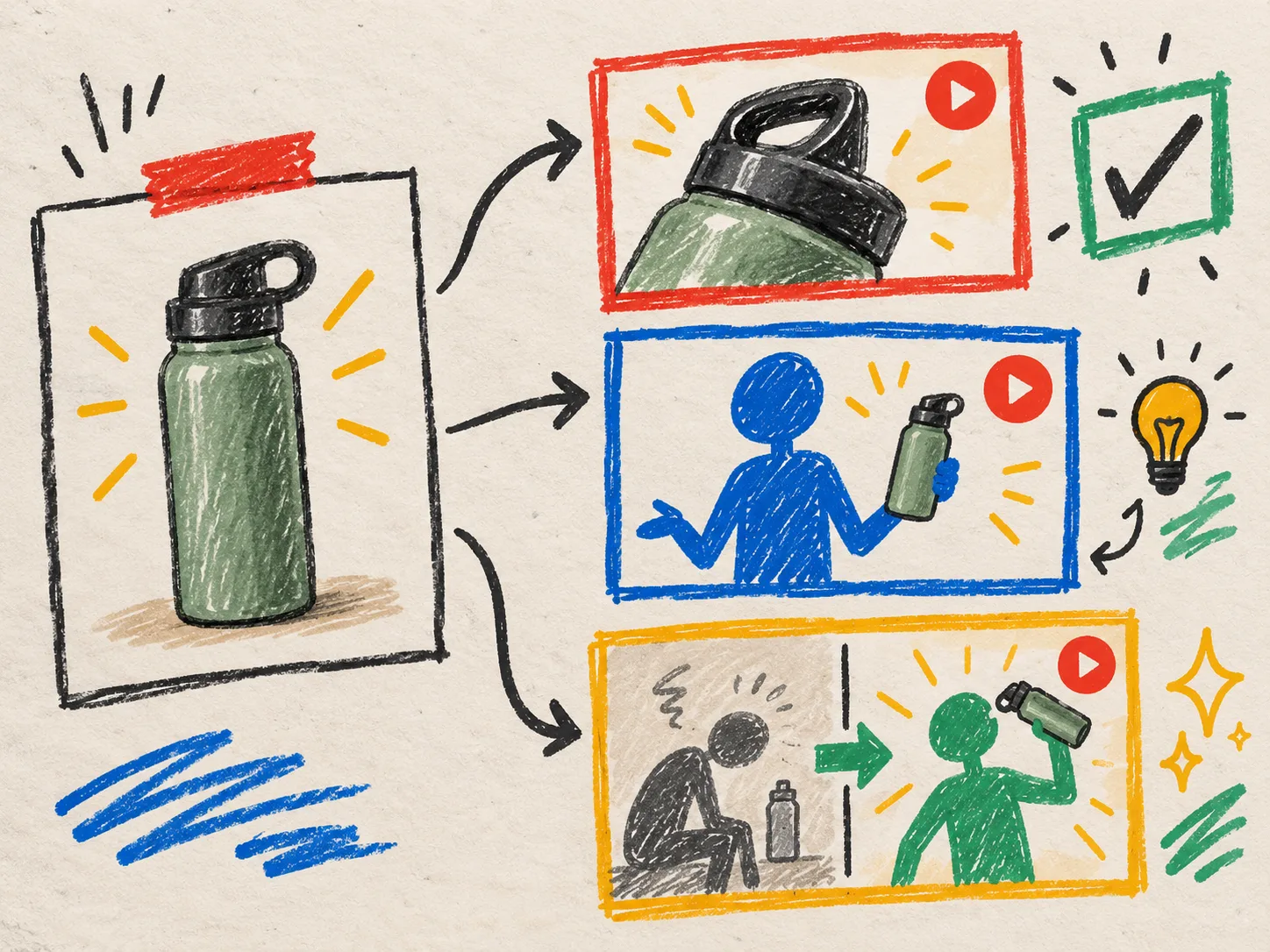
The crucial rule is boring: do not change every box at once. I freeze the product proof and CTA, then change one creative lever.
For a moisturizer, that might look like this:
- Base card: show the texture, hook around a rushed morning routine, a bathroom-counter scene, calm voice, CTA to view the product.
- Variation A: keep everything but replace the hook with the dry-skin problem.
- Variation B: keep the hook and proof, but move from a countertop to a travel-bag scene.
- Variation C: keep the scene and proof, but use a brisker, more direct delivery.
Now the review is honest. If a variation is clearer, I know why it may be working. This is the same discipline I used when I sketched a Shopify UGC test matrix before paying for another shoot: a small matrix creates more signal than a pile of unrelated assets.
Build variations from one stable source
The temptation with AI video is to make each ad from scratch. That feels fast until a product detail changes, the offer shifts, or the team needs to repeat a winning setup. A scene card gives you a stable source to return to.
I keep a tiny inventory beside the card: approved product images, product-specific claims that have been checked, what the product must look like on screen, a reusable avatar/scene choice, and the version of the script. If you have ever made a Shopify UGC asset contract before generating video variations, this will feel familiar. The card is the creative layer; the asset list is the guardrail.
Supra UGC Maker lets merchants save reusable scenes and projects, then reorder, trim, update, or regenerate clips in one project. That makes a practical loop: create a dependable base scene once, then test the hook or delivery rather than recreating the entire production setup. It is a scalable UGC-style creative workflow, not a replacement for a real customer testimonial or a creator relationship. For community trust and lived experience, real people still matter.
Review three things before you make more
I do not need a full production meeting for short-form product video. I need three questions:
- Can a shopper name the product and its relevant benefit quickly?
- Does the visual proof support the words, rather than merely decorate them?
- Is this a deliberate variation, or did several variables drift at once?

The last question catches most waste. If the scene, avatar, product framing, script, and CTA all change together, the clip might still be good—but it tells me nothing about which decision earned the result. I borrow the same review-first habit from my product video review rubric and apply it earlier, while the creative is still easy to regenerate.
Put the winner where it can do more work
A useful UGC-style clip does not have to live only in an ad account. The most understandable version can become a product-page explainer, an email teaser, a launch asset, or a post-purchase education clip. That is why I label the scene card with its intended placement before generating it. A high-energy social hook and a calm product-page explanation can share product proof without being the same video.
If you need a fresh starting point, try the free plan in Supra UGC Maker on Shopify, make one scene card for one product, and generate only three variations. Keep the proof fixed. Change one lever per version. You will have a cleaner creative conversation—and a much better idea of what to make next.