
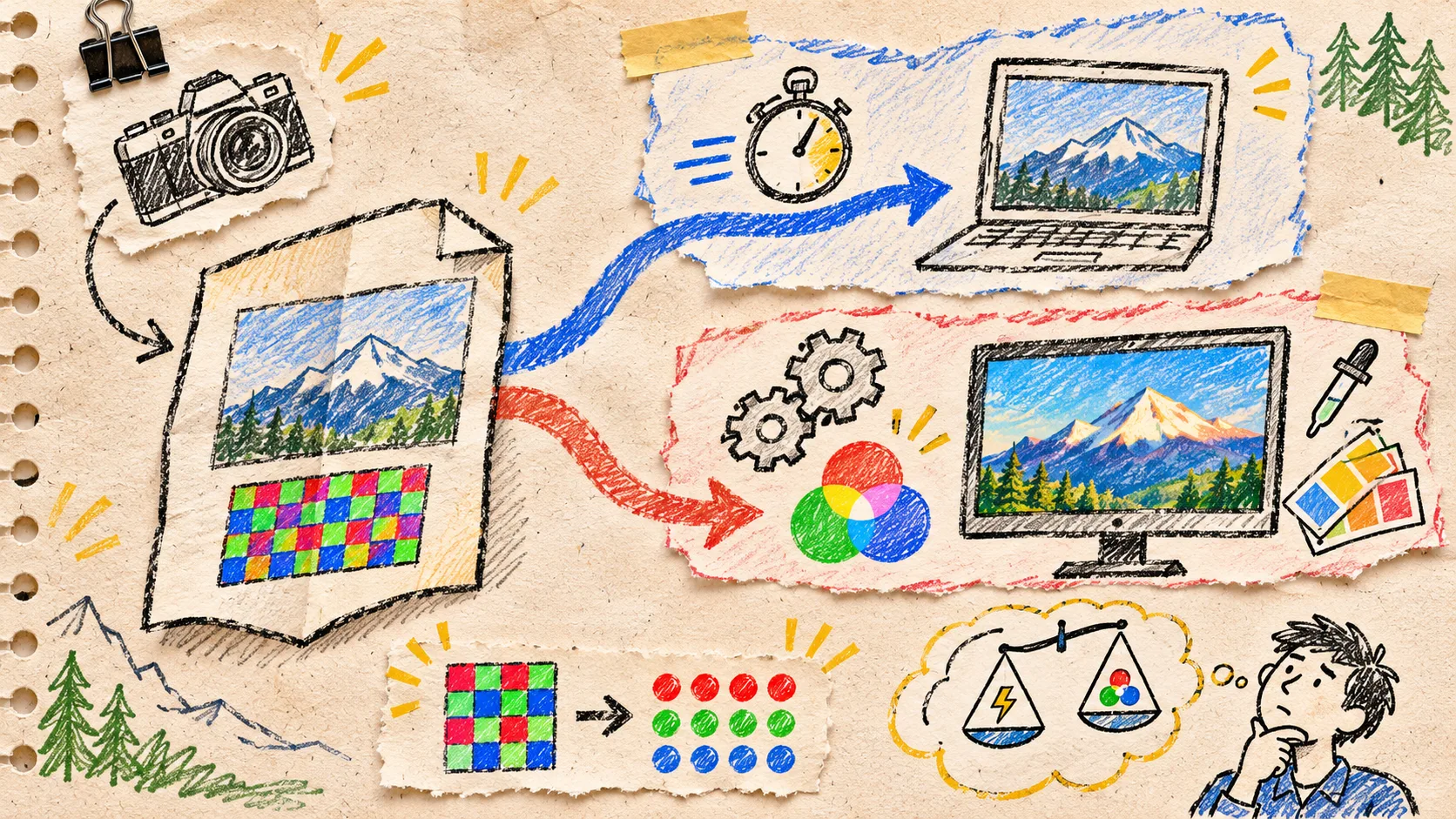
A browser RAW preview is enough when the job is triage: identify a file, show a quick local image, pull an embedded preview, or decide whether the upload deserves a deeper pass. It is not enough when the job is a colour-approved export, a camera-specific rendering decision, or a promise of parity with an existing desktop pipeline. I now make that boundary explicit before I call a browser preview feature finished.
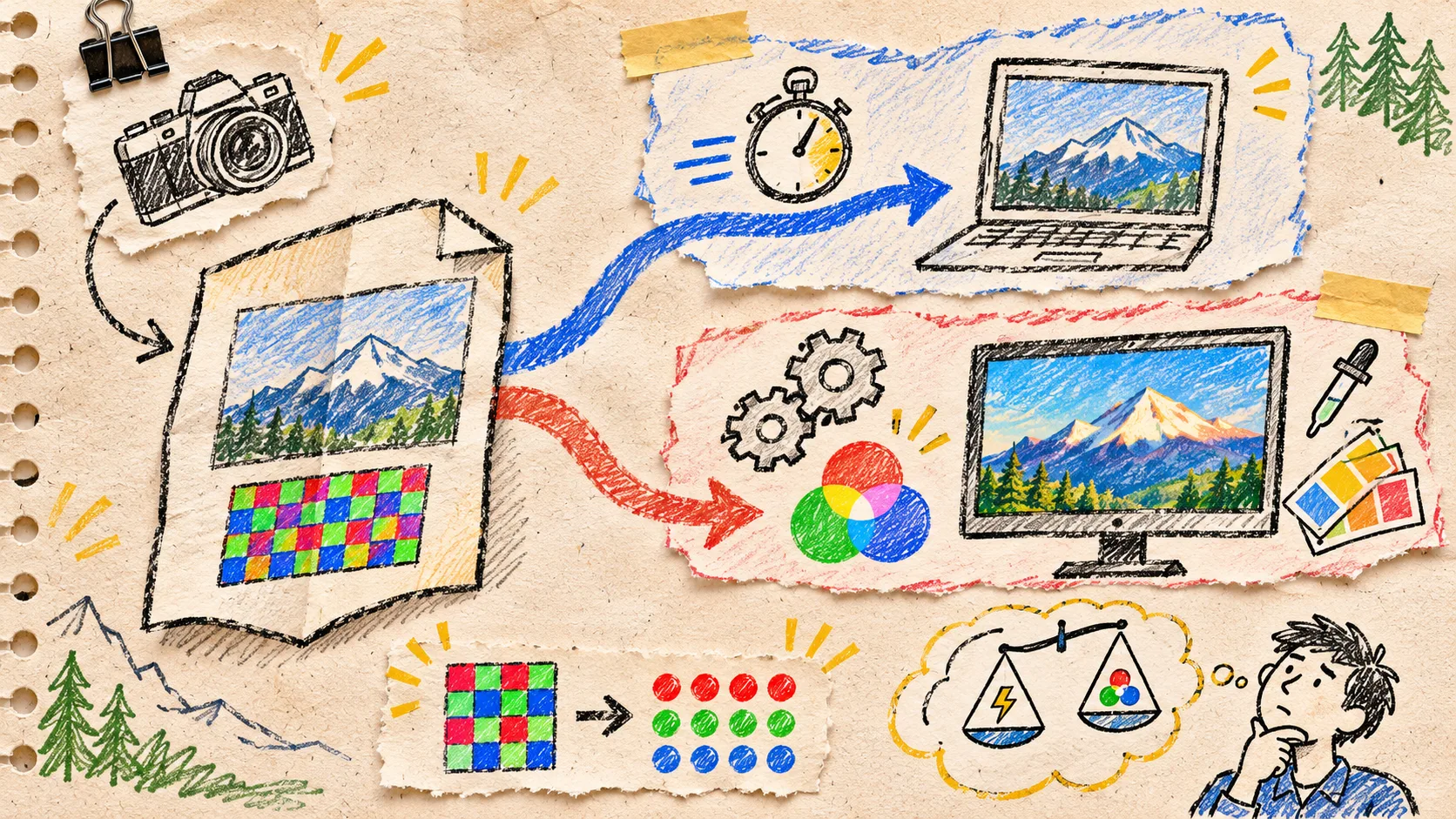
The mistake is treating “can open a RAW” as one outcome. A camera RAW file contains sensor samples and interpretation data—not the finished image a photographer expects to deliver. A useful web tool can absolutely keep the first part private and fast; it just needs to say what it is showing. FlashRaw is a useful component for that split because it can expose metadata, embedded previews, sensor data, or display-ready RGB, including in a browser-oriented JavaScript path.
My two-lane rule
I put the reader’s task in one of two lanes before choosing an API or designing a progress indicator.
| If the user needs to… | Use the preview lane | Use the full-development lane |
|---|---|---|
| Confirm that a card contains the expected shoot | Yes | No |
| Pick a keeper from a contact-sheet-like view | Usually | Only if colour judgement matters |
| Inspect dimensions, orientation, or camera metadata | Yes | No |
| Approve skin tone, product colour, or a client delivery | No | Yes |
| Match an established LibRaw or desktop rendering | No | Yes, with fixtures |
| Export a final JPEG or TIFF with a defined colour intent | No | Yes |
This is not a quality ranking. It is a promise boundary. A preview can be excellent at helping someone find the right file while still being the wrong artifact for a retoucher’s approval. That framing kept me from loading expensive full-resolution work just to answer, “Did the camera card arrive?”

Build the preview lane around a small, honest question
For a private browser previewer, I start with a deliberately narrow contract: accept a selected file, identify it, extract what is available locally, and show either an embedded preview or a clearly labelled quick display. The UI should not imply cloud upload if the file stays in the browser. It should also keep decoding away from the interaction thread when the operation could block scrolling or file selection.
That is the architecture behind a private browser RAW preview with Web Workers. The important thing is not the worker alone; it is what the worker is allowed to promise. I keep three outcomes separate:
- Preview found: show the embedded preview and its dimensions.
- Quick develop available: show it as a review aid, not a final colour decision.
- Unsupported or failed: retain the file name and a useful error, rather than a blank canvas that looks like a rendering bug.
FlashRaw’s format matrix is why I do not gate this workflow on file extensions. Support is tracked per format and mode. The published corpus notes, for example, that some Nikon High Efficiency NEF files are detected while their metadata and previews work but full decode does not. That is exactly the kind of distinction a decent upload flow should surface.
Test the exact mode, not the family name
Before declaring a camera compatible, I keep a tiny fixture card:
Camera body + firmware:
File extension and compression/mode:
Smallest and largest representative files:
Need: embedded preview | sensor pixels | display RGB | final export:
Expected orientation and dimensions:
Acceptance image or metadata assertion:
The card stops a familiar failure: testing one .NEF or .CR3, then advertising the whole extension as solved. The project’s documented coverage is broad, but it also distinguishes verified, partial, experimental, and unsupported modes. For an upload product, that vocabulary is more useful than a green tick.

This is also where I connect the browser tool to the rest of the commerce stack. A catalog team may only need a fast, private way to spot the correctly lit product frame before sending it to the studio. That is a different job from the later product-image work described in my photo recovery note: the early check protects the source; it does not replace the intentional retouch.
Reserve the full path for decisions that must survive review
The full-development lane begins when the output will be judged, compared, or delivered. Here I need to know the pipeline’s white balance behaviour, colour matrices, crop and orientation handling, demosaic/develop choices, output colour space, and export settings. A successful decode is necessary, but it is not proof that two pipelines look the same.
If I am evaluating a decoder for that lane, I compare the same source fixtures through the old and new pipeline and record: output dimensions, orientation, clipped highlights, neutral patches, obvious colour shifts, and export bytes. I treat speed as a separate measurement. FlashRaw publishes reproducible benchmarks across a stated 62-file popular-camera set, machines, thread counts, and output modes; those figures are useful context, not a promise about my camera mix or deployed browser memory.
For a migration, I would add a release gate:
- The exact camera modes used by customers have a passing fixture.
- Preview and full-develop outputs are labelled differently in the product.
- A representative export has human visual approval.
- Decode errors have a safe recovery path instead of a retry loop.
- Memory and response time are measured on the actual target device.
The same release-gate habit has served me well beyond images; I use a similarly bounded review before I publish an ecommerce product update. The discipline is portable: define the claim, choose the evidence, then ship only what survived the check.

The useful next step
Open one representative RAW file in the FlashRaw browser demo, then write down which of the two lanes your product truly needs. If it is triage, make local preview, cancellation, and clear failure messages excellent. If it is delivery, build the fixture set and colour-review gate before you advertise rendering parity.
That small distinction makes browser RAW work calmer: fast previews stay fast, and final-image decisions get the evidence they deserve.