

I Test a LibRaw-Compatible Shim Before I Replace the Decoder
The shortest safe answer is: treat a LibRaw-compatible API as a migration starting point, not proof that your RAW output will stay the same. I make a small fixture pack, define what may differ, and run the old and new paths side by side before I replace anything in a photo-ingest or product-imaging tool.
FlashRaw is interesting here because its flashraw-libraw-compat layer implements a documented subset of the LibRaw C API. That can preserve familiar calls while a team recompiles and relinks. It is explicitly source-compatible for its supported subset—not a binary replacement—and its processed output follows FlashRaw’s own pipeline. That one distinction has saved me from treating a successful build as a successful migration.
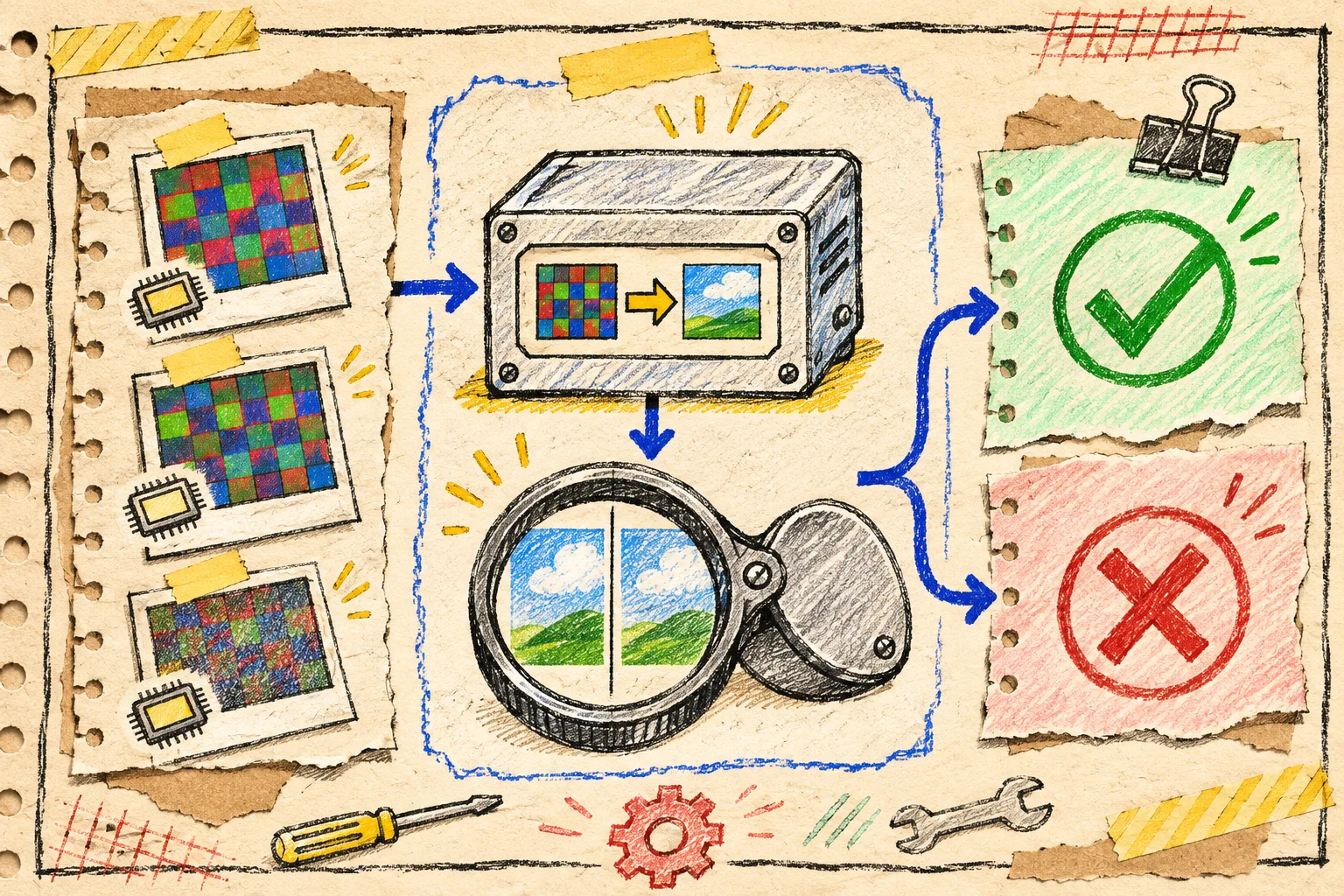
The five-fixture receipt I want first
I do not begin with a thousand-photo archive. I pick five legal-to-keep camera files that represent the work the application actually does:
| Fixture | What it exposes | Pass condition |
|---|---|---|
| Typical customer RAW | Normal ingest path | Opens, metadata maps, expected preview appears |
| Largest routine RAW | Memory and latency boundary | Completes within the team’s budget |
| Camera or compression edge case | Support-matrix reality | Clear support result or intentional fallback |
| Rotated portrait | Orientation and crop handling | Dimensions and orientation match the contract |
| Known difficult exposure | Render policy | Difference is reviewed, not silently accepted |
Keep the original files, their SHA-256 values, camera model, format, compression mode, dimensions, and the expected application behavior in the same test folder. A filename like test2-final-final.CR3 is not a test record.
The FlashRaw format matrix is the first preflight check: support is tracked by format and mode, and the exact camera/compression combination matters. If a production camera is marked partial or unsupported, that belongs in the rollout decision—not in a release-note footnote.
Separate decode parity from render parity
This is the trap I sketch on the back of the notebook: a RAW decoder can agree about sensor samples and still produce a visibly different display image. White balance, black/white levels, demosaicing, crop, orientation, colour conversion, output profile, and exposure controls all sit between “opened the file” and “looks like the old thumbnail.”
So I record two tests instead of one:
- Decode contract: Does the file open? Are dimensions, CFA data, black/white levels, metadata, and embedded preview available where the app expects them?
- Display contract: With declared output settings, does the generated RGB image meet the product’s visual acceptance rule?
For an ecommerce upload helper, the display rule may be “orientation is correct, the product is recognizable, and the preview is generated inside two seconds.” For a retouching tool, it may require controlled visual review or pixel tolerances. Do not borrow the stricter rule when you do not need it; do not borrow the lighter rule when colour is the product.
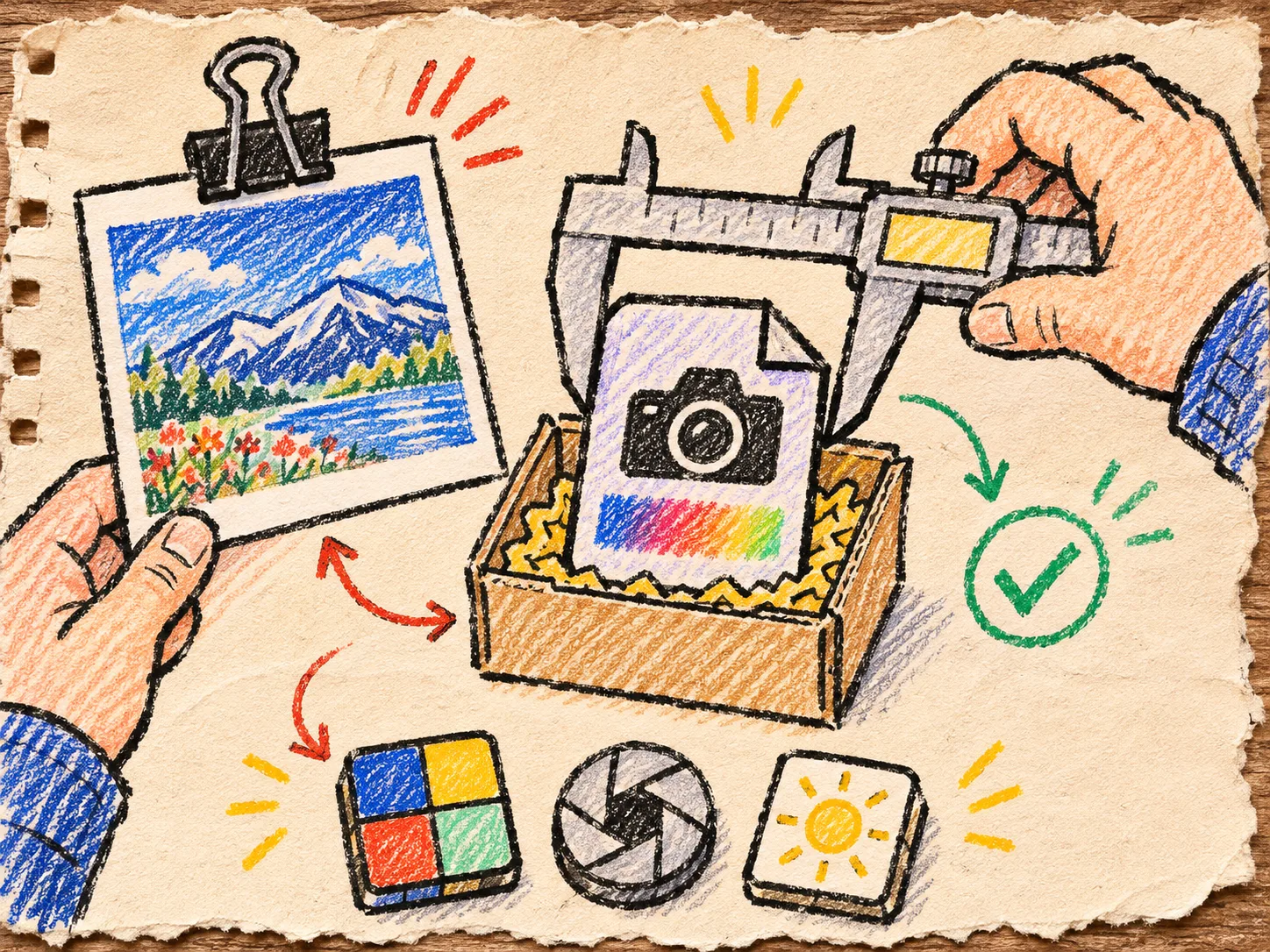
My shim test is a narrow build, then a wider decision
FlashRaw documents the familiar lifecycle calls in its compatibility surface—such as initialization, opening a file, unpacking, processing, and making a memory image—in its LibRaw-compatibility guide. I first inventory the calls our application actually uses, then compare that list with the documented subset.
A compact release branch can look like this:
old path: open → unpack → process → app preview
new path: open → unpack → process → app preview

for each fixture:
  save metadata receipt
  save preview/render artifact
  record elapsed time and peak memory with the same settings
  label: pass / review / unsupported
I keep “unsupported” as a valid result. It is more useful than quietly routing a file through a different behavior and discovering the mismatch after a seasonal photo upload. If the app relies on a LibRaw feature outside the documented subset, the honest choices are to keep the old path for that case, add a wrapper around FlashRaw’s native API, or schedule a fuller migration.
This is also where I revisit the browser RAW upload checklist: exact format support, file-size limits, worker boundaries, and usable failure messages remain product requirements even when the decoder changes.
Benchmark only the work you are replacing
A benchmark headline is not my acceptance criterion. FlashRaw publishes its own reproducible comparison method and per-format caveats, including cases where another decoder is faster and situations where all-core plain decoding can use more memory. That is the right shape of evidence: version, machine, corpus, output mode, thread count, and metric.
For the migration receipt, I measure the same workload the app will ship:
- sensor decode only, if the app hands RAW data elsewhere;
- RAW-to-display RGB, if the app makes previews;
- embedded-preview extraction, if that is the real customer path;
- one thread and normal production concurrency, if memory matters.
I never compare a fast sensor decode against an old path that also demosaics and colour-converts. That is a comparison of two different jobs wearing the same “RAW” label.
A tiny review card before the cutover
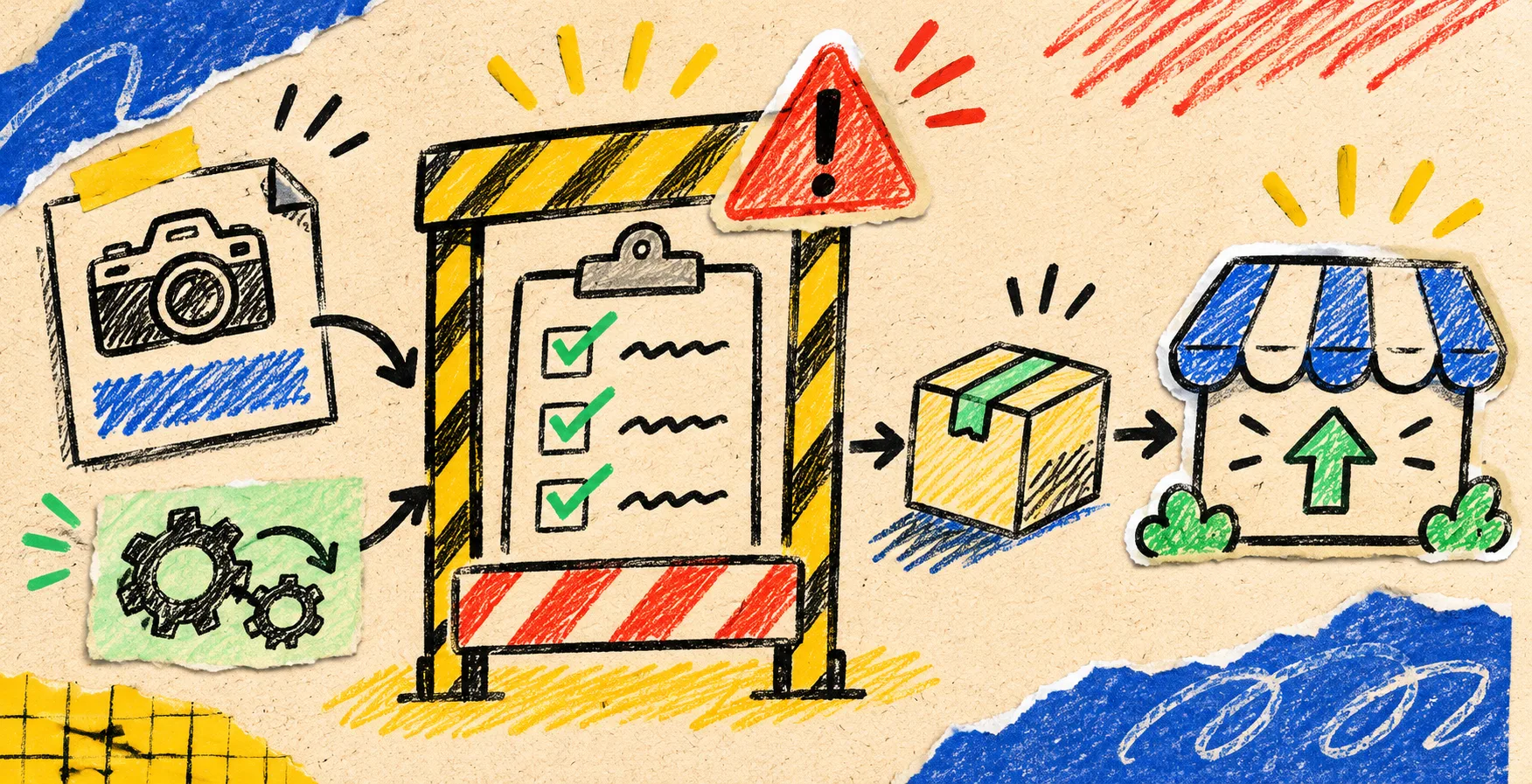
Before I switch the default, I want five ticks:
- Every production fixture has a recorded outcome.
- The exact supported API calls are accounted for.
- A reviewer has looked at intentional display differences.
- Unsupported cameras and compression modes have a named fallback or a clear error.
- The deployment has an observable rollback switch.
If the goal is only a lightweight browser preview, the earlier question—when a browser RAW preview is enough—is still useful. An embedded preview may be the better product decision than full development. If the goal is a local browser feature, a worker-based RAW preview gives the worker boundary its own design review.
The next move
Do not begin the migration with a blanket replacement. Make the five-fixture receipt, list the LibRaw calls you truly use, and decide what “same enough” means for each output. Then read FlashRaw’s compatibility notes and run the narrow shim build. The result might be a clean migration, a scoped hybrid, or a useful reason to wait—but it will be a decision you can explain.