

I used to think the hard part of Shopify blogging was writing. It is not. The hard part is deciding what deserves the next slot when your store already has a dozen other jobs competing for attention. That is where Supra Blog Automation started making sense to me: it can generate SEO-focused posts, build in internal links and product promotion, add visuals, and either publish immediately or leave the post as a draft for review.
If you want to verify the app details first, the Shopify listing is here: Supra Blog Automation on the Shopify App Store.
The calendar is the real bottleneck
What I actually needed was not more content. I needed a repeatable calendar that could survive a busy week. Once topic selection becomes manual, everything else gets fragile. You miss a week, the blog goes cold, and the next draft gets rushed.
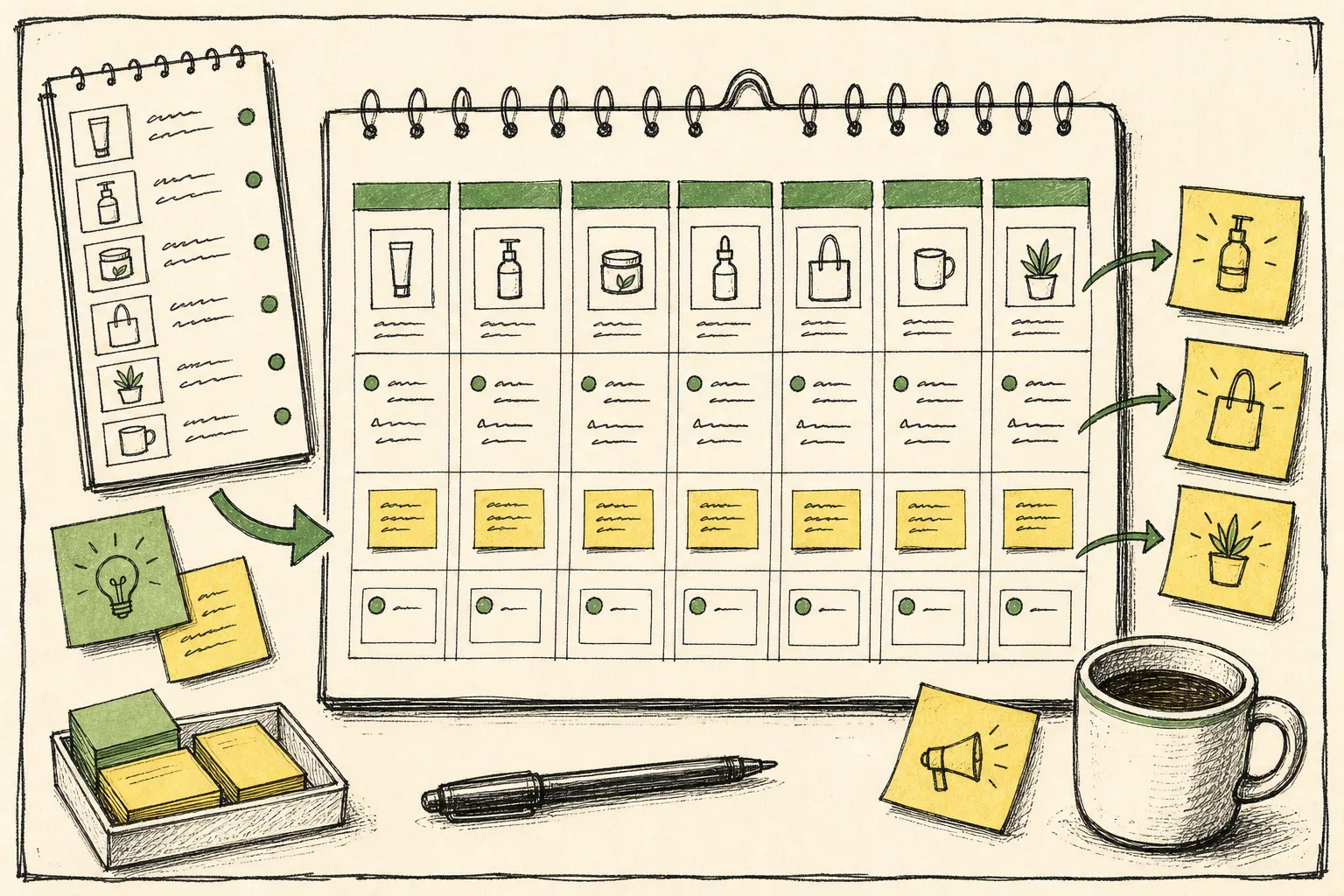
A store does not need twenty topics in a queue to stay consistent. It needs a clear pattern:
- one post that answers a customer question
- one post that explains a product or collection
- one post that supports a seasonal or promotional moment
That is enough to keep the blog active without making content feel like a separate full-time job.
Give the generator better inputs
The strongest part of a product-aware tool is not that it writes for you. It is that it accepts a better brief than a blank document does.
For a Shopify blog workflow, I would define:
- the reader
- the goal of the post
- the product or collection to feature
- the tone
- the visuals it can use
- whether the post should publish now or stay a draft

That matters because generic AI content tends to drift. Product context keeps the post close to the store: what it sells, why it is different, and what the customer is trying to decide.
Supra Blog Automation is useful here because it is built around SEO structure, internal links, product-aware content, and image generation instead of just churning out a wall of text. In practice, that means the article can do more than explain a concept. It can also point readers toward a product page, a collection, or another useful post.
What I still review
Automation is not the same thing as blind publishing. I still want a human checkpoint for anything that affects trust.
That usually includes:
- product claims
- pricing
- policy-sensitive language
- seasonal or launch-related details
- brand voice
- any wording that could confuse the reader
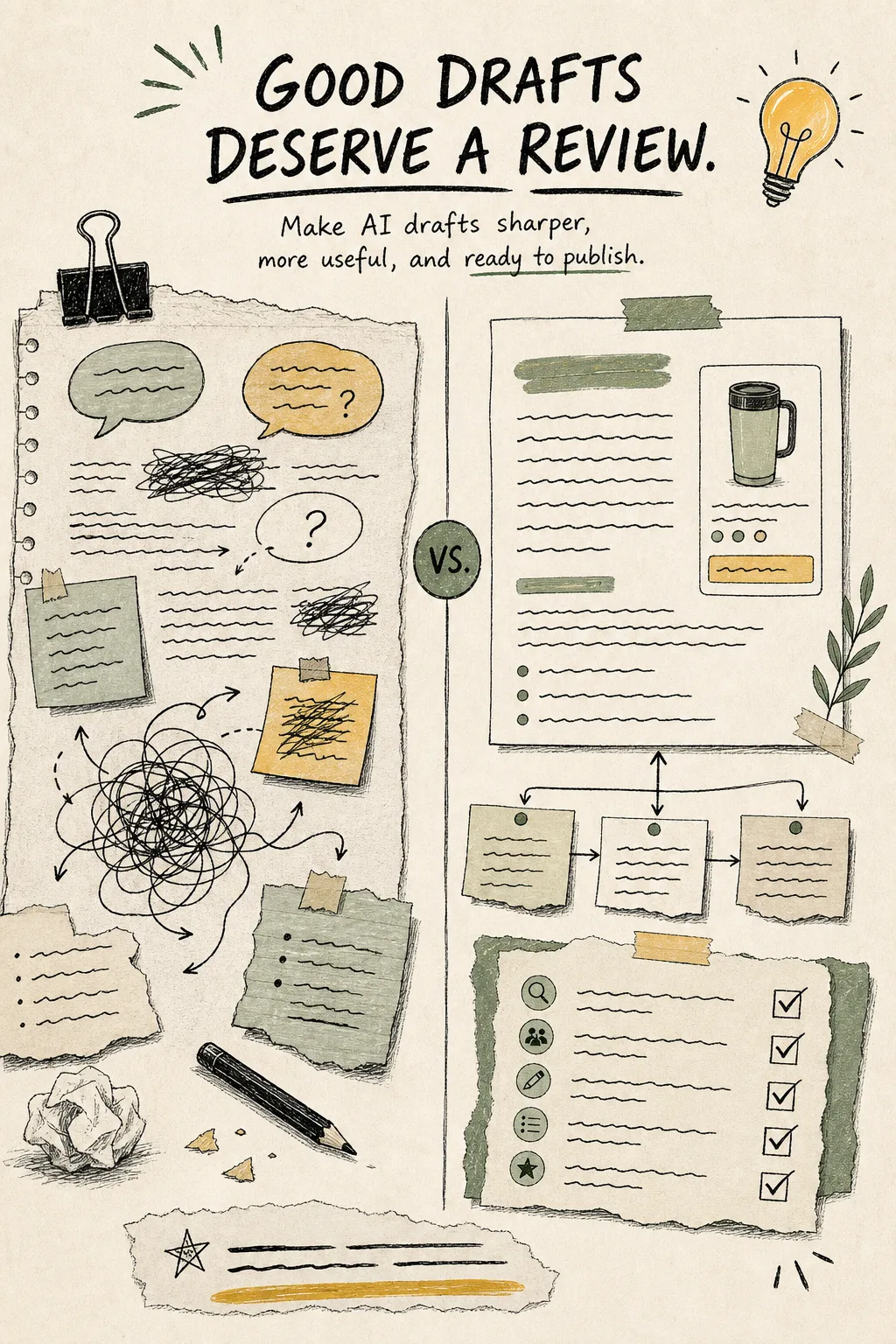
This is where draft mode matters. A post that stays in draft is still a win if it saves time and gives me a cleaner starting point. I would rather review a strong draft than rewrite a weak one from scratch.
The rule I keep coming back to is simple: automate the path, not the judgment. Let the system handle topic framing, structure, visuals, and scheduling. Keep the final call for the places where context matters.
The recurring rhythm I would actually use
I would not try to automate the entire editorial universe in one shot. For a small store, a monthly rhythm is usually enough.
A simple loop looks like this:
- Pick one product or collection that needs more discovery.
- Turn one customer question into an informational post.
- Turn one product use case into a product-led post.
- Turn one seasonal angle into a timely post.
- Schedule the next round before the current one publishes.
That cadence is boring in the best way. It keeps the blog moving without forcing me to invent a new plan every Monday morning.
The visual side matters too. I would not use a random image just because the post needs one. I would pick imagery that matches the article type:
- product photos when the post is about the item itself
- AI-generated concept visuals when the post is about a workflow
- stock or reference images when the article needs context faster than custom photography can be made
A calendar image works well when the post is about consistency. A process image works better when the post is about steps. A product image makes sense when the article is trying to move the reader toward a purchase decision.
The posts I would pair this with
If you are building the rest of the store workflow, this is the part where I would look at a few adjacent systems. How to Create Studio-Quality Shopify Product Photos From Plain Shots and How to Turn One Shopify Product Into Five UGC Video Ads both help feed the content pipeline with better visuals. How to Turn Shopify Variants Into Brand-Matched Swatches and How to Bulk Edit Shopify Products, Variants, and SEO Fields Without Mistakes help clean up the catalog so the blog has better source material to work with. And if you want the blog side itself to stay human, How to Build a Shopify Blog Automation Workflow That Still Sounds Human is the closest companion piece.
Bottom line
The cleanest Shopify blog systems I have seen do not try to make the tool do judgment. They use automation to keep the calendar full, the drafts organized, and the visuals attached to the right post. If you want to test that on a real store, start with one product or collection, one draft, and one recurring cadence.
Then try Supra Blog Automation or the Shopify App Store listing. That is enough to tell you whether the workflow fits.