
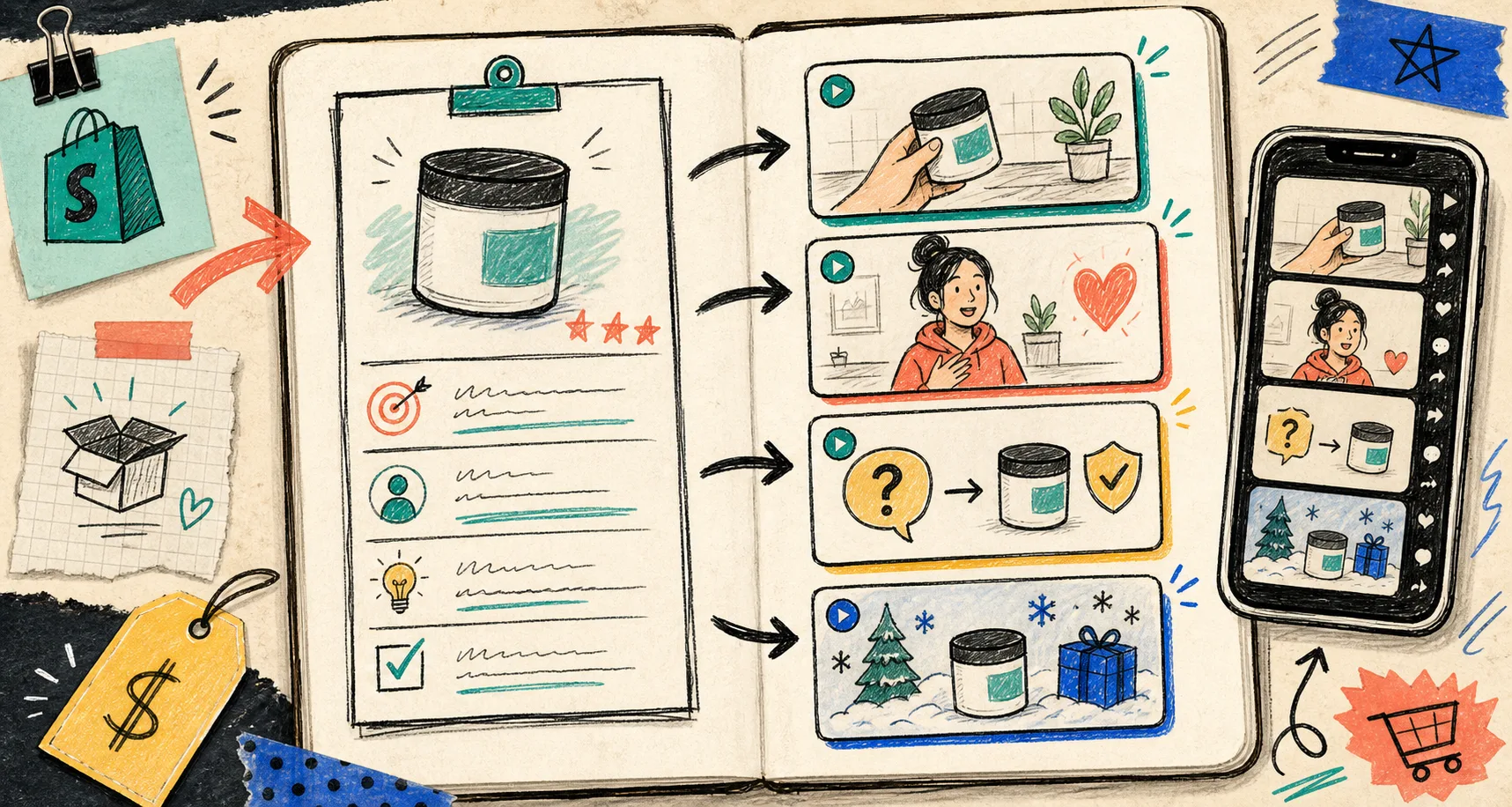
I stopped treating UGC like one script with one outcome.
The version that survives a real launch is the one that answers a buyer’s first, second, and third questions without making me reshoot the whole thing.
That is why I start in Supra UGC Maker from the question list, not from the hook. If I need the app reference, the Shopify App Store listing is the quick lookup. In one project, I can pick a preset avatar or a custom AI model, drop in a scene, attach the Shopify product, write the script, set the voice or tone, and generate clips that I can reuse across ads, product pages, email, and launch pages.
The brief I actually use
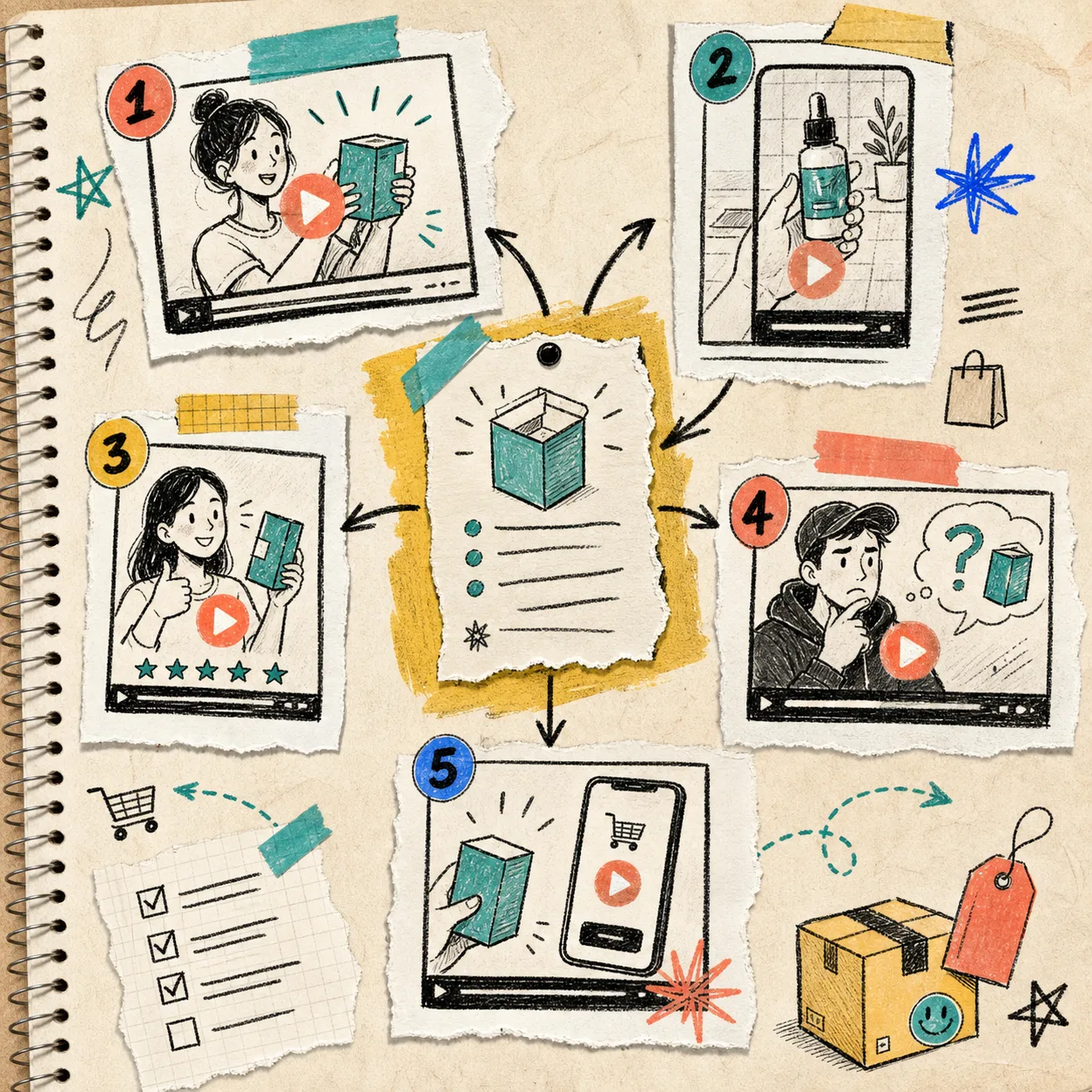
I do not start by writing a hook. I start by writing down the questions a shopper is likely to ask after they see the product for the first time.
For this kind of project, I try to answer five things:
- What does the shopper think this product is?
- What would make them doubt it?
- What proof can I show in a short clip?
- What part of the product deserves the first 3 seconds?
- What do I want the viewer to do next?
If those answers are fuzzy, the result usually turns into generic ecommerce noise. If they are clear, I can build a small set of useful variants without rebuilding everything from scratch.
That is the part I like about Supra UGC Maker. The work stays together inside one project instead of living in scattered notes, one-off scripts, and export folders. I can keep the avatar, scene, product reference, and voice settings in the same place while I iterate on the message.
How I turn one answer set into four clips
I usually make a small pack instead of chasing one perfect hero video.
- A hook clip for cold traffic.
- An explainer clip for the product page.
- An objection-handling clip for skeptical shoppers.
- A direct CTA clip for retargeting, email, or launch follow-up.
The trick is not to make every version wildly different. The trick is to keep the product promise intact and change one variable at a time so I can see what actually improved the result.
Usually the variables are:
- The opening line.
- The scene or background.
- The avatar style or delivery.
- The tone of voice.
- The CTA.
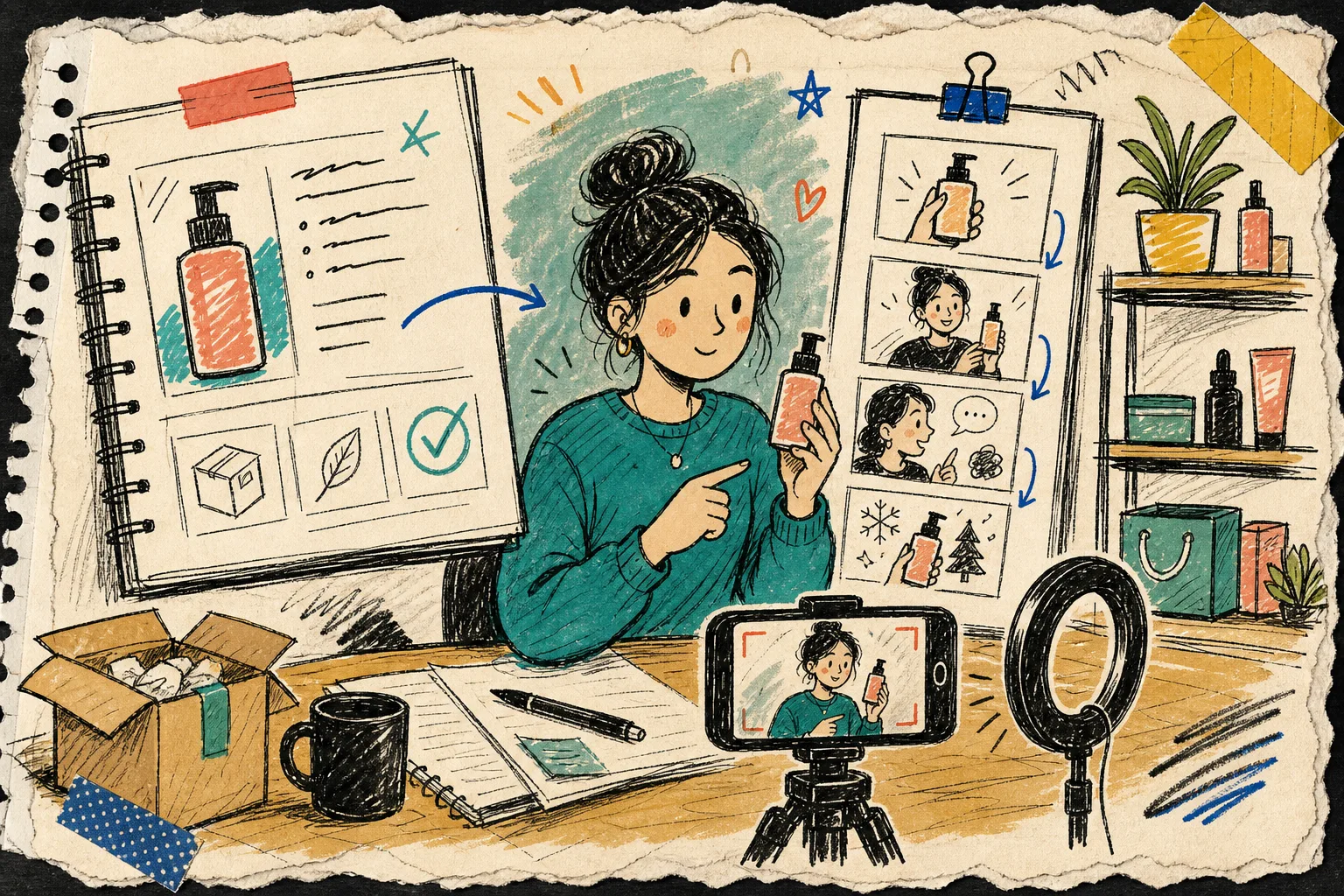
That gives me enough variety to test different angles without losing the thread. It also maps cleanly to the way the product works: choose an avatar, set a scene, add the product, write the script, pick a voice or tone, then generate and reuse the clips.
If you want the system-level version of this, I wrote about how to build a reusable Shopify UGC video system. If you want the experimentation layer, how to build a Shopify UGC video testing matrix is the companion I keep open.
What I change between versions
The easiest way to waste time is to rebuild the entire project every time you want a new angle.
I get better results when I treat the project like a modular stack:
- Keep the core product promise the same.
- Change the hook when I need a different entry point.
- Change the scene when the context matters more than the product shot.
- Change the avatar when the audience wants a different delivery style.
- Change the CTA when the placement changes.
That is usually enough to make the same brief work in multiple placements.
If consistency is the bigger problem, I also wrote how I keep Shopify UGC videos on-brand without refilming every time. The short version is that the reusable parts matter more than the one-off render.
Where each clip goes
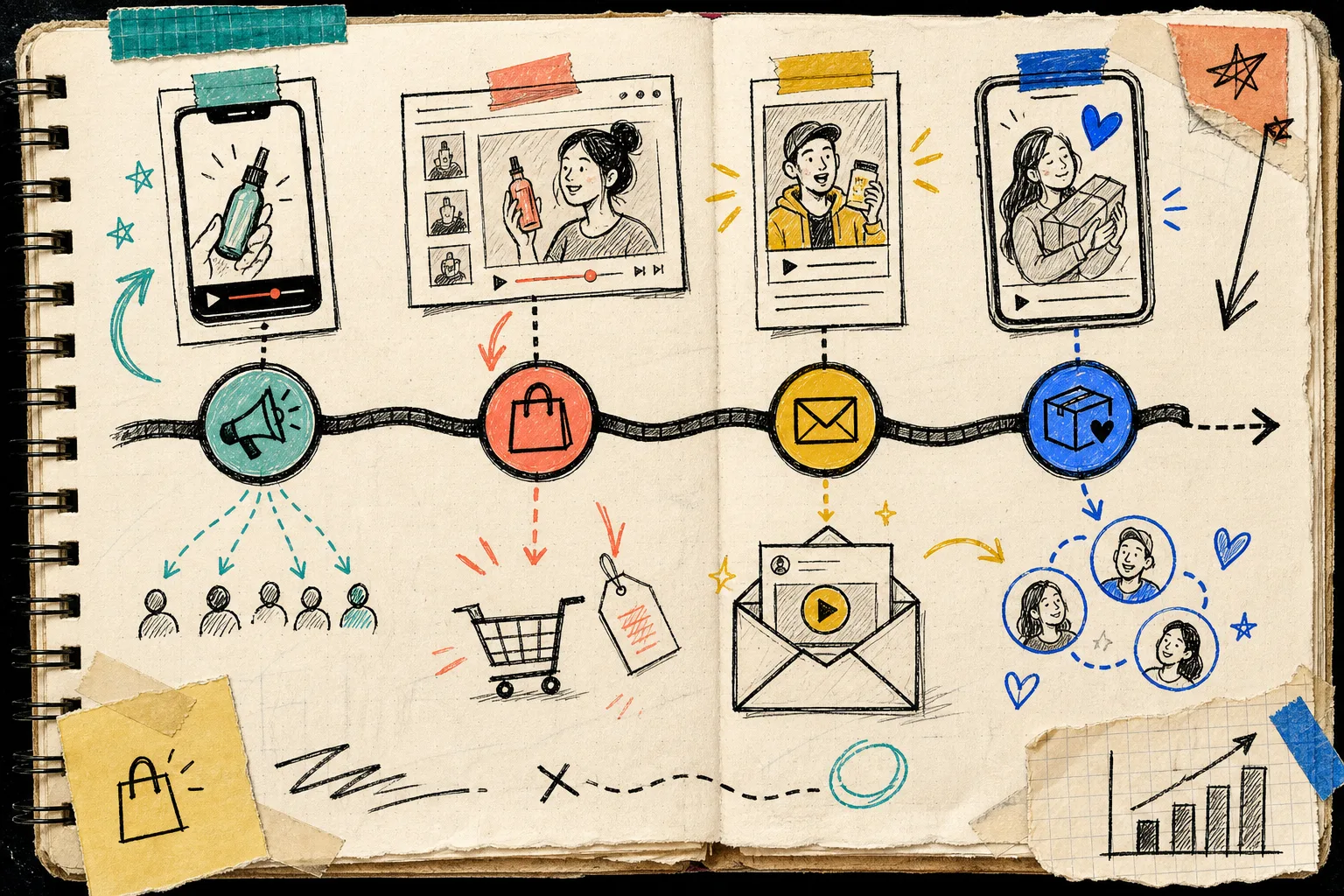
I do not ask every clip to do the same job.
- Ads need a fast hook and one clear reason to stop scrolling.
- Product pages need clarity, proof, and enough detail to reduce hesitation.
- Email needs a short teaser or reminder that feels useful, not stuffed.
- Launch follow-up needs a sharper CTA and a reason to act now.
This is where a launch kit beats a single video. One clip can be good, but a launch needs a sequence.
That is also why I like how I turned one product page into four UGC video angles as a companion read. It is the same idea from the other direction: start with the page, then work back into the video angles that answer the right questions.
My review pass before anything ships
I keep the review pass boring on purpose.
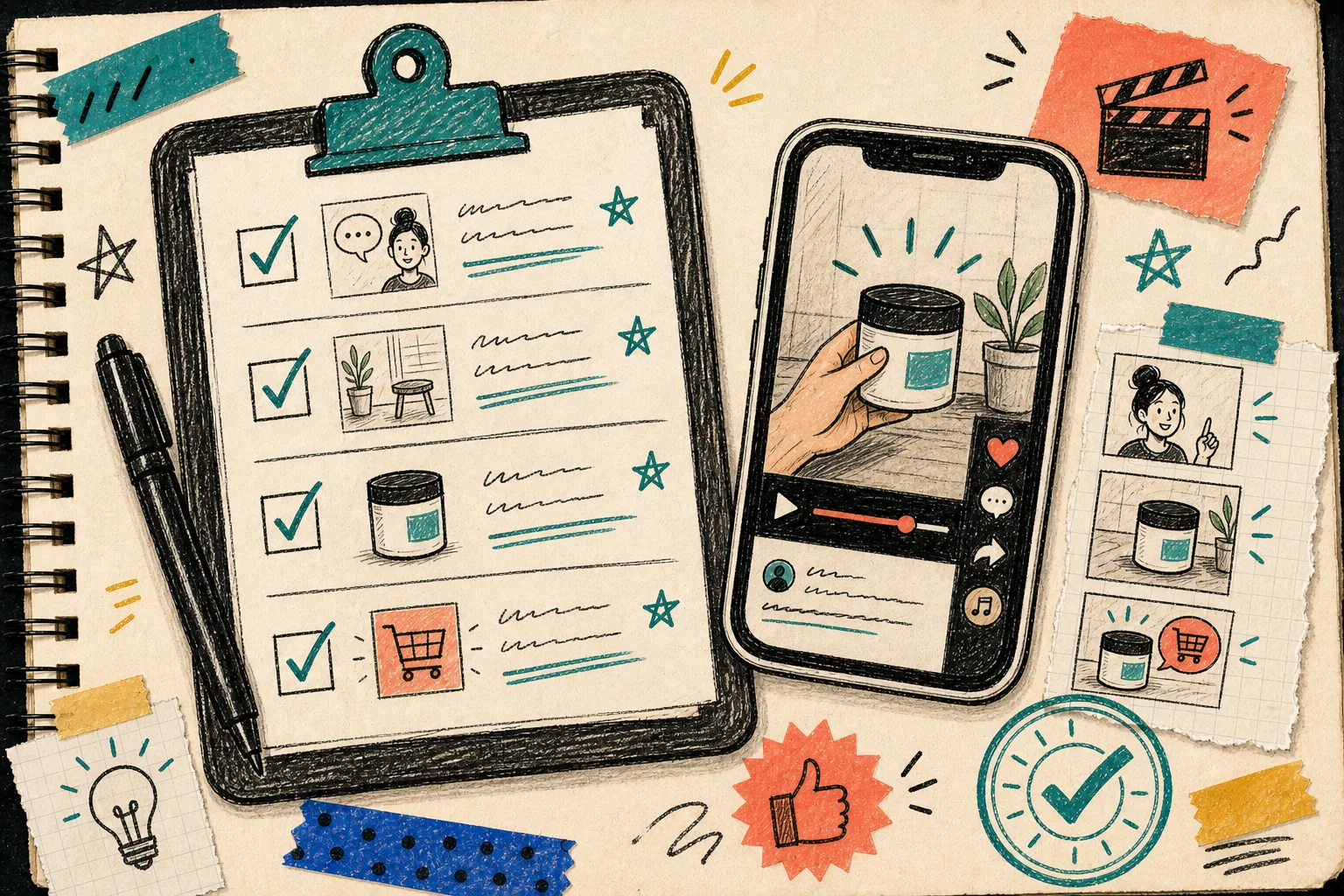
- Does the first line name the product or the use case clearly?
- Does the scene match the claim?
- Is there one obvious CTA?
- Did I include at least one variant for skepticism or objection handling?
- Does the product still look like the hero, not just background decoration?
- Would I be comfortable using this in an ad set, product page, or email flow tomorrow?
If the answer is yes, I keep the project and regenerate only the weak clip. If the answer is no, I fix the brief before I add more variants. That saves me from making six bad videos faster.
The part that survives real work
This workflow is not about producing more AI video for its own sake. It is about producing the right set of clips without rebuilding the whole project every time the message changes.
If you want the broader system version, keep how to build a reusable Shopify UGC video system nearby. If you want the test plan, how to build a Shopify UGC video testing matrix is the practical follow-up. If the consistency problem is the real headache, how I keep Shopify UGC videos on-brand without refilming every time is the one to open next.
Start with one product, write down the buyer questions, and generate the first batch of variants in Supra UGC Maker. If you prefer the app listing, the Shopify App Store page is the quickest place to begin.