

I stopped treating Webflow export like a philosophical argument.
Some sites should stay in Webflow. Others get simpler, cheaper, and easier to live with once I stop paying for the hosted layer and move the site to static hosting. ExFlow is the exporter I use when I want the site as downloadable Webflow content without rebuilding the thing from scratch.
The decision usually comes down to one question: do I need Webflow’s live platform, or do I mainly need the design, pages, and content?
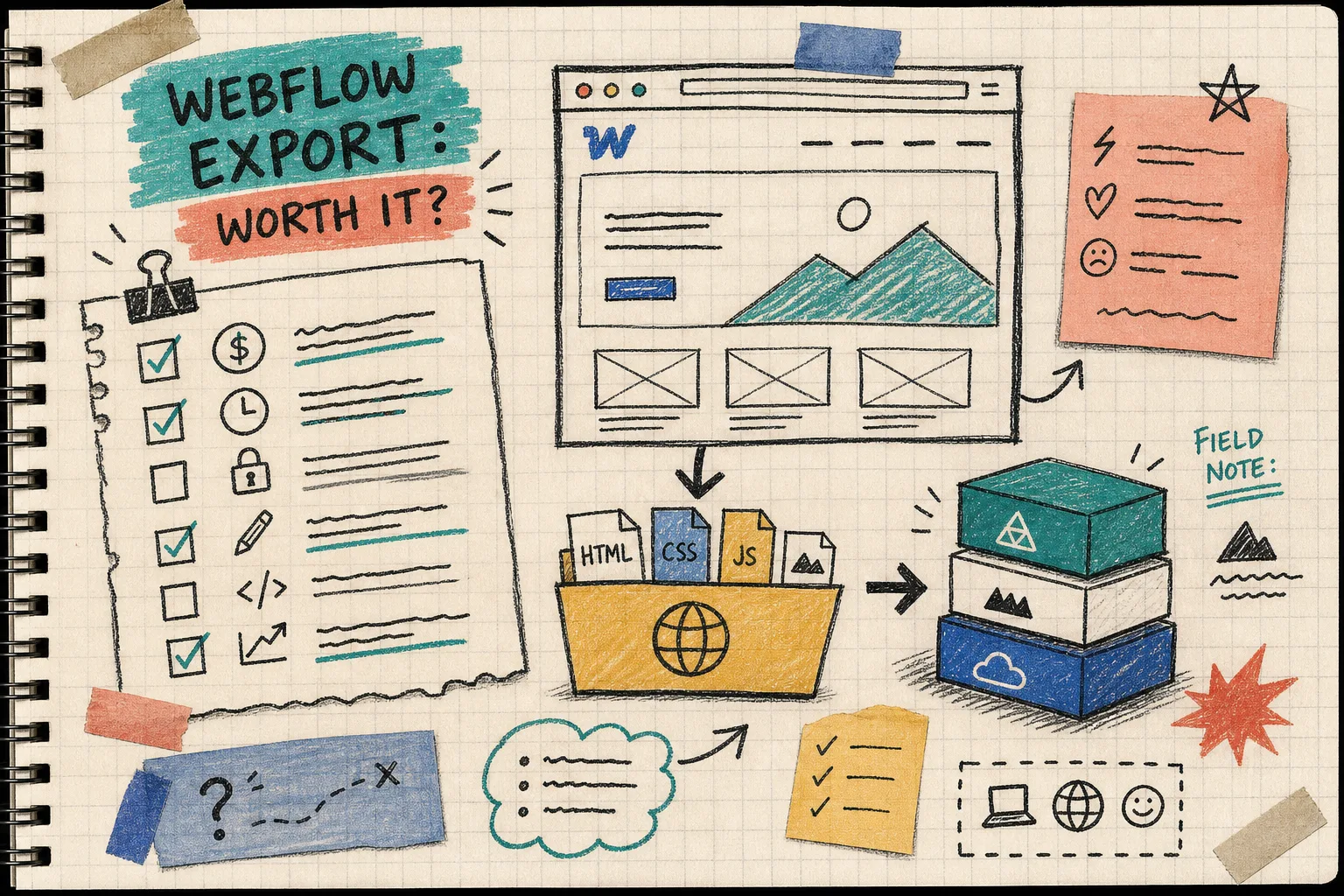
The signals I watch
If I am trying to decide fast, I look for a few things:
- The site is mostly marketing pages, not a living app.
- CMS content changes, but not every hour.
- The team wants more control over Git, S3, FTP, or another host.
- The site has a few interactions, but nothing that depends on Webflow staying in the middle forever.
- The hosting bill is doing more work than the website.
If most of those are true, I start thinking about export.
If the site depends on editors in Webflow all day, or on a lot of dynamic behavior that would be painful to flatten, I usually leave it alone. Export is not a moral upgrade. It is just a cleaner fit for a certain kind of site.
What pushes me over the line
The biggest trigger is usually content shape, not ideology. A site can look finished in Webflow and still be a better fit for static hosting if the content is mostly published once and served many times. That is especially true for brochure sites, campaign pages, docs, and marketing pages that do not need a live editing loop every day.
The second trigger is operational. If I want files I can move, inspect, back up, and deploy on my own terms, export starts looking less like a workaround and more like the straightforward choice. I like being able to see the output as HTML, CSS, JavaScript, and images instead of keeping the whole site trapped in one hosting layer.
The third trigger is when I need a clean escape hatch for a client or team that wants hosting somewhere else. That is where ExFlow earns its keep for me. It is not just a download button. It gives me a way to make the site portable without turning the move into a rebuild project.
What I want from the export
This is where ExFlow matters. I want more than a plain HTML dump. I want the whole export to feel like a real handoff:
- URL in, files out.
- CSS, JavaScript, images, and all pages included.
- CMS content exported instead of getting stuck behind the usual limitations.
- The option to remove the Made with Webflow badge.
- Custom script and style files when I need them.
- A path to Git, S3, FTP, or ExFlow hosting when the static bundle is ready.
That is the part that makes the decision practical instead of theoretical. I can export a Webflow site, inspect the bundle, and decide whether to self-host it or leave it where it is.
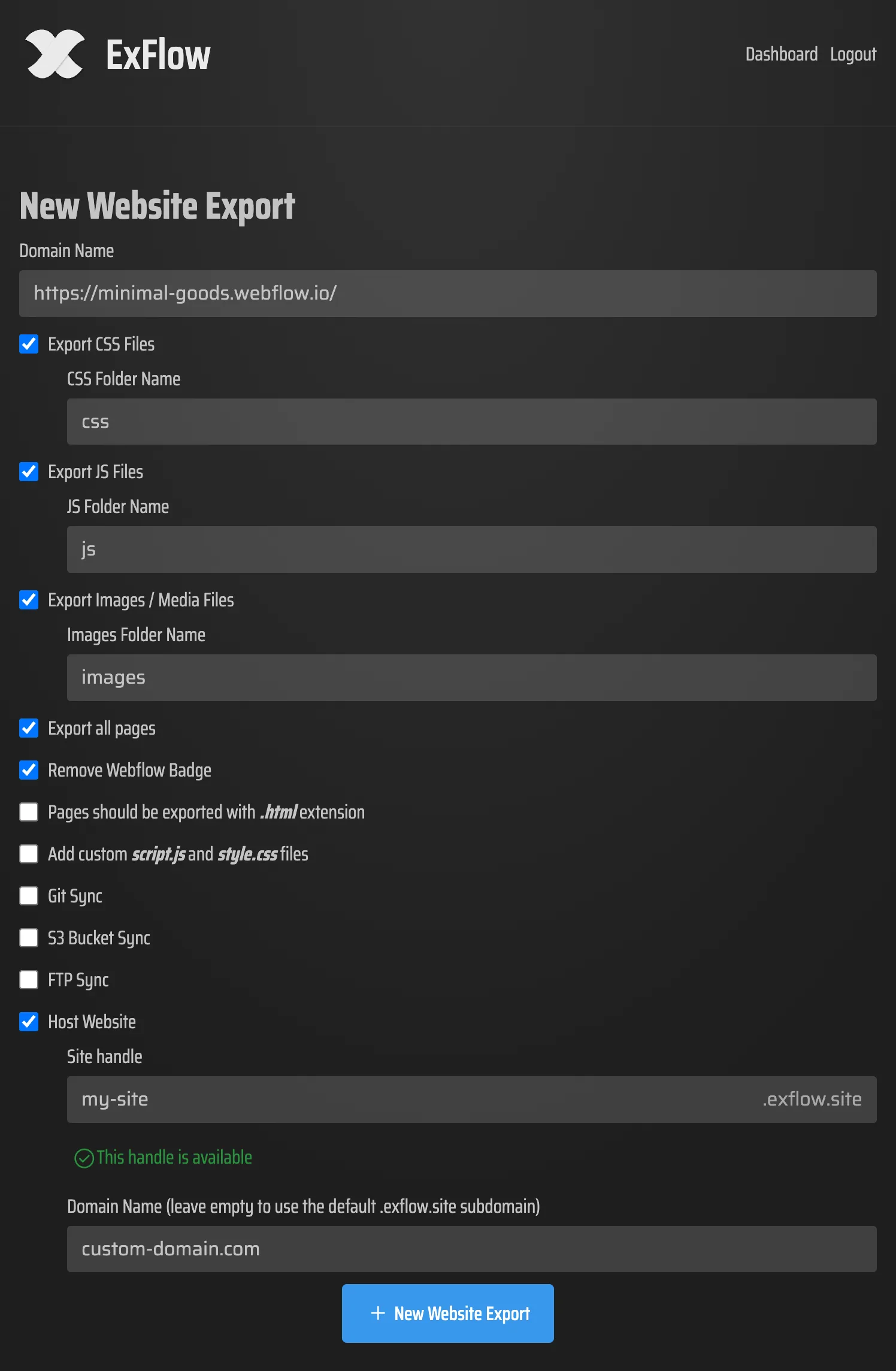
A Webflow site feels very different once I can type the URL, choose the export settings, and see what the tool gives me back. That is the point where the decision becomes real. I am no longer guessing about portability. I am looking at a bundle I can actually move.
The part I check twice
When I am moving a Webflow site toward static hosting, I care less about the headline feature list and more about the shape of the output.
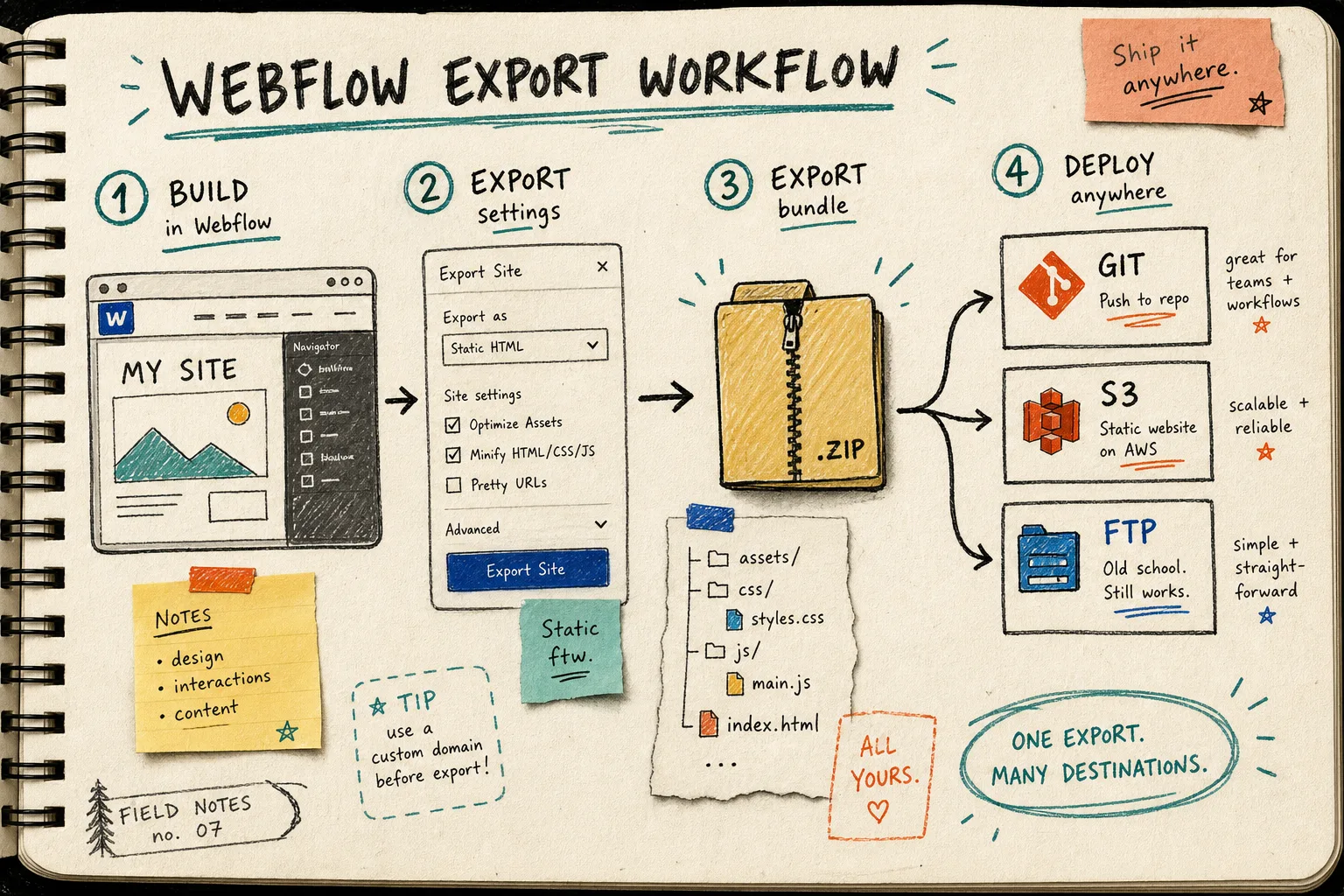
I want to see that the pages are exported as HTML files, that assets are grouped sensibly, and that the structure still makes sense when I open it outside the browser editor. If the exported bundle is readable, portable, and boring in the right way, that is usually a good sign.
I also want the site to survive the boring checks: are the important pages there, do the asset paths make sense, and does the exported bundle still feel like the same site once it leaves Webflow? If those answers are yes, I can choose the host later without second-guessing the export itself.
That is also why I keep a few crosslink notes around when I am comparing site-export workflows. The same decision shows up in different clothes across How I Export Webflow Sites to Static Hosting, Git, or FTP, Webflow Exporter Checklist: How to Move a Site to Static Hosting, How to Export a Framer Site to Static HTML Without Rebuilding It, and How to Export a Squarespace Site to HTML and Self-Host It.
My short rule
Here is the rule I use now:
- Keep Webflow if the hosted runtime is part of the product.
- Export if the site is mostly content, design, and delivery.
- Self-host if I want control over files, deployment, or cost.
- Use ExFlow when I want the export to stay Webflow-aware instead of turning into a rebuild project.
That last part is the difference. I am not trying to rescue a site from Webflow. I am trying to pick the simplest path for a specific site at a specific stage.
If that sounds like your situation, start at ExFlow.site and run one export before you decide anything bigger. If the bundle looks right, then choose Git, S3, FTP, or hosted delivery and move only after you have checked the result.
Bottom line
I export Webflow when the site has outgrown the need for a hosted designer, but not the need for clean structure. That usually means the site is ready for static hosting, not a rewrite.
The next useful step is simple: export one site, inspect the files, and decide whether Webflow still earns its place.