
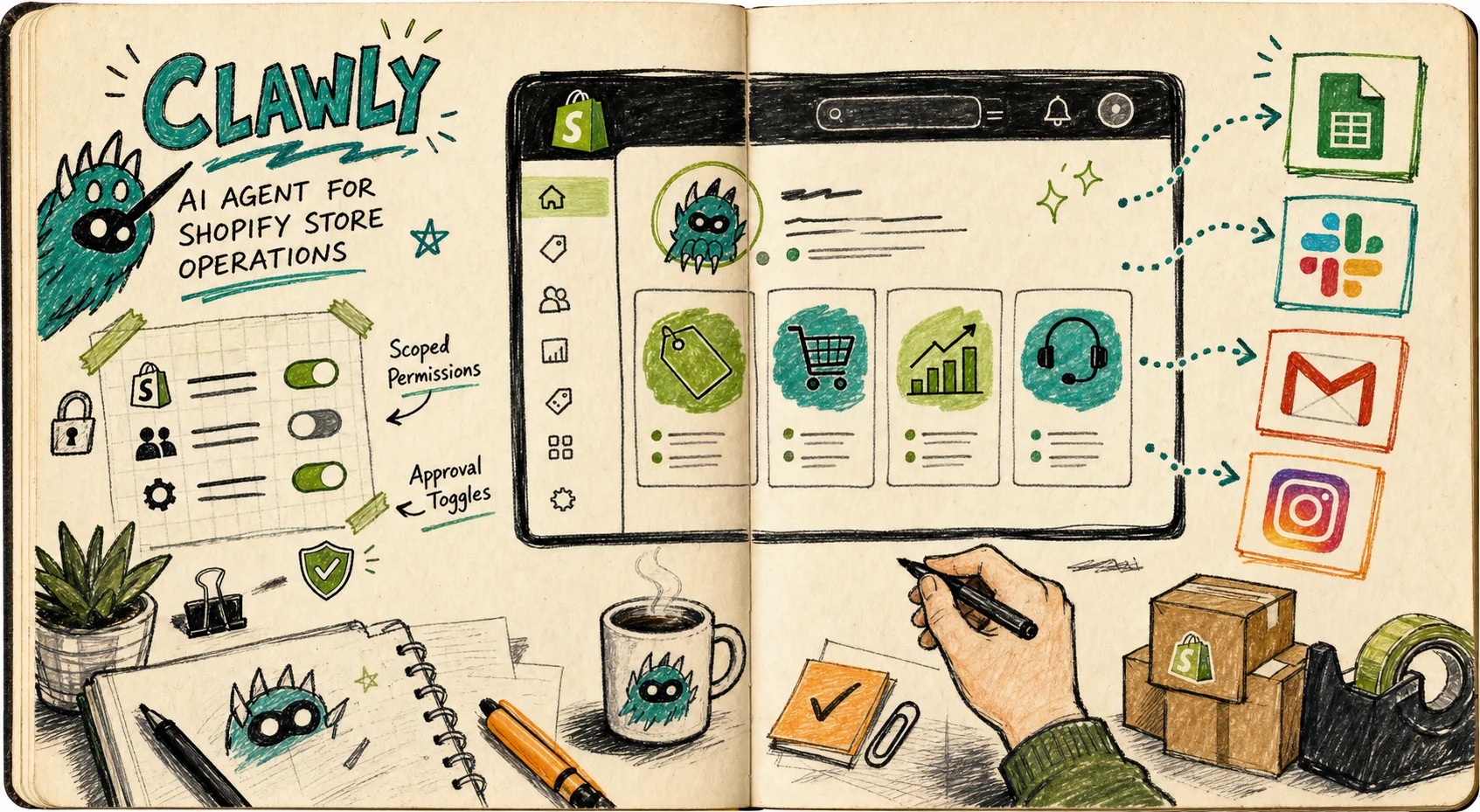
I keep ending up in the same place with Shopify automation: the work is not hard, just repetitive enough to eat the day. Product cleanup, morning reporting, low-stock alerts, support drafts. Clawly is useful because it does not sell me a vague chatbot. It is an OpenClaw for Shopify, with scoped permissions, so I can decide what the assistant can read, what it can change, and what still needs a human pass.
If you want the product pages, start here: Clawly landing page and Shopify App Store listing.
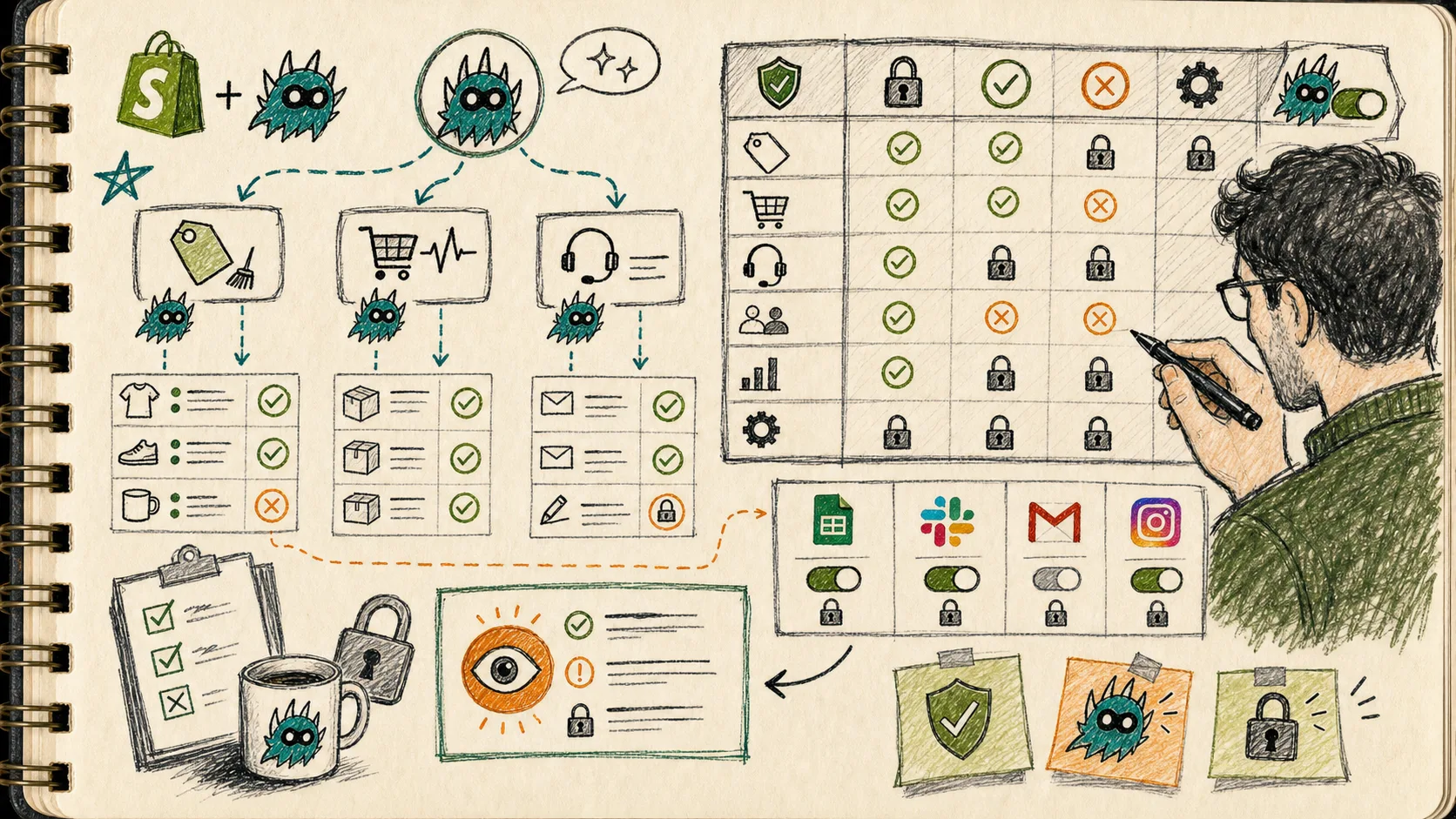
The first question I ask
What should this assistant do every day that I am already doing by hand?
For me, the answer is usually one of three things:
- clean up messy product data
- produce a daily store report
- flag problems before they become support tickets or lost sales
That framing matters. I do not start with “what can AI do?” I start with “what boring task will save the most time if it is done safely?” That is the same guardrailed pattern I used in How I Built a Guardrailed Shopify AI Agent for Daily Ops.
Start with read-only work
The easiest mistake is giving an assistant too much authority on day one. I would start Clawly in read-only mode wherever possible and let it prove the workflow first.
The Shopify App Store listing says Clawly works with Shopify Admin and 50+ integrations, including tools like Google Sheets, Slack, Gmail, Notion, Instagram, and Klaviyo. That combination is the point. You can let the assistant pull data from the store, package it into something useful, and notify you without turning it loose on everything at once.
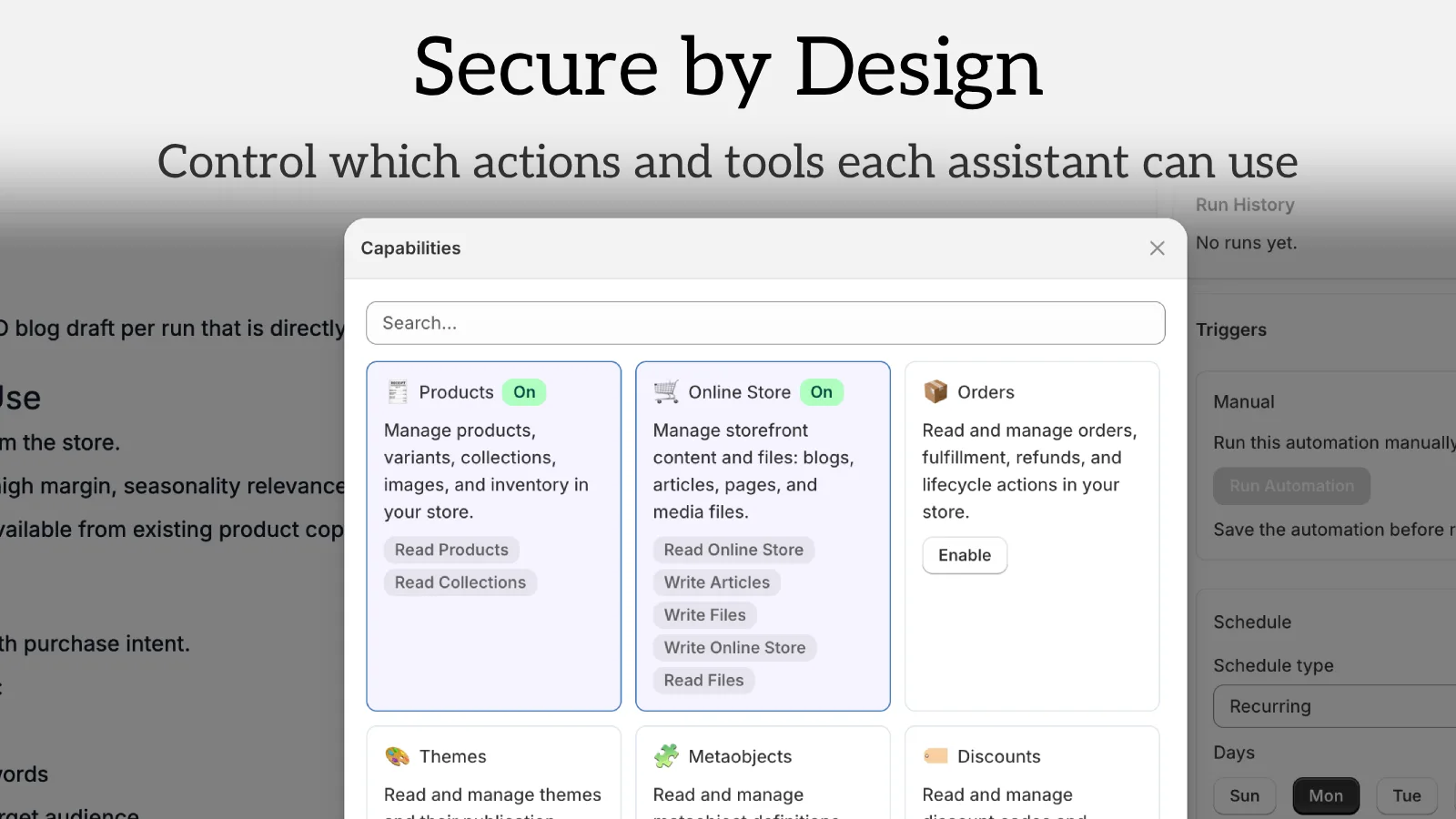
That is why I prefer a setup that looks like this:
- One assistant, one job
- One integration path at a time
- One approval rule for anything that writes back
- One place where alerts land
If the assistant is useful in that narrow lane, then I expand it. If it is noisy or unreliable, I tighten the scope instead of adding more prompts.
The workflows I would automate first
1. Product cleanup
This is the most obvious place to start. Clawly can help with product descriptions, SEO titles, tags, and collection organization. For a store with inconsistent naming, old copy, or scattered metadata, a cleanup pass can produce immediate value.
I would keep the assistant focused on suggestions first:
- identify products with weak titles
- flag missing tags
- draft better descriptions
- group products into cleaner collections
That gives me a review queue instead of a risky auto-edit loop. It is also the same disciplined setup I wrote about in How to Set Up a Guardrailed Shopify AI Assistant for Daily Reports and Alerts, where the point was to reduce manual checking without removing judgment.
2. Daily store reports
The next useful job is the morning report. Not a giant dashboard, just a tight summary that tells me what changed overnight.
I want the assistant to answer questions like:
- what sold well
- what slowed down
- which products are close to out of stock
- whether anything looks unusual
- whether a human should look closer
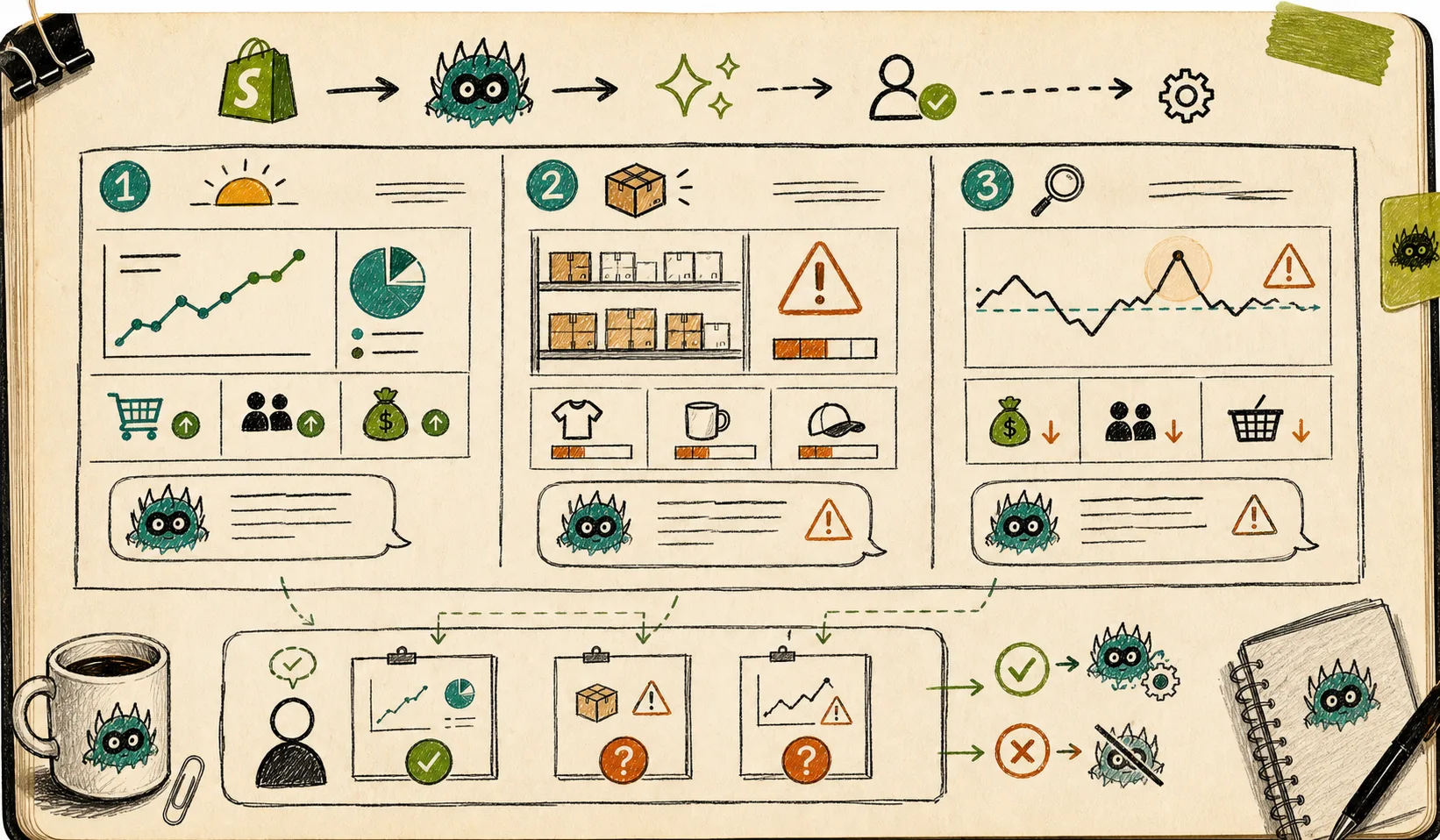
That kind of reporting is boring in the best way. It keeps the team oriented without forcing them into the admin all morning. If your store mostly needs monitoring, the workflow in How I Built a Shopify AI Assistant for Inventory and Support Alerts is the closest mental model.
3. Alerts that are specific enough to act on
Alerts only help when they are narrow. A vague “something happened” message is noise. A low-stock alert on the right SKU is useful. A support draft that already includes order context is useful. A sales spike warning that points at the exact product or channel is useful.
This is where Clawly’s guardrails matter most. I would rather have the assistant detect and report than auto-fix everything. For a merchant team, that is usually the safer default.
What I would not automate first
I would not start with discounts, fulfillment changes, or anything that can create customer-facing damage if it goes wrong. Those jobs can come later, after the assistant has earned trust on low-risk tasks.
The same applies to content workflows. If the system is too loose, it starts to sound generic or drift off brief. I wrote about that problem in How I Keep Shopify Blog Automation From Sounding Generic and in How to Turn a Shopify Product Brief Into a Publishable Blog Draft. The lesson is the same here: narrow the input, define the output, and review the result before it reaches customers.
The integrations that make Clawly useful
Clawly becomes more interesting when it is connected to the tools a store already uses. Shopify alone is fine for basic lookup work. Shopify plus Sheets, Slack, Gmail, Notion, Klaviyo, and Instagram is where the assistant starts to feel like part of the operating system.
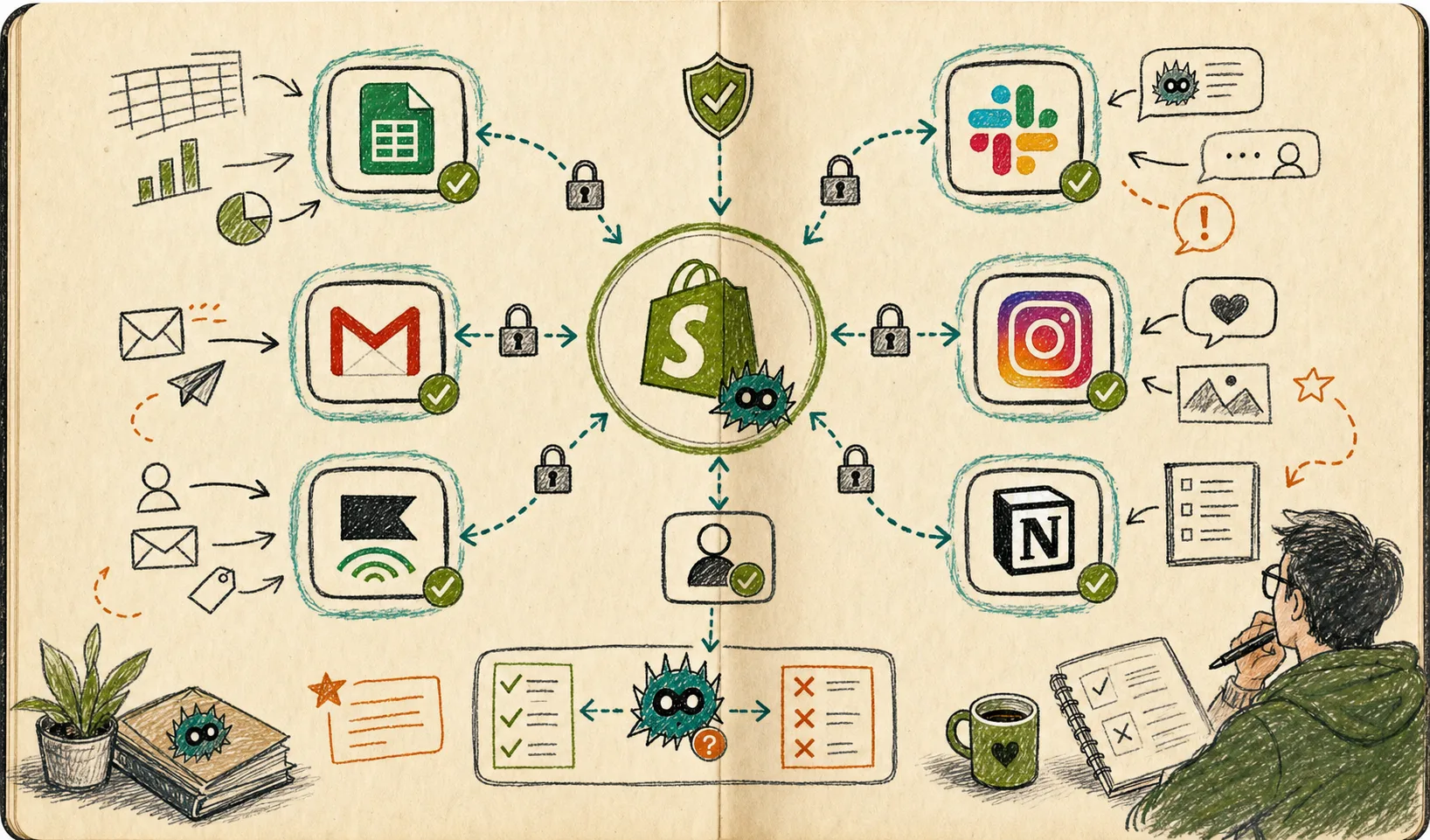
I would wire those integrations in this order:
- Shopify for the source of truth
- Slack or email for alerts
- Google Sheets for review queues and cleanup lists
- Gmail or Notion for drafts and handoffs
- Marketing tools only after the operational loop is stable
That sequence keeps the setup practical. It also keeps the assistant from becoming a general-purpose toy that nobody trusts.
My starter checklist
If I were setting up Clawly today, I would do this:
- Pick one boring task that happens every day
- Connect Shopify and one notification tool
- Keep the assistant read-only until the workflow is stable
- Add a human approval step for anything that writes back
- Measure whether the assistant saves time without adding cleanup work
- Only then expand to product edits, support drafting, or marketing tasks
That is the difference between “we have AI” and “we have a usable assistant.”
Where I would begin
The lowest-friction place to start is a daily report or a low-inventory alert. Those two workflows are easy to understand, easy to audit, and easy to turn off if they misbehave. Once they are working, the same Clawly setup can expand into product cleanup, support drafts, and other store jobs that are tedious when done by hand.
If you want to test the idea, start with the Clawly landing page or the Shopify App Store listing, connect one integration, and build the first report before you give the assistant anything more sensitive.
That is usually enough to find out whether the agent is actually helpful or just interesting.