
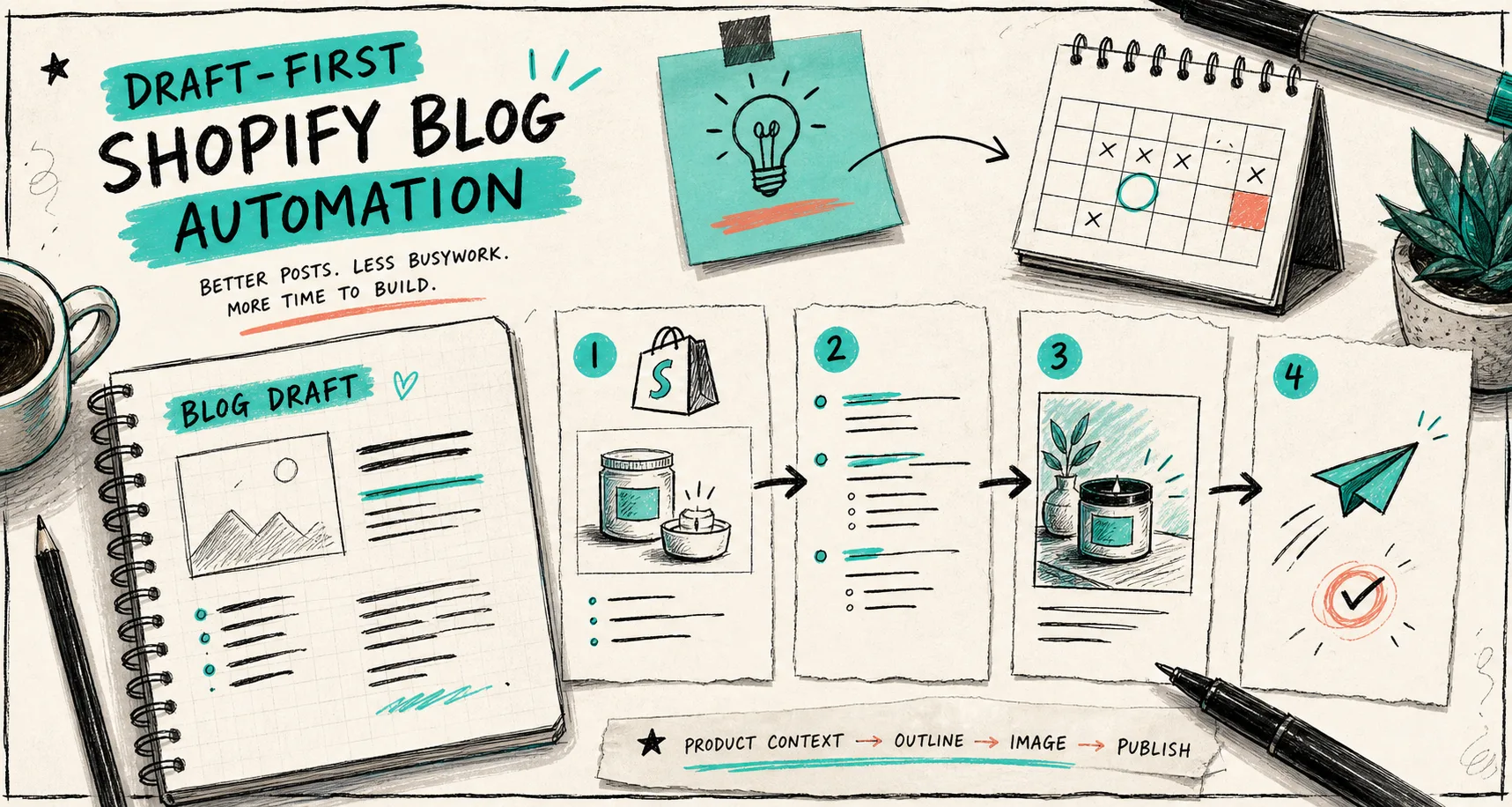
I kept running into the same problem: the draft was fast, but it sounded like it had never looked at the store. The result was technically complete and practically forgettable. Once I started treating the product brief as the source of truth and letting the blog tool handle the SEO scaffold, the whole workflow got better.
That is the lane Supra Blog Automation fits into for me. It generates SEO-focused blog posts and visuals, and it can either publish immediately or save a draft for review. If you want the Shopify listing, it is also on the Shopify App Store. The point is not to replace judgment. The point is to stop wasting time on empty first drafts.
If you want the context behind this post, I would pair it with How to Automate Shopify Blogging Without Losing Product Detail and How I Write Shopify Blog Briefs That Keep Product Detail Intact. Those two posts cover the same failure mode from slightly different angles.

The difference between a generic draft and a useful one is usually not writing talent. It is context. The more the draft knows about the product, the reader problem, and the page it should point to next, the less cleanup I have to do later.
The brief I actually trust
When I want a post that does not drift, I keep the brief short and specific:
- one product or one collection;
- one reader problem or decision;
- one search angle worth targeting;
- one or two internal links that should feel natural inside the post;
- one visual direction for the article images;
- one publish mode, either draft or immediate publish.
That sounds almost too simple, but it is the difference between a store-specific post and a generic ecommerce blob. If the generator knows the store context, it can build the right skeleton instead of guessing.
This is the same logic I used in How to Build a Product-Aware Shopify Blog Workflow. I still think that is the best way to think about the system: product first, then structure, then tone, then visuals.
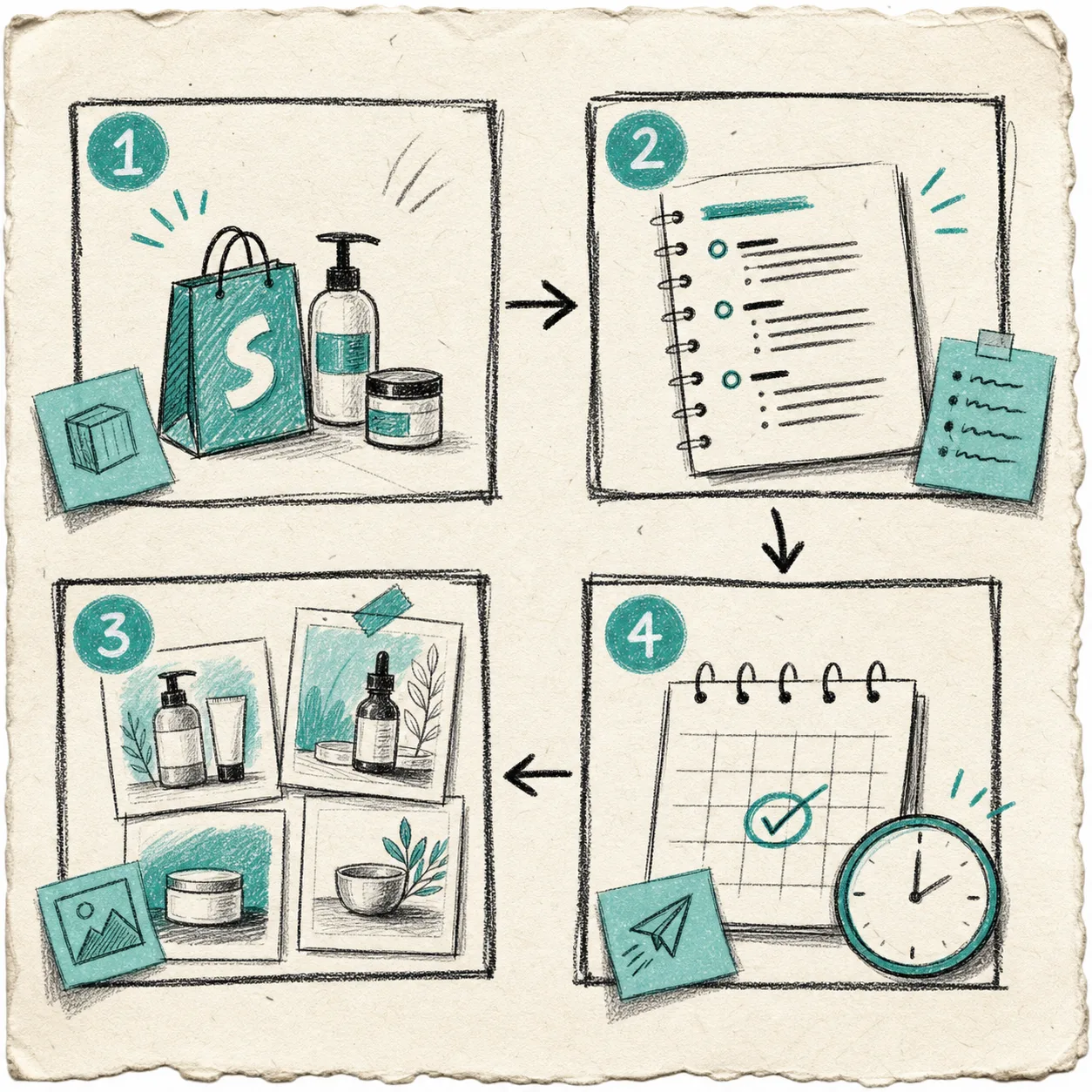
The workflow image is the shape I keep coming back to:
- start with product context;
- turn that into an outline;
- pick or generate visuals that explain the post;
- publish now or save it for review.
That is enough structure for most Shopify blogs. Anything looser tends to get generic. Anything more complicated usually becomes a process people stop using.
What I keep in draft review
I do not review every word with the same intensity. I review the parts that can quietly erode trust if they are wrong:
- product facts;
- pricing or availability claims;
- link targets;
- brand voice;
- image fit;
- the CTA at the end.
That is also where a post like How I Keep Shopify Blog Automation From Sounding Generic is useful. The biggest problem with automated blogging is rarely grammar. It is tone, vagueness, and missing store context.
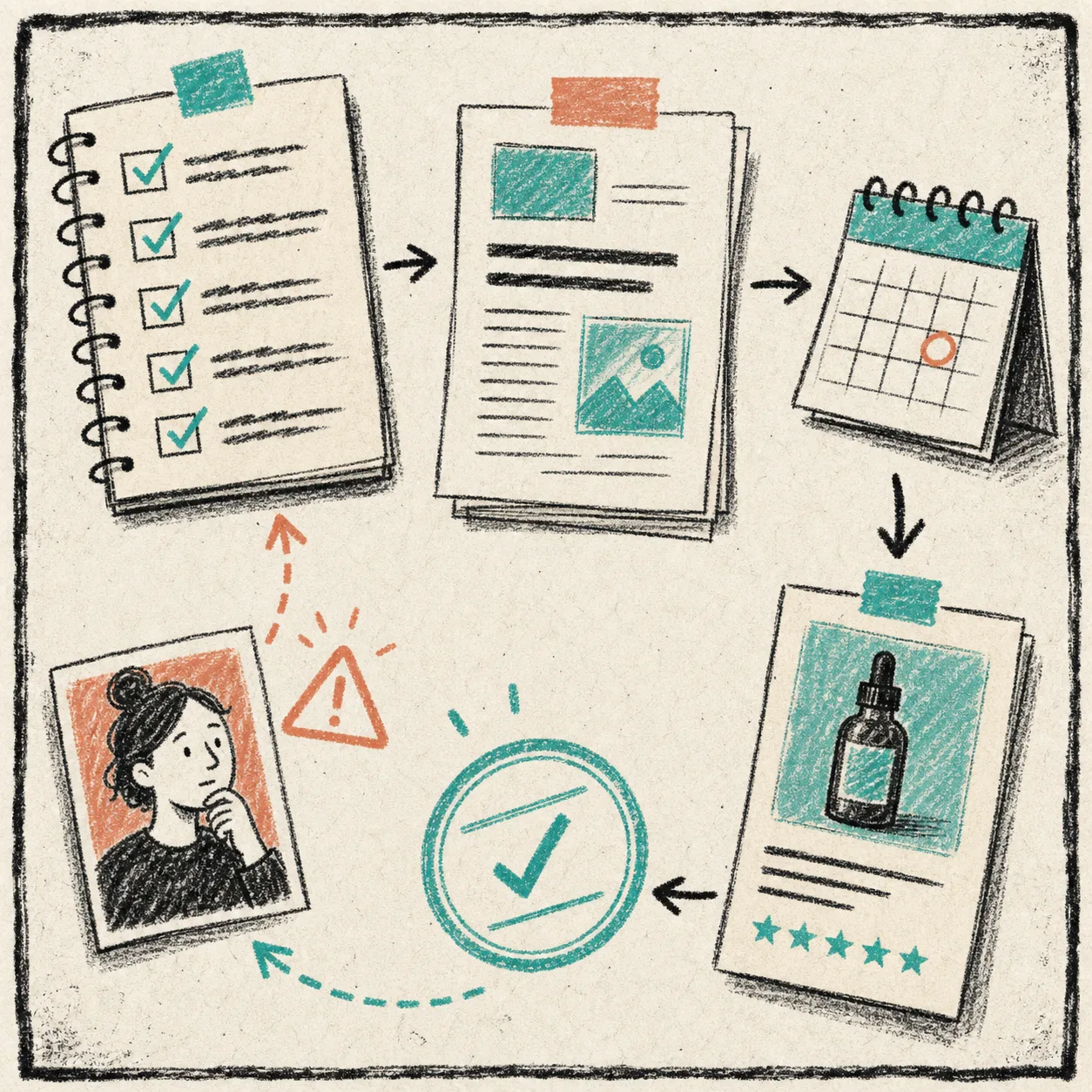
This checklist is boring on purpose. If the article touches a product launch, a comparison, or anything that can influence buying decisions, I want that human pass before it goes live. If it is a low-risk informational post, I can be much more relaxed.
When I publish automatically
I am comfortable auto-publishing when the article is repetitive, low risk, and already anchored to verified product context. A recurring educational post or a seasonal support article can fit that pattern well.
I am more likely to save a draft when the post is:
- launch-related;
- comparison-heavy;
- brand-sensitive;
- tied to claims I want to check twice;
- part of a new campaign that should be reviewed before it lands.
That split is where Supra Blog Automation feels practical instead of flashy. I can keep recurring content moving without pretending every post should be shipped blind.
If you want a good example of the publish-side rhythm, How I Turn Product Launches Into Shopify Blog Posts With Automation shows the launch angle, and How to Build a Seasonal Shopify Blog Calendar That Writes Itself shows the recurring calendar version. They are both good reminders that scheduling works best when the content shape is already clear.
How I keep the post from feeling generic
I use three rules.
First, I open with the reader problem instead of a product pitch. People do not come to a blog post because they want a software demo. They come because they want a problem solved faster.
Second, I mention the product early enough to matter, but not so early that it feels like a banner ad. The post should explain why the product belongs in the story.
Third, I let the visuals do real work. A blog image should either clarify the workflow, show the tradeoff, or make the page easier to scan. If it only fills space, it is not helping.
That is why I prefer a draft-first setup. I can keep the article useful, keep the links natural, and keep the images tied to the actual idea instead of dropping in generic AI art.
A workflow I would actually keep
If I were setting this up from scratch, I would keep the cadence boring:
- one product spotlight;
- one educational post;
- one comparison or FAQ post;
- one seasonal or launch-support post.
That is enough to keep the blog active without turning the calendar into a second full-time job. It also gives the automation a predictable job, which makes the output easier to review.
The article-level version of that system is How to Build a Product-Aware Shopify Blog Workflow. The tone and guardrails version is How to Automate Shopify Blogging Without Losing Product Detail. Put those together and the process gets much easier to trust.
The simplest place to start
If you want to test this without overthinking it, pick one product or one collection and write a five-line brief:
- what the product is;
- who the reader is;
- what problem the post should solve;
- which link should matter most;
- whether this should ship now or stay in draft.
Then generate one post, review the parts that matter, and decide whether the workflow deserves a recurring schedule. That is usually enough to tell whether the system is useful.
If you want a tool built for that exact loop, try Supra Blog Automation or install it from the Shopify App Store. There is a free plan if you want to see whether a draft-first Shopify blogging workflow actually fits the way you work.
The next move is simple: choose one product, write one brief, and let the first draft prove whether the system is worth keeping.