
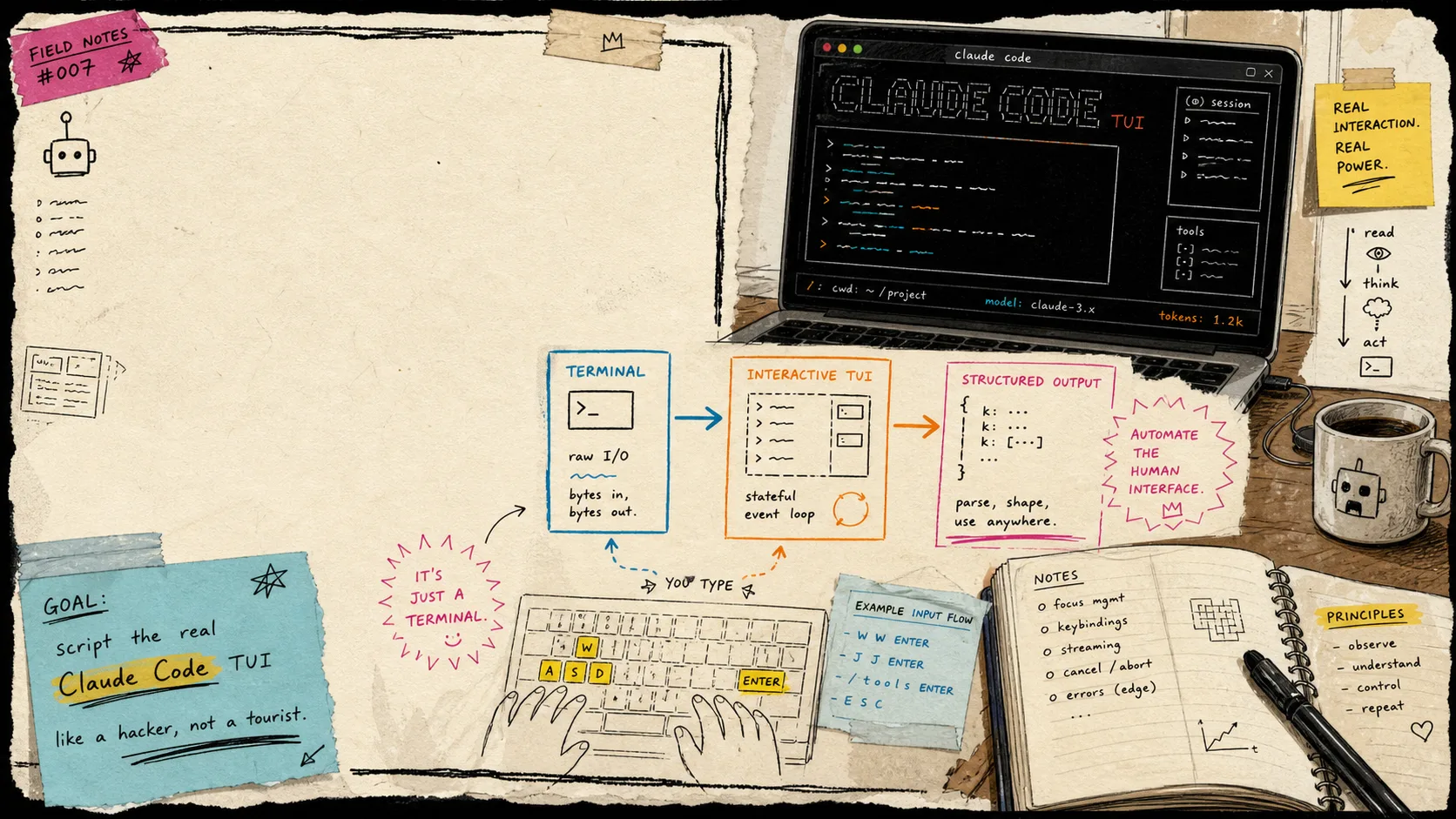
I keep wanting to automate Claude Code without turning every repetitive task into a separate API project. dash-p is the compromise that actually fits that habit. It launches the official claude process, drives the real interactive terminal UI, and reads the rendered output back into something a script can use. The session, login state, and permission flow stay intact, but the workflow becomes callable from shell scripts or TypeScript.
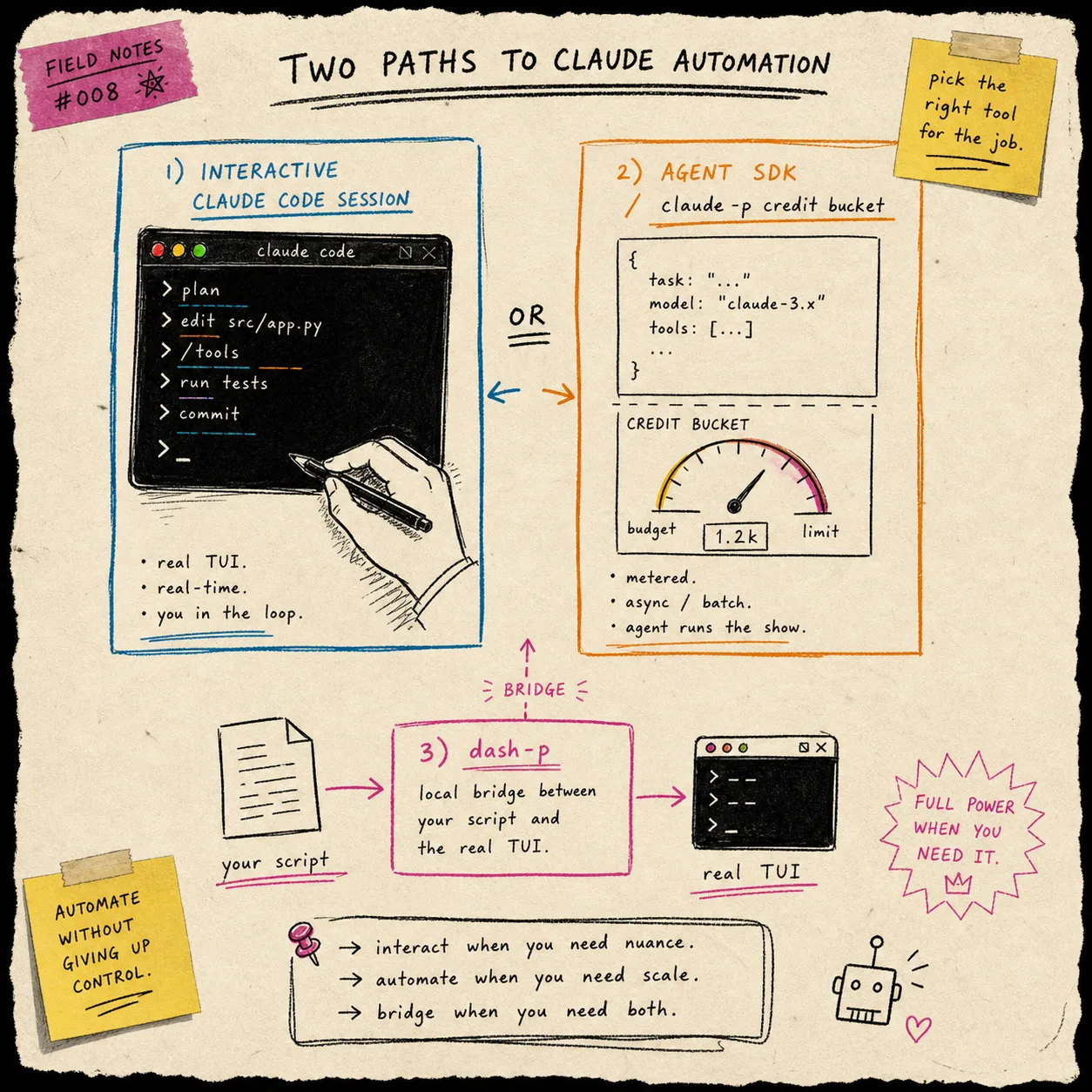
Anthropic has been drawing sharper lines between surfaces, which is why this kind of bridge feels useful now. Their help center treats Claude Code, usage credits, and the API or Console as separate systems, and the pricing docs make the token math explicit. If you need the API, that is fine. If you just want a local script to steer the interactive terminal session you already trust, it is a different problem.
For the billing context, I read three official pages before writing this: Use Claude Code with your Pro or Max plan, Manage usage credits for paid Claude plans, and Claude pricing. The pricing page currently lists Opus 4.8 at $5 per million input tokens and $25 per million output tokens, Sonnet 4.6 at $3 and $15, and Haiku 4.5 at $1 and $5. That is useful context, but it is not the same thing as wanting a terminal workflow to be scriptable.
What dash-p actually does
The useful part of dash-p is not that it replaces Claude Code. It does the opposite. It keeps the real TUI as the thing being automated.
- It launches the official claude command in a pseudo-terminal.
- It pastes prompts and keystrokes into the real session.
- It reads the rendered terminal screen back into structured events.
- It can surface text, JSON, and stream JSON output.
- It gives you both a CLI and a TypeScript-shaped query API.
That is the part I care about. I can keep the same account, the same local session, and the same tool permissions, but still call Claude from a script when I need a repeatable local action.
The workflow I actually use
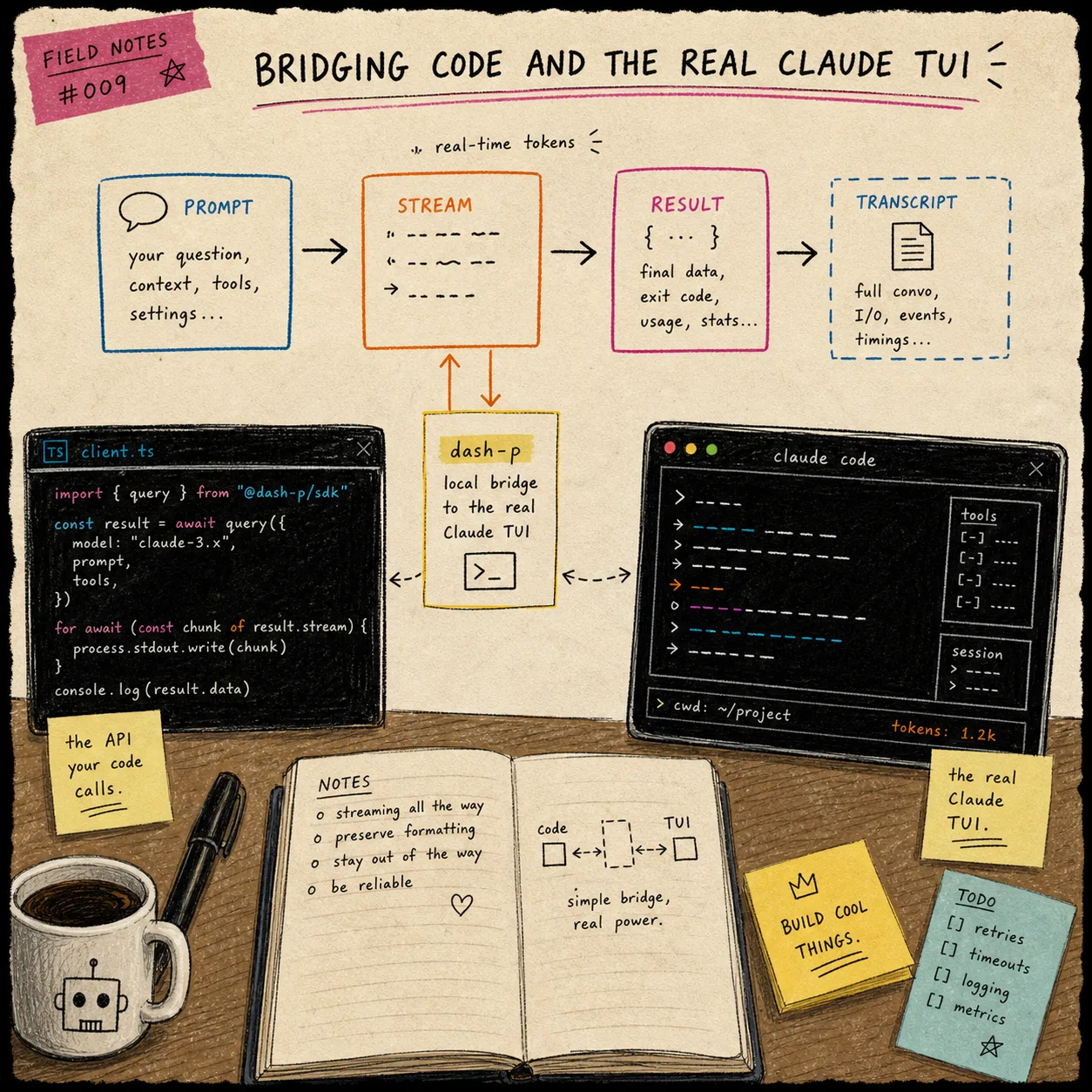
I start with the CLI when I want to kick the tires, then move to TypeScript when I want the same shape in code. The CLI is good for a one-off repo summary or a quick local check.
npm install -g @ybouane/dash-p
dash-p "summarize this repo"
If I do not want to install anything globally, I can still try it with npx.
npx @ybouane/dash-p "what color is the sky"
When I want to embed the same idea in a local script, I use the SDK form and stream the result into my own output path.
import { query } from "@ybouane/dash-p";

for await (const msg of query({
  prompt: "Summarize this repository in three bullets.",
  options: { model: "sonnet", includePartialMessages: true },
})) {
  if (msg.type === "result") {
    console.log(msg.result);
  }
}
That is usually enough to make the difference obvious. I am not switching to a separate headless protocol. I am scripting the same session I would have used manually, but with a thinner layer around it.
Where it helps
The sweet spot is small, boring, repeatable work.
- Summarizing a repo before I hand it off.
- Wrapping a local prompt into a shell pipeline.
- Building a quick prototype where structured output matters more than a polished API surface.
- Reusing the same login, permissions, and local environment instead of rebuilding them in a separate client.
That last point is the main reason I keep reaching for it. The tool is useful because it respects the workflow I already have. It is not trying to be a different product.
Where I am careful
The same thing that makes dash-p appealing also makes it fragile. It depends on the real rendered TUI, so UI changes can break the scraping path. I treat it like a practical local bridge, not a high-availability backend.
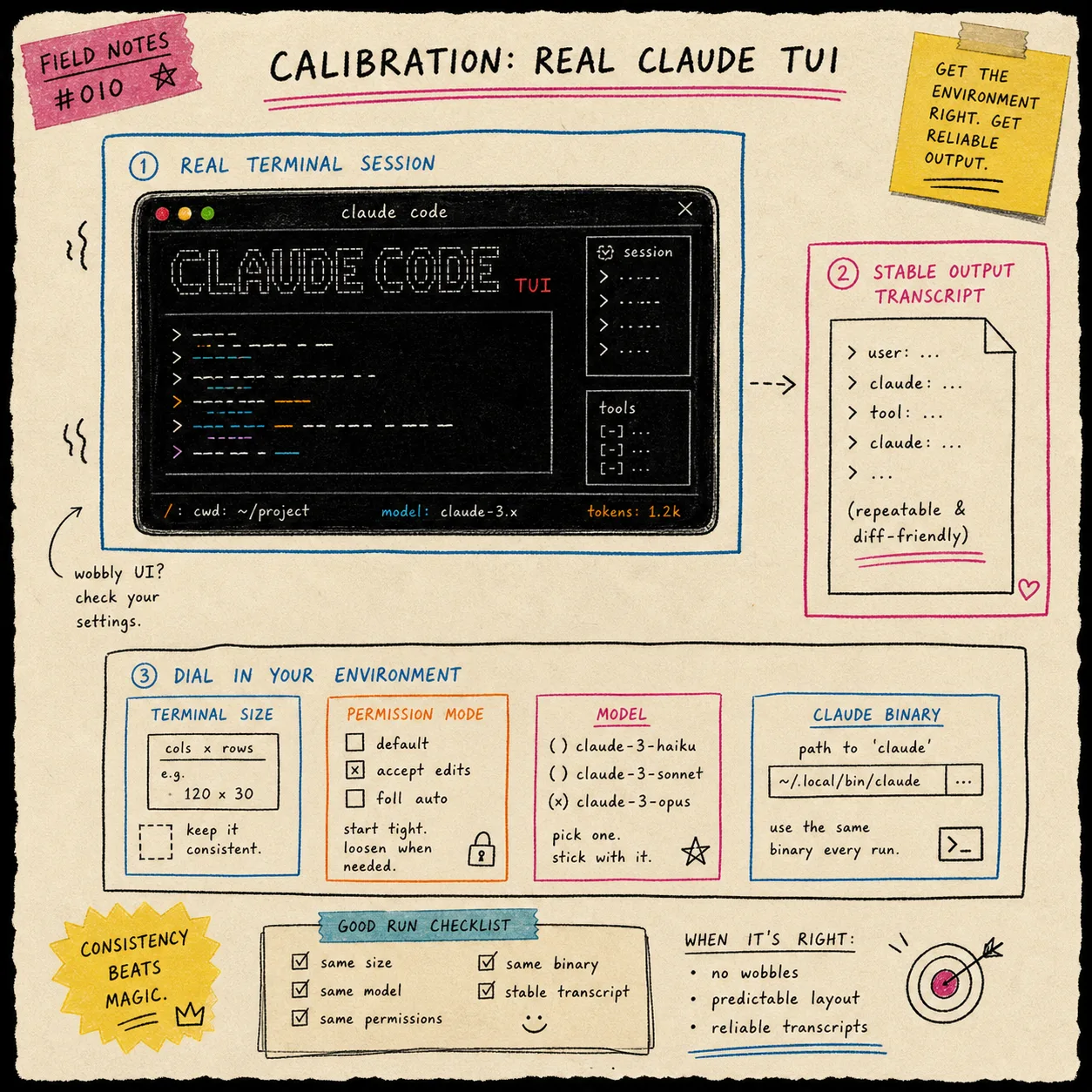
The repo itself is clear about the basic constraints: the official claude binary has to be installed and logged in, Node.js 20 or newer is required, and terminal automation means platform quirks can show up in odd places. I also keep the environment consistent so the output stays predictable.
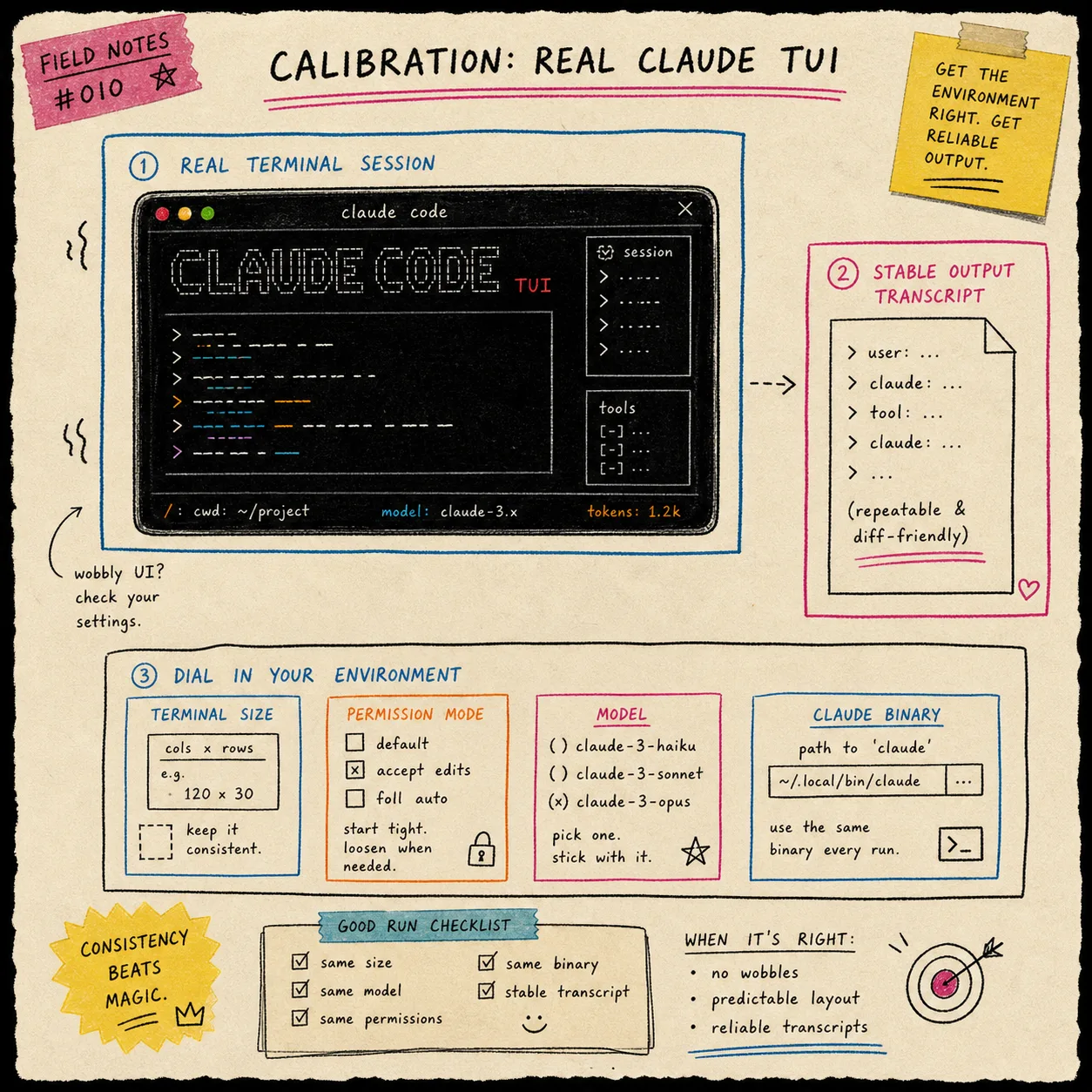
A short checklist helps more than fancy abstraction here:
- Keep the terminal size stable.
- Use the same Claude binary path every run.
- Pick one model or permission mode for repeatable tasks.
- Start with a task you can verify by hand.
- Do not assume the UI will stay still forever.
That is why I do not use this for something mission-critical without a fallback. The bridge is most valuable when the cost of re-running is low and the gain is convenience.
The pattern I keep reusing
This is the same pattern I keep writing about in other places: keep the thing you author separate from the thing that renders or executes it. If you like that idea, the same split shows up in How I Keep Claude Code Scriptable After the Agent SDK Split, How I Automate the Real Claude Code TUI With dash-p, How I Build a VideoFlow Project That Keeps Templates and Renderers Separate, and How I Keep Video Templates Maintainable With VideoFlow.
The point is the same each time: keep the source of truth small, keep the execution surface explicit, and do not mix the two because it feels convenient in the moment.
Bottom Line
dash-p is not a magic escape hatch. It is a local bridge for developers who want to script the Claude Code session they already trust. If you have one repetitive Claude Code task this week, start with the CLI, keep the first use case boring, and only wrap the part that actually repeats.
If the bridge proves useful, then move it into a tiny script and leave the rest alone.