
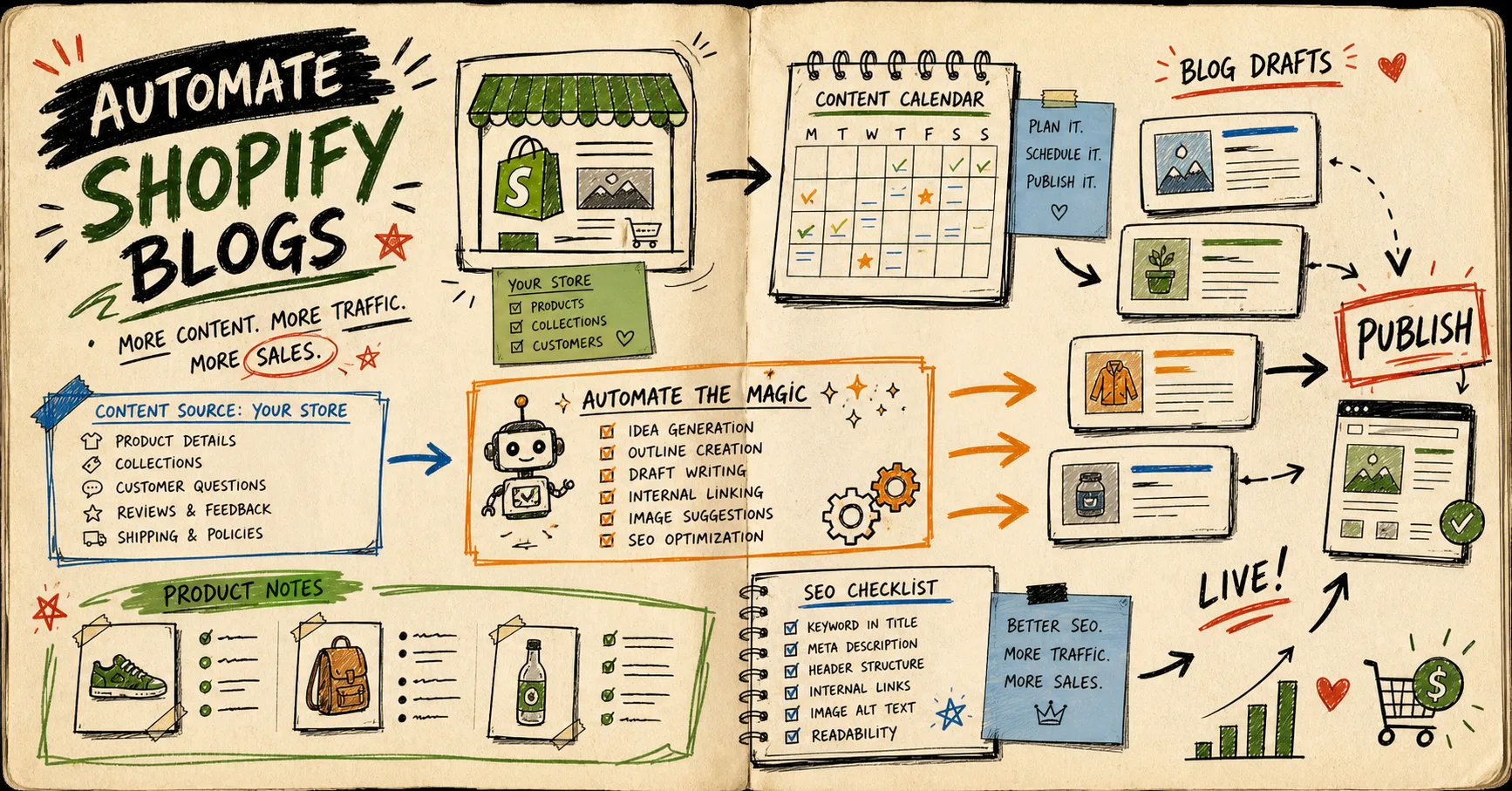
I stopped asking the automation to “write a blog post” and started asking it to do a smaller job: turn one real store signal into a draft I can judge. That shift is what keeps the queue useful and keeps the blog from drifting into generic AI filler. Supra Blog Automation is built for that narrower job: it can generate, schedule, optimize, and publish Shopify posts with SEO structure, internal links, and visuals, while still leaving room for a human review pass. It also has a Shopify App Store listing if you want to test the workflow from the store side first.

Start With a Signal, Not a Keyword
The first mistake I made with blog automation was feeding it a search phrase and hoping the rest would sort itself out. That usually produced something technically acceptable and practically useless. Once I started feeding it a store signal instead, the drafts got sharper fast.
A good signal usually looks like one of these:
- a product launch that needs explaining
- a collection gap that customers keep bumping into
- a support question that shows up over and over
- a seasonal buying pattern worth planning around
- a product update that deserves a clear, useful summary
That is the same pattern I keep seeing in posts like How to Build a Shopify Blog Draft Queue From Product Updates, How to Turn Shopify Support Questions Into a Blog Queue That Keeps Publishing, and How I Keep Shopify Blog Automation Product-Aware Without Extra Work. If I want the stricter guardrail version, How I Keep Shopify Blog Automation Useful Without Publishing Blind is the one I keep coming back to.

What I Ask the App To Do
I do not ask the app to invent a brand voice from scratch. I ask it to build a draft around a few stable inputs and then let me decide whether the angle deserves to go live.
topic: one real store event
goal: inform / compare / softly promote
product_context: products, collections, FAQs, customer objections
required_links: product page + 1 related article + CTA
visuals: banner + 3 inline images
publish_mode: draft when the topic carries risk
That shape matters because the app can do the mechanical work well: SEO structure, internal links, product-aware copy, and image generation. The part I still want to own is judgment. If the topic is pricing-sensitive, launch-sensitive, or tied to a claim I would not repeat in a sales call, I keep it in draft mode until I have read it closely.
Draft-First Beats Publish-Blind
This is the part that saves me from ugly surprises. Automatic publishing is fine for simple informational posts. It is not what I want when the article is carrying product claims, launch timing, or a bigger brand promise. For those, I save the post as a draft, review the wording, and check the links before anything goes public.
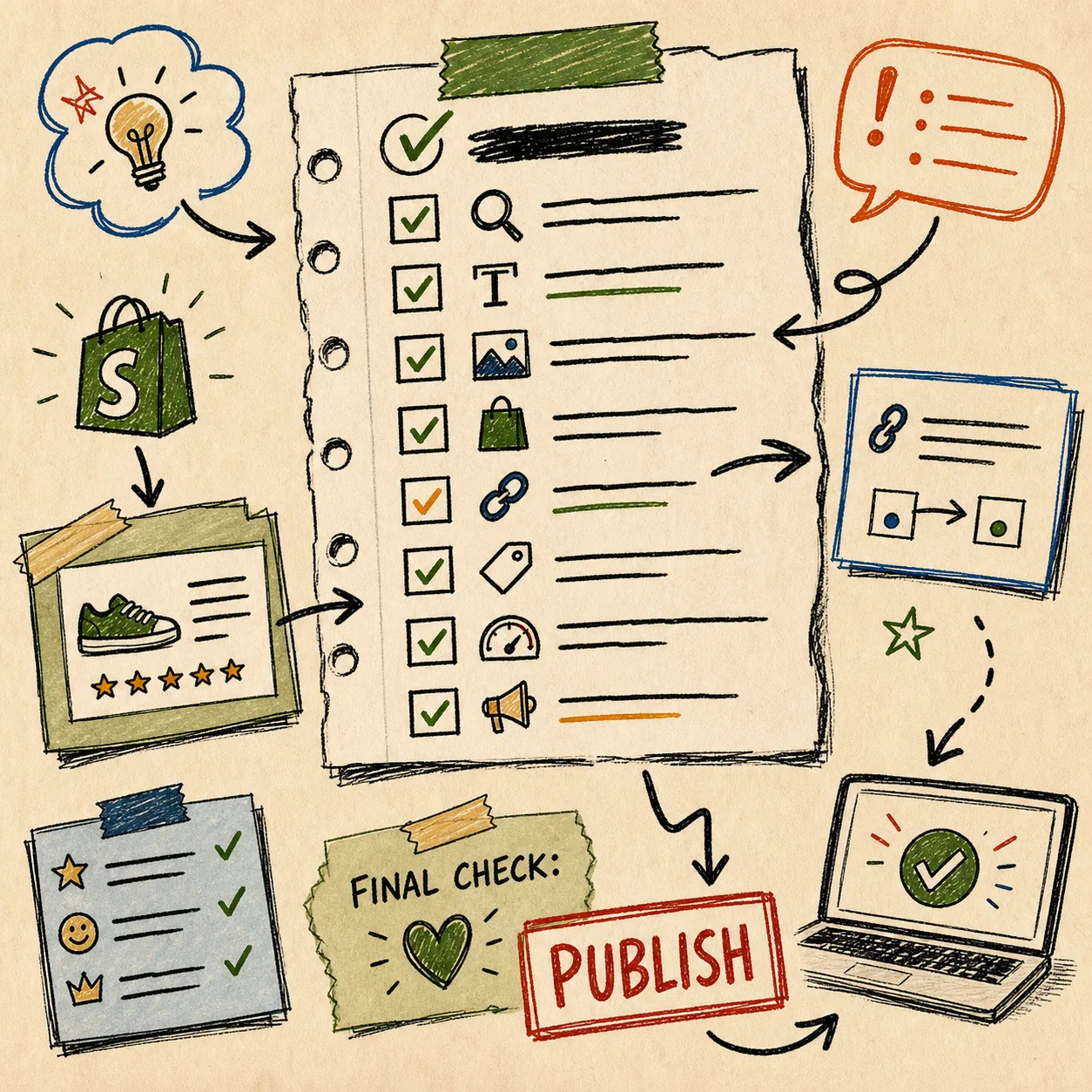
My review pass is short and mechanical on purpose:
- Does the post solve a real reader problem in the first two paragraphs?
- Is the product mentioned naturally, not shoved into every section?
- Do the internal links feel like help, not decoration?
- Are the visuals tied to the section they sit beside?
- Is every factual claim supported by the product file or verified research?
- Would I still publish this if I removed the buzzwords?
That checklist is the difference between automation that helps and automation that just produces more copy. The app can create the first pass quickly; I still want the final judgment to stay human.
Keep the Queue Moving
Recurring automations matter more than heroic one-off posts. A blog does not become consistent because I found one great topic. It becomes consistent because I can turn a working pattern into a repeatable queue.
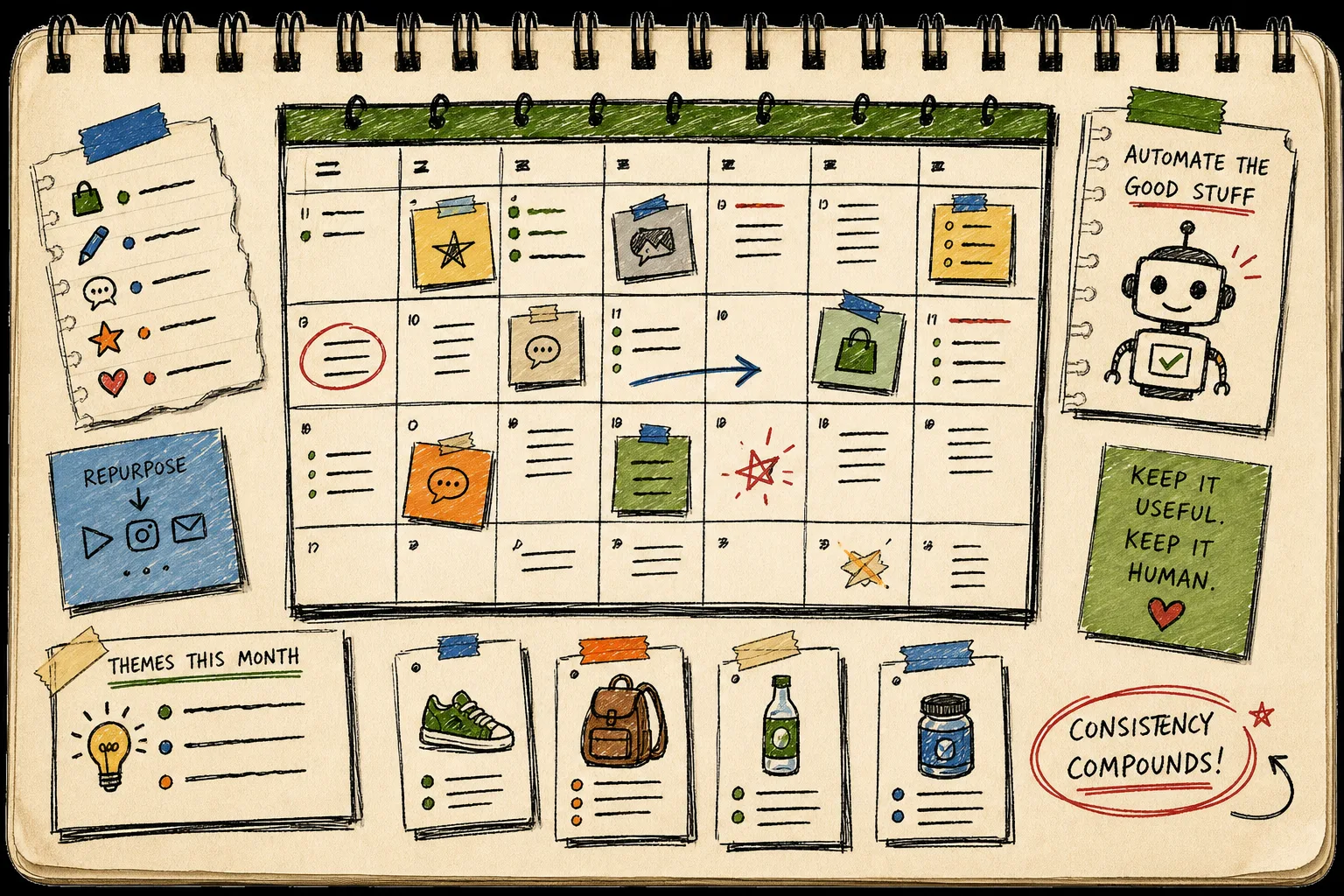
For me, the repeatable pattern is simple: product changes, customer questions, and seasonal opportunities all become candidates for the next draft. That keeps the calendar from going stale after the first burst of enthusiasm. It also makes the blog feel closer to the store instead of a separate content machine floating above it.
The practical upside is that the app gives me a way to publish immediately when the content is low-risk and useful, or keep the same workflow on a schedule when I want the queue to stay active without micromanaging it. That is enough for a small team. I do not need perfect automation; I need reliable momentum.
The Smallest Useful Next Step
If you want to test this without overbuilding it, pick one real store change from this week and ask Supra Blog Automation to turn it into a single draft. Give it one product or collection, one reader question, one related internal link, and one clear CTA. Then let it generate the structure and visuals, and only publish after you have checked the tone and facts.
That is the workflow I trust: generate fast, review with intent, publish when the draft is actually useful. If you want to try it, start with the Supra Blog Automation landing page, or grab it from the Shopify App Store. The free plan is enough to see whether your store has the raw material for a better blog queue.