
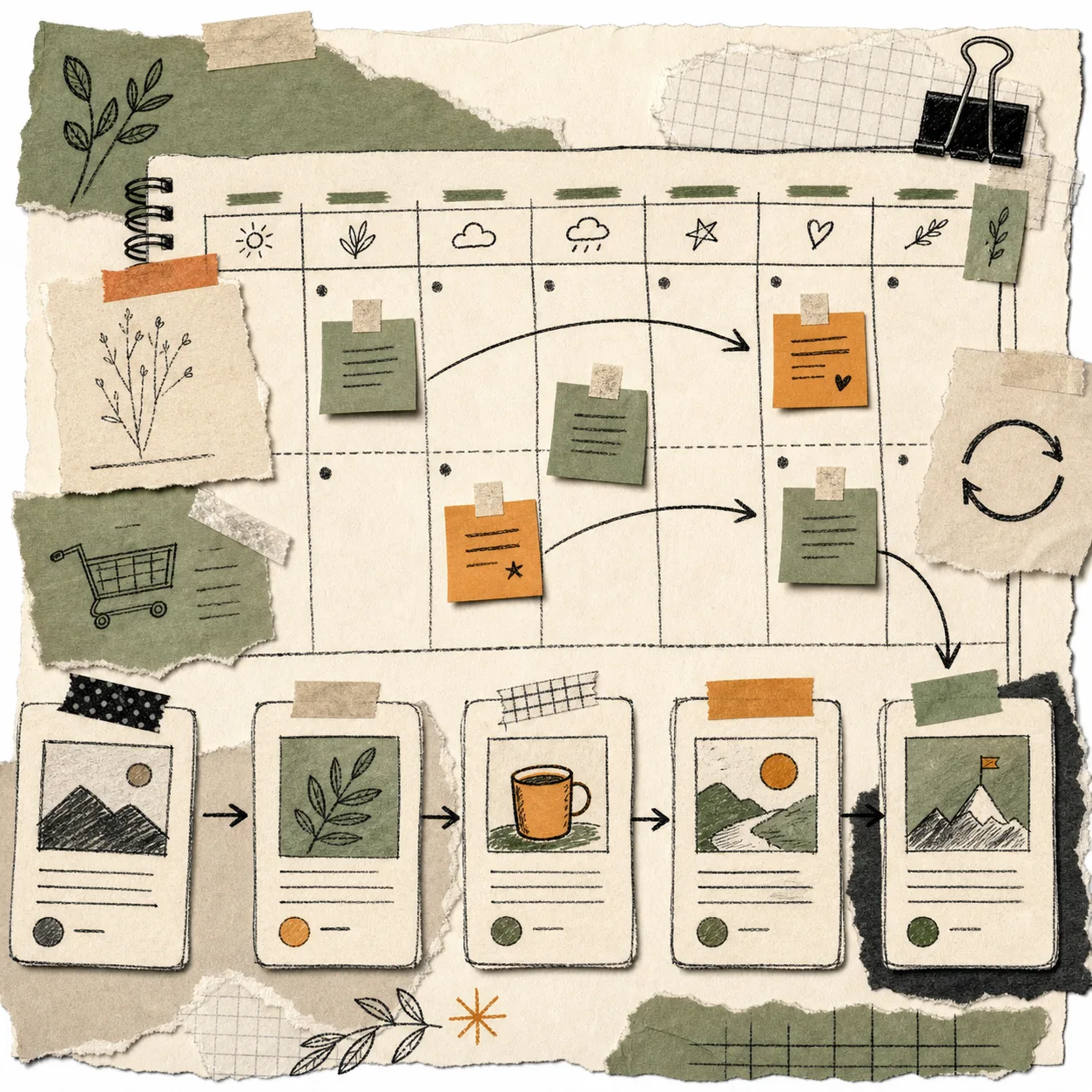
I used to treat repeated support questions as interruptions. Now I treat them as a queue with a search engine attached.
For a Shopify store, the same question usually shows up in three places: support tickets, presale chat, and the half-formatted note someone writes after launch when they are trying to explain the product one more time. That repetition is useful. It tells me the topic already has demand.
I use Supra Blog Automation when I want those questions turned into SEO blog posts with visuals, internal links, and a choice between publishing now or saving the draft for review. If you prefer the app listing, it is also on the Shopify App Store.

The Questions Worth Turning Into Posts
Not every support message deserves a public article. I only promote the questions that repeat, travel well, and help more than one customer.
The ones I keep are usually:
- questions that show up more than once;
- questions that map to a real search phrase;
- questions that can point to a product, collection, or help doc;
- questions that need a clear answer, not account-specific troubleshooting;
- questions that would still matter next month, not just today.
If a question only applies to one order or one customer, I keep it in support. If it keeps showing up, it becomes content.
This is the same upstream problem I wrote about in How I Write Shopify Blog Briefs That Survive Automation and How to Turn a Shopify Product Brief Into a Publishable Blog Draft. Good output starts with a brief that already knows the store context.
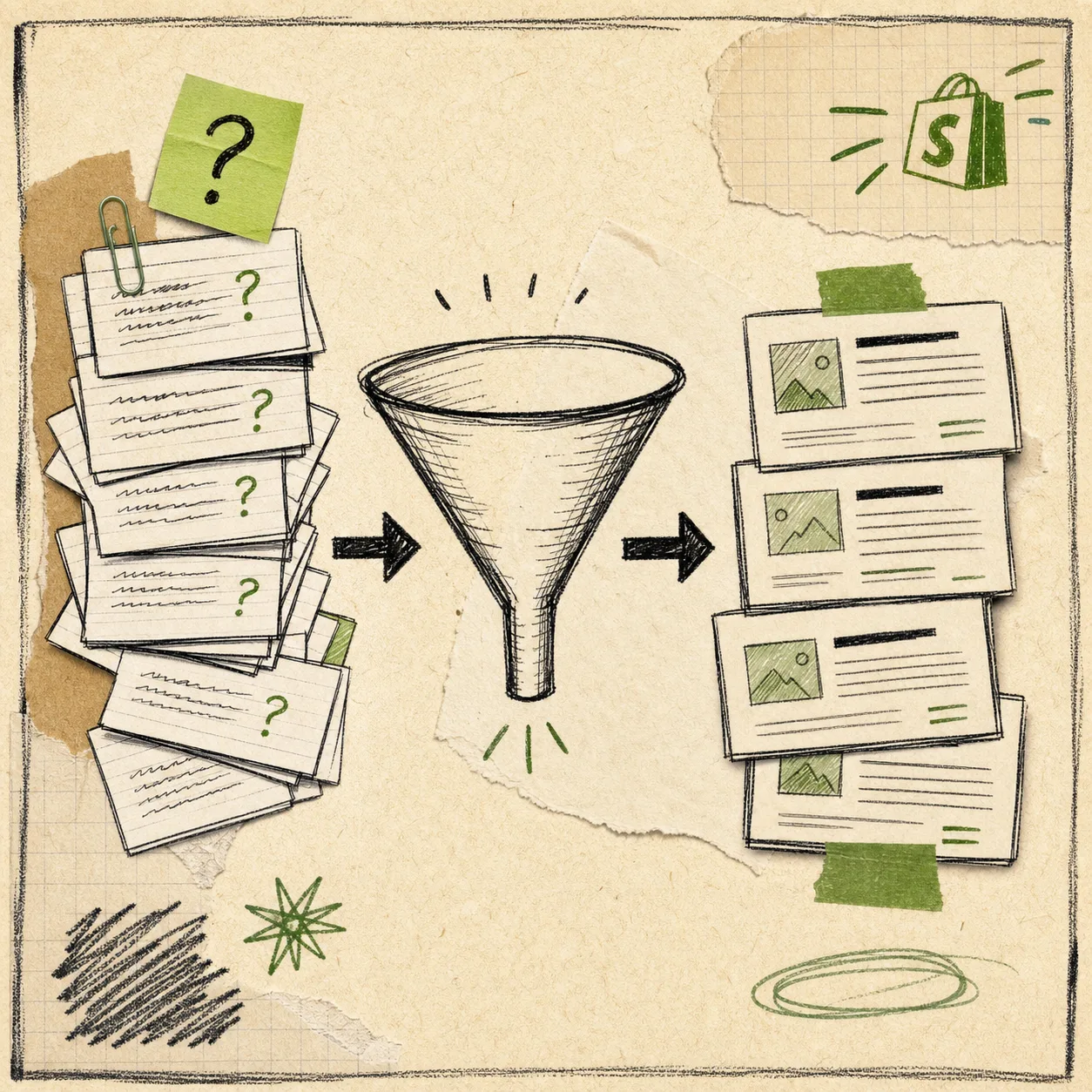
The simplest filter I use is this:
- Can a shopper understand the answer without a support agent?
- Can the answer connect to a product, collection, or buying decision?
- Can the answer become a useful page that search can find later?
If the answer is yes to all three, I usually move it into the blog queue.
How I Turn One Question Into A Draft
Once a question makes it through the filter, I rewrite it as a search query and give the generator the store context it needs.
The draft inputs are usually:
- the question in plain language;
- the product or collection it should support;
- the reader problem or decision behind the question;
- the keyword phrase I want the post to target;
- the internal links that should feel natural inside the article;
- the visual direction for the images;
- the publish mode, either draft or immediate publish.
That matches the workflow in How to Build a Product-Aware Shopify Blog Workflow and How I Keep Shopify Blog Automation Useful Without Publishing Blind. I am not trying to remove judgment. I am trying to make judgment cheaper.

The review pass is short on purpose. I check:
- whether the opening sentence matches the original question;
- whether the product names and links are accurate;
- whether the images explain the workflow instead of just decorating the page;
- whether the CTA matches the reader intent;
- whether the post is still broad enough to help more than one person.
That last check matters. A blog post should be specific enough to be useful and broad enough to be worth publishing.
Why The Queue Keeps Growing
Support questions do not run out. New launches create them. New features create them. Seasonal merchandising creates them. Buyers ask the same things in different words all the time.
That is why a recurring queue works better than a one-off writing sprint. I can batch the questions weekly or monthly, generate the first pass, and then decide which drafts deserve review before they go live.
I am more cautious with launch-related, comparison-heavy, or brand-sensitive posts. Those usually stay in draft until I have checked the facts. I am more relaxed with low-risk educational posts that simply explain how a product works or how to choose between two options.
That is the same operating idea behind How I Keep Shopify Blog Automation From Sounding Generic and How I Keep Shopify Blog Automation Useful Without Publishing Blind. The machine can do more when the inputs are good, but the blog stays useful only when the guardrails are tight.
The Queue I Would Build From Scratch
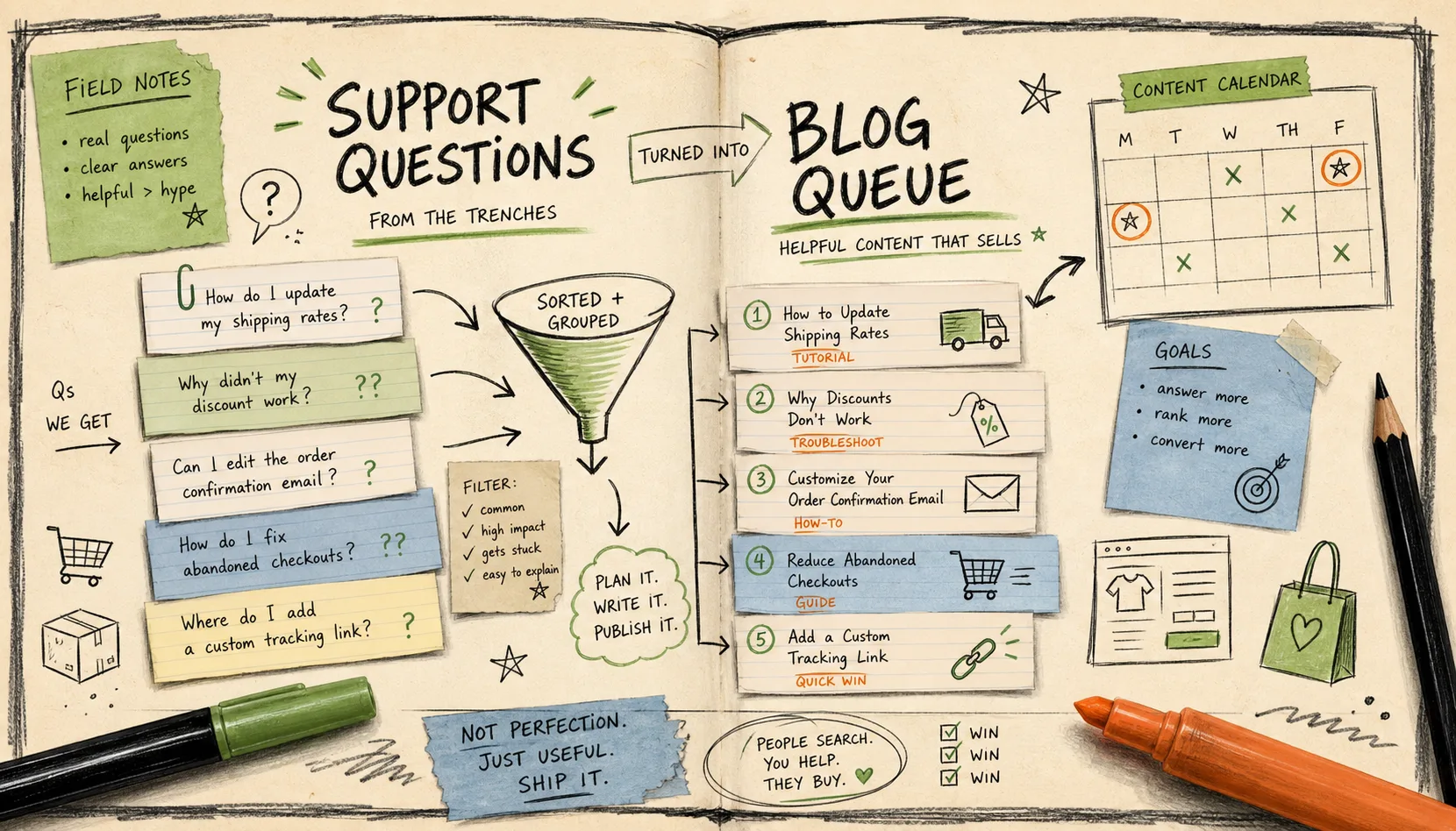
If I were starting today, I would make the queue boring and repeatable.
Each week I would pull:
- three repeated support questions from the last month;
- one question tied to the newest product or collection;
- one comparison question from sales or support;
- one seasonal question that people are likely to search for.
That gives me enough ideas to keep the calendar moving before I touch a blank page. Then I run the best ones through Supra Blog Automation, review the draft, and decide whether it should publish now or stay in draft for another pass.
The structure of the post matters too. I usually map the question to one of three shapes:
- “How do I…” becomes a tutorial;
- “Which should I choose?” becomes a comparison;
- “What happens if…?” becomes a troubleshooting or expectation-setting post.
That keeps the queue from filling with vague commentary. It also keeps the CTA honest.
What I Check Before Publishing
Before a post goes live, I do one short pass:
- I check the opening against the actual question.
- I check product names, links, and claims.
- I check that the images support the article instead of distracting from it.
- I check that the CTA matches what the reader was trying to solve.
- I check that I am not trying to answer a customer-specific problem in a public post.
If I want a tighter version of this workflow, I keep How to Turn a Shopify Product Brief Into a Publishable Blog Draft and How I Write Shopify Blog Briefs That Survive Automation open next to the draft. If I need the guardrail version, I use How I Keep Shopify Blog Automation Useful Without Publishing Blind and How I Keep Shopify Blog Automation From Sounding Generic.
The Simplest Way To Start
Pick one product. Pull five repeated questions. Turn the best two into article titles.
Then let Supra Blog Automation generate the first draft, add the visuals, and keep the post in draft until the review pass is clean. If you want the app-store route, use the Shopify App Store.
The blog queue does not have to be a content calendar full of guesswork. It can just be the questions your customers were already asking, cleaned up into posts that are actually useful.